Product Description
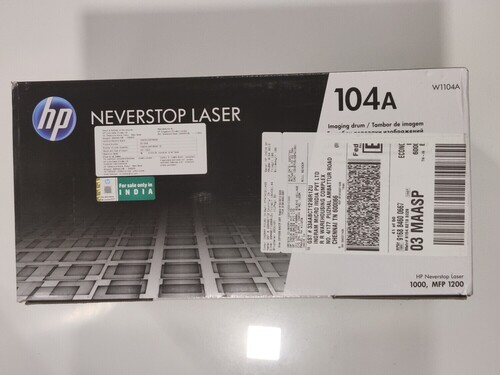
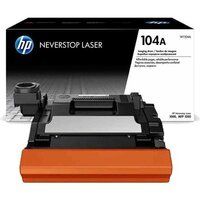
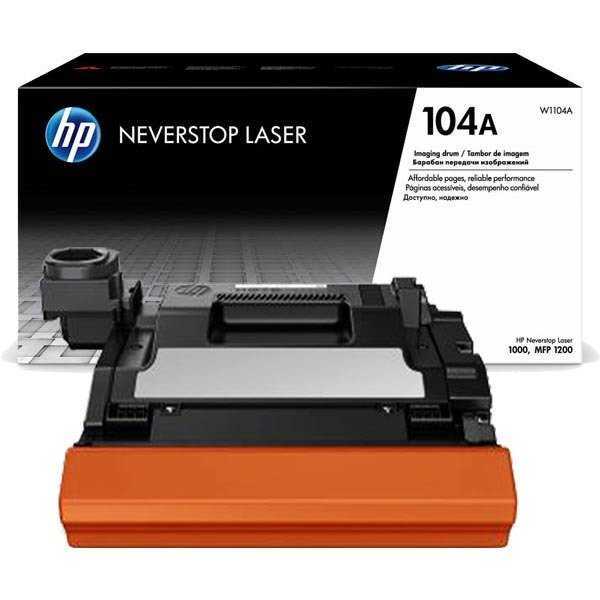
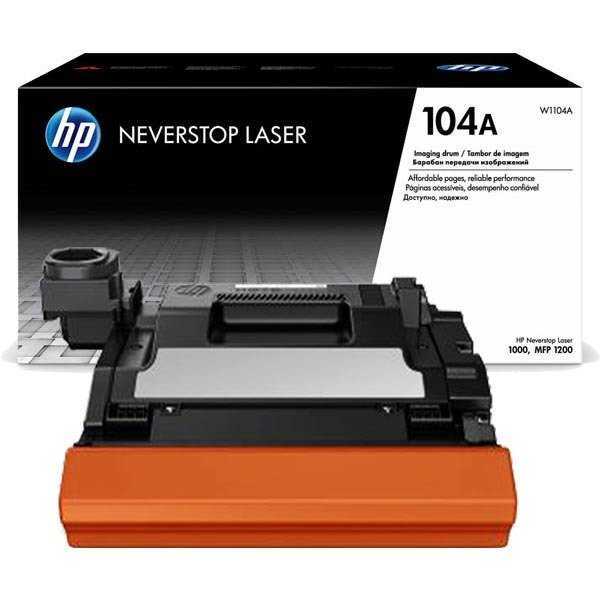
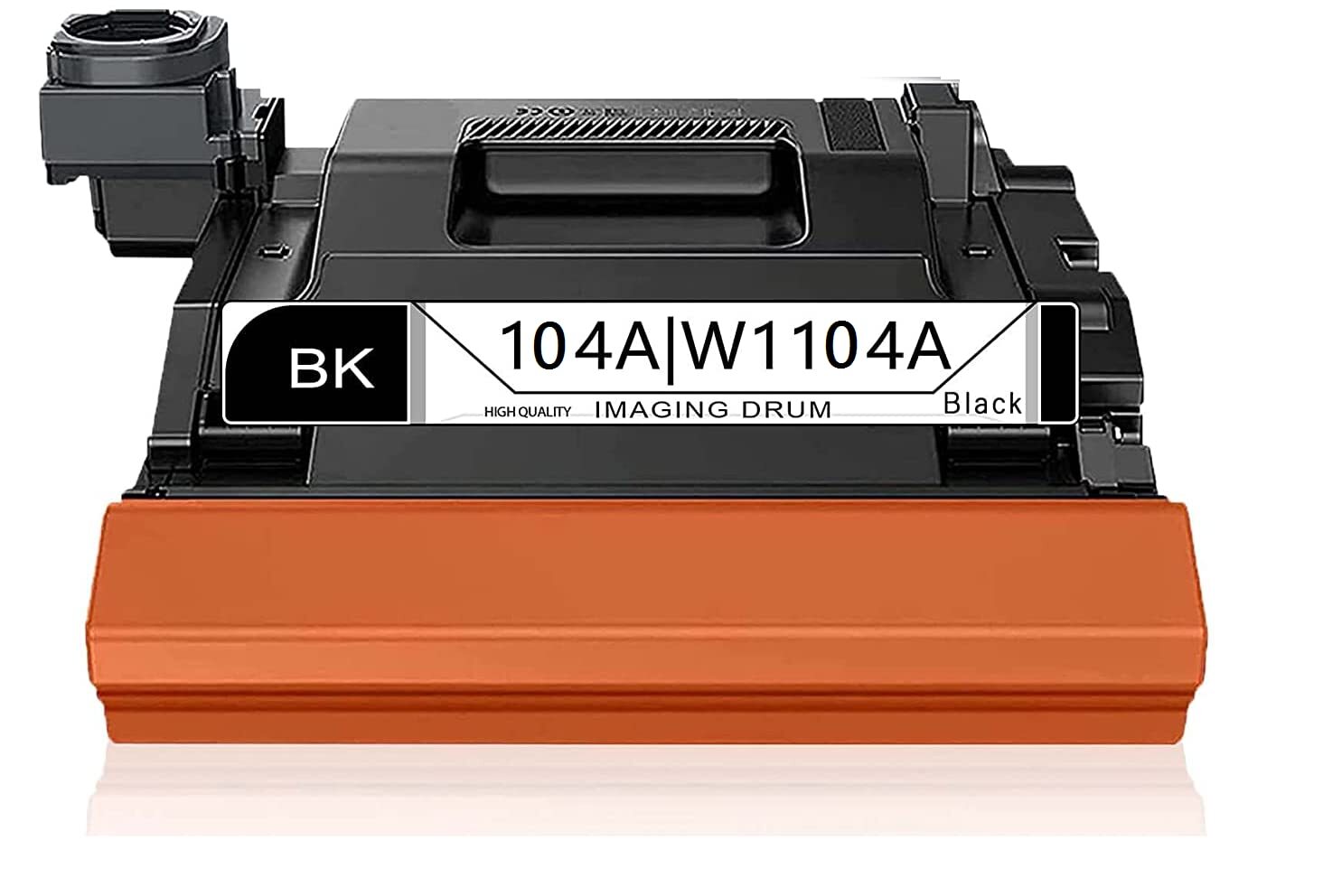
Introducing the new release HP 104A Black Original Laser Imaging Drum Unit, designed for those seeking superior print quality at an unbeatable price. As a best-seller among businesses and individuals alike, this enlightened imaging drum is compatible with HP Neverstop Laser Printers. Its towering performance ensures crisp, consistent results with every print, embodying the reliability trusted by professionals. Designed for easy installation and storage, keep your unit in a cool, dry place for optimal longevity. Experience superior output from HP and take advantage of this exceptional offer from Angola's trusted distributor, supplier, and trader.
Versatility and User Guidance for HP 104A Black Original
The HP 104A Black Original Laser Imaging Drum Unit is perfectly suitable for HP Neverstop Laser Printers, making it the ideal companion for offices that demand consistency. For application, simply follow your printer's standard drum replacement directions-install in a few simple steps for uninterrupted performance. Directions for use are provided with the package, ensuring a seamless and hassle-free replacement process. Its robust engineering makes it a sound choice for both everyday and high-volume printing environments.
Sample Availability and Domestic Market Reach
Experience the advantage of previewing the HP 104A by requesting a sample before committing your full outlay or expenditure. We cater mainly to the Angola domestic mar, empowering clients with accessible trial options and dependable service. The delivery time for this superior drum unit is prompt, ensuring minimal disruption to your workflow. Let your business enjoy consistent quality and timely support-align your investment with Angola's best distributor, supplier, and trader for HP Imaging Drum Units.
FAQ's of HP 104A Black Original Laser Imaging Drum Unit:
Q: How do I properly install the HP 104A Black Original Laser Imaging Drum Unit?
A: To install the HP 104A, power off your HP Neverstop Laser Printer, open the drum compartment, and follow the step-by-step instructions provided in the product packaging. Replace the old unit, secure the new drum in its slot, and close the compartment to resume printing.
Q: What is the recommended storage method for this imaging drum unit?
A: Store the HP 104A Drum Unit in a cool, dry place to maintain its quality and performance. Avoid exposing it to humidity or direct sunlight to ensure optimal results when installed in your printer.
Q: When should I consider replacing the HP 104A imaging drum?
A: Replace the HP 104A drum unit when print quality declines, such as the appearance of faded text or streaks, or when your printer notifies you that the drum needs replacement. Regular checks help maintain superior output.
Q: Where can I purchase the HP 104A Drum Unit in Angola?
A: You can purchase the HP 104A Black Original Laser Imaging Drum Unit from authorized distributors, suppliers, and traders across Angola, ensuring genuine products and dependable after-sales service.
Q: What are the advantages of using the original HP 104A imaging drum over compatible alternatives?
A: The original HP 104A imaging drum guarantees superior performance, consistent print quality, and seamless compatibility with HP Neverstop Laser Printers, reducing the risk of printer issues and increasing operational reliability.



 Send Inquiry





 Send Inquiry
 Send Inquiry
 Send SMS


 English
 Spanish
 French
 German
 Italian
 Chinese (Simplified)
 Japanese
 Korean
 Arabic
 Portuguese