Product Description
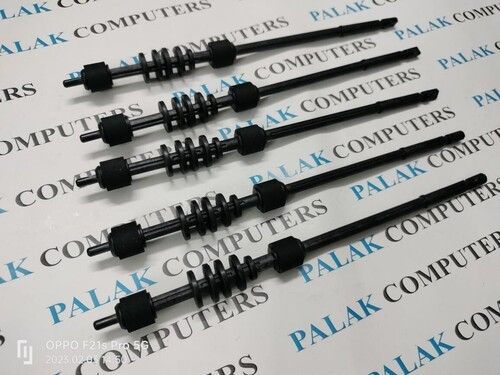
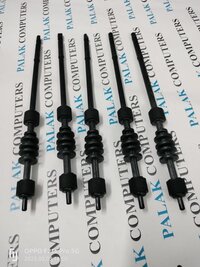
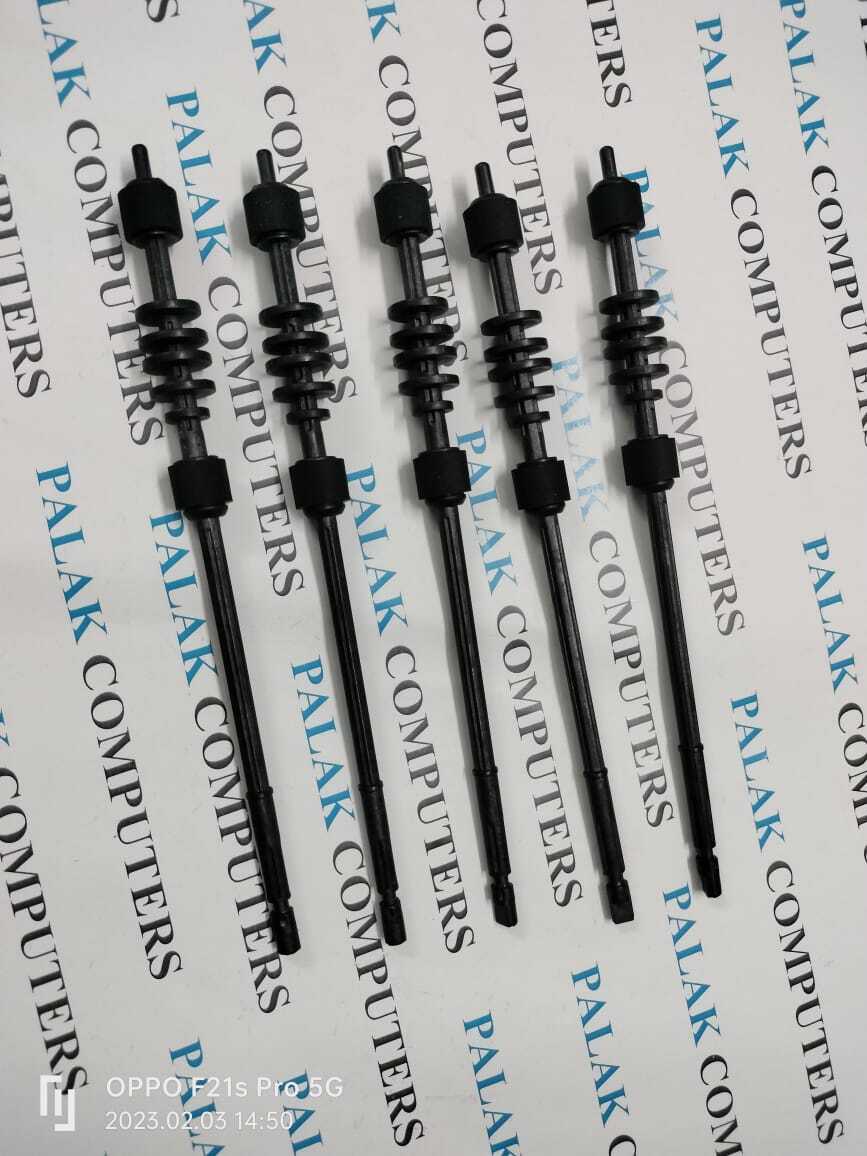
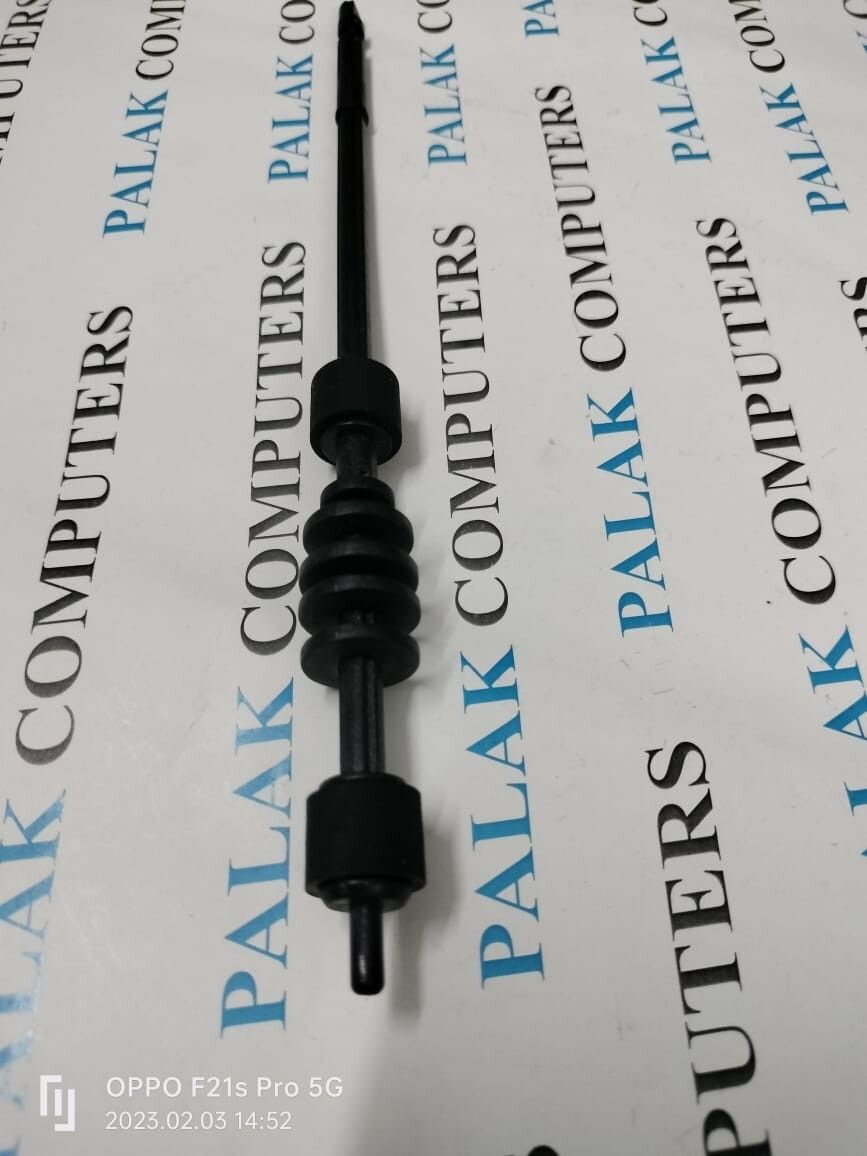
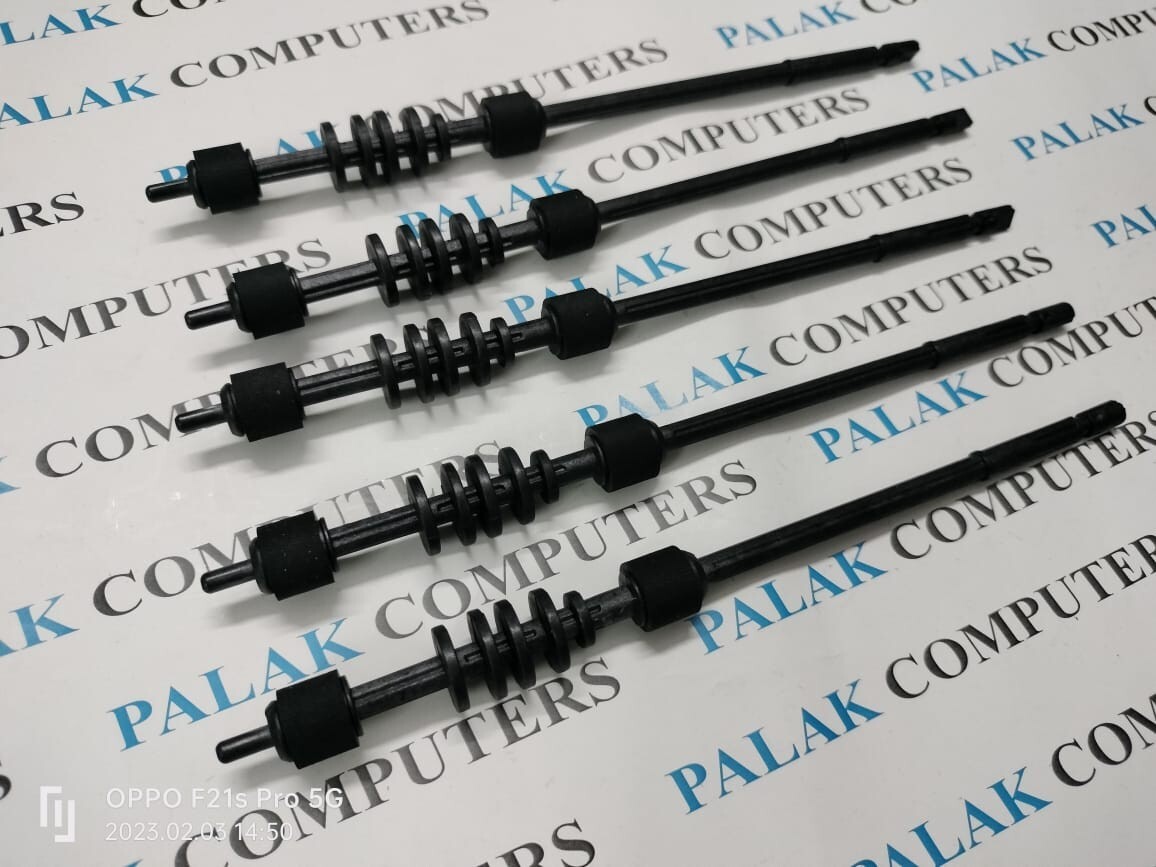
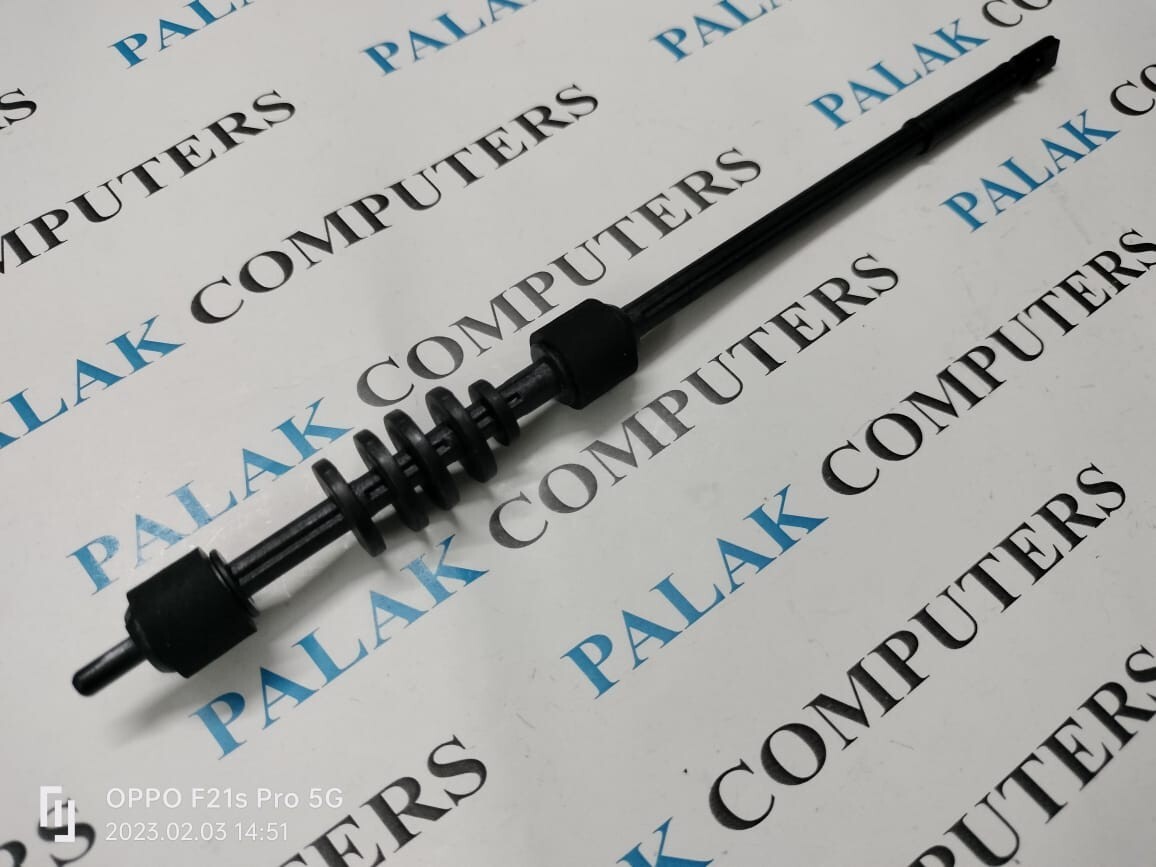
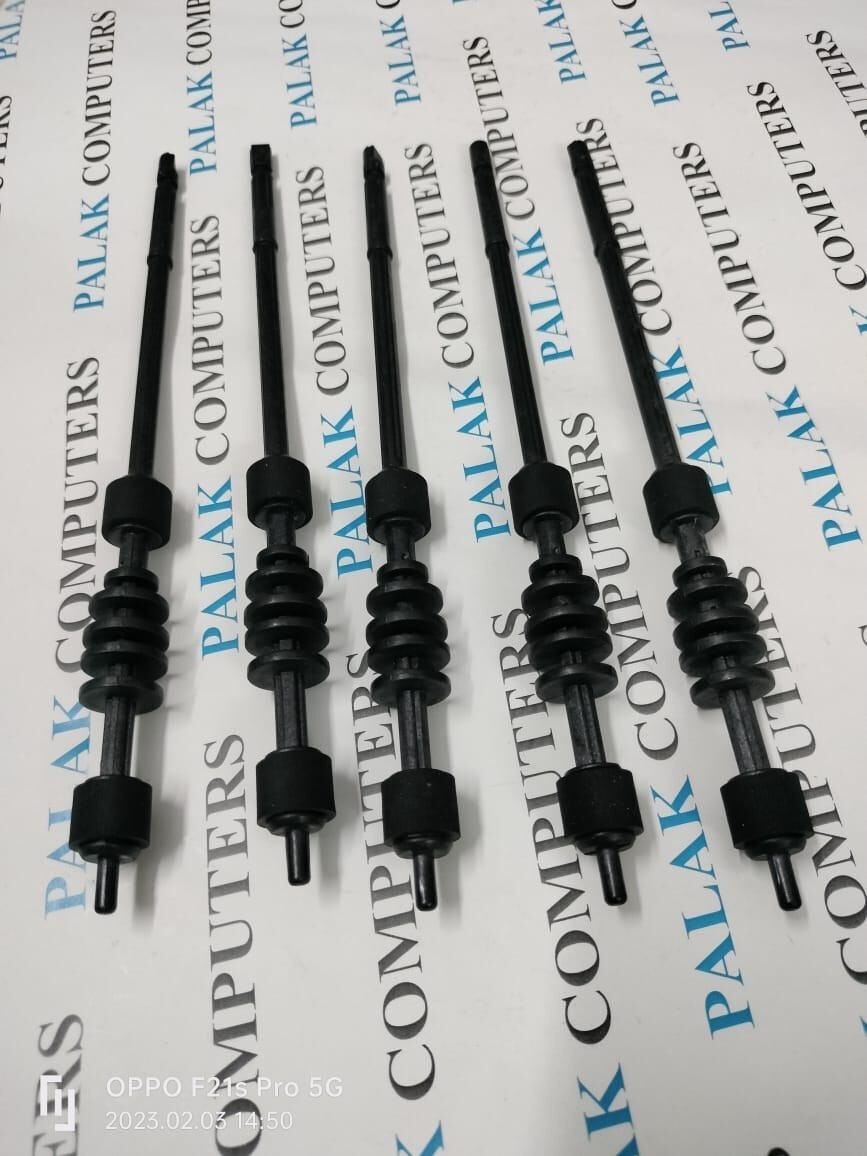
HP LaserJet 1020/ M1005 / 1018 / 1010 / 1015 / 1022 / 3015 / 3030 / 3050 / 3052 / 3055 Canon LBP 2900B Printer Exit Roller Fuser Assembly Exit Roller Fuser Exit Roller Fixing Exit Roller
For Use With:
HP LaserJet 1010 Printer
HP LaserJet 1012 Printer
HP LaserJet 1015 Printer
HP LaserJet 1018 Printer
HP LaserJet 1020 Printer
HP LaserJet 1022 Printer
HP LaserJet 3015 Printer
HP LaserJet 3020 Printer
HP LaserJet 3030 Printer
HP LaserJet 3050 Printer
HP LaserJet 3052 Printer
HP LaserJet 3055 Printer
Precision Engineering for Reliable PrintingThis Exit Roller Fuser is crafted for seamless operation in HP LaserJet printers, featuring a robust metal core and heat-resistant rubber for long-lasting durability. Its smooth surface minimizes paper jams, enhancing print efficiency and ensuring flawless output for every job.
Easy Installation and CompatibilityDesigned for user-friendly replacement, this Exit Roller Fuser fits effortlessly into HP LaserJet M401, M425, and 400 series models. With standard sizing and OEM-compliant specifications, it integrates quickly, getting your printer back in action with minimal downtime.
Consistent Performance in Demanding ConditionsWith a temperature tolerance up to 200C and high durability construction, this fuser roller is ideal for both office and commercial settings. Its support for rapid printing speeds and all HP LaserJet-supported paper sizes means it's ready for high-volume, continuous tasks.
FAQ's of Exit Roller Fuser HP LaserJet:
Q: How do I install the Exit Roller Fuser in my HP LaserJet printer?
A: Installation is straightforward and user-replaceable. Simply follow your printer's user manual to remove the old roller and insert the new fuser, ensuring it fits snugly and securely before resuming printing.
Q: What models is this Exit Roller Fuser compatible with?
A: This roller fuser is designed for HP LaserJet M401, M425, and 400 Series printers. Please verify your printer model to ensure compatibility before purchasing.
Q: When should I replace the Exit Roller Fuser in my printer?
A: Replace the fuser roller if you notice paper jams at the exit point, frequent misfeeds, or degraded print quality. Replacing at regular maintenance intervals can help prevent downtime.
Q: Where should I store the Exit Roller Fuser before installation?
A: Store the roller in a cool, dry place away from direct sunlight or excessive moisture to preserve its material quality and effectiveness.
Q: What is the main benefit of using this high-quality compatible fuser roller?
A: This component offers smooth, precise paper exit and silent operation, minimizing jams and wear for consistently reliable performance in busy print environments.
Q: Can this Exit Roller Fuser handle high-speed and high-volume printing?
A: Yes, the roller is engineered with durable materials and supports all printing speeds and paper sizes compatible with HP LaserJet printers.
Q: Is this Exit Roller Fuser an OEM part?
A: While not an OEM product, this roller fuser is a compatible replacement part manufactured to OEM specifications, ensuring a reliable fit and function for HP LaserJet printers.



 Send Inquiry





 Send Inquiry
 Send Inquiry
 Send SMS


 English
 Spanish
 French
 German
 Italian
 Chinese (Simplified)
 Japanese
 Korean
 Arabic
 Portuguese