Product Description
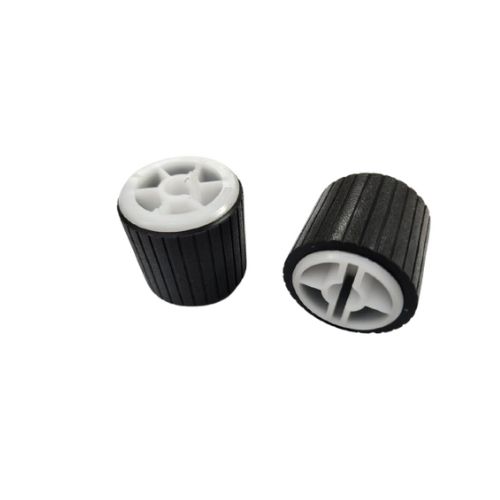
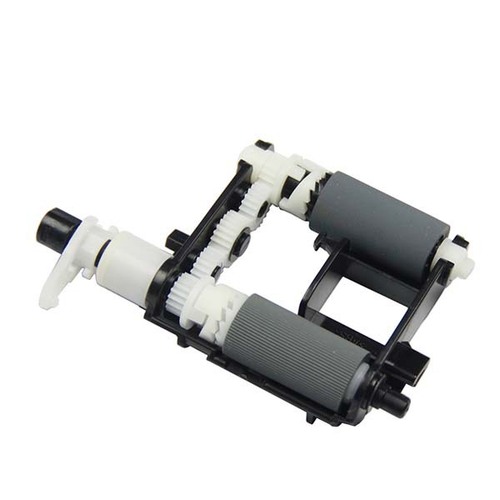
Pickup Roller Tray 2
For Samsung Multixpress SL- K2200 / M436nda / M438 / M440 M433 Printer
Samsung MultiXpress SL-K2200 / K2200FD / 2200
Samsung Multixpress SL-K 2200nd / K2200
HP LaserJet MFP M436n / HP LaserJet MFP 1433a/ M 433A/ M433/M436/ M438nda/ M43
HP LaserJet MFP M436n / HP LaserJet MFP M436nda / HP LaserJet MFP M436nd / HP LaserJet MFP M436n / HP LaserJet MFP M 436n / HP LaserJet MFP M 436nda/ HP LaserJet MFP M 436nd / HP LaserJet MFP M438nda / HP Laser Jet MFP M 438nda
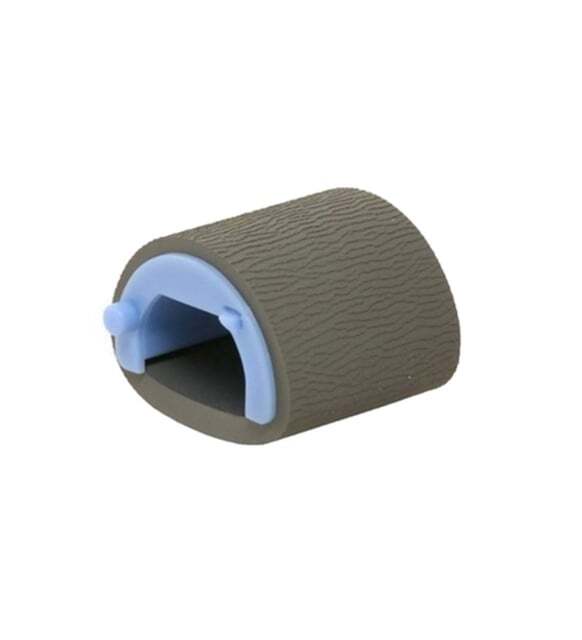
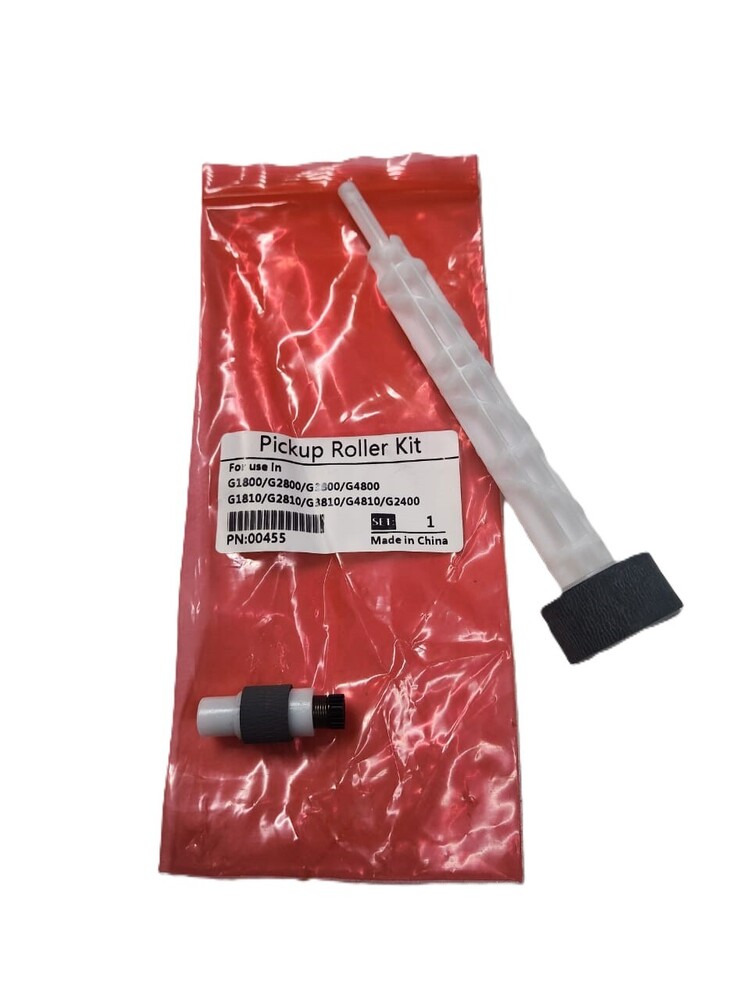
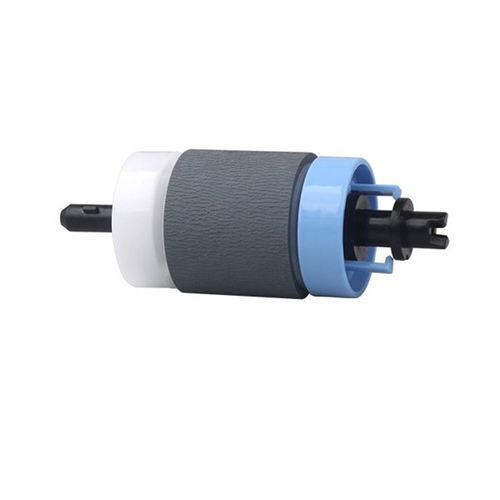
Pickup Roller- Paper Pickup Roller
Note :- No Replacement - No Warranty - No Guaranty - Non Returnable Item
Effortless Paper Handling SolutionThe SL-K2200 Pickup Roller Tray 2 streamlines your printer's paper feed process, improving workflow with dependable performance. Crafted for compatibility with Samsung Multixpress models, this roller minimizes paper jams and boosts productivity. Its manual operation and sturdy build ensure longevity, making it a reliable component for high-usage environments. Ideal for businesses seeking to maintain their printers efficiently.
Durable Build, Simple MaintenanceConstructed from robust materials and designed for manual operation, this pickup roller tray withstands frequent use. Its black color and pigment ink compatibility make it a versatile choice for a range of professional printing applications. To ensure optimal performance, store the roller tray in a dry place when not in use. Its easy installation and low-maintenance requirements add further convenience.
FAQ's of SL- K2200 Pickup Roller Tray 2 For Samsung Multixpress:
Q: How do I install the SL-K2200 Pickup Roller Tray 2 in my Samsung Multixpress printer?
A: To install the SL-K2200 Pickup Roller Tray 2, refer to your printer's user manual for step-by-step guidance. Typically, the process involves opening Tray 2, removing the old roller, and securely fitting the new one in its place.
Q: What is the primary benefit of using this pickup roller tray for my printer?
A: The main benefit is improved paper handling, resulting in fewer paper jams and smoother operation. This helps increase printer uptime and enhances overall printing efficiency.
Q: When should I replace the pickup roller tray in my printer?
A: Replace the pickup roller when you notice frequent paper misfeeds or jams, or if print quality and paper pickup become inconsistent. Regular inspection will help ensure timely maintenance.
Q: Where can I get the SL-K2200 Pickup Roller Tray 2 in India?
A: You can purchase this pickup roller from authorized distributors, suppliers, or traders across India. Look for reputable sellers to ensure you receive a genuine product.
Q: What inks are compatible with this pickup roller tray?
A: The SL-K2200 Pickup Roller Tray 2 is compatible with pigment inks, making it suitable for various professional printing requirements.
Q: How should I store the pickup roller tray when not in use?
A: Store the pickup roller tray in a dry place to prevent moisture-related damage and to maintain its performance over time.



 Send Inquiry





 Send Inquiry
 Send Inquiry
 Send SMS
 Call Me Free


 English
 Spanish
 French
 German
 Italian
 Chinese (Simplified)
 Japanese
 Korean
 Arabic
 Portuguese