Product Description
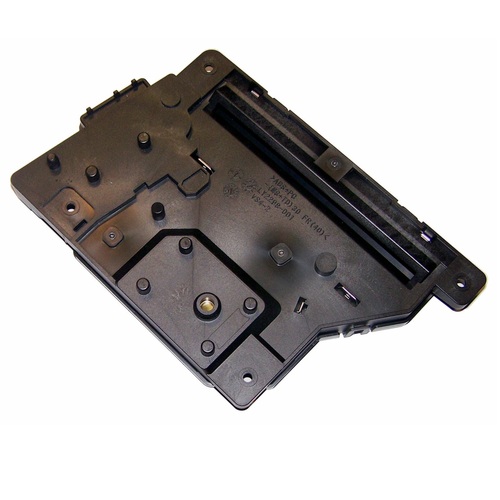
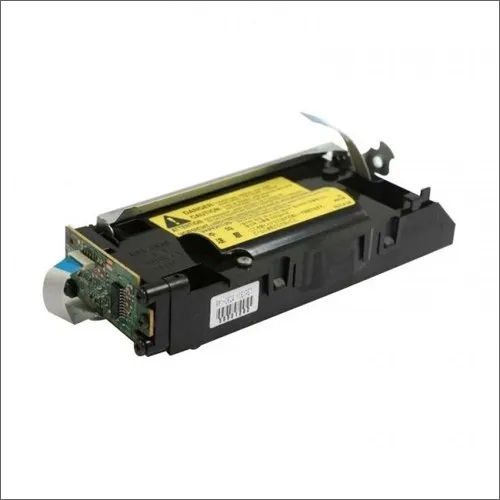
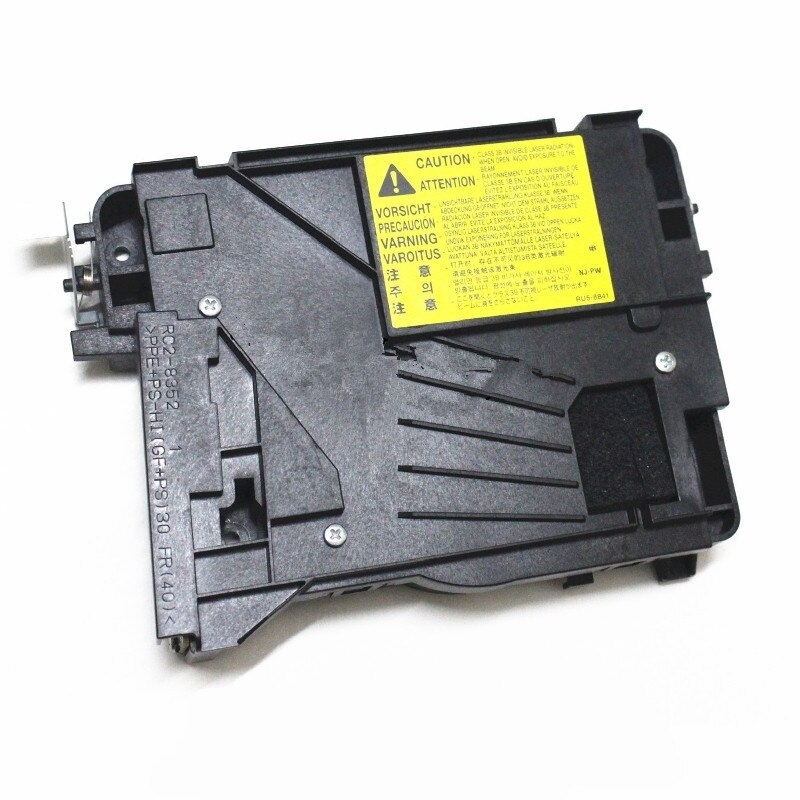
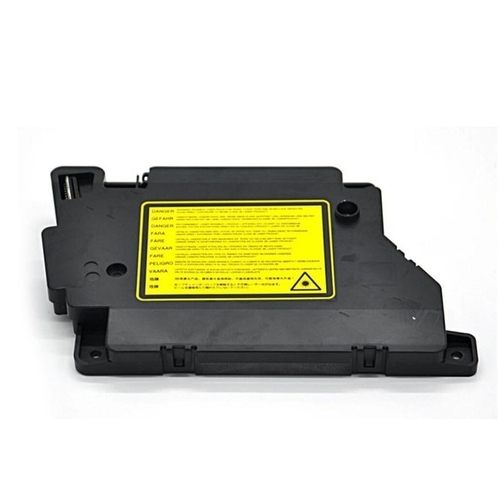
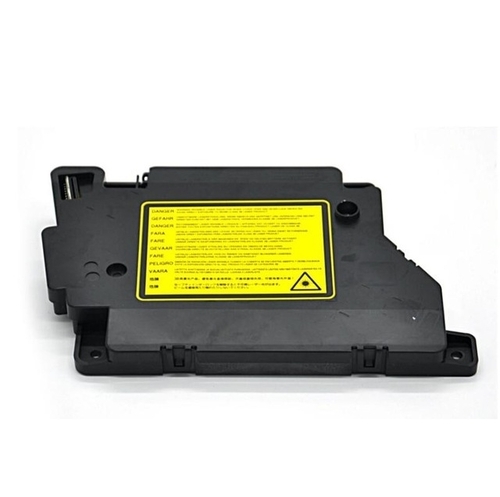
Laser Scanner Unit (LSU) For Brother HL-L2321D,DCP-L2520D,L2541DW,2701Brother HL L 2300 / L 2305 / L 2320D / L 2321D / L 2340 / L 2360DN / L2361DN / DCP- L2540DW / L 2541Dw / L 2520D / L 2540 / MFC-L 2700 / L 2740 / L 2701D / L 2701DWBrother DCP-7080 / 7080D / 7180DN / DCP-L2500D / L2520D / L2520DW DCP -L2540DN / L2540DW / L2541DW / L2560DW / MFC-7380 / 7480D / 7880DN / L2700D / L2700DW MFC-L2701D / L2701DW / L2703DW / L2705DW / MFC-L2720DW / L2740DW Brother 2320 -2321 - 2361 - 2365 - 2520 - 2540 - 2541 - 2700 - 2701.
Optimized Compatibility for Brother PrintersThis Laser Scanner Unit is engineered to fit seamlessly with Brother HL-L2321D, DCP-L2520D, L2541DW, and 2701 printers. Installing a genuine LSU ensures stable operation and consistent print quality, eliminating issues associated with generic or incompatible components. Trusting model-specific hardware preserves your printer's warranty and prolongs its functional life.
Reliable Sources in AngolaWhether you are a local business or an end-user in Angola, authorized distributors and suppliers can provide authentic Brother printer parts. Sourcing the LSU through reputable traders guarantees you receive an original, high-performance unit, backed by proper support and available stock.
FAQ's of Brother HL-L2321D DCP-L2520D L2541DW 2701 Printer Laser Scanner (LSU):
Q: How do I install the Laser Scanner Unit (LSU) in my Brother printer?
A: Begin by turning off your Brother printer and unplugging it from the power source. Open the printer's front cover, remove the drum and toner assembly, then carefully install the replacement LSU according to the model-specific instructions in your user manual. Reassemble and restart the printer to complete the process.
Q: What benefits does the Brother LSU offer for the HL-L2321D, DCP-L2520D, L2541DW, and 2701 printers?
A: The LSU is a vital component that ensures high-resolution scanning and accurate image formation, resulting in clear, professional printouts. Using a genuine part guarantees reliability, extends printer life, and minimizes downtime caused by faulty printing.
Q: When should the Laser Scanner Unit be replaced?
A: Replace the LSU when you notice consistent print quality issues, such as streaks, faded output, or image distortion, despite changing toner or drums. Consult the printer's diagnostic tools or user manual for details on error codes related to the LSU.
Q: Where can I purchase an authentic Brother LSU in Angola?
A: You can obtain genuine LSUs for your compatible Brother printer from authorized distributors, suppliers, or traders in Angola. Ensure you buy from recognized sources to guarantee authenticity and receive after-sales support.
Q: What is the correct process for determining LSU compatibility with my printer model?
A: Check your printer's model number-HL-L2321D, DCP-L2520D, L2541DW, or 2701-and match it against the LSU's list of supported devices. This ensures proper fit, function, and long-term reliability.
Q: How do I maximize the lifespan of my Brother Laser Scanner Unit?
A: Maintain your printer according to the manufacturer's recommendations, use only genuine consumables, and keep the LSU and surrounding areas clean. Periodic maintenance and prompt replacement of worn parts can extend the LSU's operational life.



 Send Inquiry





 Send Inquiry
 Send Inquiry
 Send SMS


 English
 Spanish
 French
 German
 Italian
 Chinese (Simplified)
 Japanese
 Korean
 Arabic
 Portuguese