Product Description
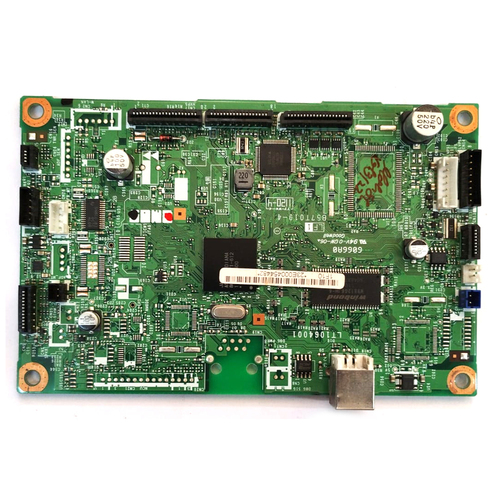
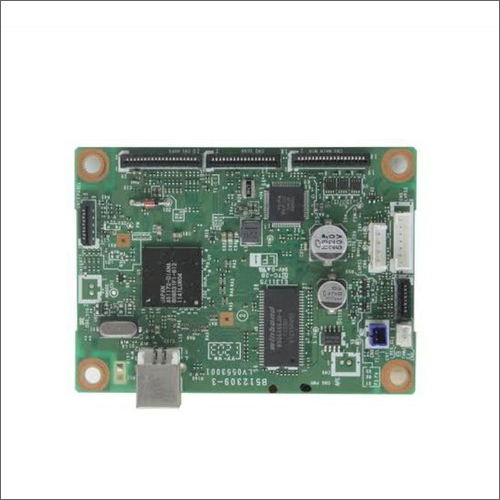
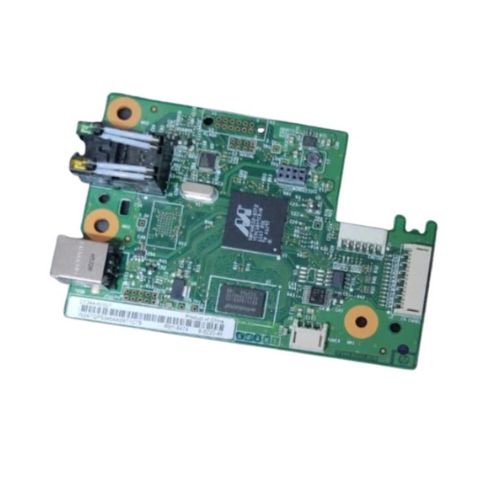
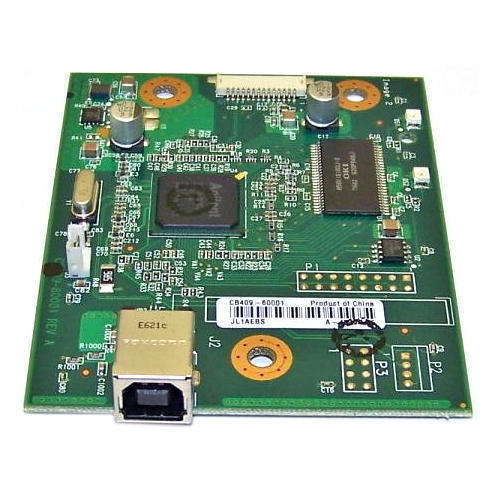
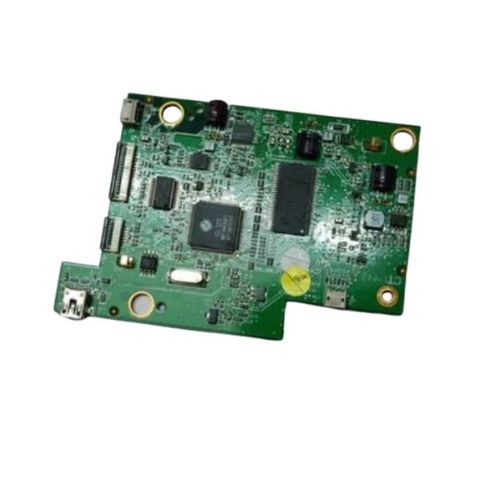
Brother DCP-7080 / 7080D / 7180DN / DCP L2500D / L2520D / L2520DW / DCP-L2540DN / L2540DW / L2541DW / L2560DW / MFC-7380 / 7480D / 7880DN / L2700D / L2700DW / MFC-L2701D / L2701DW / L2703DW / L2705DW / MFC-L2720DW / L2740DW - L 2365 - DCP L 2520D - L 2541DW - L 2701
Brother 2520 - 2540 - 2541 - 2700 - 2701 - 2703 - 2705 - 2740 - 2750 - 7380 - 7480 - 7880
Brother DCP-2540 Printer
Brother DCP-2550 Printer
Brother DCP 7080 Printer
Brother MFC L2700 Printer
Brother MFC L2740 Printer
Brother MFC L2750 Printer
Brother MFC 7380 Printer
Brother MFC 7480 Printer
Brother MFC 7880 Printer
Optimized Performance for Brother Laser PrintersDesigned specifically for Brother MFC-L2701D and MFC-L2701DW models, this logic card formatter board restores and maintains reliable printer performance. Its robust build quality and precise compatibility ensure a seamless fit, reducing downtime and enhancing productivity for businesses and home offices alike.
Easy Installation & Reliable ConnectivityFeaturing a user-friendly wired connection, this formatter board is straightforward to install and requires minimal technical expertise. With standardized sizing and straightforward guidance, users can quickly replace faulty boards and resume operations promptly, minimizing workflow interruptions.
Durable, Secure, and Safe for Long-Term UseConstructed with durable materials and passing rigorous quality standards, this logic card ensures dependable operation for extended periods. For optimal performance and longevity, it is recommended to store the board in a dry, dust-free environment, preventing corrosion and electrical faults.
FAQ's of Brother MFC-L2701D L2701DW Printer Logic Card Formatter Board:
Q: How do I install the Logic Card Formatter Board in my Brother MFC-L2701D or L2701DW printer?
A: To install the logic card formatter board, first turn off and unplug your Brother printer. Open the printer's casing to access the formatter board slot, remove the faulty board if present, and insert the new one securely. Reconnect all cables, close the casing, and power on the printer to complete the setup.
Q: What are the main benefits of replacing my printer's formatter board with this model?
A: Replacing a malfunctioning formatter board with this compatible model restores optimal printer performance, ensures reliable connectivity, and reduces downtime. It extends the printer's lifespan and maintains print quality, making it a cost-effective repair solution.
Q: When should I consider replacing the formatter board in my Brother printer?
A: You should consider replacing the formatter board if your printer displays communication errors, fails to process print jobs, or experiences consistent operational glitches that are not resolved by standard troubleshooting or firmware updates.
Q: Where can I safely store the logic card formatter board before installation?
A: Store the logic card formatter board in a dry and dust-free environment before use. Avoid exposing it to moisture, dust, or direct sunlight, as these conditions can affect its functionality and lifespan.
Q: What process should I follow to ensure compatibility with my Brother printer?
A: Before purchasing, verify the model number of your printer (MFC-L2701D or MFC-L2701DW) to ensure compatibility. This formatter board is specifically designed for these models and is not suitable for other Brother printers.
Q: How does using a compatible formatter board benefit my printing operations?
A: Utilizing a compatible formatter board ensures seamless integration with your printer, preserves manufacturer standards, and maintains high print quality. It minimizes operational disruptions and helps safeguard against potential hardware issues.



 Send Inquiry





 Send Inquiry
 Send Inquiry
 Send SMS


 English
 Spanish
 French
 German
 Italian
 Chinese (Simplified)
 Japanese
 Korean
 Arabic
 Portuguese