Product Description
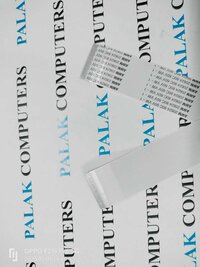
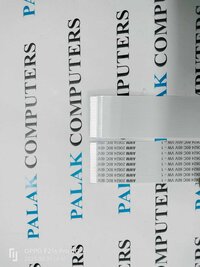
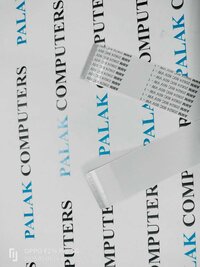
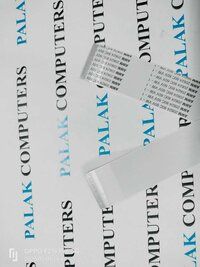
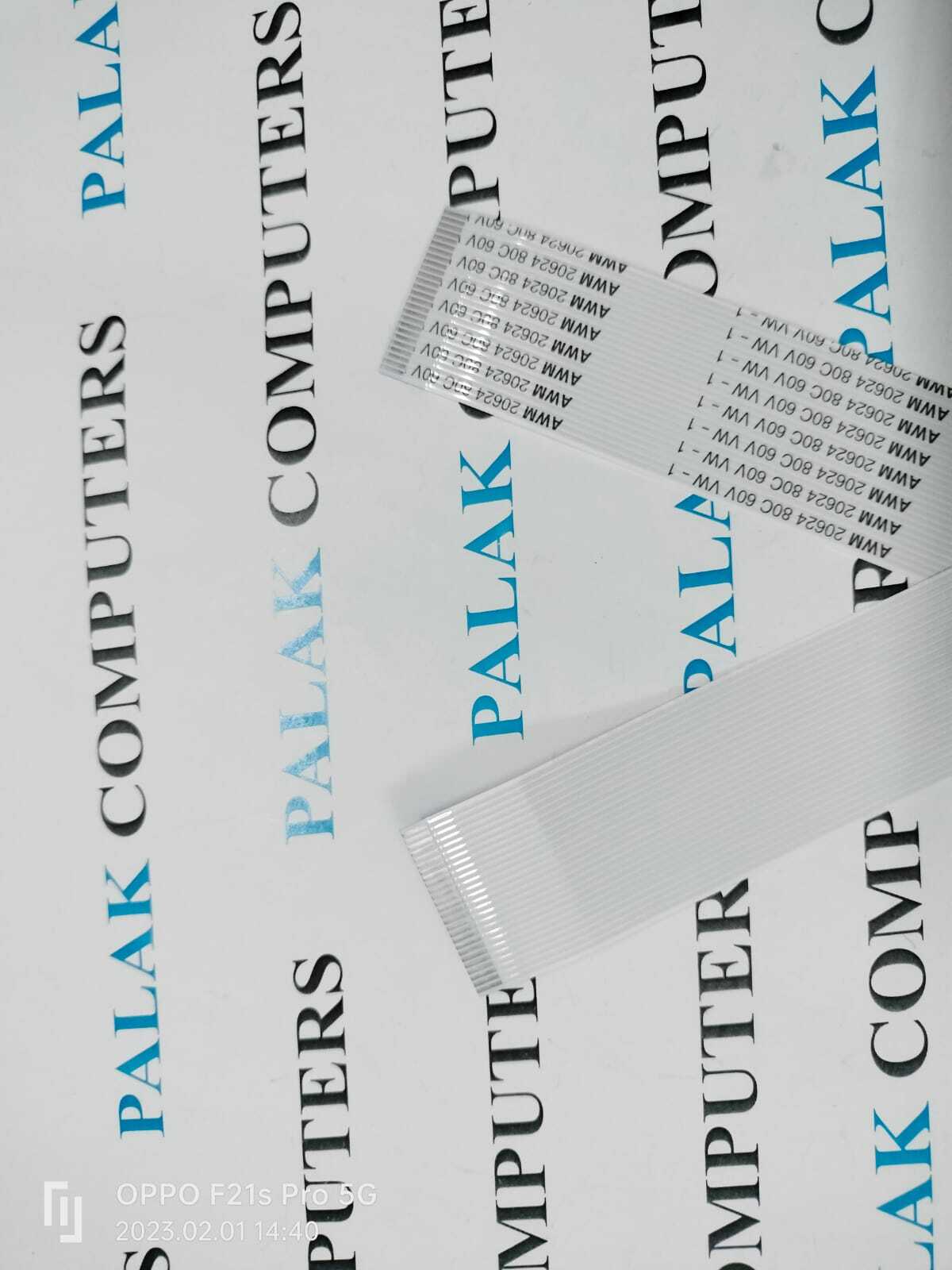
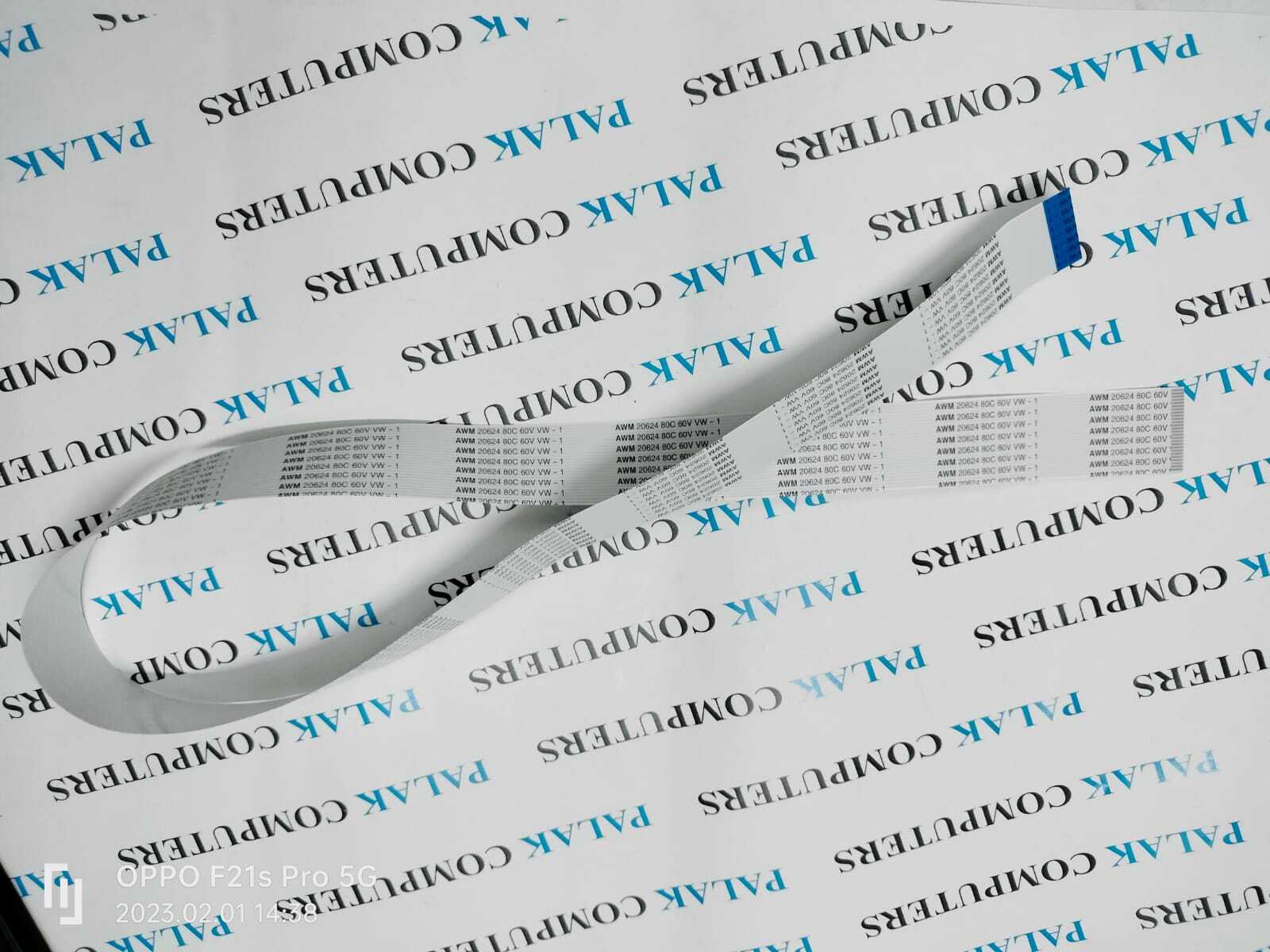
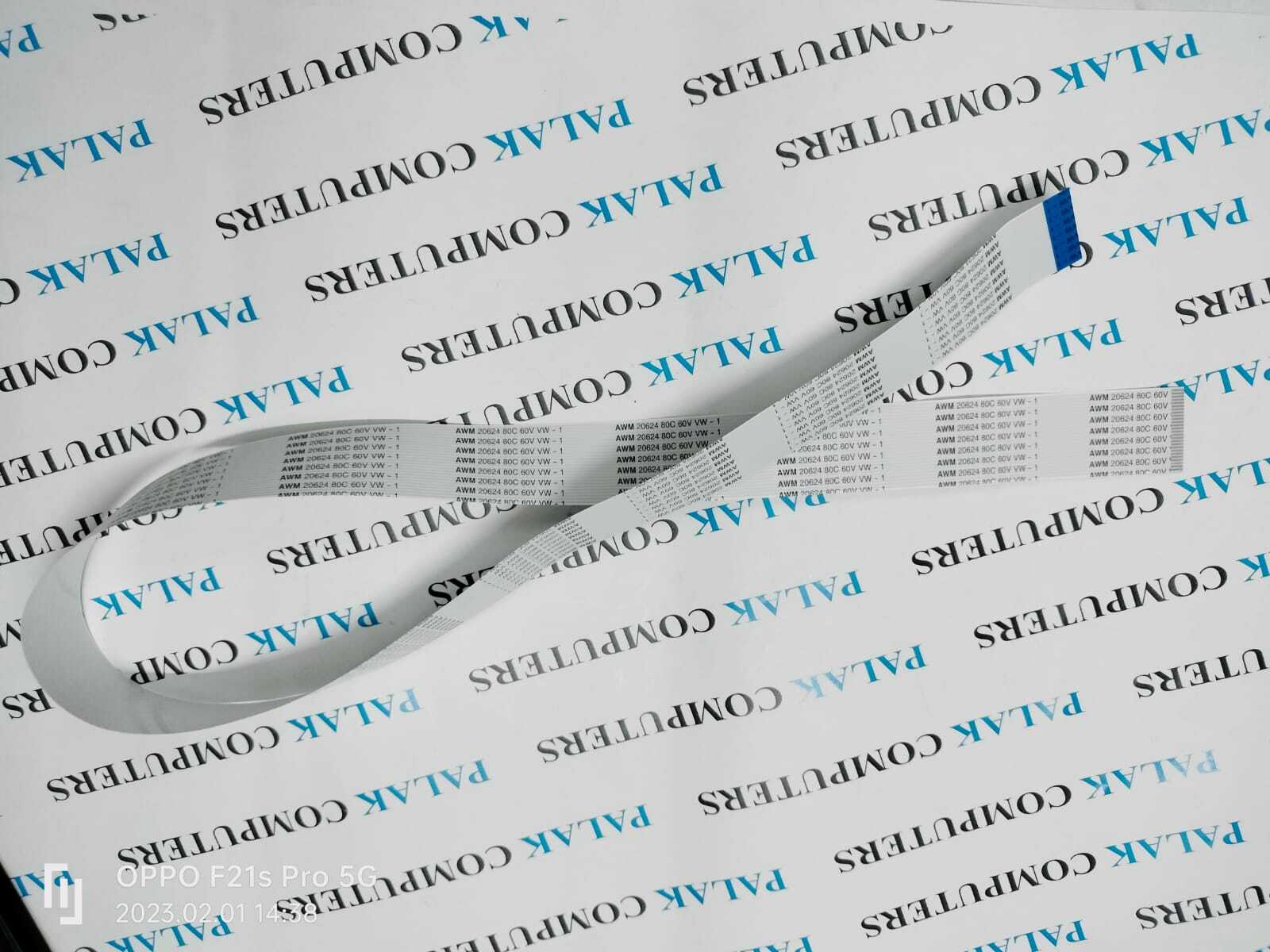
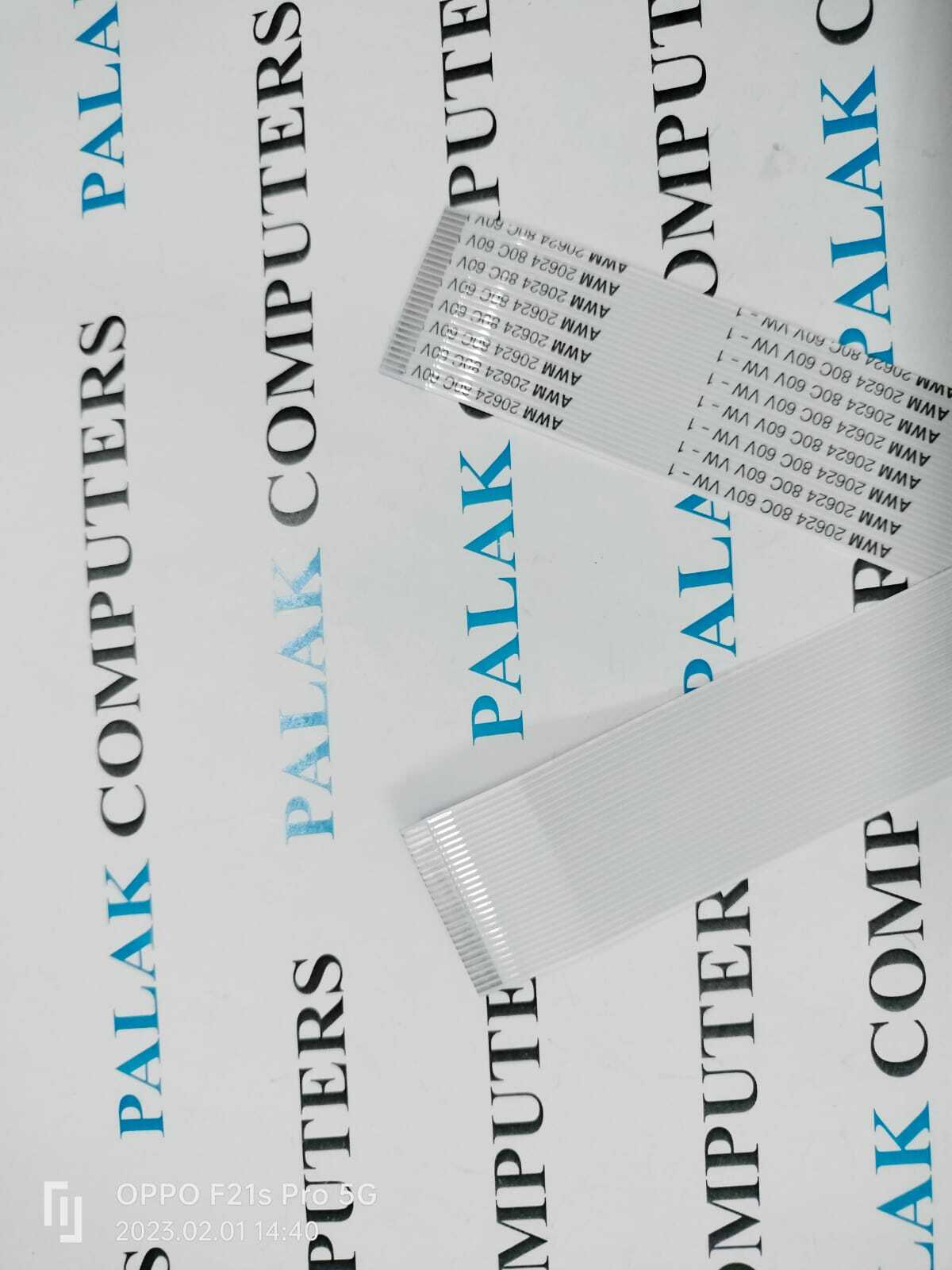
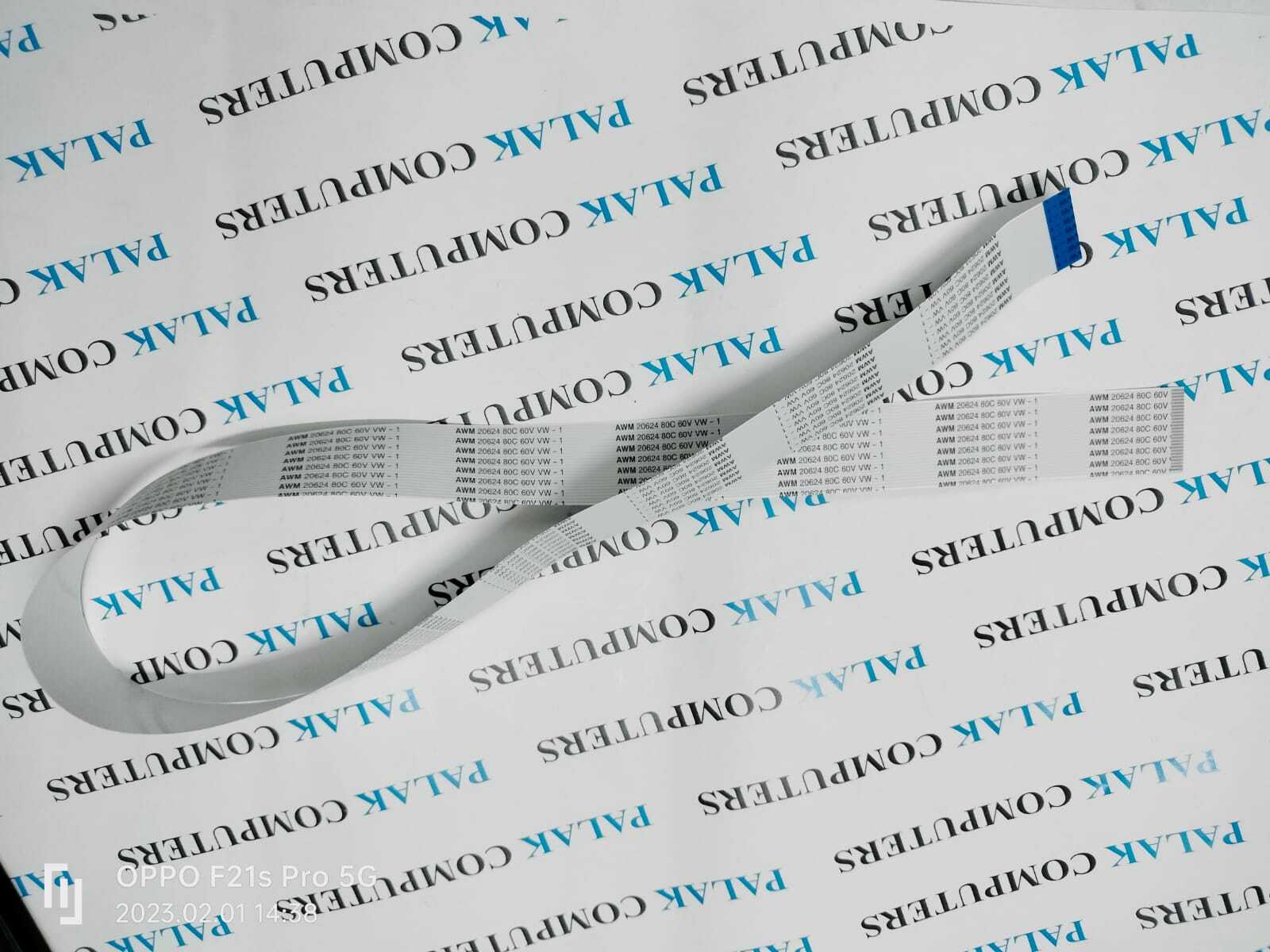
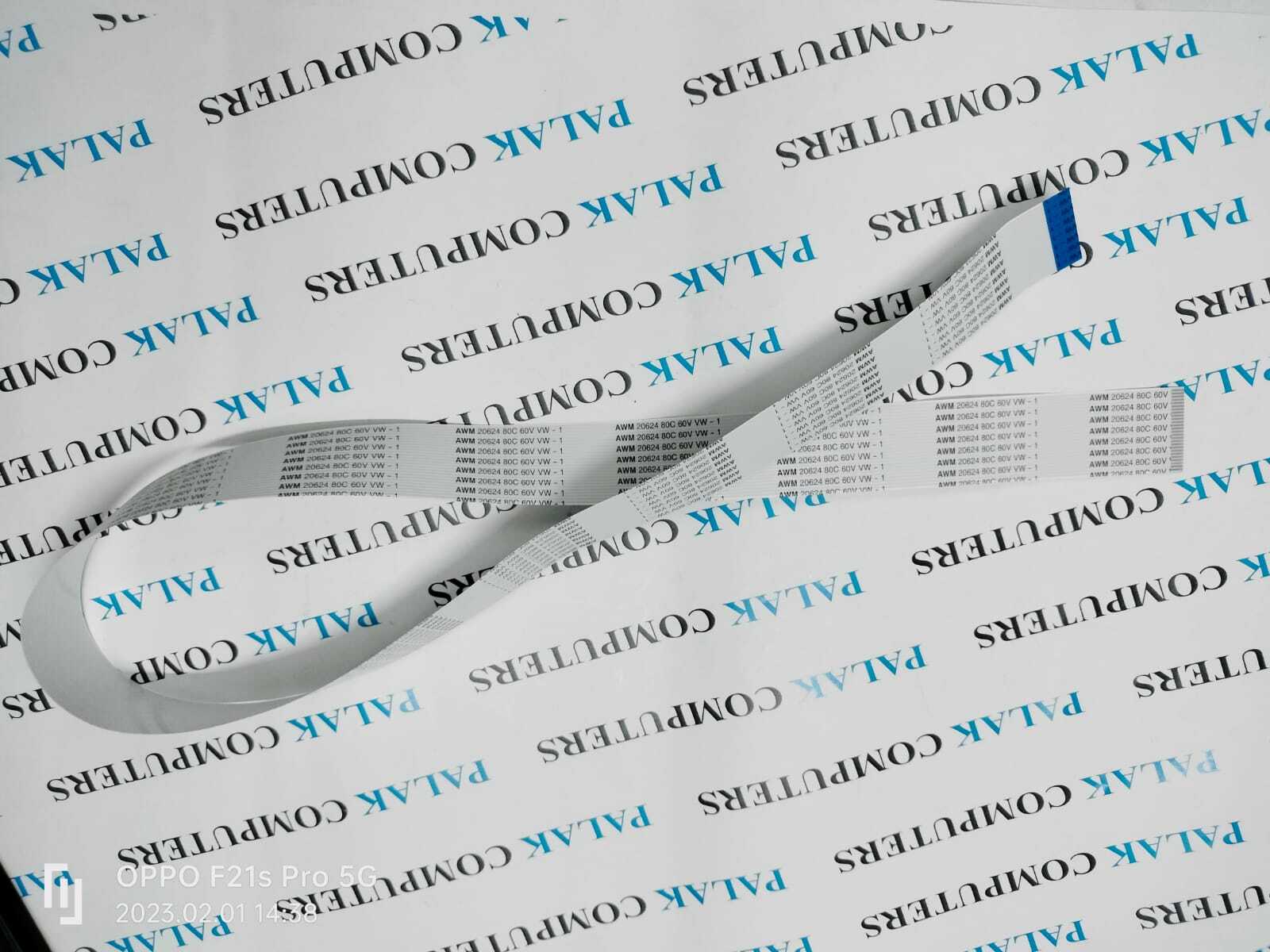
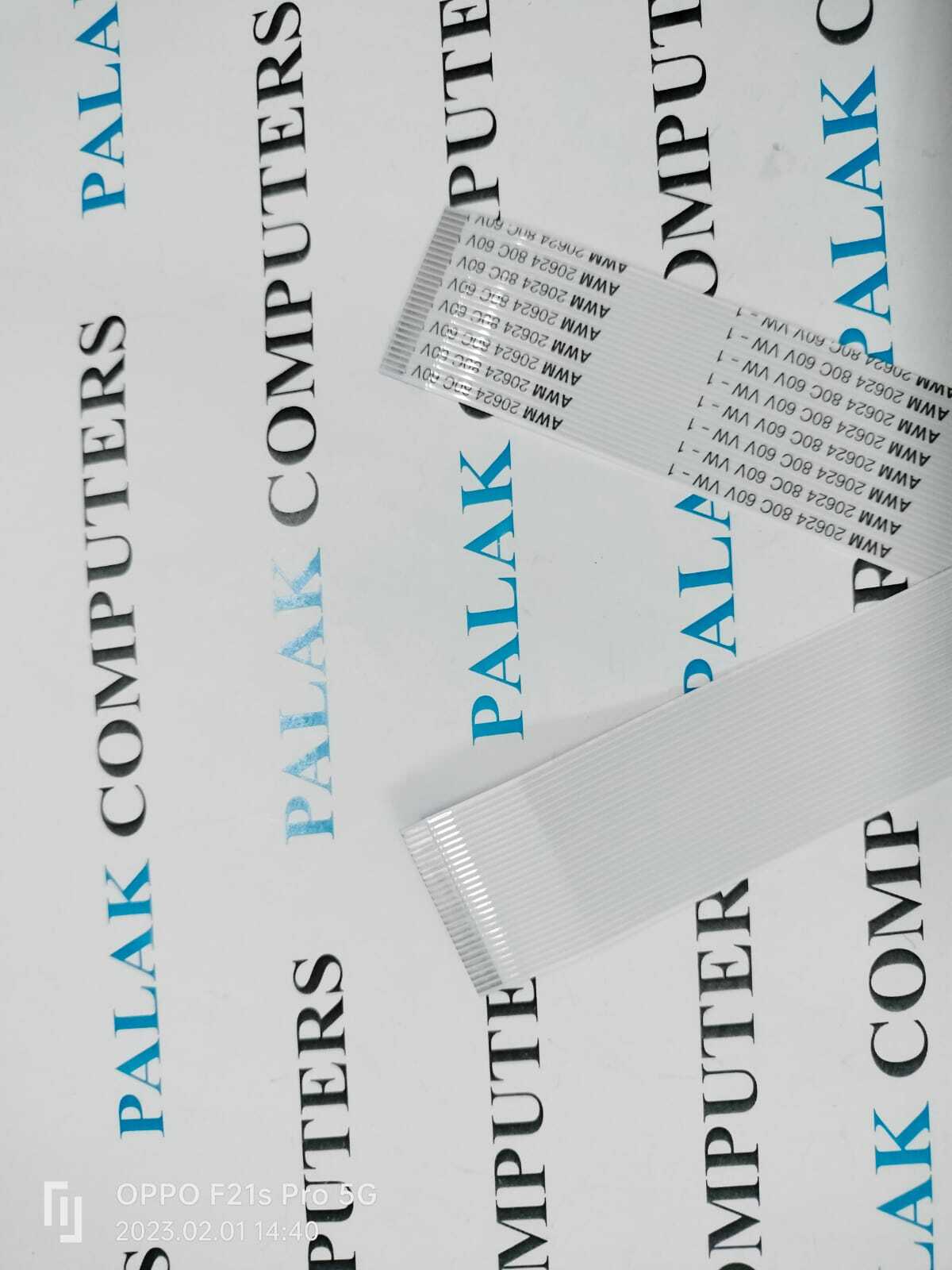
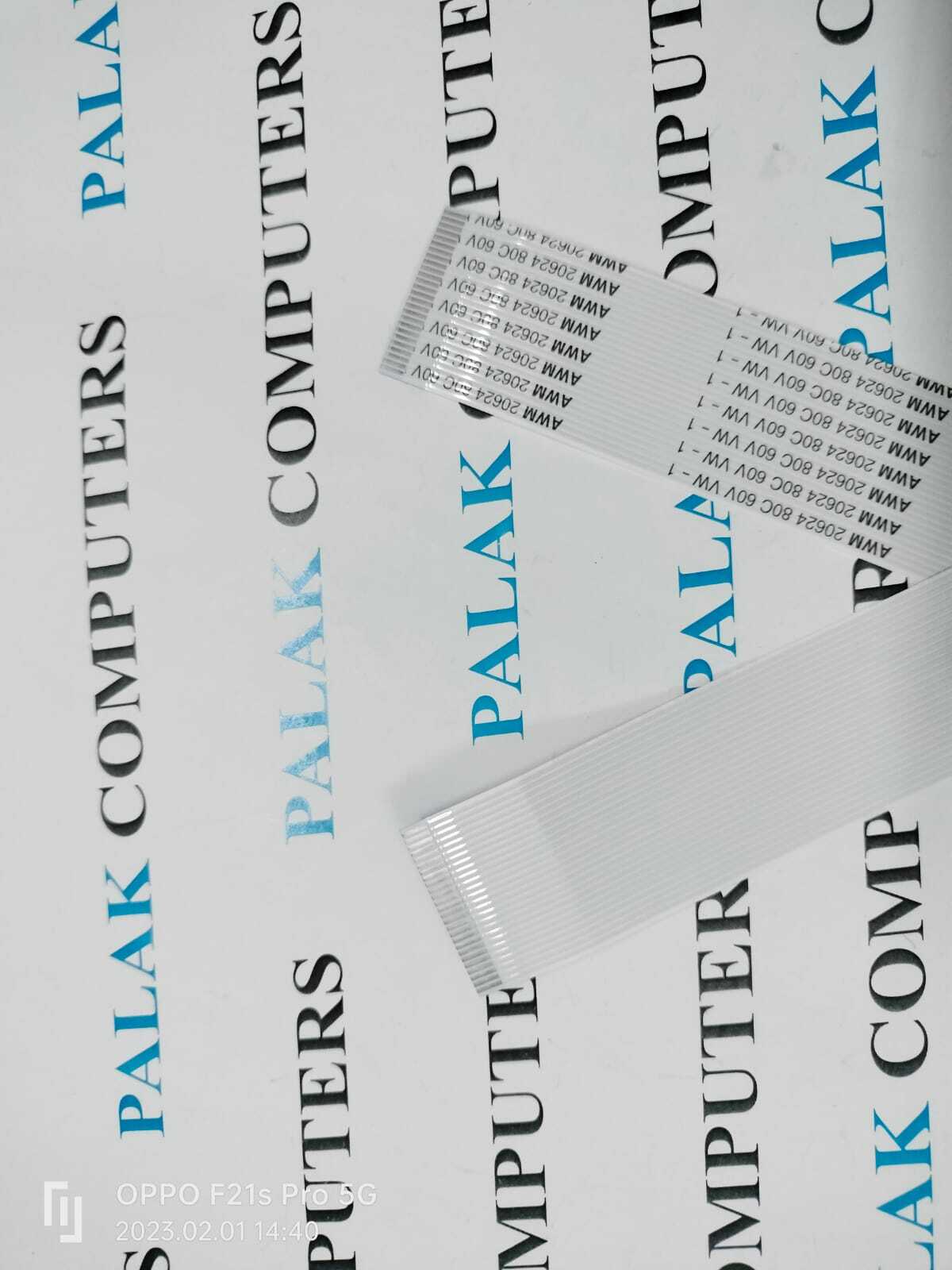
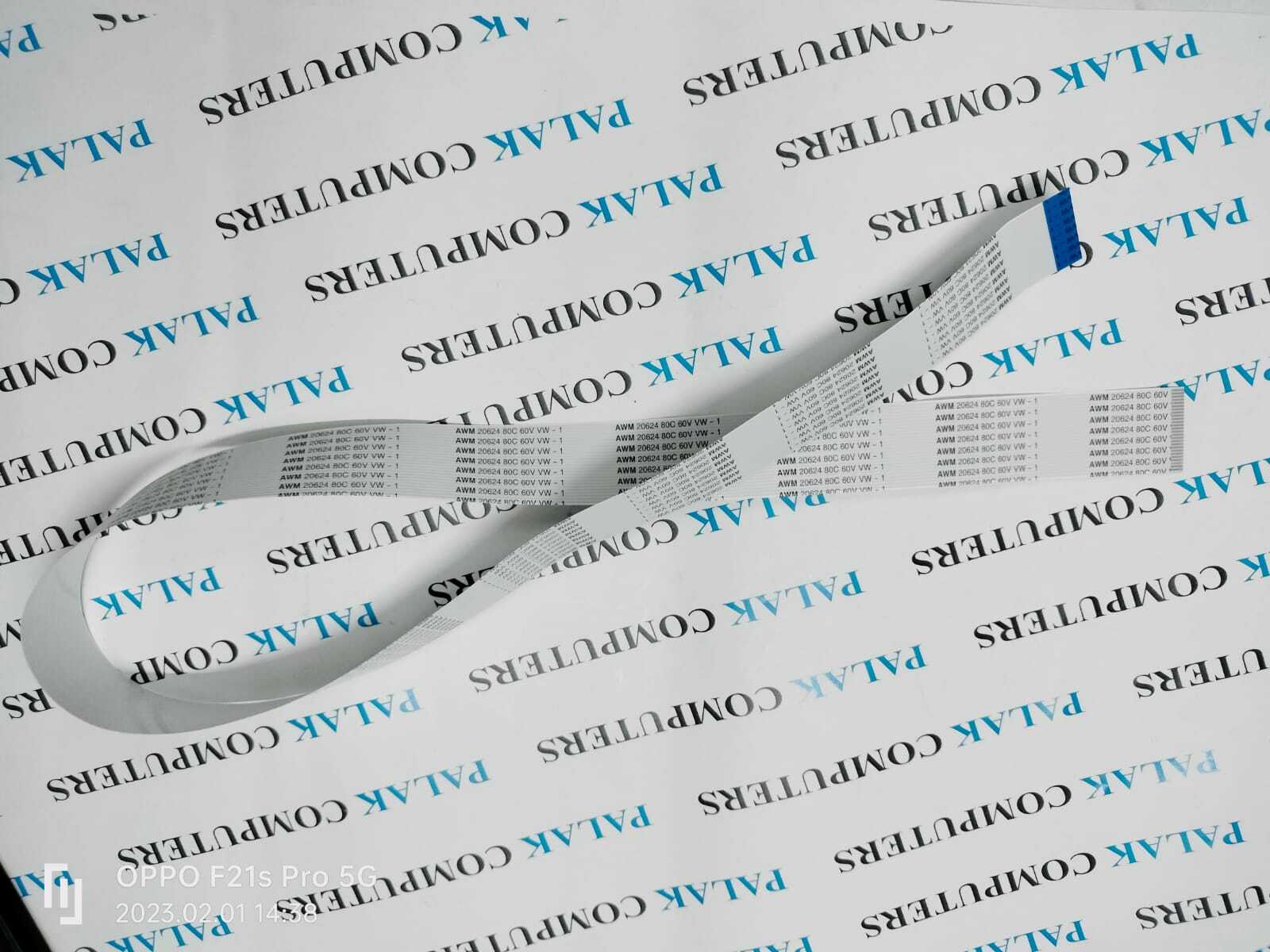
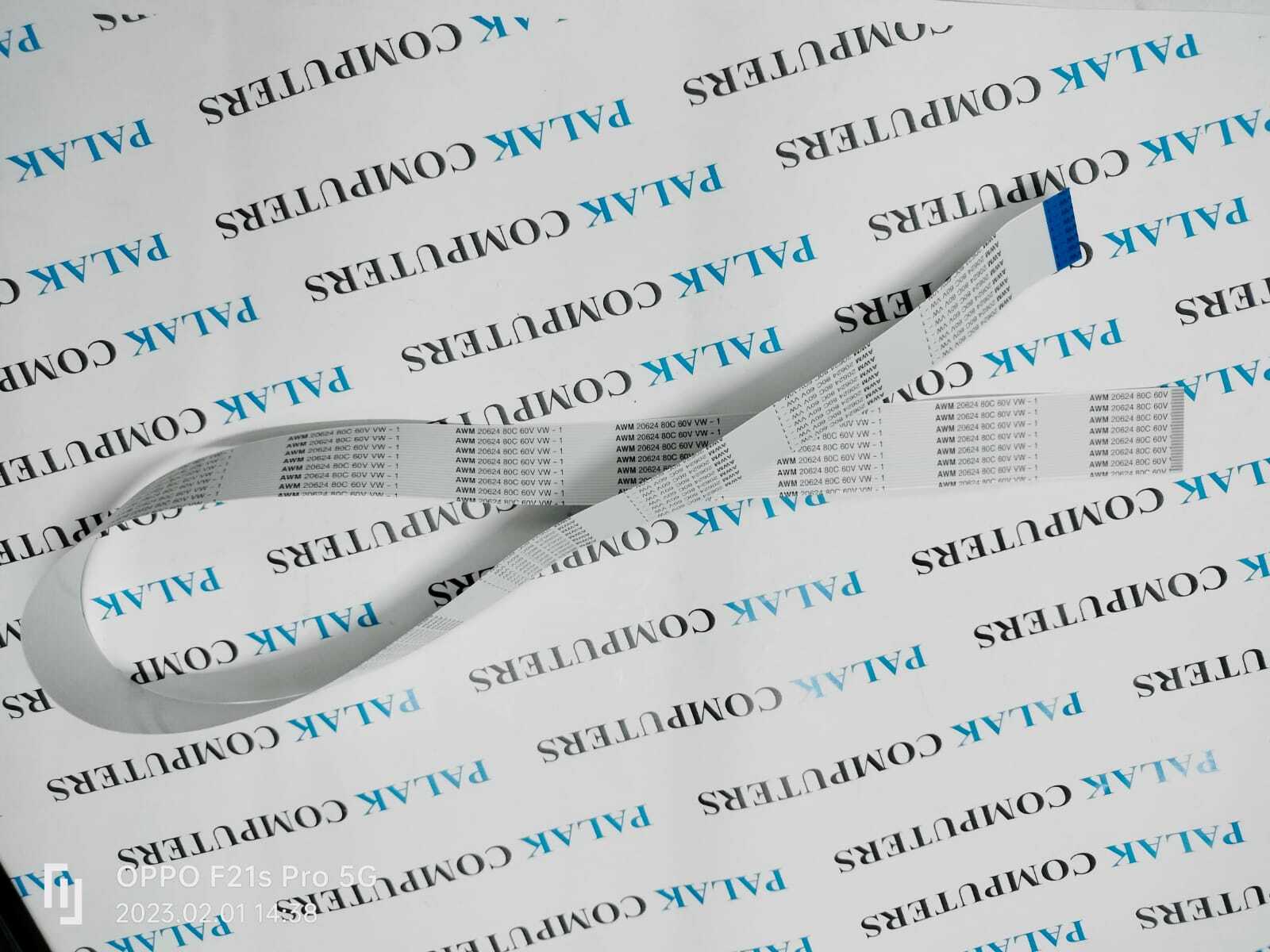
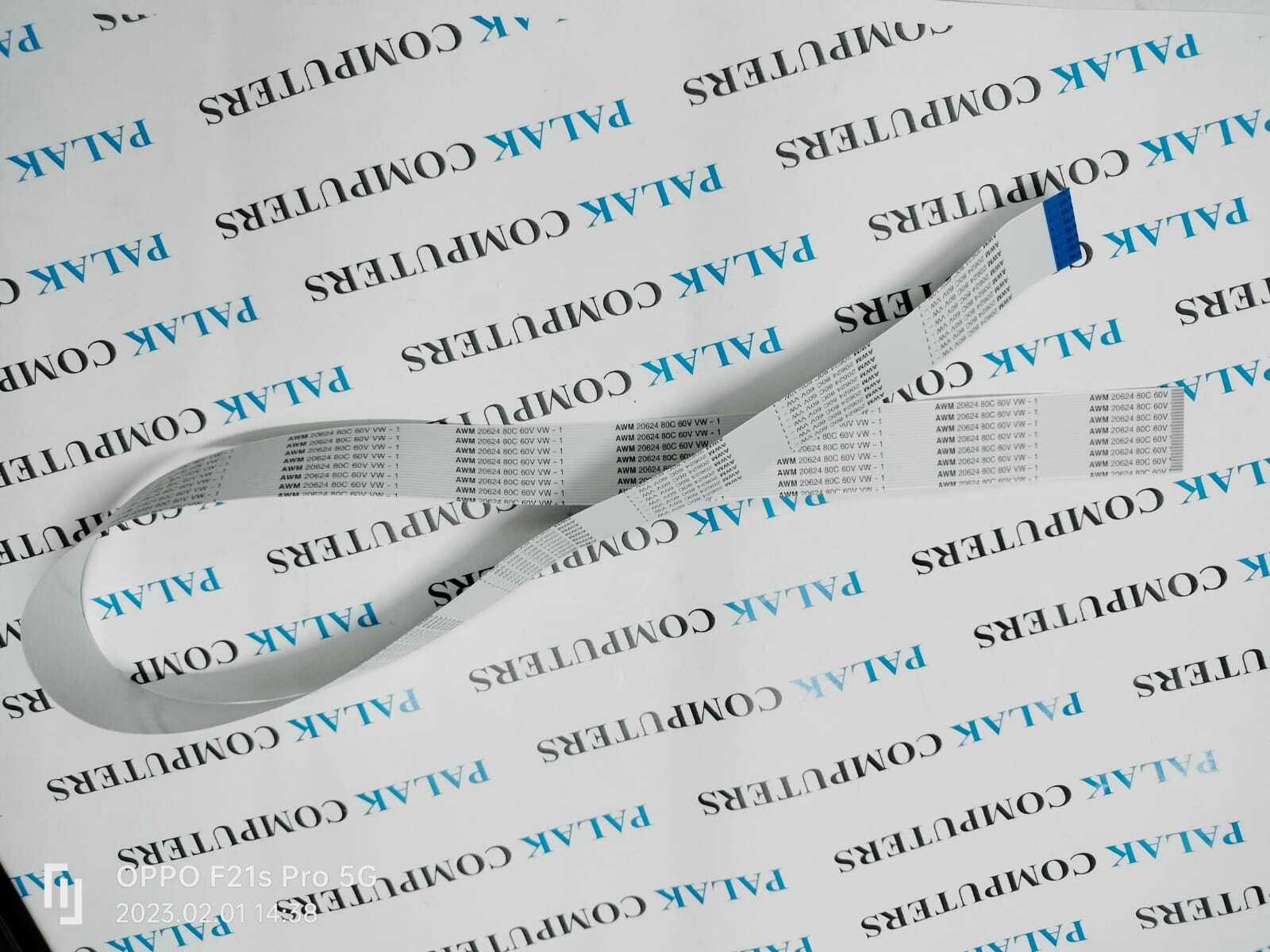
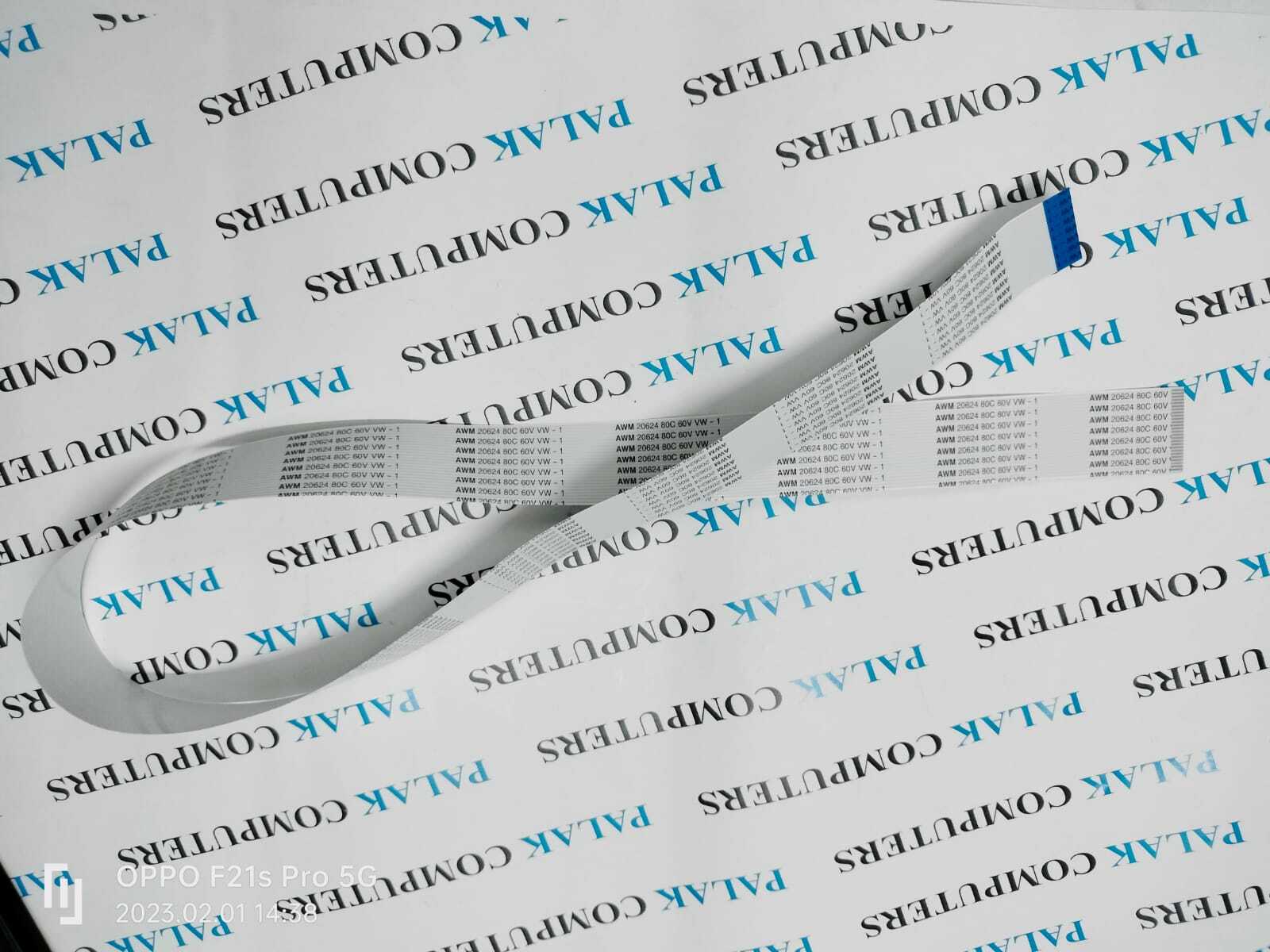
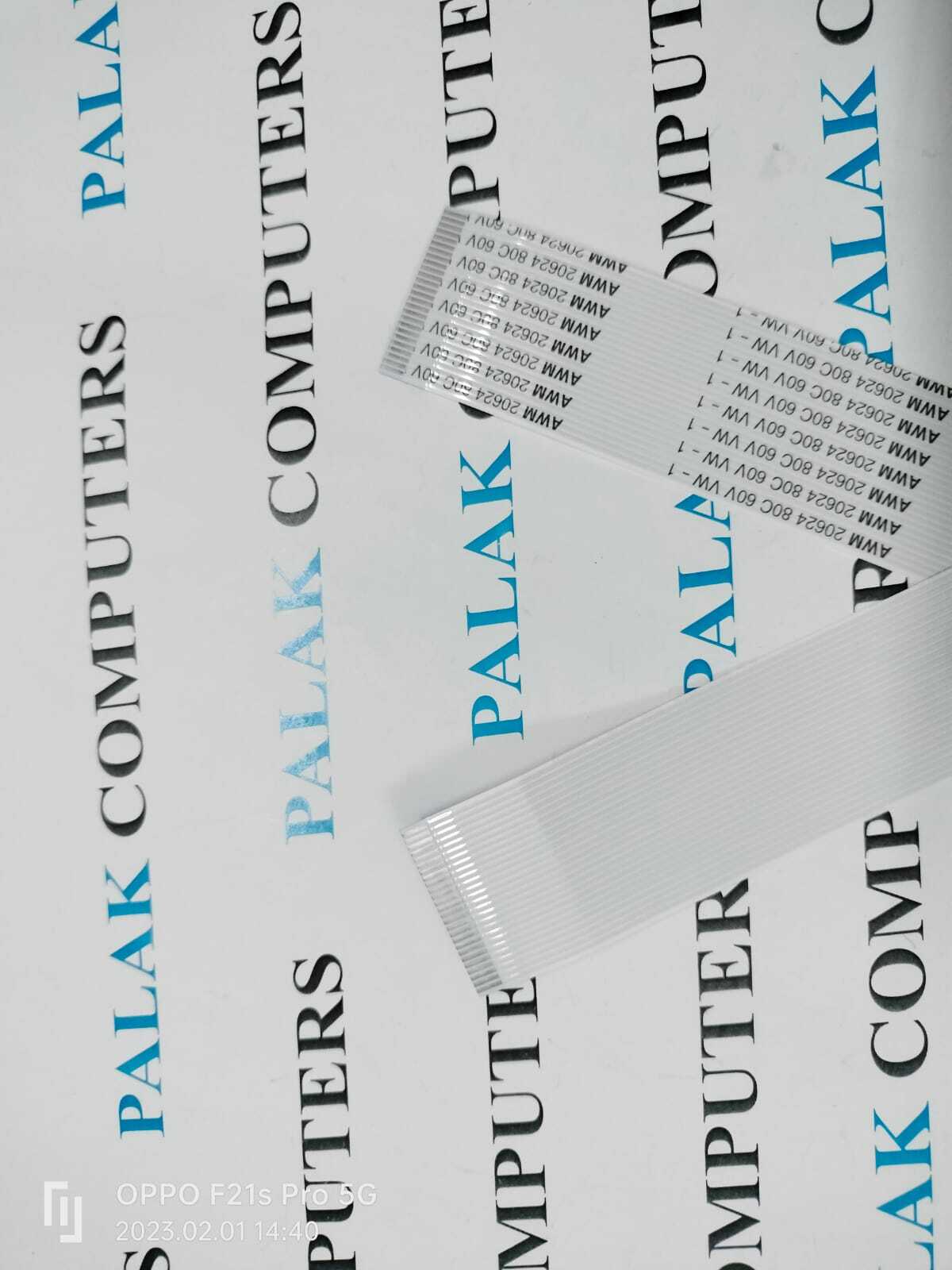
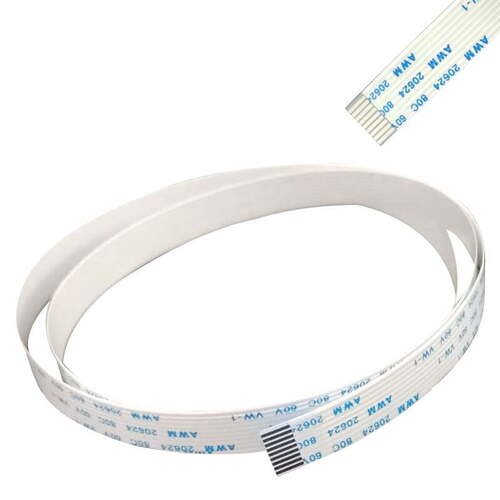
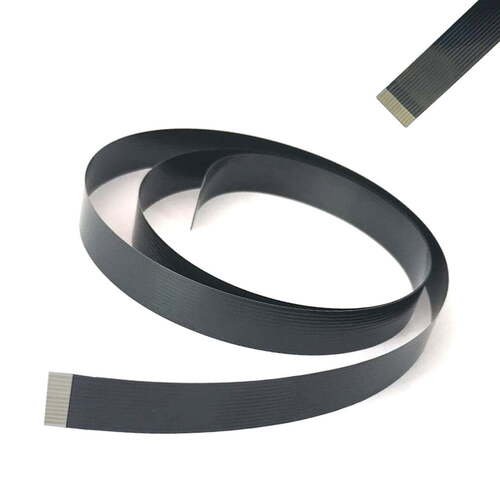
Canon MF4412,D530, MF4710,MF4712,MF4720, MF4730,MF4750,MF4752, MF4770 Control Panel Cable (26pin)
750mm (FK3-3655-000)
Control Panel Cable For Canon ImageCLASS MF212 MF227 MF235 MF247 Printer (FK4-2108-000) (15+15 Pin) (711MM)
Control Panel Cable / Flat Flex Cable / Flat Scanning Cable / CABLE, FLAT
For Use With
Canon imageCLASS MF212w
Canon imageCLASS MF216n
Canon imageCLASS MF227dw
Canon imageCLASS MF229dw
Canon imageCLASS MF232w
Canon imageCLASS MF236n
Canon imageCLASS MF244dw
Canon imageCLASS MF247dw
Canon imageCLASS MF249dw
Seamless Installation for Canon Control PanelsThis 26-pin control panel cable is engineered for a direct fit into Canon imageCLASS MF4412, D530, MF4712, MF4720, MF4750, MF244dw, MF232w, and MF229dw models. The installation process is straightforward, making it an ideal solution for either repairs or replacements. Each cable is distributed individually in an anti-static bag to ensure safe handling. Its flexible, flat design enhances the ease of connecting within complex printer assemblies.
Reliable Performance and DurabilityConstructed with copper conductors and insulated with high-quality, flexible plastic, this cable provides stable performance and long-lasting durability. It operates efficiently within temperature ranges of -10C to 80C and ensures high signal reliability, matching OEM standards. This reliability is crucial for maintaining effective communication between printer control panels and core components, supporting uninterrupted printing tasks.
FAQ's of Canon MF4412 D530 MF4712 MF4720 MF4750 MF244dw MF232w MF229dw Control Panel Cable (26pin):
Q: How do I install the Canon 26-pin control panel cable in my printer?
A: Installation is straightforward: disconnect your printer from power, carefully remove the control panel, and replace the original cable with the new 26-pin FFC cable. Ensure the connector fits securely and reassemble the panel before powering on the printer.
Q: What Canon printer models are compatible with this control panel cable?
A: This cable is compatible with Canon imageCLASS MF4412, D530, MF4712, MF4720, MF4750, MF244dw, MF232w, and MF229dw laser printer models.
Q: Where should I store the cable to maintain its quality before installation?
A: Store the cable in a cool, dry place, away from direct sunlight and moisture, preferably inside its provided anti-static bag to preserve optimal performance.
Q: What are the benefits of using this OEM equivalent cable?
A: The cable offers high signal reliability, silent operation, and precise connector alignment. Its OEM-equivalent quality ensures stable communication between control panels and the printer, supporting efficient printing operations.
Q: When is it recommended to replace the control panel cable in my printer?
A: Replace the cable if you experience control panel connectivity issues, display malfunctions, or physical damage to the existing cable. Installing a new cable can restore reliable printer performance.
Q: What materials and construction features enhance the durability of this cable?
A: The cable features a copper conductor and high-quality flexible plastic insulation, designed for durability, resilience, and stable signal transmission even under varying temperature conditions.
Q: How long does delivery typically take for this cable?
A: For ready stock, delivery is immediate; otherwise, the lead time is 3-7 days, subject to distributor or supplier availability.
































 Send Inquiry





 Send Inquiry
 Send Inquiry
 Send SMS


 English
 Spanish
 French
 German
 Italian
 Chinese (Simplified)
 Japanese
 Korean
 Arabic
 Portuguese