Product Description
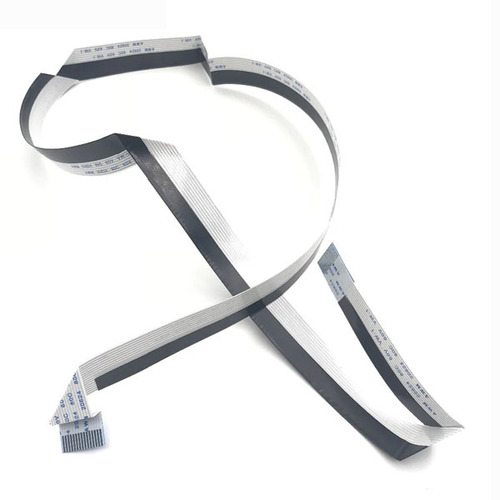
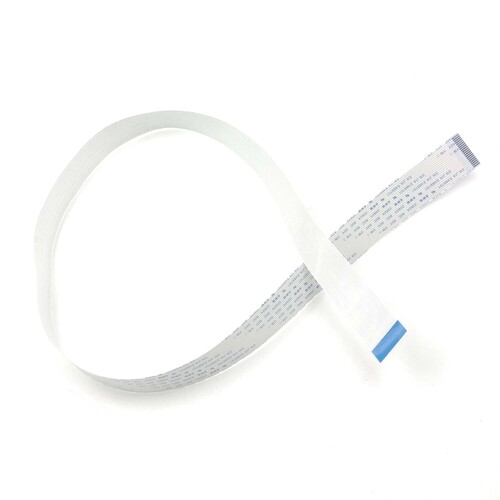
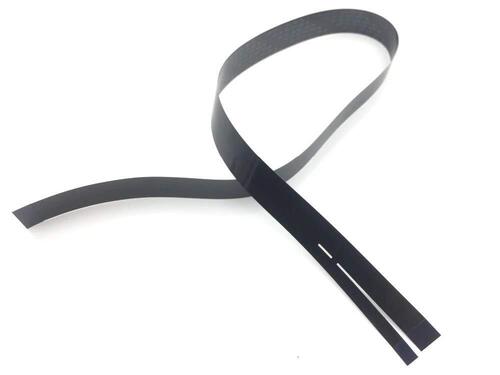
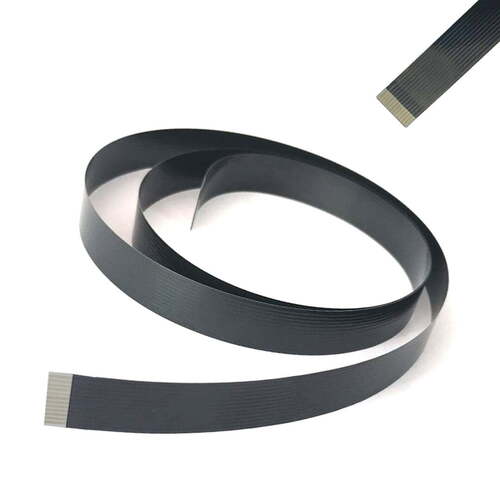
Flat Flex Cable / Flat Cable / Flat Scanner Cable / Scanner Cable For Canon Printer
For Use With
- Canon imageCLASS MF211
- Canon imageCLASS MF212
- Canon imageCLASS MF215
- Canon imageCLASS MF216
- Canon imageCLASS MF217
- Canon imageCLASS MF221
- Canon imageCLASS MF222
- Canon imageCLASS MF223
- Canon imageCLASS MF224
- Canon imageCLASS MF226
- Canon imageCLASS MF227
- Canon imageCLASS MF229
- Canon imageCLASS MF231
- Canon imageCLASS MF232w
- Canon imageCLASS MF233
- Canon imageCLASS MF235
- Canon imageCLASS MF236
- Canon imageCLASS MF237w
- Canon imageCLASS MF243
- Canon imageCLASS MF244dw
- Canon imageCLASS MF246dn
- Canon imageCLASS MF247
- Canon imageCLASS MF249dw
Reliable Connectivity for Canon PrintersThis CCD Scanner Cable is engineered for seamless use with Canon M236 and M244 models. The flat, silver-lined cable ensures consistent connectivity and reliable data transfer, making it a dependable choice for maintaining your printer's scanning functionality. Its sturdy build maximizes longevity, while the 28-inch length provides flexibility during installation.
Safe Storage and Care InstructionsTo preserve the performance of your scanner cable, always store it in a dry environment and keep it out of direct sunlight. This prevents degradation of the cable's material and maintains its optimal performance, ensuring your scanner continues to operate at its best for extended periods.
FAQ's of Printer CCD Scanner Cable For Canon M236 M244:
Q: How do I connect the CCD scanner cable to my Canon M236 or M244 printer?
A: Simply align the cable's connectors with the respective scanner port on your Canon M236 or M244 printer and gently insert it. Ensure the silver lines on the flat cable face the correct direction as indicated in your printer's manual for a secure connection.
Q: What is the benefit of using this specific CCD scanner cable for my Canon printer?
A: This cable is designed explicitly for Canon M236 and M244 printers, offering a precise fit and reliable signal transmission. This compatibility reduces connectivity issues and ensures consistent, high-quality scanning results.
Q: When should I consider replacing my scanner cable?
A: Replacement is recommended if you notice frequent scanning errors, loose connections, or physical damage to your existing cable. Regular maintenance and timely replacement help maintain the printer's scanning efficiency.
Q: Where should I store the CCD scanner cable when not in use?
A: Store the cable in a dry location away from direct sunlight. This will help prevent deterioration of the material and extend the cable's lifespan.
Q: What is the installation process for this external scanner cable?
A: Installation involves disconnecting your printer from power, locating the existing scanner cable, and carefully replacing it with the new one. Reconnect the printer and test the scanning function to confirm proper operation.
Q: How does the flat cable design with silver lines enhance usability?
A: The flat design minimizes tangling and makes handling easier during installation, while the silver lines assist in correctly orienting the cable with the printer's connectors.



 Send Inquiry






 Send Inquiry
 Send Inquiry
 Send SMS


 English
 Spanish
 French
 German
 Italian
 Chinese (Simplified)
 Japanese
 Korean
 Arabic
 Portuguese