Product Description
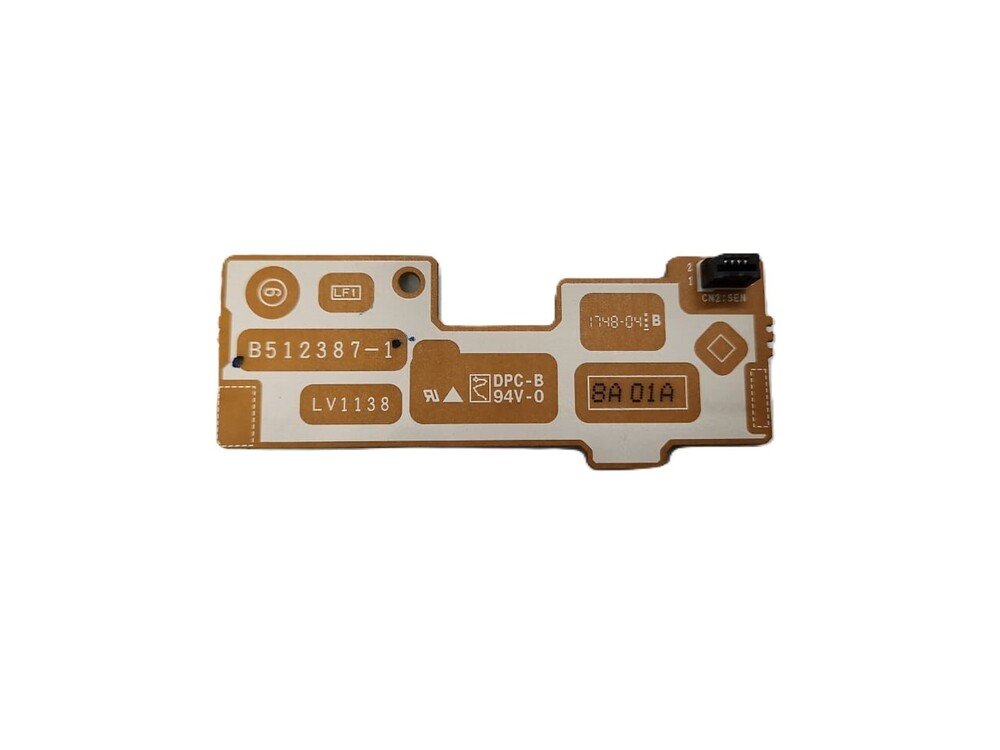
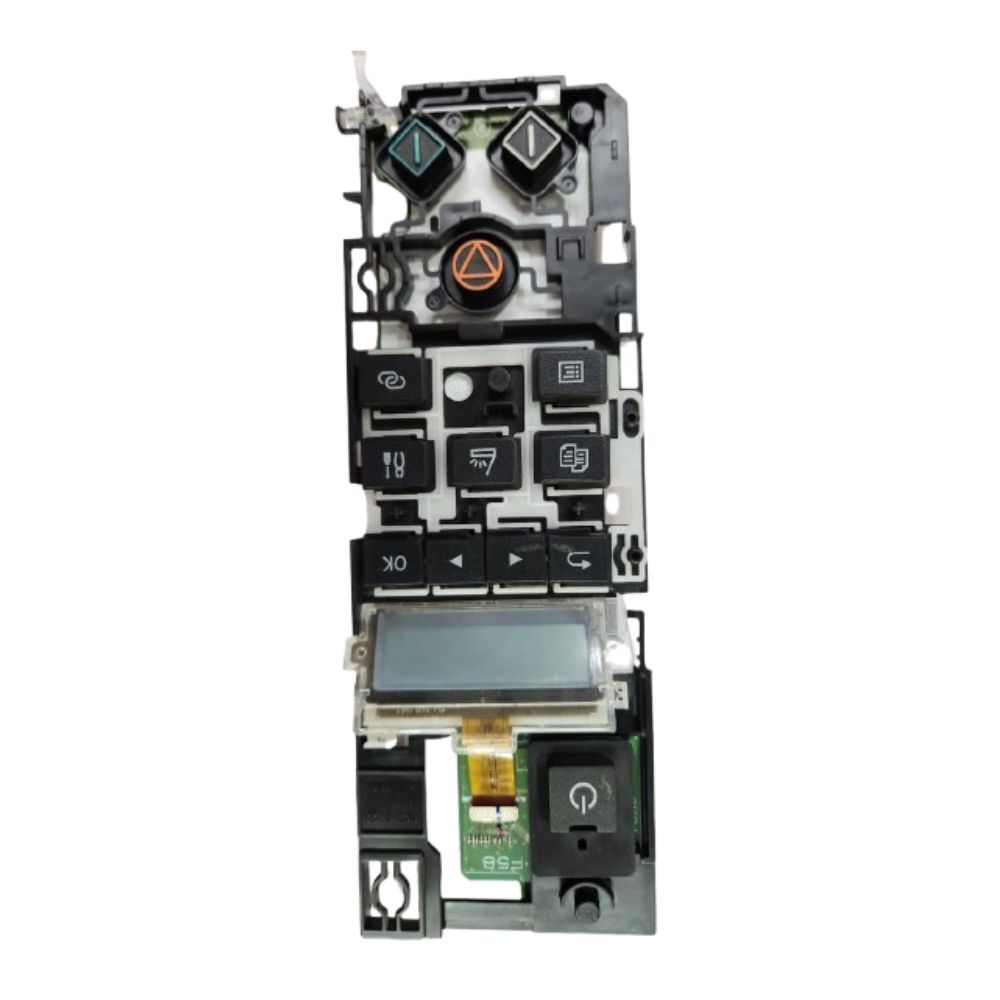
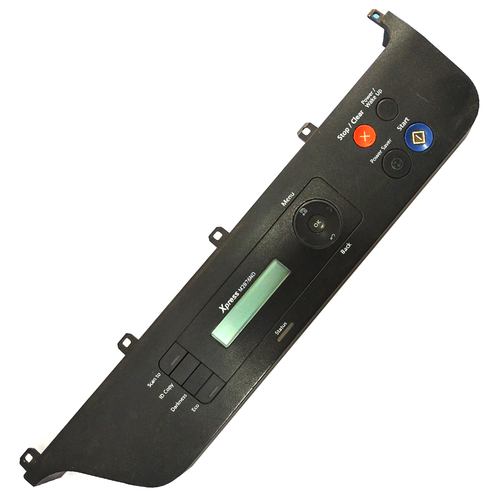
Control Panel Display Panel Brother HL-L2321D HL-
L2320D (B512387-1)
For Use In (REFURBISHED)
Control Panel Display Panel Brother HL-L2321D HL-
L2320D (B512387-1)
Brother HL L2300- L 2320D -L 2321D
Brother HL-2320 / HL-2321
: Control Panel Assy / Control Panel Board / Panel Assy H
PANEL UNIT /Button Panel Keyboard Panel Keypad Key pad
: DISPLAY PANEL/ CONTROL PANEL/ DISPLAY/ PANEL/ KEYBOARD PANEL/BUTTON PANEL/ PANEL PCB/ DISPLAY PCB/ PANEL WITH PCB/ TOUCH CONTROL PANEL/ TOUCH DISPLAY PANEL/ TOUCH DISPLAY/ TOUCH PANEL/ KEYBOARD PANEL
: LASER PRINTER PARTS
: PRINTER SPARE PARTS
: PRINTER PARTS
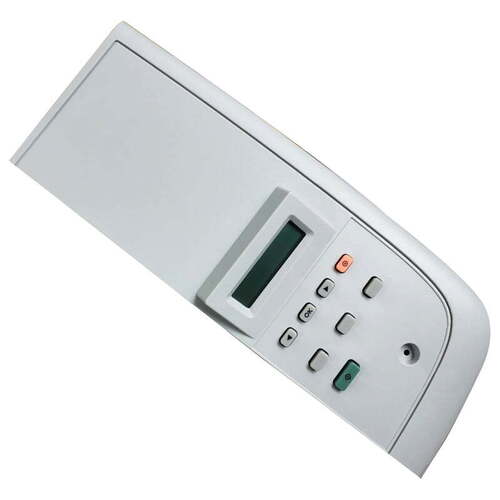
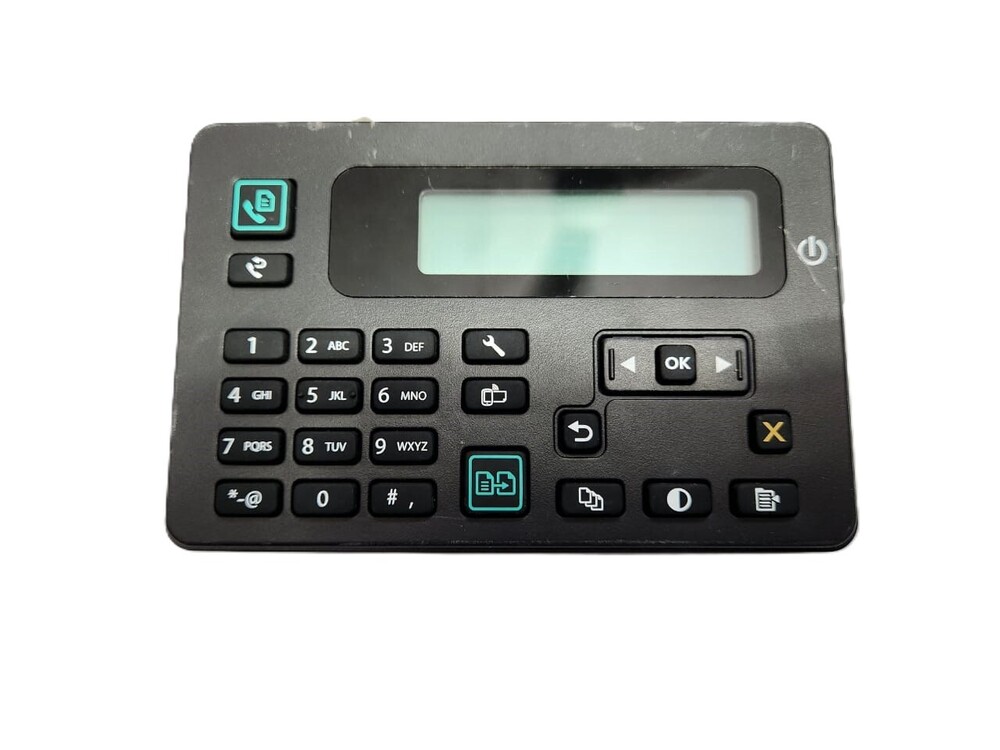
Genuine OEM Design & CompatibilityThis control panel is manufactured to original specifications for the Brother HL-L2321D printer, ensuring precise compatibility and a perfect fit. The design mirrors the factory original, retaining standard size and black color for seamless integration with your device.
User-Friendly Plug & Play InstallationInstallation is simple and quick, thanks to the plug-and-play design. The panel connects directly via the provided panel connector, requiring no technical expertise. It comes ready for immediate use, reducing downtime and maintenance headaches.
Durability and Performance in Every EnvironmentConstructed from robust ABS plastic, this panel withstands rigorous usage. It operates efficiently within wide temperature and humidity ranges, ensuring reliability even in demanding office conditions, while the responsive buttons and LED indicators keep you in control.
FAQ's of Printer Display Panel Control Panel Brother HL-L2321D:
Q: How do I install the Printer Display Panel on my Brother HL-L2321D?
A: The control panel is designed for easy plug-and-play installation. Connect it to the printer via the panel connector supplied; no additional tools or technical expertise are required. Just ensure your printer is powered off before replacing the panel.
Q: What functions do the buttons and LED indicators provide on this control panel?
A: The panel features Go, Power, and Error buttons. The LED indicators display relevant printer statuses, helping you manage printing tasks and quickly address any issues, such as errors or operational prompts.
Q: When should I consider replacing the control panel on my Brother HL-L2321D?
A: Consider replacement if your current panel is unresponsive, damaged, or not displaying correct statuses with LEDs. Using a genuine OEM panel maintains optimal printer performance and reliability.
Q: Where is the control panel for Brother HL-L2321D manufactured and supplied from?
A: This OEM control panel is distributed by authorized suppliers, distributors, and traders in India, ensuring you receive an authentic, reliable part for your Brother HL-L2321D printer.
Q: What is the process for storing the panel if not immediately installed?
A: Store the panel in a dry area at room temperature to preserve its functionality and material integrity. Avoid exposing the panel to high humidity or extreme temperatures.
Q: How does installing this original panel benefit my printer's performance?
A: Using the authentic OEM control panel ensures reliable operation, accurate status feedback, and preserves the durability and responsiveness of your Brother HL-L2321D, minimizing disruptions and extending the printer's lifespan.



 Send Inquiry





 Send Inquiry
 Send Inquiry
 Send SMS


 English
 Spanish
 French
 German
 Italian
 Chinese (Simplified)
 Japanese
 Korean
 Arabic
 Portuguese