Product Description
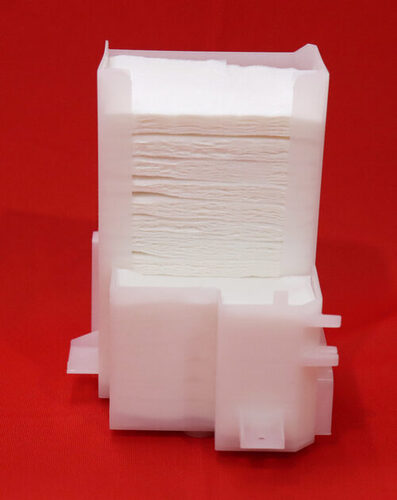
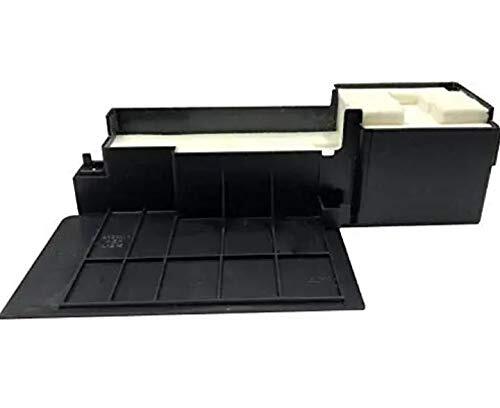
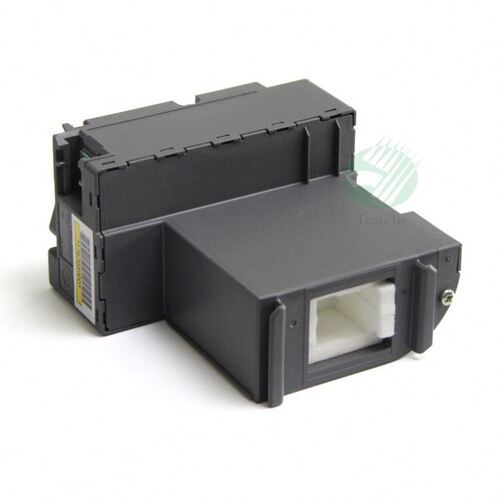
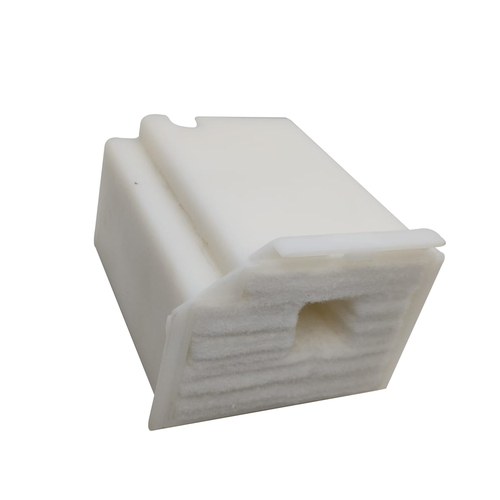
Epson Original Waste Ink Pad for Epson L800, L805, R280, R290, T50, T60, P50, P60 Printers
Specification
|
Part Type
|
Waste Ink Pad
|
|
Color
|
Black & white
|
|
Brand/Make
|
Epson
|
|
Material
|
Plastic
|
|
Model Name/Number
|
Epson L800,L805,L810,L850 T50,T60,R290 Printer Waste Ink Pad
|
|
Usage/Application
|
Printer
|
|
Packaging Type
|
Packet
|
|
Printer Type
|
Inkjet Printer
|
|
Brand
|
Epson
|
|
Country of Origin
|
Made in India
|
|
Minimum Order Quantity
|
5 Piece
|
Efficient Ink Absorption for Epson PrintersThis Printer Waste Ink Pad is engineered for several Epson models, providing reliable ink absorption during routine cleaning and printing. Its standard size and compatibility make it an essential consumable for maintaining your printer's health and reducing the risk of internal ink damage.
Easy Installation and Reliable PerformanceDesigned with a plain, standard pattern, this waste ink pad allows straightforward installation. Its effectiveness in absorbing excess ink enhances overall printer longevity, making it a practical choice for distributors, suppliers, and traders looking for dependable maintenance solutions in India.
FAQ's of Printer Waste Ink Pad for Epson L800 L805 R280 R290 T50 T60 P50 P60:
Q: How do I install the waste ink pad in my Epson printer?
A: To install the waste ink pad, turn off your Epson printer and open the service or maintenance panel. Gently remove the old ink pad, insert the new one in the same position, and ensure it is seated securely. Close the panel and perform a printer reset if necessary.
Q: What is the purpose of the waste ink pad in Epson printers?
A: The waste ink pad collects and absorbs excess ink expelled during cleaning cycles and regular printing, preventing ink from leaking inside your printer and ensuring consistent print quality.
Q: When should I replace the waste ink pad in my Epson printer?
A: Replace the waste ink pad when your printer notifies you of the pad's saturation, or if you notice increased ink leakage or print errors. Regular replacement ensures optimal printer function and helps prevent damage.
Q: Where can I purchase this waste ink pad in India?
A: You can purchase the compatible waste ink pad through authorized distributors, suppliers, and traders throughout India, either in local markets or via reputable online retailers.
Q: What is the process for resetting my printer after changing the waste ink pad?
A: After installing a new ink pad, some Epson models require a reset using manufacturer software or specific button sequences. Consult your printer's manual or authorized service providers for detailed reset instructions.
Q: What are the benefits of using a standard-size plain waste ink pad for Epson printers?
A: Using a standard-size plain waste ink pad ensures compatibility with recommended Epson models, maintains tidy ink management, improves printer longevity, and supports high-quality print output.
Q: How does this waste ink pad contribute to printer maintenance?
A: Regular use and timely replacement of the waste ink pad help prevent internal ink build-up, reduce maintenance issues, and keep your Epson printer running at peak efficiency.



 Send Inquiry





 Send Inquiry
 Send Inquiry
 Send SMS


 English
 Spanish
 French
 German
 Italian
 Chinese (Simplified)
 Japanese
 Korean
 Arabic
 Portuguese