उत्पाद वर्णन
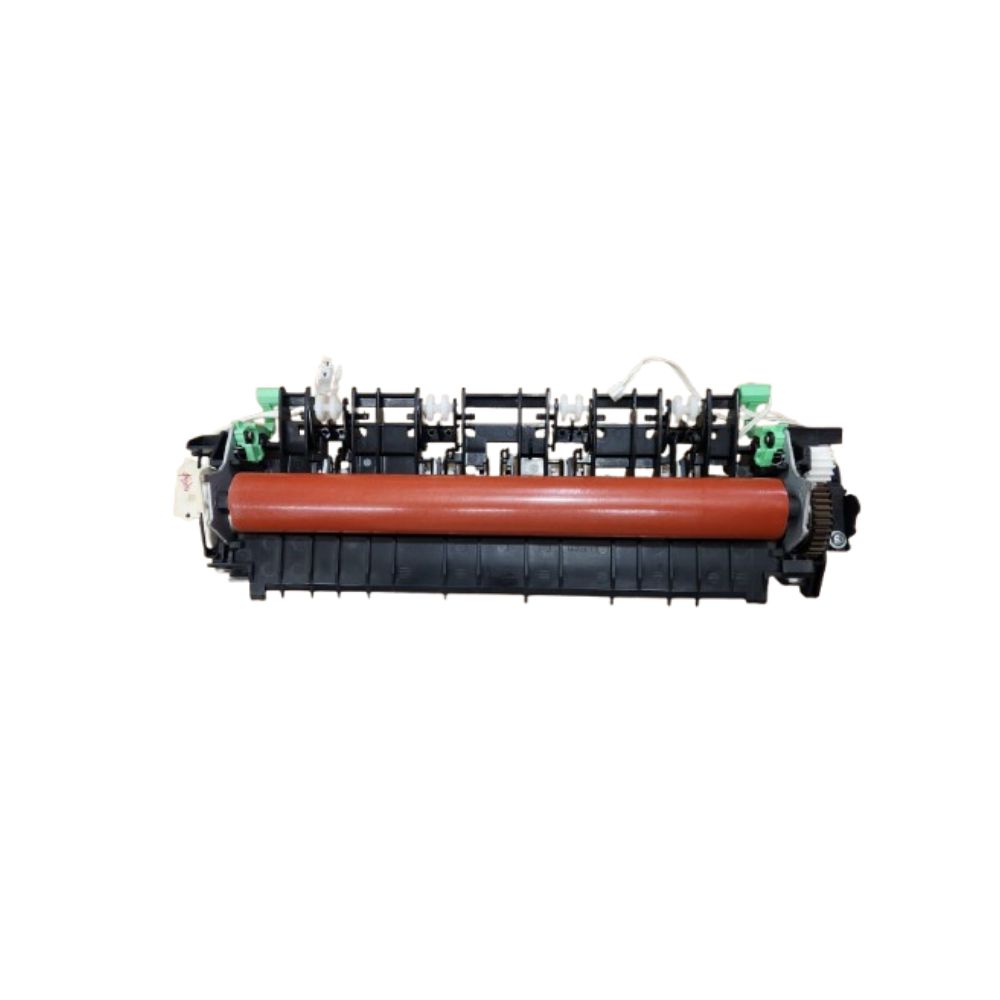
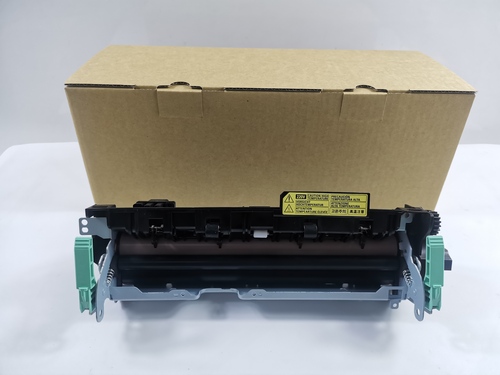
Brother HL-2320D / HL- 2321D / HL-2360DN / 2361DN / HL-2366DW/ DCP-2365/ DCP-2520D / DCP-2540DW / DCP- 2541DW/ MFC-2701D / MFC-2701DW Brother 2320-2321-2360- 2361- 2366 - 2365- 2520-2540-2541-2700- 2701-7080-7380- 7480 -788C Brother 2320d-2321d - 2360dn-2361dn- 2365dw- 2366dw-2520d-2540dw-2541dw- 2701d-2701dw Brother HL_2320D - HL2321D - HL2361DN/HL2366DW/DCP252OD DCP254ODW/DCP2541DW/MFC2700/MFC2701D/MFC2701DW/Brother DCP 2540 Printer/Brother DCP-2550 Printer/Brother DCP 7080 Printer BrotherMFCL2700 Printer-Brother MFCL2740 Brother MFCL2750 Printer BrotherMFC7380 Printer- Brother MFC7480 Printer- BrotherMFC7880 Printer
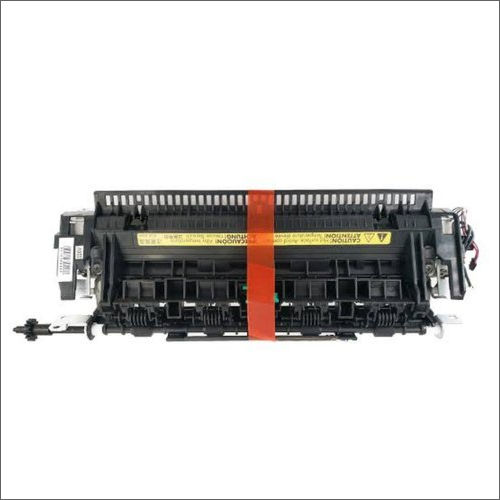
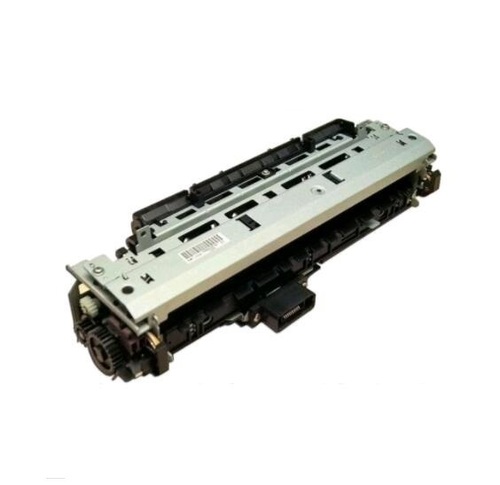
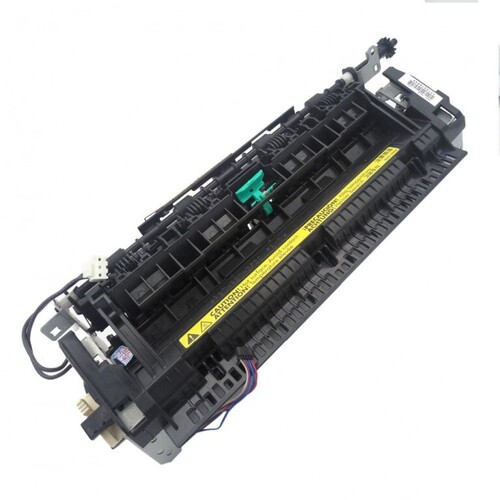
Fuser Assembly-FuserUnit- Fuser FixingUnit-FuserUnit/ Fixing Assembly
High Performance and DurabilityBuilt for sustained use, this fuser unit handles up to 100,000 prints, delivering excellent reliability. The combination of engineered polymer and metal boosts heat resistance, ensuring consistent fusing results. Its standard OEM size and design make it an optimal replacement for Brother DCP-L2520d and DCP-L2541dw printers.
Easy Installation and ReplacabilityInstallation is simple, thanks to the unit's OEM-equivalent specifications and clear fit on the rear-side paper path of compatible printers. With replaceable parts and boxed protective packaging, maintenance is straightforward and secure, minimizing printer downtime during replacement.
Safe Storage and OperationFor best performance, store the fuser unit in a cool, dry location, away from sunlight. It operates efficiently between 10C to 32.5C and maintains a noise level below 55 dB(A), contributing to a comfortable work environment. Integrated with the printer's power source, it requires no separate connectivity.
FAQ's of Fuser Unit For Brother DCP- L2520d / DCP-L2541dw:
Q: How do I install the fuser unit in my Brother DCP-L2520d or DCP-L2541dw printer?
A: To install the fuser unit, first turn off and unplug your printer. Access the rear side paper path, remove the old unit by loosening any screws or latches, and gently slide in the new fuser unit. Reattach any fasteners and ensure the unit aligns with your printer's OEM specifications. Refer to your printer's user manual for specific guidance.
Q: What is the expected lifespan of this fuser unit and under what conditions?
A: This fuser unit is engineered to last for approximately 100,000 pages when operated under standard temperature conditions (10C to 32.5C) and within recommended printer settings. Using compatible paper sizes such as A4, Letter, and Legal ensures optimal longevity.
Q: When should I consider replacing the fuser unit in my Brother printer?
A: Replace the fuser unit when your printer displays a fuser error or your prints show signs of poor fusing, such as toner smudging or incomplete bonding to the paper. Always observe your printer's maintenance alerts and page count recommendations.
Q: Where is the fuser unit located in the printer?
A: The fuser unit is installed on the rear side of the printer's paper path. Accessing this area allows efficient removal and installation of the replacement unit for Brother DCP-L2520d/DCP-L2541dw models.
Q: What are the benefits of using this OEM-equivalent fuser unit?
A: This unit ensures reliable performance, high durability, and consistent print quality. Its engineered materials and precise fit provide dependable operation, easy installation, and seamless compatibility with Brother laser printers, reducing machine downtime.
Q: How should I store a spare fuser unit if not installing it immediately?
A: Store the fuser unit in a cool, dry place away from direct sunlight and moisture. Keeping it in its original boxed packaging with protective foam helps prevent physical damage and exposure to environmental factors.
Q: Is this fuser unit compatible with other Brother printer models or just the DCP-L2520d/DCP-L2541dw?
A: This specific fuser unit is designed for use in Brother DCP-L2520d and DCP-L2541dw models. Using it in other printers is not recommended, as compatibility and proper function cannot be guaranteed.



 जांच भेजें





 जांच भेजें
 जांच भेजें
 एसएमएस भेजें


 English
 Spanish
 French
 German
 Italian
 Chinese (Simplified)
 Japanese
 Korean
 Arabic
 Portuguese