Product Description
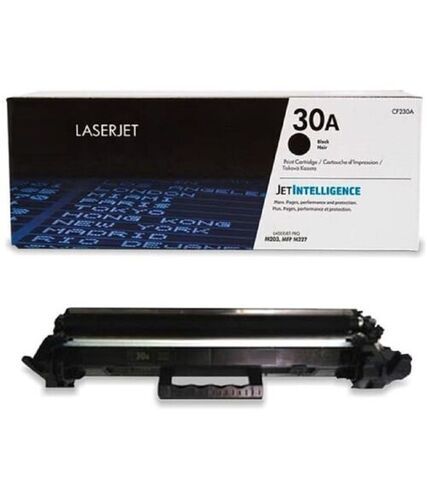
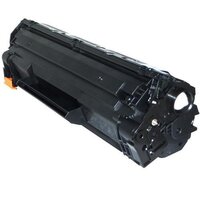
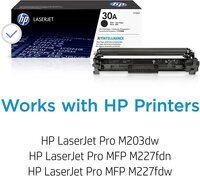
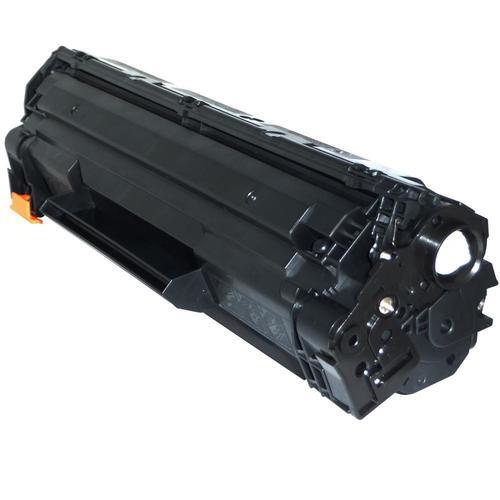
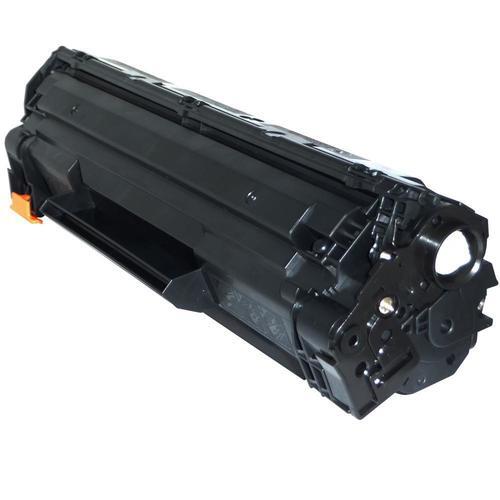
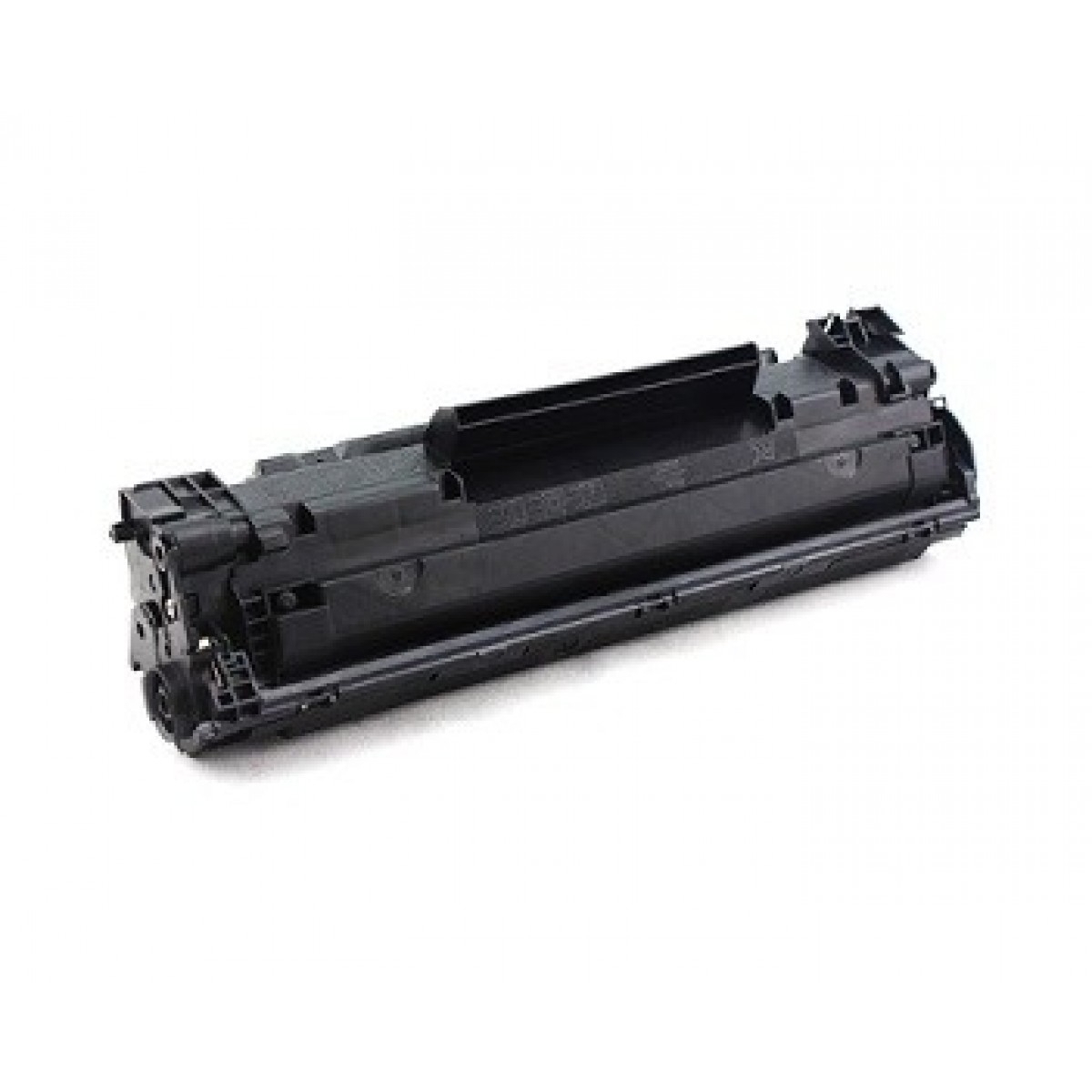
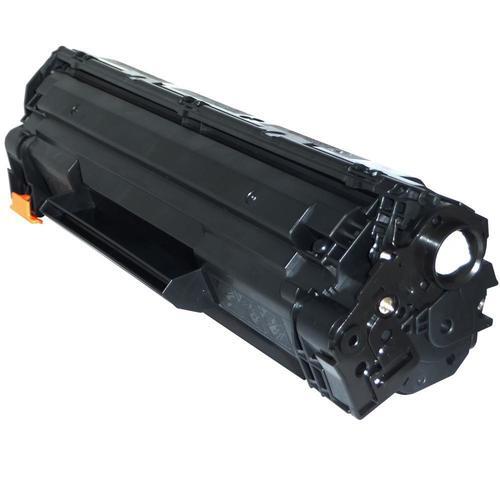
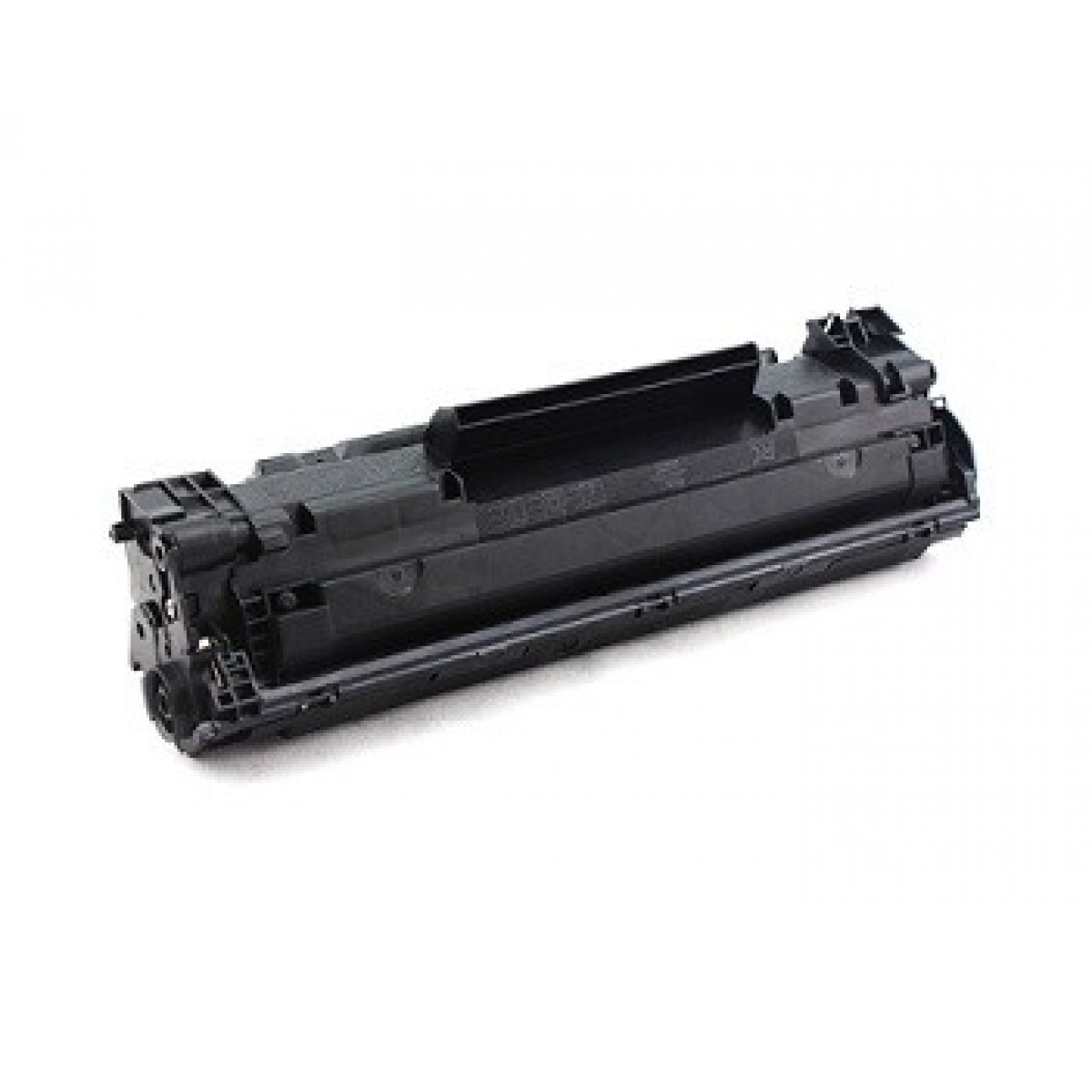
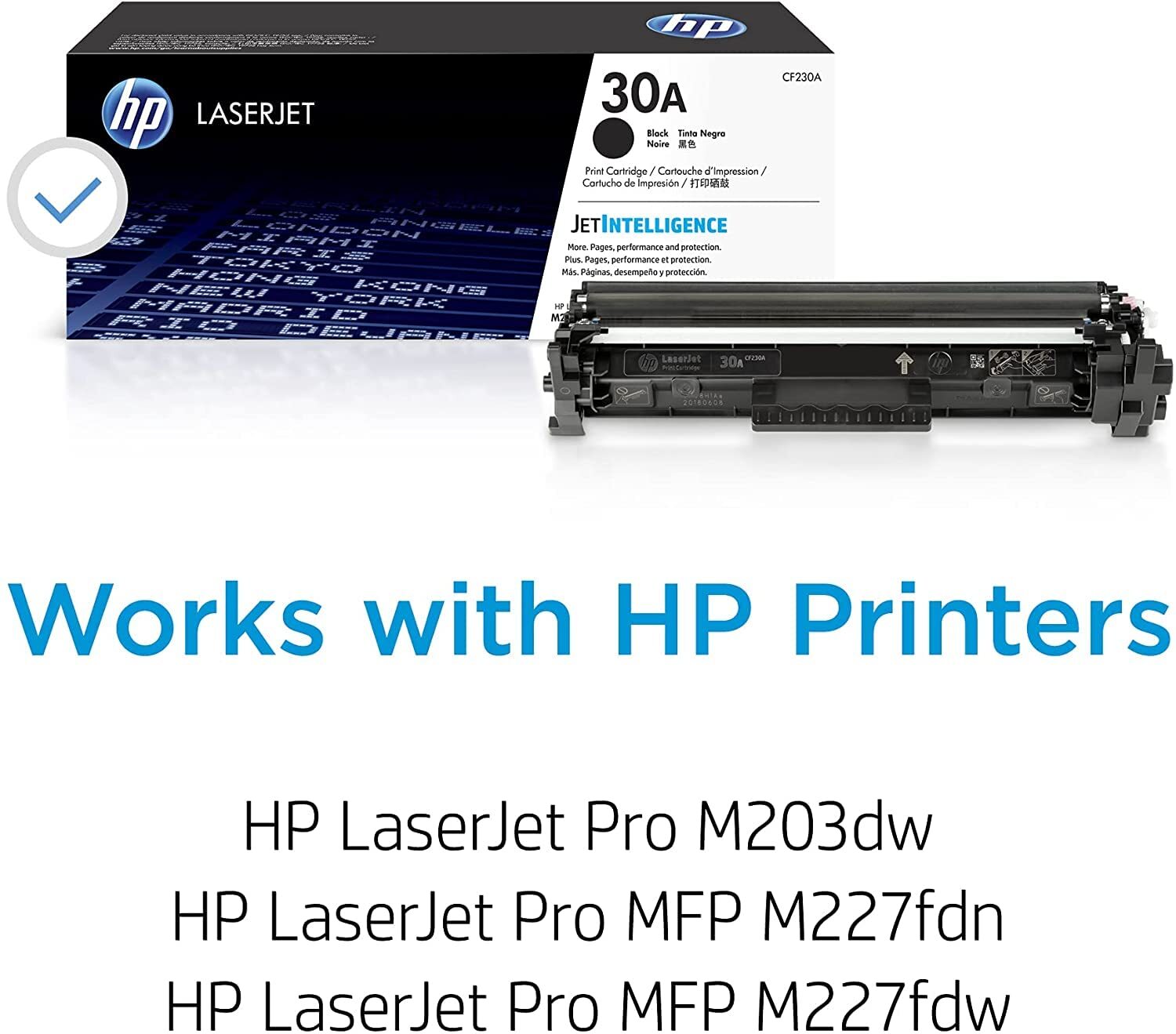
HP 30A Black Original LaserJet Toner Cartridge
Specification
| Model | 30A |
| Brand | HP |
| Color | Black |
| Usage/Application | Printer |
| Technology | Laser |
| Page Yield | 1600 Pages |
| Cartridge Color | Black |
| Operating Temperature Range | 15 to 32.5 deg C |
| Storage Temperature Range | -20 to 40 deg C |
| Operating Humidity Range | 20 to 80% RH |
| Non Operating Humidity Range | 0 to 95% RH |
| Hardware Compatibility | HP LaserJet Pro M203 Printers,HP LaserJet Pro MFP M227 |
| Dimensions Without Stand | 358 x 108 x 135 mm (W x D x H) |
| Minimum Dimensions | 14.09 x 4.25 x 5.3 inch (W x D x H) |
| Package Weight | 0.49 Kg |
| Weight | 0.27 Kg |
| Sku | CF230A |
Optimized for HP LaserJet Pro SeriesExperience consistently sharp and bold black prints with the HP 30A Toner Cartridge, specifically designed for HP LaserJet Pro M203 and M227 series. It ensures your device operates smoothly, with fewer interruptions, delivering professional results every time you print.
Advanced JetIntelligence TechnologyThe HP 30A cartridge features JetIntelligence, which enhances printer efficiency by managing toner usage intelligently. This technology delivers outstanding output quality while maximizing page yield, making it a cost-effective solution for users seeking reliability and performance.
FAQ's of HP 30A Black Original LaserJet Toner Cartridge:
Q: How do I install the HP 30A Black Toner Cartridge in my printer?
A: To install the HP 30A Black Toner Cartridge, open your HP LaserJet Pro M203 or M227 printer's toner access panel, remove the old cartridge, and carefully insert the new cartridge into the designated slot. Close the panel securely and follow any on-screen prompts to complete installation.
Q: What is the benefit of JetIntelligence technology in this toner cartridge?
A: JetIntelligence technology provides improved print efficiency and sharper text by intelligently managing toner usage. This results in higher page yields, precise output, and reliable performance from the very first page to the last.
Q: When should I replace my HP 30A toner cartridge?
A: You should replace your HP 30A toner cartridge when your printer displays a low- or empty-toner warning, or you notice a decline in print quality, such as faded or streaky prints. Prompt replacement ensures continued high-quality output and protects your printer's longevity.
Q: Where can I purchase original HP 30A toner cartridges in India?
A: Original HP 30A toner cartridges can be purchased from authorized HP distributors, suppliers, or traders across India. Be sure to buy from reputable sellers to ensure you receive a genuine product backed by HP's warranty.
Q: What storage conditions are recommended for the HP 30A toner cartridge?
A: To preserve the quality and longevity of your HP 30A toner cartridge, store it in a cool, dry place away from direct sunlight and heat sources. Proper storage helps maintain consistent print performance whenever you use the cartridge.
Q: How does using an original HP toner benefit my printer?
A: Using a genuine HP 30A toner cartridge ensures compatibility with LaserJet Pro printers, providing optimal print quality and minimizing the risk of printer damage. Original supplies help maintain warranties and reduce the frequency of maintenance or repairs.



 Send Inquiry





 Send Inquiry
 Send Inquiry
 Send SMS


 English
 Spanish
 French
 German
 Italian
 Chinese (Simplified)
 Japanese
 Korean
 Arabic
 Portuguese