Product Description
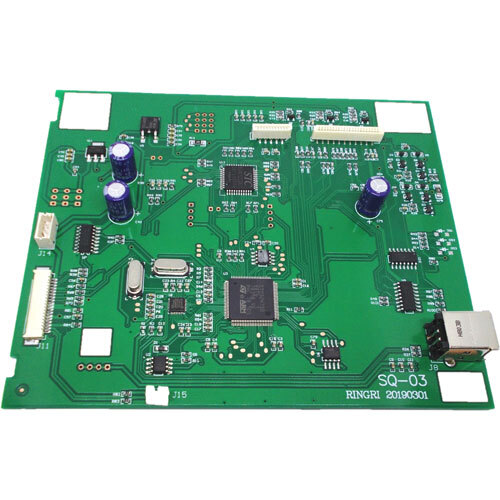
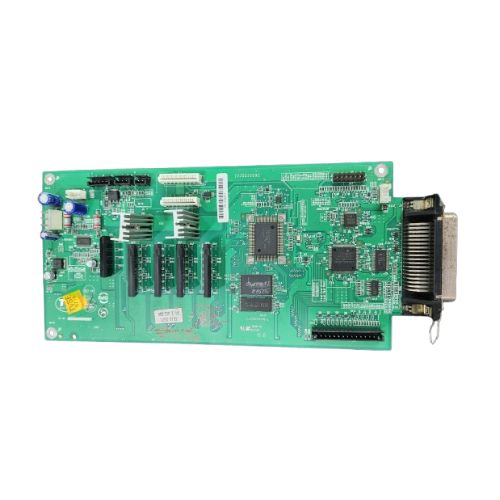
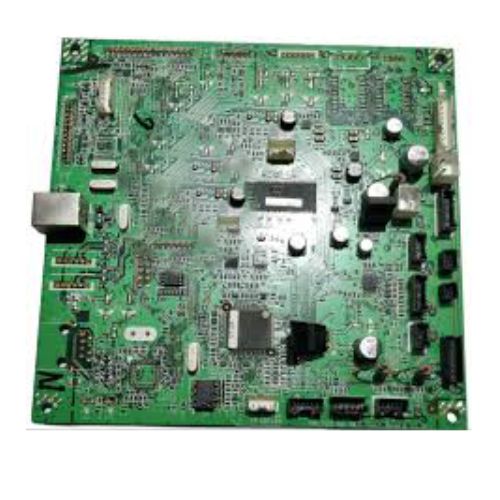
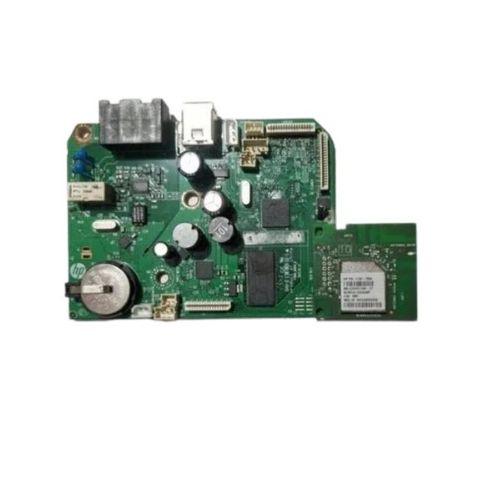
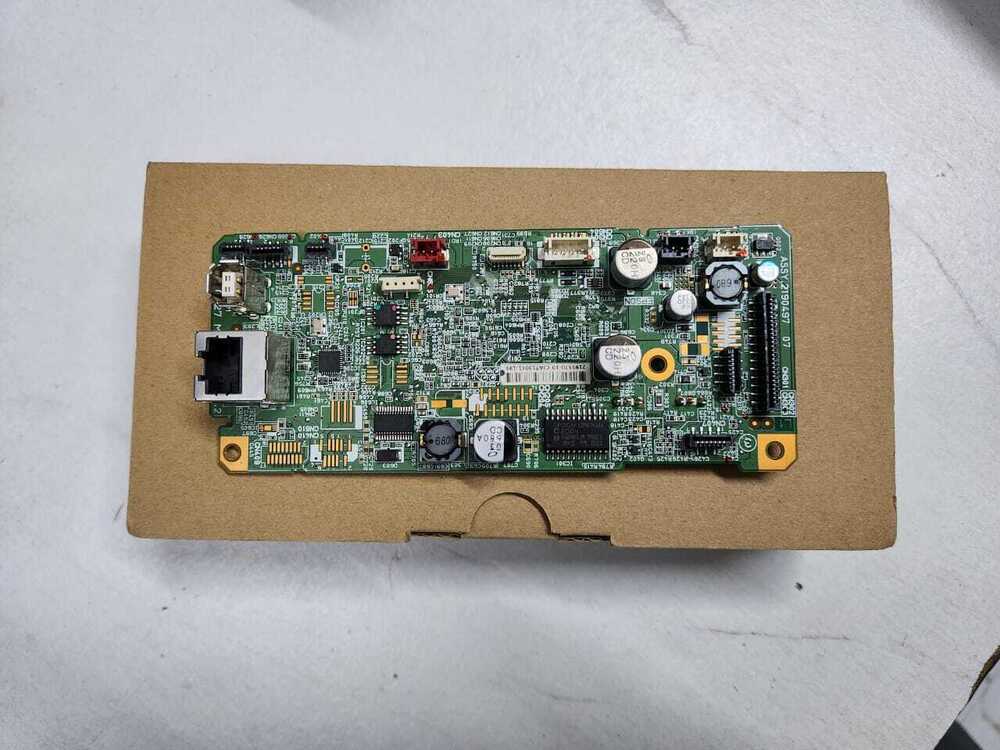
This popular HP LaserJet Printer Logic Card is a hot deal for businesses and individuals who seek sterling performance. Specifically designed for HP LaserJet 1010 and 1022N models, the logic card flaunts a durable, enviable green circuit pattern and prime compatibility with HP machines. It is powered via internal printer sources and uses reliable wired connectivity for seamless operation. Supplied in a standard size, it leverages laser print technology for optimum efficiency. Grab yours now from a trusted distributor, supplier, or trader in Angola-lead time depends on product availability. Store in a dry, secure environment for best longevity.
Versatile Use and Sterling Machine Features
This Printer Logic Card is used as a core replacement part for HP LaserJet 1010 and 1022N models. Renowned for its prime reliability and general-use compatibility, it ensures flawless performance within your laser printer. The green, circuit-printed design reflects its enviable engineering and robust construction. Designed to restore the printer's full functionality, this logic card supports various general and specific applications, making it a popular choice among HP users seeking essential hardware upgrades.
FOB Port Details, Market Coverage, and Payment Terms
The Printer Logic Card HP LaserJet 1010 HP LaserJet 1022N is available for dispatching from prime FOB ports with reach across the main domestic market in Angola. Purchase order placement is straightforward, and expenditure efficiency is prioritized for bulk orders. Accepted payment terms are reliable and flexible, supporting smooth procurement for distributors and individual buyers alike. Secure your transaction to grab this hot deal and expedite business operations with fast and responsible product delivery.
FAQ's of Printer Logic Card HP LaserJet 1010 HP LaserJet 1022N:
Q: How do I install the HP LaserJet 1010/1022N Printer Logic Card?
A: To install, power off your printer, remove the existing logic card, and carefully slot the new HP Logic Card into the designated area. Follow the printer manual for specific steps.
Q: What are the benefits of using this logic card in my HP printer?
A: The logic card restores or enhances your printer's functionality, ensuring sterling print quality and seamless operation for both specific and general uses.
Q: When should the Printer Logic Card be replaced?
A: Replace the logic card if your printer experiences frequent errors, fails to boot, or shows persistent hardware malfunctions and you've ruled out simpler fixes.
Q: Where should the logic card be stored before usage?
A: Store the logic card in a dry, safe environment to protect the circuitry from dust, moisture, and static damage before installation.
Q: What is the process for procurement and dispatching the logic card in Angola?
A: Place a purchase order with your chosen distributor or supplier. Once the order is received, dispatching is arranged via Angola's main domestic market and prime FOB ports.



 Send Inquiry





 Send Inquiry
 Send Inquiry
 Send SMS


 English
 Spanish
 French
 German
 Italian
 Chinese (Simplified)
 Japanese
 Korean
 Arabic
 Portuguese