Product Description
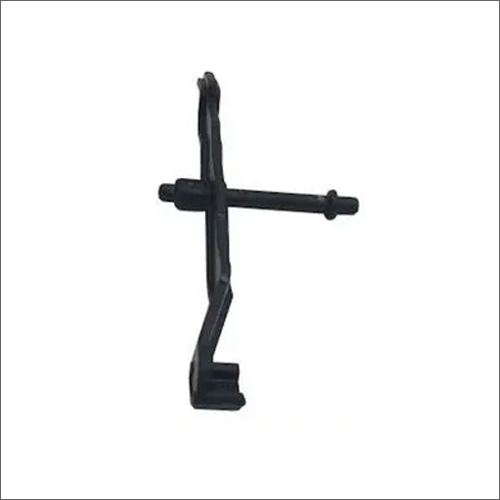
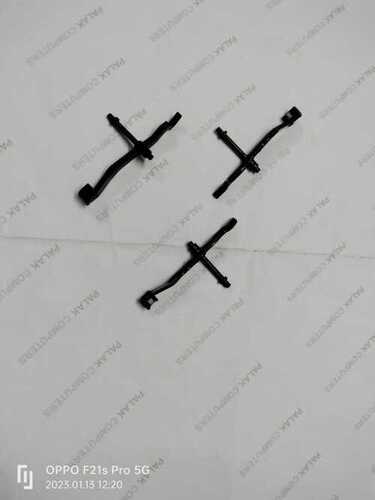
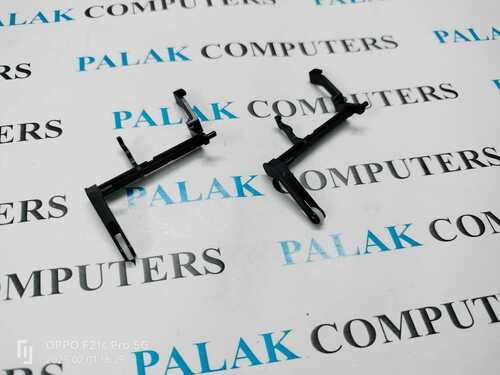
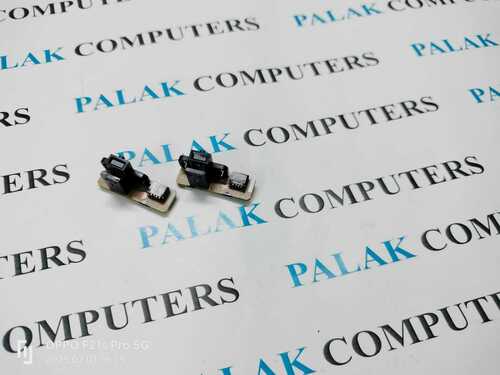
HP Laserjet Printer Toner Lever Sensor
HP Laserjet Printer Toner Lever Sensor is a universally designed spare part that is compatible with various types of inkjet printers. It is designed with high precision and accuracy that makes it free from manufacturing flaws. The body of this tool is provided with a paint coat that helps in the prevention of rust and corrosion. Get HP Laserjet Printer Toner Lever Sensor from us with a supply ability of 1000 pieces per month.
Reliable Toner Level DetectionEnsure uninterrupted printing with the HP Laserjet Printer Toner Lever Sensor, which reliably monitors toner status in your printer. Designed for accuracy, it helps prevent print interruptions and maintains optimal print quality, ensuring that you always know when toner is running low.
Durable Construction for Long LifeBuilt from premium plastic and metal, this sensor features strong resistance to moisture and corrosion. Its OEM design guarantees compatibility and performance, while the robust construction promises up to 100,000 cycles of dependable operation, making it ideal for high-volume print environments.
Simple and Fast InstallationInstallation is straightforward with the screw mount design-no complicated tools required. The sensor is sized for easy handling and fits seamlessly into compatible HP LaserJet printers. With a standard lead time of 1-2 days, you can quickly get your printer back in action.
FAQ's of HP Laserjet Printer Toner Lever Sensor:
Q: How is the HP Laserjet Toner Lever Sensor installed in my printer?
A: The toner lever sensor features a screw mount design for easy installation. Simply turn off and unplug your HP LaserJet printer, locate the old sensor, remove it, and secure the new sensor using the designated screws. Refer to your printer's service manual for specific installation steps.
Q: What are the benefits of using an OEM replacement sensor for my HP LaserJet printer?
A: An OEM replacement sensor ensures precise toner level detection, optimal performance, and seamless compatibility with your specific HP LaserJet model. This reduces the likelihood of print interruptions and extends the life of your device.
Q: When should I consider replacing the toner lever sensor in my printer?
A: Replace the sensor if your printer displays inaccurate toner readings, fails to detect low toner, or if the sensor has reached its lifespan of up to 100,000 cycles. Regular checks during maintenance can prevent unexpected print issues.
Q: Where can I find compatibility information for my HP LaserJet model?
A: Compatibility details are typically available in your printer's user manual or by checking the model reference list provided by the sensor's distributor, supplier, or on HP's official support website.
Q: What is the recommended environment for storing the toner lever sensor before installation?
A: Store the sensor in a dry, dust-free environment to maintain its durability and high performance. Avoid extreme temperatures and moisture to prevent any damage prior to installation.
Q: How does this sensor withstand challenging conditions within the printer?
A: Made with anti-corrosive plastic and metal, the sensor resists moisture and operates reliably within a temperature range of 0C to 50C, providing consistent performance even in demanding environments.



 Send Inquiry





 Send Inquiry
 Send Inquiry
 Send SMS


 English
 Spanish
 French
 German
 Italian
 Chinese (Simplified)
 Japanese
 Korean
 Arabic
 Portuguese