Product Description
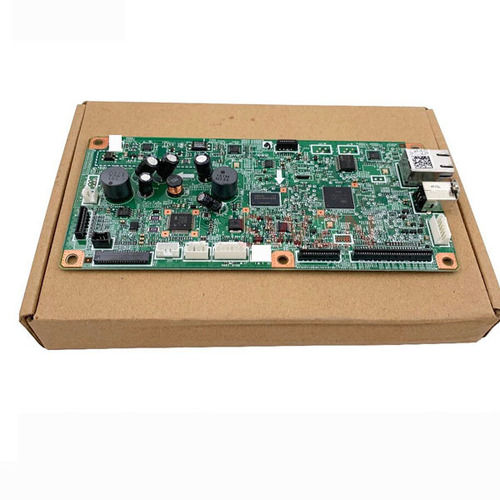
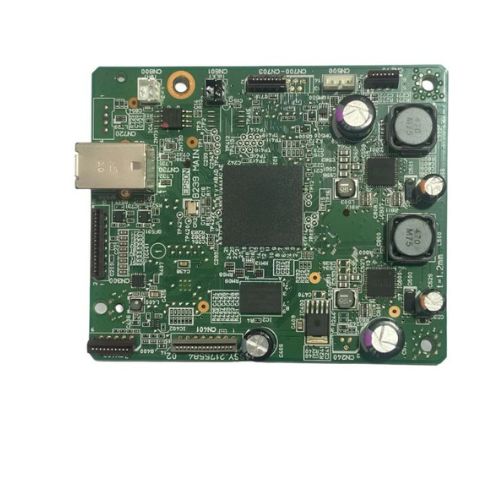
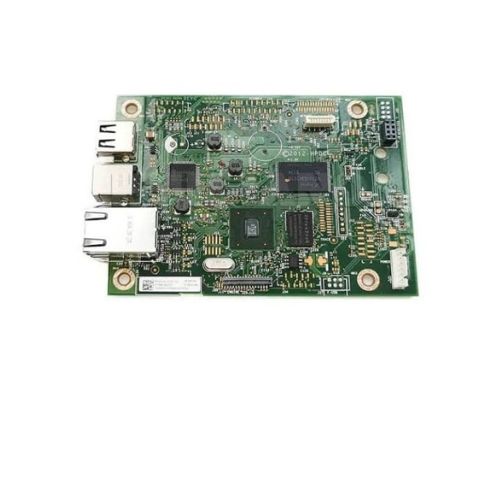
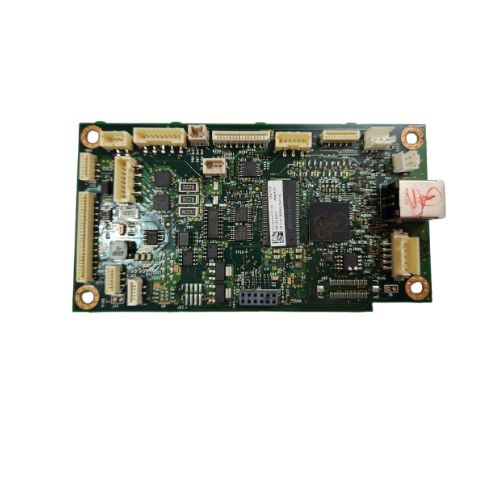
Ensure your Konica Minolta PagePro 1500W laser printer functions smoothly with this original Formatter Board / Logic Card. This is the main control board responsible for processing print data, USB communication, and internal printer functions.Perfect for printer technicians or users in need of a cost-effective repair part. Pulled from working units and quality-tested for dependable performance.
Compatible Konica Minolta Model:
- Konica Minolta Page Pro1500 w
- Konica Minolta 1500W / 1500
________________________________________________
Part Numbers :
________________________________________________
Also Known As:
- Formatter Card / LogicBoard / Main PCB Board / Motherboard / MPCA / MLC
________________________________________________
Product Condition:
-
Refurbished Original / Pulled Original / Working Original
-
Professionally cleaned, tested, and fully functional
-
14 Days Replacement Warranty
Reliable Printer ComponentThis Logic Card / Formatter Board is engineered for solid performance within Konica Minolta PagePro 1500W printers. Its high-grade materials and attentive design make it an essential part for achieving steady and accurate print jobs, crucial for both office and professional environments.
Proper Storage and HandlingTo ensure optimal functioning and lifespan, the board should be kept in a dry place, away from moisture. Manual operation allows for straightforward maintenance and handling, reducing the chances of accidental damage during installation or use.
Quality You Can TrustDistributors and traders across India value the consistent quality and reliability this formatter board provides. Built for durability, it supports uninterrupted usage, making it an excellent choice for busy offices and print service providers seeking dependable solutions.
FAQ's of Konica Minolta PagePro 1500W Logic Card / Formatter Board:
Q: How do I install the Konica Minolta PagePro 1500W Logic Card in my printer?
A: To install the logic card, ensure your printer is powered off and unplugged. Open the main processor compartment, carefully align the board with the designated slot, and gently secure it manually. Always consult the printer's manual for model-specific guidance.
Q: What benefits does this formatter board provide to my PagePro 1500W printer?
A: Using this high-quality formatter board ensures stable processing, accurate data transmission, and reliable printouts. It helps improve your printer's performance and reduces downtime due to component failures.
Q: When should I replace the logic card in my printer?
A: Consider replacement if your printer shows persistent errors, fails to initialize, or exhibits communication issues. Regular checks can help catch issues early, ensuring consistent printing performance.
Q: Where should I store a spare Logic Card / Formatter Board?
A: Spare logic cards should be stored in a dry, dust-free environment, away from moisture and potential contaminants. This precaution prolongs their usable life and prevents corrosion or electrical issues.
Q: What is the process for maintaining this logic card to ensure longevity?
A: Handle the board with clean, dry hands and avoid touching electrical contacts. Store it safely when not in use, and inspect for dust or residue before installation to maintain optimal performance.
Q: How can distributors and suppliers in India benefit from stocking this formatter board?
A: Stocking this reliable, high-quality component allows distributors and suppliers to fulfill service requests swiftly, supporting customers who need quick printer repairs and maintaining a reputation for dependable product offerings.


 Send Inquiry





 Send Inquiry
 Send Inquiry
 Send SMS


 English
 Spanish
 French
 German
 Italian
 Chinese (Simplified)
 Japanese
 Korean
 Arabic
 Portuguese