Product Description
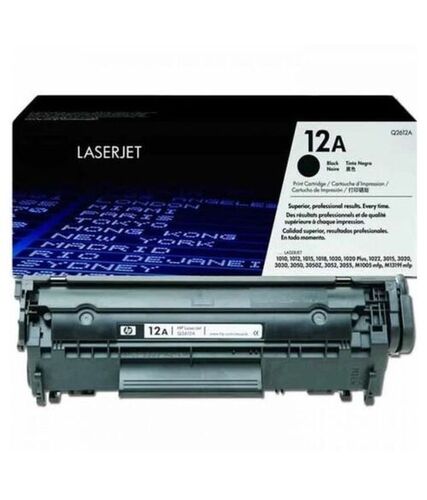
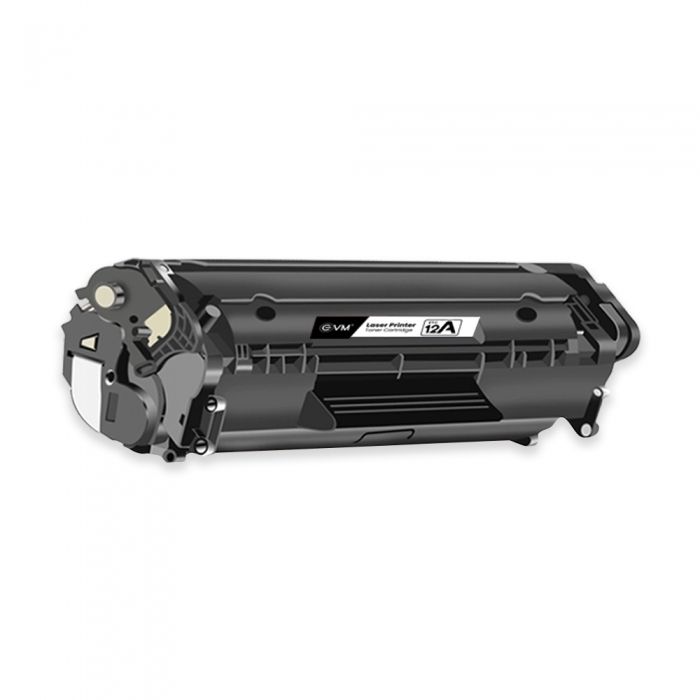
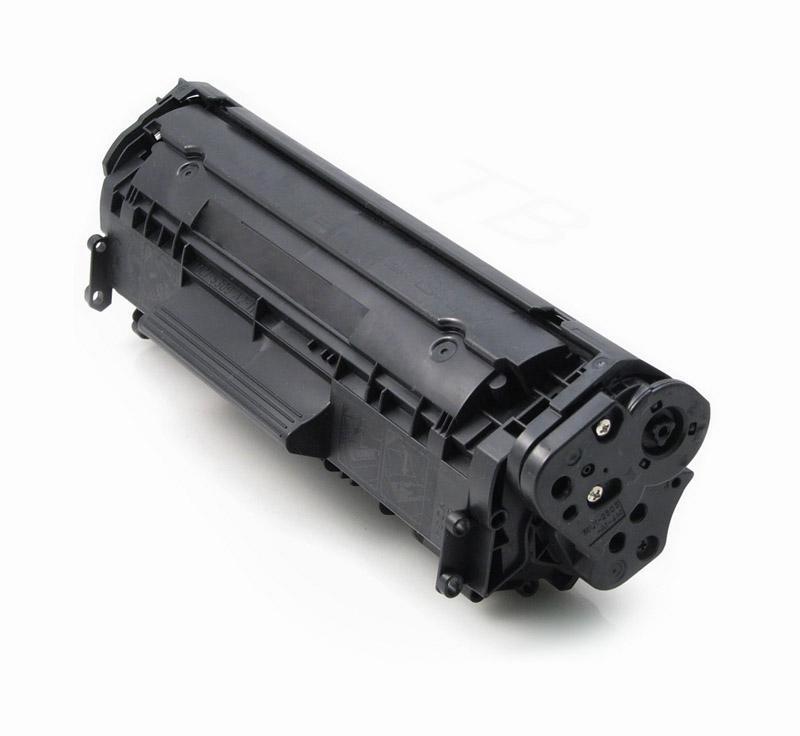
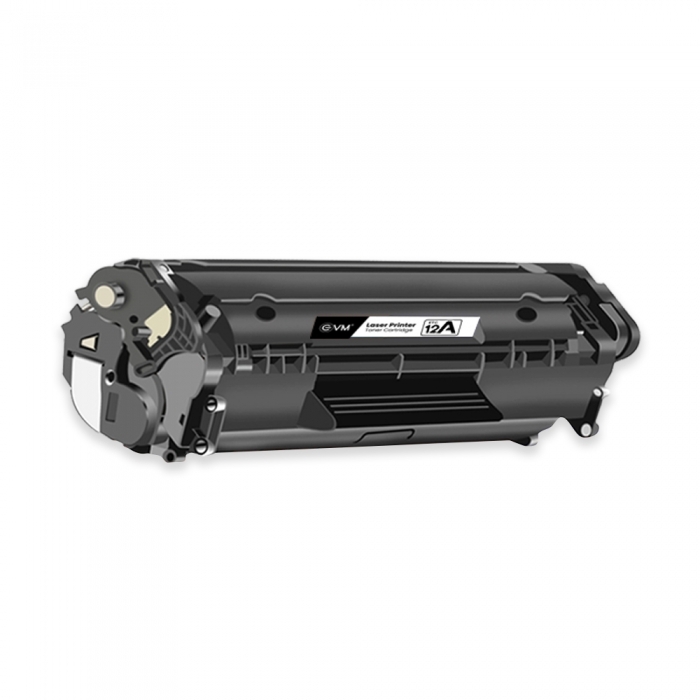
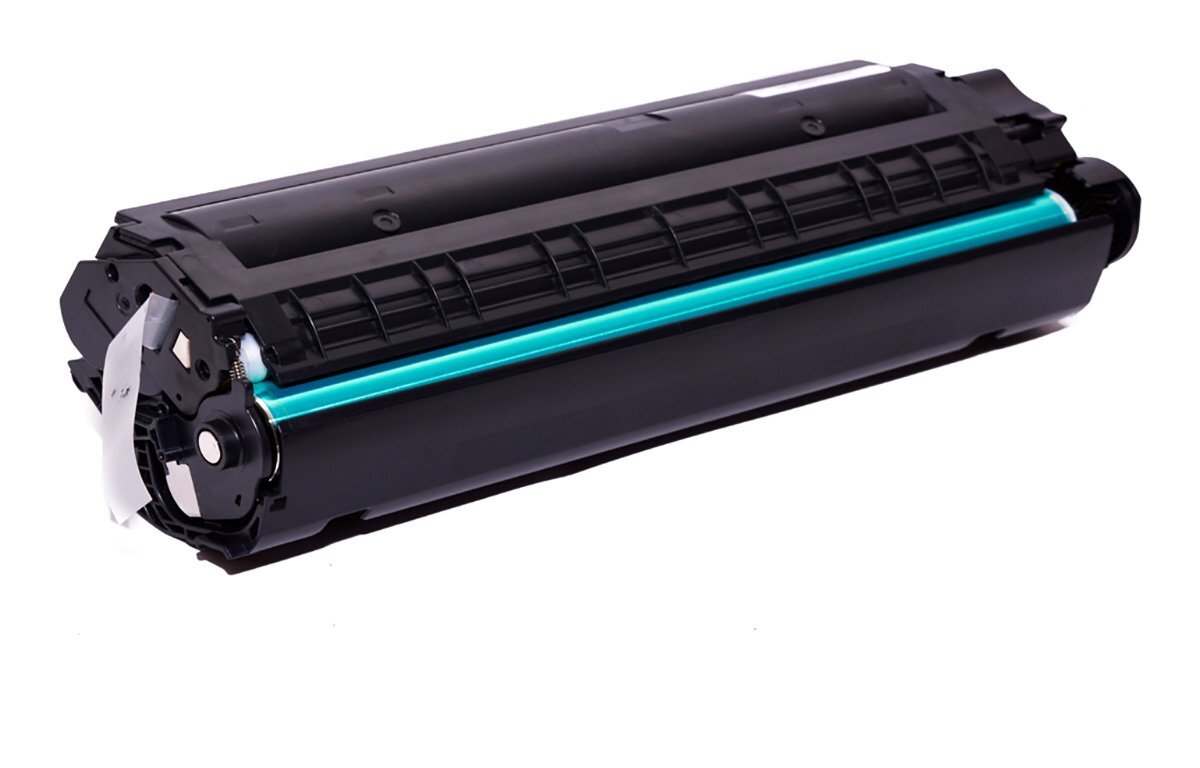
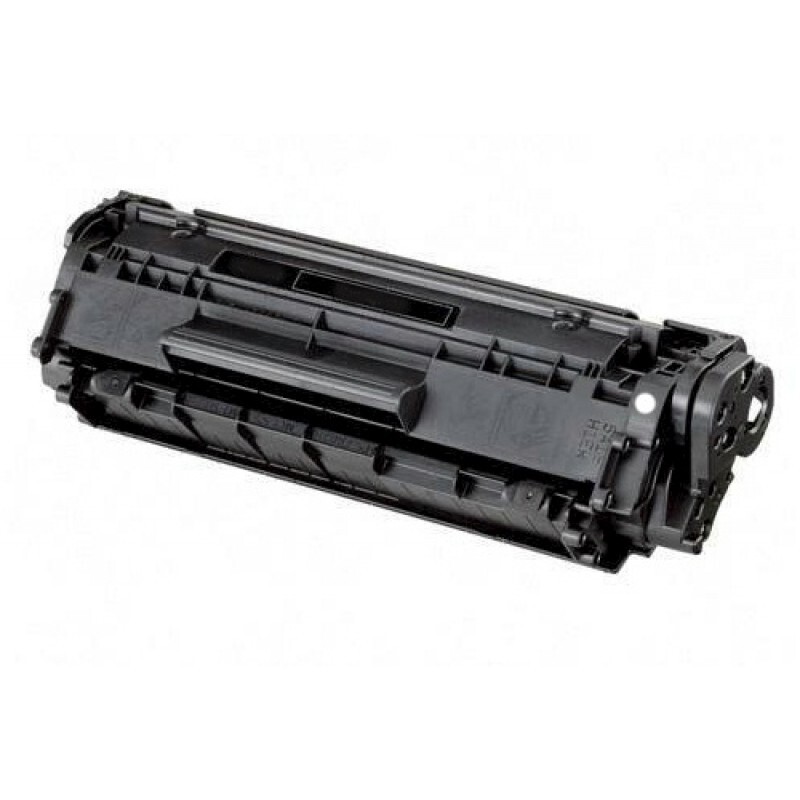
Laser Toner Cartridge 12A Black Q2612A Compatible For HP LaserJet 1010 1020 M1005 Canon LBP 2900B Printer
Specification
|
Model Name/Number
|
HP 12A Black Original LaserJet Toner Cartridge
|
|
Brand
|
HP
|
|
Color
|
Black
|
|
Compatible With
|
HP LaserJet 1010, 1012, 1015, 1018, 1020, 1020 Plus Printers, LaserJet 1022 Printer Series
|
|
Product Type
|
LASER TONER CARTRIDGE
|
|
Usage/Application
|
Laser Printer
|
|
Technology
|
toner
|
|
Form
|
new
|
|
Cartridges Status
|
Full
|
|
Minimum Order Quantity
|
2
|
Precision and CompatibilityThis toner cartridge guarantees sharp black text and clear images, supporting consistent printing for various applications. It is fully compatible with HP LaserJet models including 1010, 1012, 1015, 1020, 1022, 3015, 3020, 3030, 3050, 3052, and 3055. Its design allows seamless integration, reducing printer downtime and enhancing overall output quality.
Sustainability and PerformanceManufactured using up to 70% recycled materials, the cartridge is an environmentally conscious option. With a robust yield capacity and smudge-resistant toner powder, users experience excellent print outcomes while contributing toward reduced environmental impact.
FAQ's of Laser Toner Cartridge 12A Black:
Q: How do I install the Laser Toner Cartridge 12A Black in my HP printer?
A: To install the 12A (Q2612A) toner cartridge, turn off your HP LaserJet printer, open the toner access panel, remove the old cartridge, and insert the new cartridge securely. Close the panel and power on the printer to begin printing immediately.
Q: What printers are compatible with the 12A (Q2612A) toner cartridge?
A: This cartridge is compatible with several HP LaserJet printers including models 1010, 1012, 1015, 1020, 1022, 3015, 3020, 3030, 3050, 3052, and 3055, ensuring versatility for office, home, and commercial setups.
Q: When should I replace the Laser Toner Cartridge 12A Black?
A: Replace the cartridge when your printer displays a 'Low Toner' alert, or when your printed pages begin to show consistent fading, streaking, or reduced quality, typically after printing up to 2,000 pages.
Q: Where should I store unused toner cartridges for optimal shelf life?
A: Store unused toner cartridges in their original box, in a cool and dry place within the operating temperature range of 10C to 32.5C. Proper storage can help maintain print quality and extend shelf life up to 24 months.
Q: What are the benefits of using this compatible replacement toner cartridge?
A: Users benefit from sharp text, vivid images, high page yield, easy installation, and smudge-free prints. Additionally, the cartridge incorporates recycled materials, providing an environmentally responsible print solution.
Q: How can I ensure optimal print quality with the 12A (Q2612A) toner cartridge?
A: For best results, use the cartridge with compatible HP laser printers and appropriate paper sizes (A4 or Letter). Ensure your printer is in good condition, and follow recommended storage and handling instructions.
Q: Does the 12A Black toner cartridge offer fast printing speeds?
A: Yes, printing speeds can reach up to 15 pages per minute depending on your HP LaserJet printer model, facilitating efficient output for daily office or home printing needs.



 Send Inquiry





 Send Inquiry
 Send Inquiry
 Send SMS


 English
 Spanish
 French
 German
 Italian
 Chinese (Simplified)
 Japanese
 Korean
 Arabic
 Portuguese