Product Description
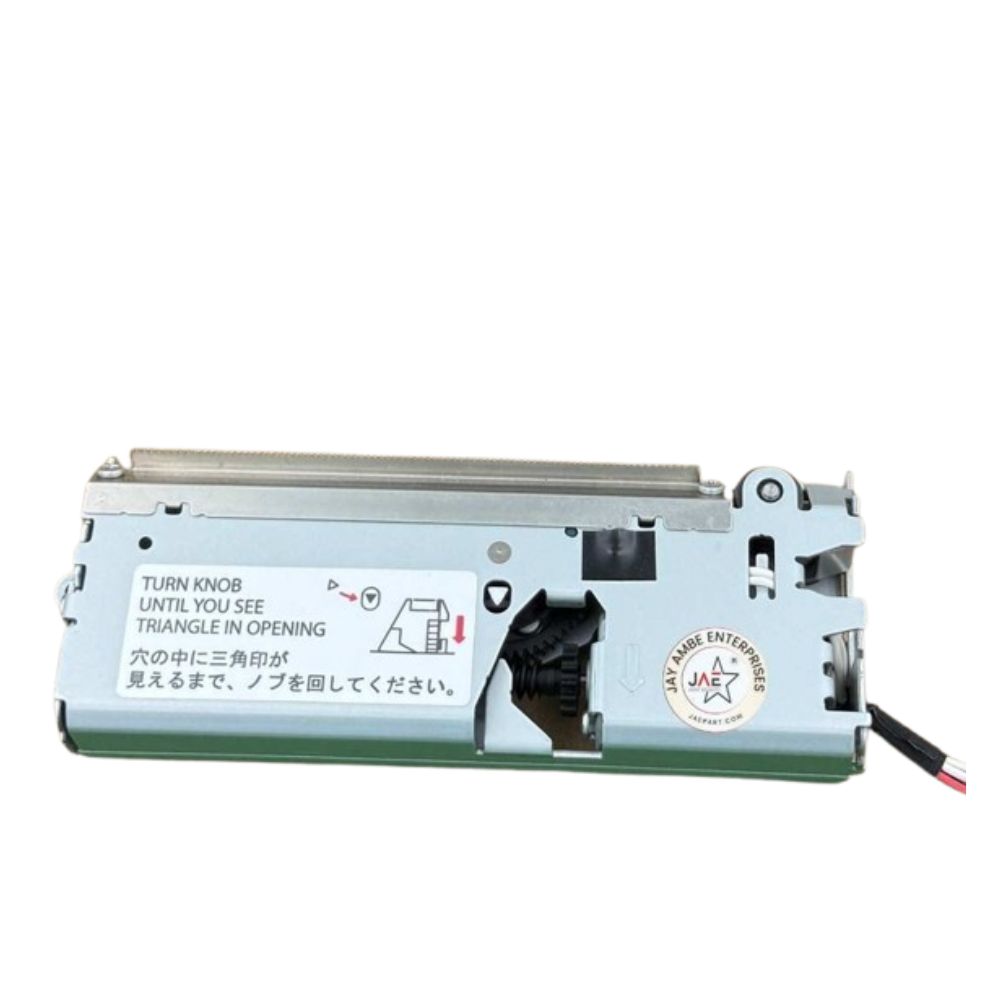
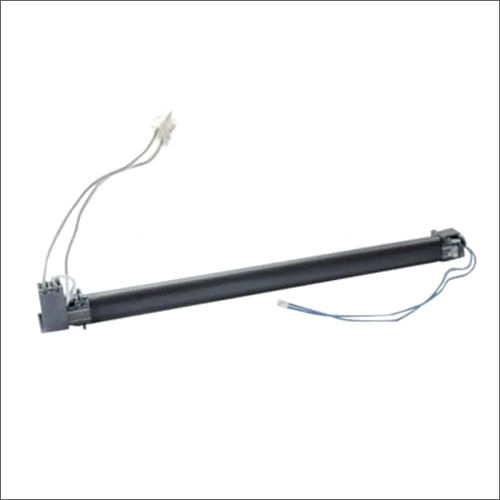
PAPER CUTTER AUTO CUTTER FOR EPSON TM-T88V / TM88 THERMAL POS RECEIPT PRINTER (1 1546006/ 1521478/ 1072689I/ 1691574)
EPSON T885/ TM-T88V/
TM-T86L/ TM-T88III/ TM88II/ TM-T88iv/ TM-T885/ TM-T88V/ 82iii/ 20ii
: Automatic Paper Cutter/ CUTTER/ AUTO CUTTER/ PRINTER PAPER CUTTER/ PAPER CUTTER
Effortless and Reliable CuttingExperience crisp, consistent cuts with the manual Paper Cutter Auto Cutter made specifically for EPSON TM-T88V and TM88 printers. Its robust construction ensures longevity and dependable performance, making transaction processes more efficient. A simple yet effective tool, this cutter fits seamlessly with your existing POS setup.
Solid Construction for Daily UseCrafted from high-quality silver material, this auto cutter is both durable and visually appealing. Its solid pattern guarantees resistance to daily wear and tear, while the manual power source eliminates dependency on electricity, ensuring uninterrupted operations. Store the cutter in a dry place to maintain its excellent quality over time.
FAQ's of PAPER CUTTER AUTO CUTTER FOR EPSON TM-T88V / TM88 THERMAL POS RECEIPT PRINTER:
Q: How does the Paper Cutter Auto Cutter work with the EPSON TM-T88V/TM88 printer?
A: The Paper Cutter Auto Cutter attaches easily to EPSON TM-T88V and TM88 thermal POS receipt printers, allowing users to manually cut each receipt after printing. It offers a clean, straight cut with little effort, streamlining the receipt handling process.
Q: What are the primary benefits of using this manual paper cutter?
A: Using this paper cutter boosts efficiency by providing precise cuts, reducing paper jams, and minimizing downtime. Its manual operation is reliable and ensures that receipt preparation remains swift, even during busy shifts or power outages.
Q: When should I consider replacing the Paper Cutter Auto Cutter?
A: Replacement is recommended if you notice irregular cuts, increased effort when operating, or visible wear and tear on the blade. Regular maintenance and proper storage in a dry place will extend its lifespan.
Q: Where can this auto cutter be used?
A: This cutter is ideal for use in retail stores, restaurants, and any business utilizing EPSON TM-T88V or TM88 thermal POS printers. Its compatibility and robust build make it suitable for a range of environments.
Q: What is the installation process for the auto cutter?
A: Installation involves attaching the cutter securely to the designated area on your printer following the provided instructions. No special tools or technical expertise are required, making the process straightforward and quick.
Q: How should the paper cutter be maintained and stored?
A: For optimal performance and longer lifespan, keep the cutter dry and free from moisture. Store it in a designated dry place when not in use, and regularly check for any accumulation of paper residue.



 Send Inquiry





 Send Inquiry
 Send Inquiry
 Send SMS


 English
 Spanish
 French
 German
 Italian
 Chinese (Simplified)
 Japanese
 Korean
 Arabic
 Portuguese