Product Description
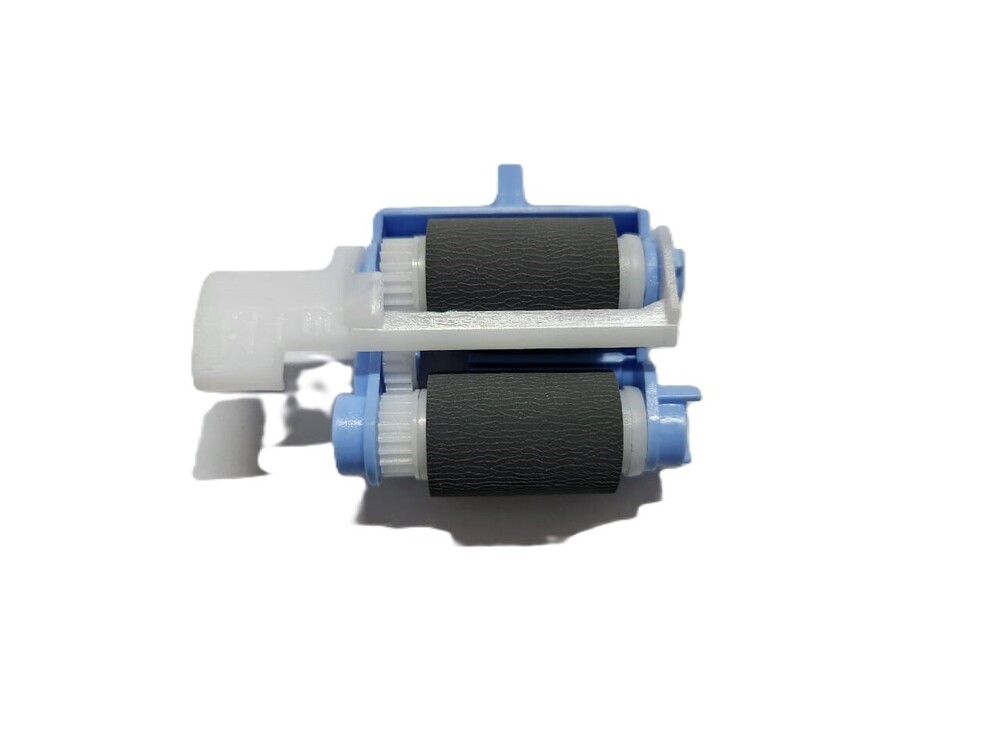
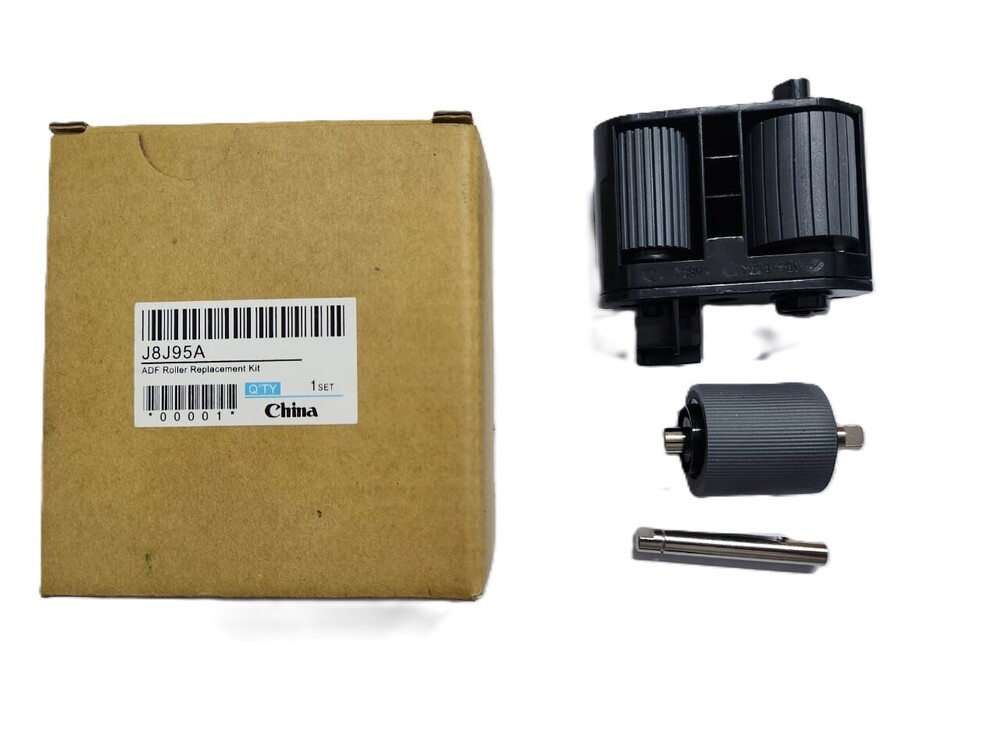
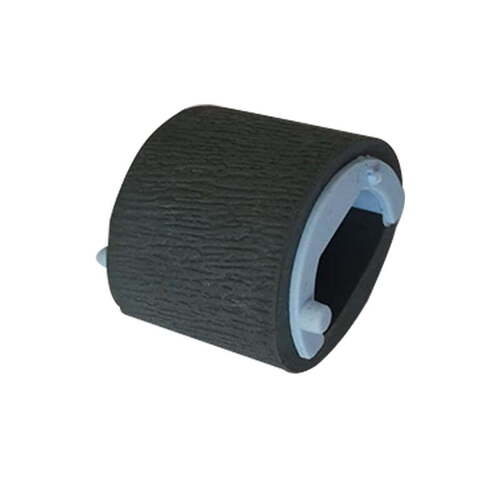
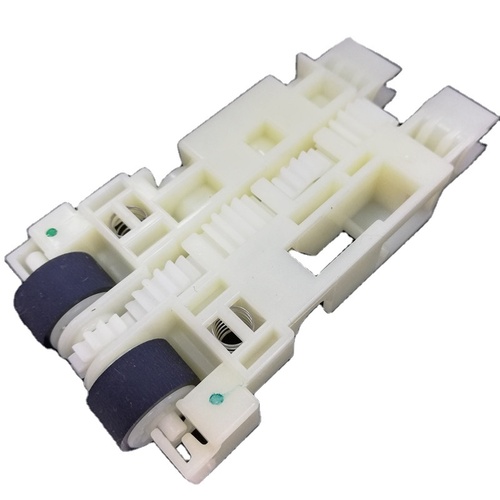
Paper Pickup Roller Tray 2
HP LaserJet Pro M501DN
M506DN M527DN M507DN M528DN (RM2-5741
RC4-4346)
FOR USE IN (MINIMUM QTY 10PCS)
Paper Pickup Roller Tray 2
HP LaserJet Pro M501DN
M506DN M527DN M507DN M528DN (RM2-5741
RC4-4346)
COMPATIBLE MODEL - HP LaserJet Enterprise M501/ M501DN / M506 / M506DN / M507DN / M527DN / M528DN
HP 501 / 506 / 507 / 527/528
HP CF406A
HP LaserJet Enterprise Flow MFP M527c
HP LaserJet Enterprise Flow MFP M527z
HP LaserJet Enterprise M506dn
HP LaserJet Enterprise M506n
HP LaserJet Enterprise M506x
HP LaserJet Enterprise M507dn
HP LaserJet Enterprise M507dng
HP LaserJet Enterprise M507n
HP LaserJet Enterprise M507x
HP LaserJet Enterprise MFP M527dn
HP Laser Jet Enterprise MFP M527f
HP LaserJet Enterprise MFP M528dn
HP LaserJet Enterprise MFP M528f
COMPATIBLE MODEL -HP LaserJet Enterprise M501 / M501DN / M506/ M506DN / M507DN /
M527DN / M528DN
HP 501 / 506 / 507 /527 /528
HP CF406A
HP LaserJet Enterprise Flow MFP M527c
HP LaserJet Enterprise Flow MFP M527z
HP LaserJet Enterprise M50bdn
HP Laser Jet Enterprise M506n
HP LaserJet Enterprise M506x
HP LaserJet Enterprise M507dn
HP LaserJet Enterprise M507dng
HP LaserJet Enterprise M507n
HP LaserJet Enterprise M507x
HP LaserJet Enterprise MFP M527dn
HP LaserJet Enterprise MFP M527f
HP LaserJet Enterprise MFP M528dn
HP LaserJet Enterprise MFP M528dn
HP Laser Jet Enterprise MFP M528f
Canon i-SENSYS MF522x
i-SENSYS MF521dw
Canon i-SENSYS MF525dw
Canon image CLASS MF543X
Canon image RUNNER 1643i
Canon MF521 - MF522 - MF525 - MF521dw - MF525dw -MF525x - MF522x - MF 521 - 522-525
Tray 2 Pickup Roller / Tray 2 Paper Pickup Roller
Note :- No Replacement - No Warranty - No Guaranty -
Non Returnable Item
: Pickup Roller/ Pickup/
Paper Pickup Roller / Pickup Roller Tire / Pick up Roller/ Printer Roller
: LASER PRINTER PARTS
: PRINTER SPARE PARTS
: PRINTER PARTS
Effortless Installation ProcessThe snap-in design of the Printer Pickup Roller Tray 2 makes installation swift and tool-free, reducing downtime. Simply remove the old roller from Tray 2 and securely click the new roller into place-no technical expertise required. Detailed instructions are available on request, ensuring users of all levels can achieve optimal results in minutes.
Universal Compatibility and DurabilityThis replacement roller is built to match or exceed OEM standards and fits a broad range of leading laser printer brands, including HP, Canon, Brother, Samsung, and Lexmark. Its premium quality materials and ribbed surface provide up to 100,000 cycles of reliable, silent paper pickup, optimizing print efficiency for a wide variety of office settings.
Ideal Storage and MaintenanceTo maintain peak performance and longevity, store your Printer Pickup Roller Tray 2 in a cool, dry place, away from sunlight. The individually sealed polybag packaging ensures each roller arrives in pristine condition, ready to deliver uninterrupted service upon installation and providing consistent paper feeding with every print job.
FAQ's of Printer Pickup Roller Tray 2:
Q: How do I install the Printer Pickup Roller Tray 2?
A: Installation is straightforward thanks to the tool-free, snap-in design. Simply remove your printer's Tray 2, detach the existing roller, and click the new roller securely into place. No additional tools or technical expertise are necessary.
Q: What printers are compatible with this pickup roller?
A: This roller is universally compatible with a wide range of popular laser printer brands, including HP, Canon, Brother, Samsung, and Lexmark, among others. Please refer to your printer's specifications to confirm Tray 2 compatibility.
Q: When should I replace the pickup roller in Tray 2?
A: It's advisable to replace the pickup roller after up to 100,000 cycles, or earlier if you notice frequent paper jams, misfeeds, or issues with paper pickup. Regular replacement helps ensure continued optimal printer performance.
Q: Where can I use this roller besides office settings?
A: The Printer Pickup Roller Tray 2 is suitable for any environment where compatible laser printers are in use, such as schools, copy centers, government offices, and homes requiring high-volume printing.
Q: What is the process for maintaining the pickup roller?
A: To prolong the roller's lifespan, keep the print environment free from excess dust and store unused rollers in a cool, dry place out of direct sunlight. This ensures reliable, long-term performance and smooth paper handling.
Q: How does this roller benefit my printing workflow?
A: Featuring a ribbed surface and high-durability materials, the roller delivers smooth, consistent paper feeding, reduces jams, and operates silently, helping to maintain efficient and uninterrupted printing.



 Send Inquiry






 Send Inquiry
 Send Inquiry
 Send SMS


 English
 Spanish
 French
 German
 Italian
 Chinese (Simplified)
 Japanese
 Korean
 Arabic
 Portuguese