Product Description
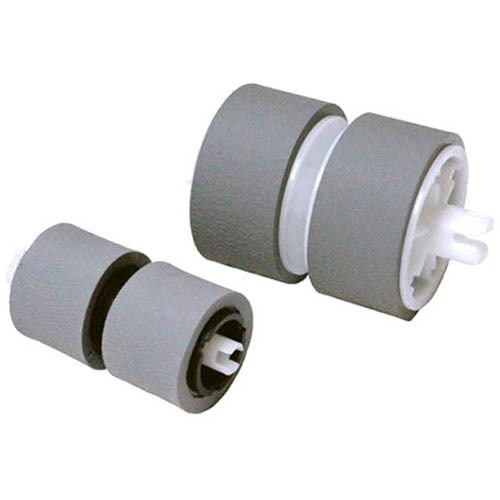
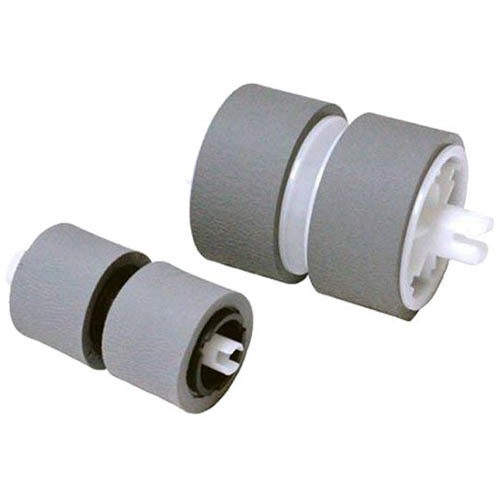
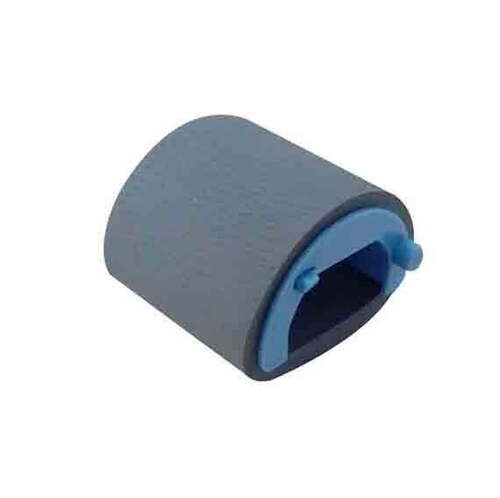
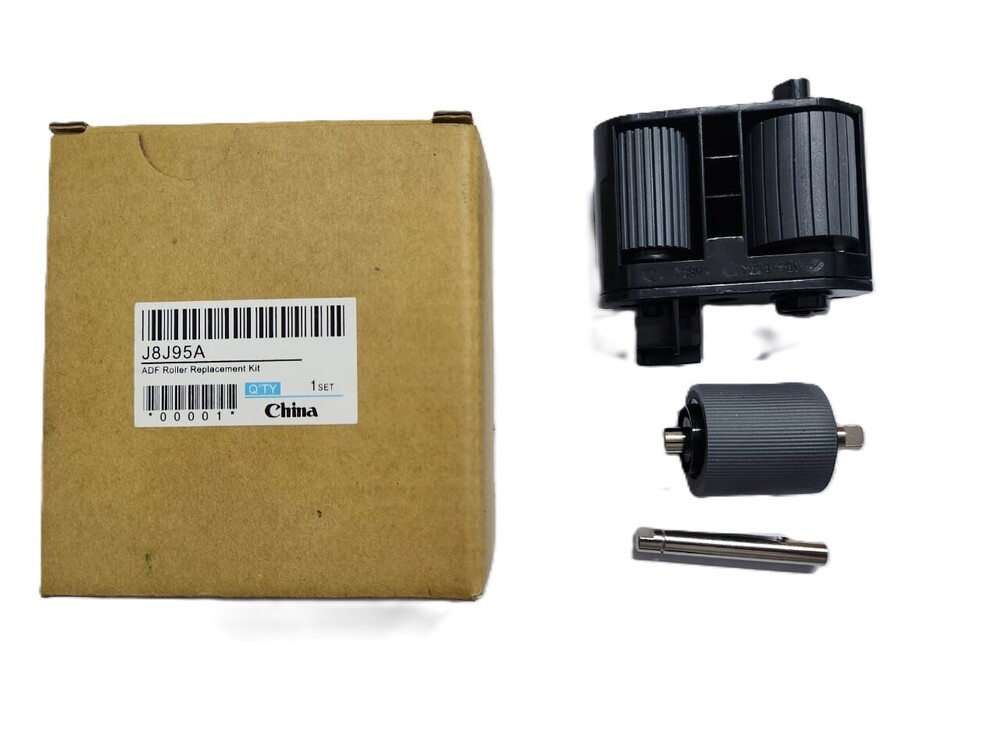
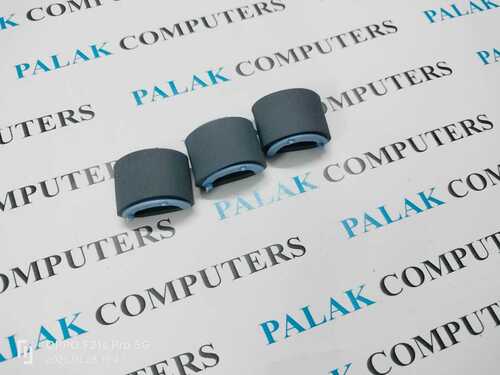
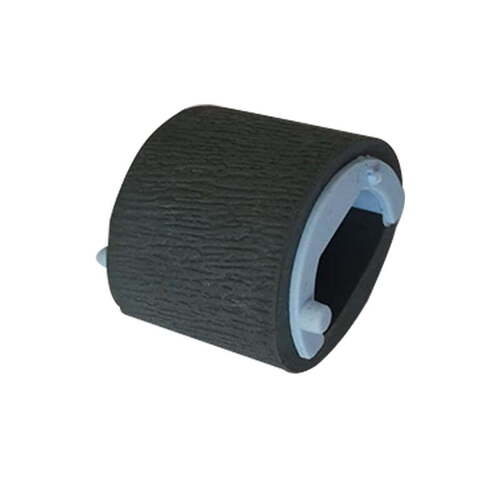
Clearance Sale: Utilise this exclusive offer on the Printer Pickup Roller for Canon DR-C225, DR-125, and DR-C125 Scanners-a virtuoso among scanner accessories. With a textured roller surface and tailored to fit Canon models, this durable, majestic component ensures towering performance with every scan. Personalise your scanner's efficiency with this reliable, gray-hued pickup roller. Store in a cool, dry place, away from direct sunlight, for prolonged life. Supplied by an experienced distributor and supplier in Angola, this is the accessory your scanner deserves.
Application Details: Enhance Your Scanning Precision
This Printer Pickup Roller is designed for use on the paper feed mechanism of Canon DR-C225, DR-125, and DR-C125 Scanners. Its textured surface ensures reliable paper grip and reduces jams. To utilise, simply insert the roller at the designated site inside the scanner, following the direction as marked in the user manual. The application surface is capacitated for repeated use, offering smooth and consistent paper movement for both home and office settings.
Packaging, Payment Terms, and Sample Availability
Each standard-sized pickup roller is securely packaged to prevent damage during transit. For domestic market inquiries, samples can be arranged upon request, allowing you to estimate product suitability before purchase. The asking price may vary based on order volume, and payments are generally accepted via bank transfer or other agreed methods. Reach out for a tailored quote and explore flexible procurement options with your trusted supplier in Angola.
FAQ's of Printer Pickup Roller For Canon DR-C225 DR-125 DR-C125 Scanner:
Q: How do I install the Printer Pickup Roller in my Canon DR scanner?
A: To install the Printer Pickup Roller, open your Canon DR-C225, DR-125, or DR-C125 scanner as per the user manual instructions. Locate the roller compartment, align the new roller following the indicated direction, and insert securely until it clicks into place.
Q: What is the benefit of a textured roller surface for scanning?
A: A textured roller surface ensures optimal paper grip, reducing the risk of misfeeds and paper jams. This leads to smoother operation and enhances the efficiency and longevity of your scanner.
Q: When should I consider replacing my scanner's pickup roller?
A: Replace your scanner's pickup roller when paper feeding becomes unreliable, if you notice increased jams, or after reaching the recommended usage cycle specified in your scanner's maintenance guide to maintain peak performance.
Q: Where should I store unused Printer Pickup Rollers?
A: For best results, store unused pickup rollers in a cool, dry place, away from direct sunlight, which preserves the material's integrity and ensures reliable future use.
Q: What payment terms and sample options are available for domestic buyers?
A: Domestic buyers can request product samples to estimate compatibility and performance. The asking price is dependent on order quantity, and payments are commonly facilitated through bank transfer or as mutually agreed upon with your supplier.



 Send Inquiry





 Send Inquiry
 Send Inquiry
 Send SMS


 English
 Spanish
 French
 German
 Italian
 Chinese (Simplified)
 Japanese
 Korean
 Arabic
 Portuguese