Product Description
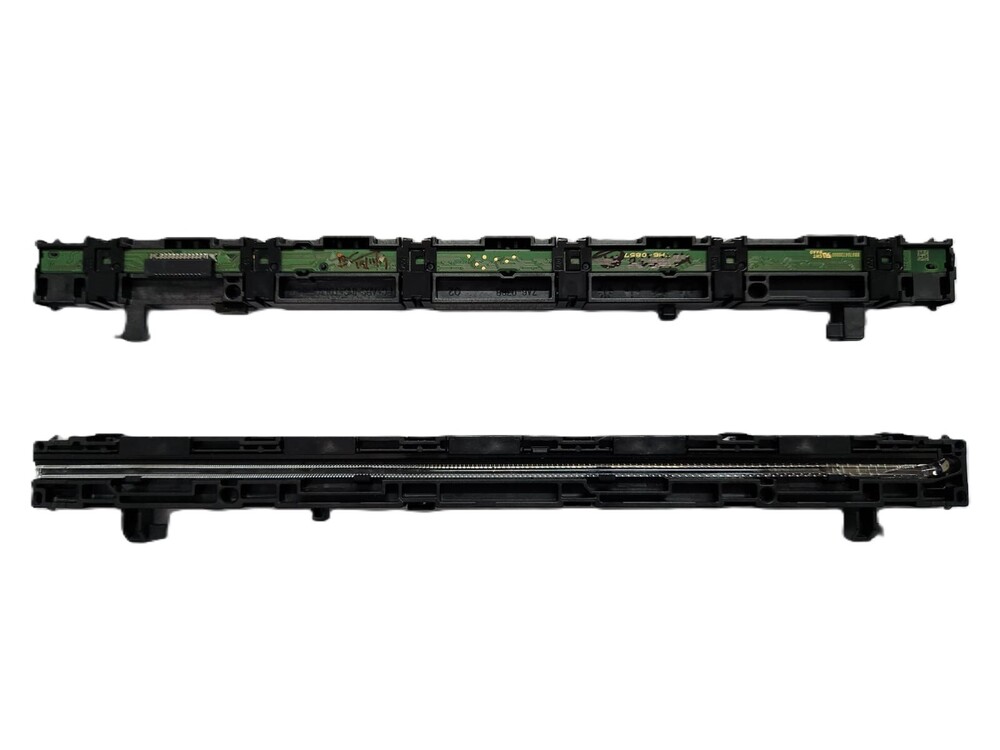
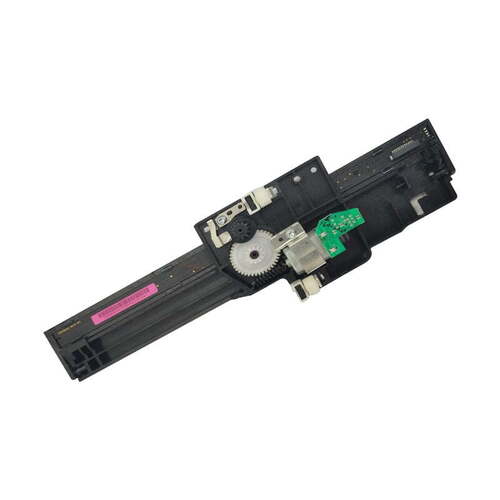
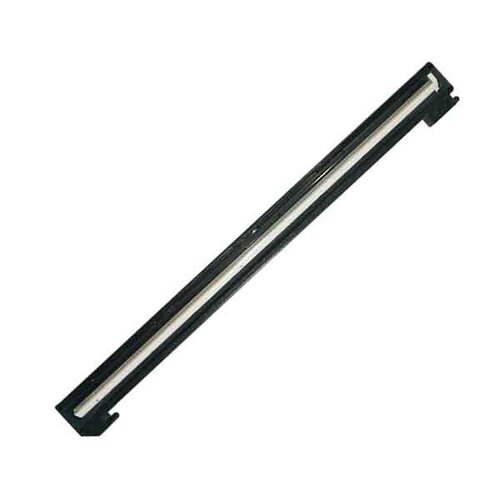
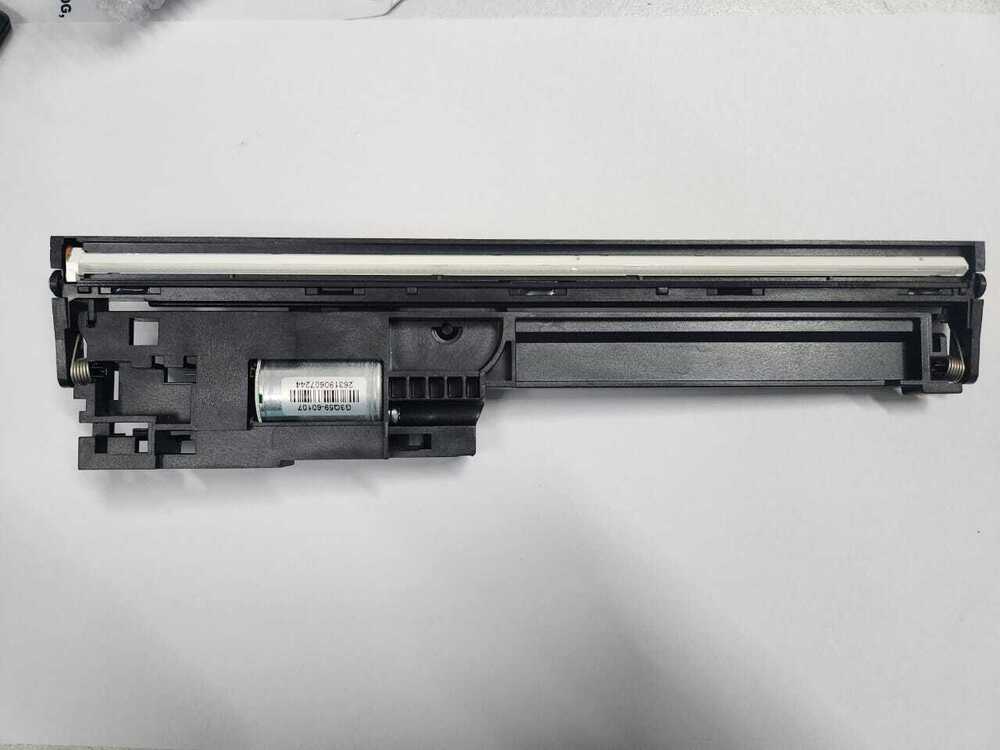
CCD Scanner
CIS Head Canon Pixma G2000 G2002 G3000 G4000 (QK2-0998)
For Use In (REFURBISHED)
CCD Scanner
CIS Head Canon Pixma G2000 G2002 G3000 G4000 (QK2-0998)
Compatible Model - Canon PIXMA G 2000 - G 2002-
G 3000- G 4000
Canon 2000 - 2002 - 3000 -4000
CIS With Motor - CCD Scanner With Motor - CIS Head
With Motor - Upper Scanner With Motor - CCD
Motor With Motor - SCANNER UNIT
2-0998)
For Use In (REFURBISHED)
Note :- Refurbished Original / Pulled Original/
Working Original
Note :- 14 Days Replacement Warranty
: INKJET PRINTER PARTS
: PRINTER SPARE PARTS
: PRINTER PARTS
High-Yield Refillable Ink SystemEnjoy cost-effective and uninterrupted printing with the Canon Pixma G2000's integrated, refillable ink tanks. Each full ink tank set allows for up to 6000 black and 7000 color pages, ensuring less downtime and lower running costs for both home and office environments. Refilling the tanks is straightforward and mess-free, promoting long-term savings and minimizing waste.
Sharp Printing and Scanning PerformanceWith print resolutions of 4800 x 1200 dpi and scanner resolutions up to 600 x 1200 dpi, the Pixma G2000 produces crisp documents and detailed photo reproductions. The flatbed CIS scanner is perfect for everyday document capture, effortlessly converting paper documents to digital formats with clarity, whether for work or personal use.
Simple Connectivity and Broad CompatibilityThe Canon Pixma G2000 connects easily via USB 2.0 and supports a variety of operating systems, including Windows 7-11 and Mac OS X v10.8.5 or later. Its user-friendly interface with intuitive LED indications ensures smooth operation even for first-time users. The printer fits seamlessly into diverse workspaces with its compact size and lightweight build.
FAQ's of Printer CCD Scanner CIS Head Canon Pixma G2000:
Q: How do I refill the ink tanks in the Canon Pixma G2000?
A: To refill the Canon Pixma G2000, open the ink tank compartment, carefully remove the tank caps, and pour the compatible Canon ink into the respective tanks up to the indicated level. Ensure the printer is on a flat surface and use only recommended Canon inks for best performance.
Q: What paper types and sizes can the Pixma G2000 handle?
A: The Pixma G2000 supports plain, glossy photo, and matte photo paper. It accommodates various sizes, including A4, Letter, Legal, A5, and B5, allowing flexibility for numerous printing needs, from official documents to high-quality images.
Q: When should I perform maintenance on the printhead or scanner?
A: Regular printhead and scanner maintenance is advised when you notice reduced print quality or scanning clarity. Follow the maintenance prompts from the Canon software, or perform a manual cleaning every few months to sustain optimal results.
Q: Where can I use the Pixma G2000 printer?
A: This model is designed for versatility and can be used reliably in both office and home settings. Its compact footprint makes it easy to place on desks or shelves, and the high page yield suits environments with moderate to high printing volumes.
Q: What are the benefits of the flatbed CIS scanner in this printer?
A: The flatbed CIS scanner allows you to scan books, magazines, and delicate documents with minimal risk of damage. It delivers consistent, high-resolution digital copies, making it suitable for archiving and digital communication.
Q: How do I connect and use the Canon Pixma G2000 on different operating systems?
A: Connect the printer to your computer using the included USB 2.0 cable. Download and install the appropriate drivers from Canon's website, which supports Windows 7, 8, 10, 11, and Mac OS X v10.8.5 or later. Follow the on-screen setup instructions for seamless operation.
Q: What is the process for storing this printer when not in use?
A: Store the Canon Pixma G2000 in a cool, dry place to prevent ink from drying out or damaging he internal components. Ensure the machine is turned off and unplugged, and cover it to protect from dust when not in use for extended periods.



 Send Inquiry






 Send Inquiry
 Send Inquiry
 Send SMS


 English
 Spanish
 French
 German
 Italian
 Chinese (Simplified)
 Japanese
 Korean
 Arabic
 Portuguese