
Call Us Now
07971258125
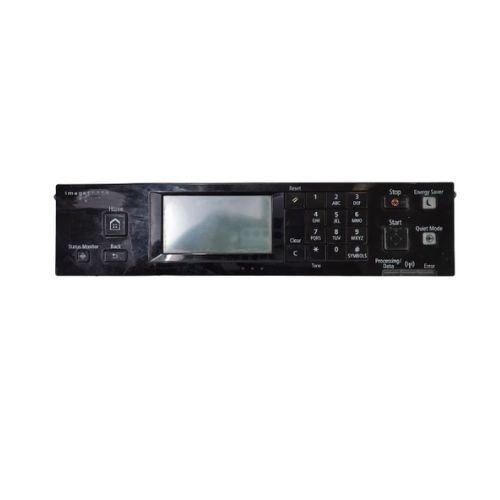
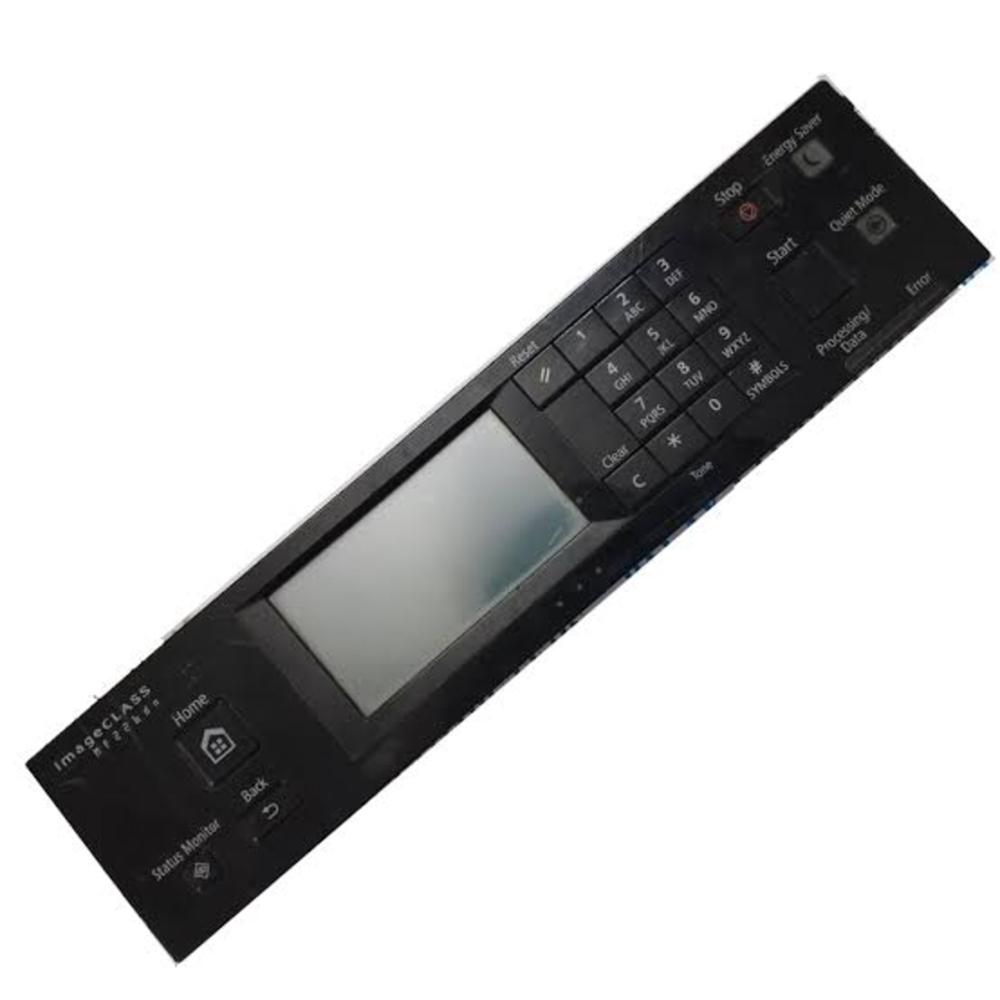
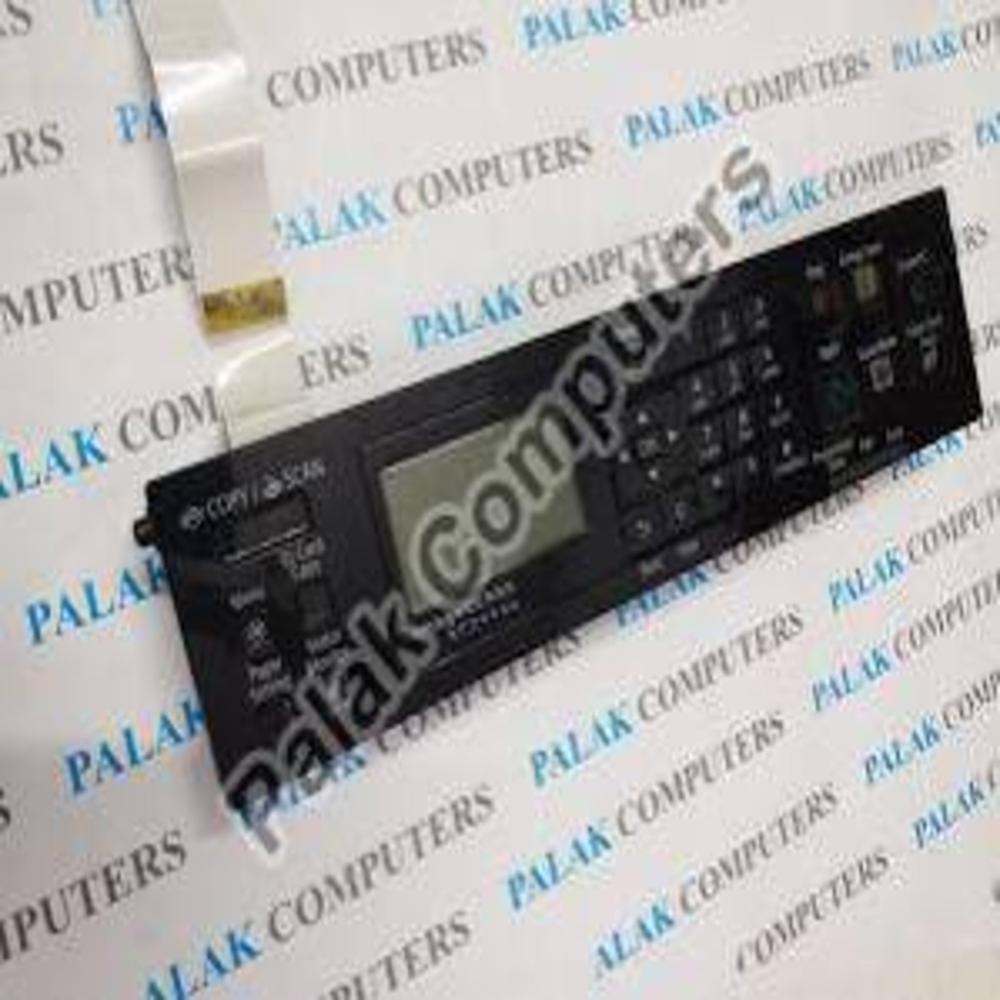
The Canon MF246DN MF229DW MF226DN Printer Control Panel Display Panel is a replacement printer control interface designed for compatible Canon imageCLASS and i-SENSYS monochrome laser multifunction printers. This component serves as the primary user interface of the printer, allowing users to access different operating functions, configure device settings, manage printing and copying operations, monitor printer status and navigate through the machine's menu system. It is an essential replacement spare part for restoring normal printer operation when the original control panel becomes damaged, unresponsive, physically broken or develops display-related problems.
The control panel assembly consists of an integrated display screen, operating buttons, navigation controls and electronic circuitry that communicate with the printer's main control board. The display provides important information such as printer operating status, printing progress, copying information, fax operations, error notifications, paper status, toner levels and other device-related messages. Its user-friendly interface allows operators to perform everyday printer functions conveniently without requiring constant access to a connected computer.
This replacement control panel is designed for selected Canon multifunction printer models, including Canon imageCLASS MF246DN, MF229DW and MF226DN. It is also advertised for selected related models such as MF215, MF217W, MF237W and MF249DW, depending on the panel version, regional configuration and connector arrangement. The component is suitable for printer servicing, repair, maintenance and replacement applications where the original operation panel has stopped functioning correctly.
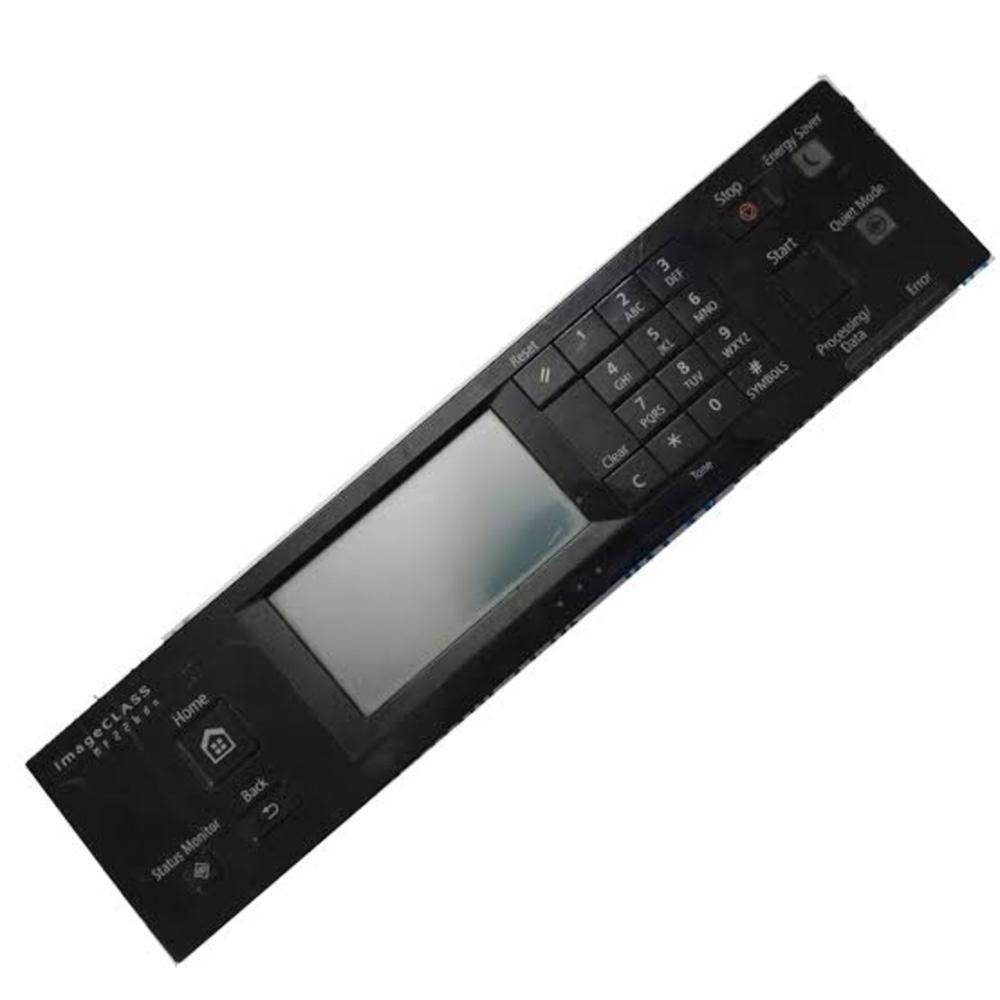
The display panel supports touch-based menu navigation on compatible versions, allowing users to select printer functions, change settings and access different operating screens directly through the interface. The integrated physical control buttons provide additional operating options, including Home, Reset, Clear, Back, Status Monitor, numeric keypad, Stop, Start, Energy Saver and Quiet Mode functions, depending on the exact model configuration.
The control panel plays an important role in managing the multifunction capabilities of the compatible Canon printer. Users can access copy settings, scan operations, fax functions where supported, paper configuration, network settings and printer maintenance information. It also allows users to monitor machine notifications and identify operational problems through the display interface.
The replacement panel is designed with a compact plastic housing and integrated electronic components for installation in the designated front control panel area of the printer. Its construction is intended to match the original printer mounting arrangement and internal electrical connections. It is suitable for professional printer technicians, repair centres, office equipment maintenance providers and businesses that require reliable replacement parts for Canon laser multifunction printers.
This control panel display assembly is particularly useful when the original panel experiences problems such as display malfunction, unresponsive buttons, damaged keypad components, broken housing, touch input failure or communication-related interface issues. Replacing the faulty component can help restore convenient access to the printer's normal operating functions, provided that the mainboard, internal wiring and other printer components are functioning correctly.
The Canon MF246DN MF229DW MF226DN Control Panel Display Panel is a practical replacement solution for maintaining the usability and functionality of compatible Canon multifunction printers in offices, businesses, educational institutions, commercial establishments and professional printing environments.
Key Features:
Replacement printer control panel and display assembly.
Designed for compatible Canon imageCLASS and i-SENSYS printers.
Compatible with Canon MF246DN, MF229DW and MF226DN, subject to regional panel verification.
Integrated LCD display and operating button interface.
Supports printer menu navigation and device configuration.
Allows users to monitor printing, copying and fax status where supported.
Provides access to printer settings and maintenance information.
Includes navigation and operating controls depending on panel version.
Helps restore functionality of damaged or faulty control panels.
Designed for replacement of original printer interface components.
Compact design for installation in the printer's front control area.
Suitable for printer repair, servicing and maintenance.
Ideal for offices, commercial establishments and printer service centres.
|
Specification |
Details |
|---|---|
|
Brand |
Canon |
|
Product Name |
Printer Control Panel Display Panel |
|
Product Type |
Printer Control Panel Assembly |
|
Model |
MF246DN / MF229DW / MF226DN |
|
Compatible Brand |
Canon |
|
Compatible Models |
Canon imageCLASS MF246DN, MF229DW, MF226DN |
|
Additional Compatible Models |
MF215, MF217W, MF237W, MF249DW (version dependent) |
|
Part Number |
FK4-2108-000 / FMI-Y962 (advertised references; verify before ordering) |
|
Alternative Part References |
FM1-J975 / FM1-P148 (version dependent) |
|
Colour |
Black |
|
For Use In |
Canon Laser Multifunction Printers |
|
Product Category |
Printer Spare Parts |
|
Panel Type |
Control Panel / Display Panel Assembly |
|
Display Type |
LCD |
|
Display Configuration |
Touch-Operated Display on Compatible Versions |
|
Display Colour |
Monochrome |
|
Control Type |
Electronic Push Buttons and Touch Interface |
|
Control Functions |
Home, Reset, Clear, Back, Status Monitor, Numeric Keypad, Start and Stop |
|
Printing Technology |
Monochrome Laser (Host Printer) |
|
Print Technology |
Electrophotographic |
|
Ink Type |
Not Applicable |
|
Toner Type |
Laser Toner |
|
Print Speed (PPM) |
Not Applicable Depends on Printer Model |
|
Print Resolution |
Printer Dependent |
|
Suitable Applications |
Printing, Copying, Scanning and Fax Control Where Supported |
|
Compatible Features |
Menu Navigation, Status Monitoring and Device Configuration |
|
Connectivity |
Internal Electrical Connector |
|
Material |
Plastic Housing and Electronic Components |
|
Installation Type |
Internal Printer Control Panel Replacement |
|
Mounting Type |
Original Printer Mounting Position |
|
Power Source |
Printer Internal Power Supply |
|
Operating Voltage |
Printer Circuit Dependent |
|
Height |
Approx. 5 cm |
|
Width |
Approx. 20 cm |
|
Length |
Approx. 10 cm |
|
Outer Dimension |
Approx. 200 x 100 x 50 mm |
|
Inner Dimension |
Not Applicable |
|
Weight |
Approx. 250350 g |
|
Noise Level (dB) |
Not Applicable |
|
Year |
Not Specified |
|
Country of Origin |
Not Specified |
|
Usage |
Commercial, Office and Professional Printer Maintenance |
|
Condition |
New / Refurbished Original (depending on supplier) |
|
Warranty |
Supplier Dependent |

Price:

GST : 27AWFPG1392Q1Z1

 Send Inquiry





 Send Inquiry
 Send Inquiry
 Send SMS
 Call Me Free


 English
 Spanish
 French
 German
 Italian
 Chinese (Simplified)
 Japanese
 Korean
 Arabic
 Portuguese
