Product Description
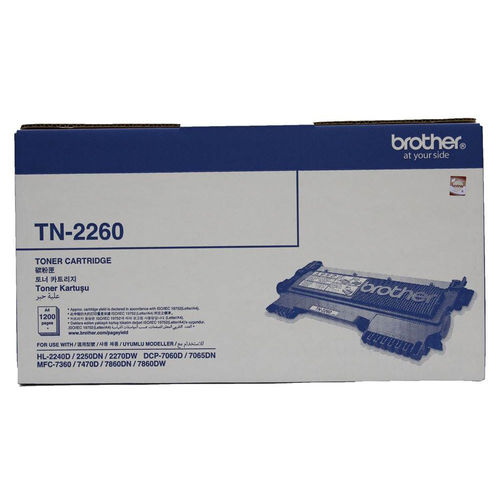
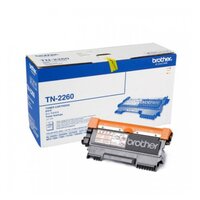
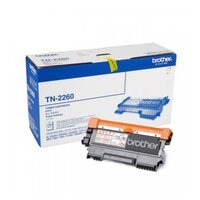
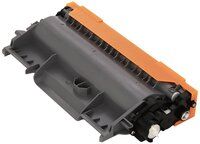
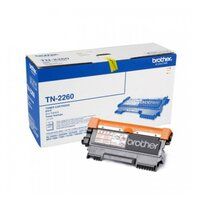
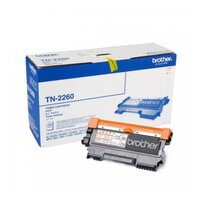
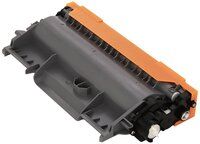
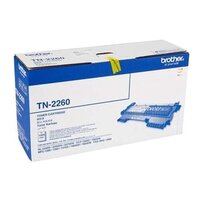
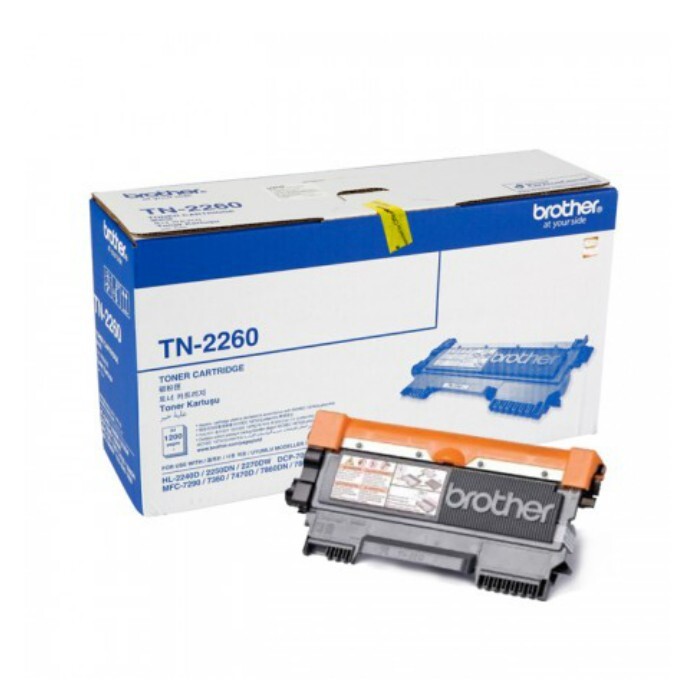
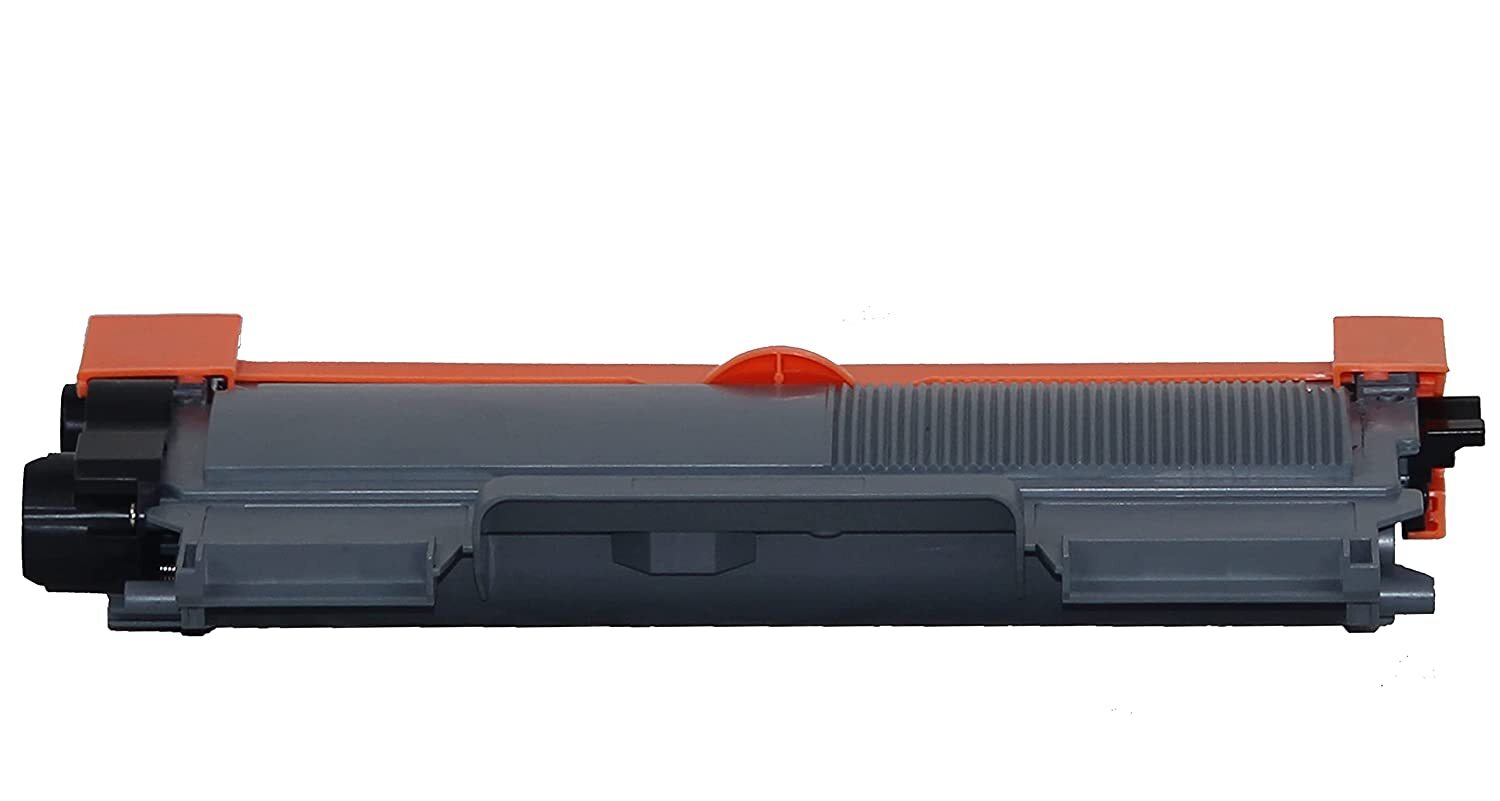
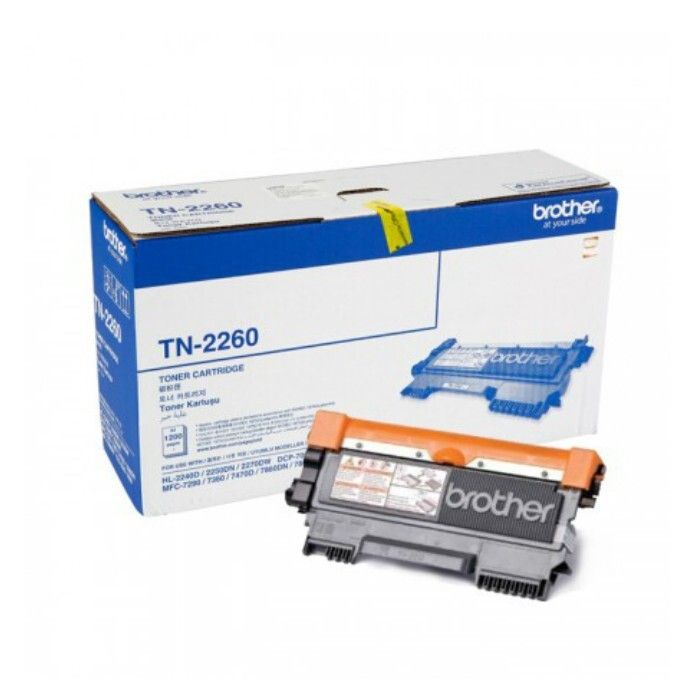
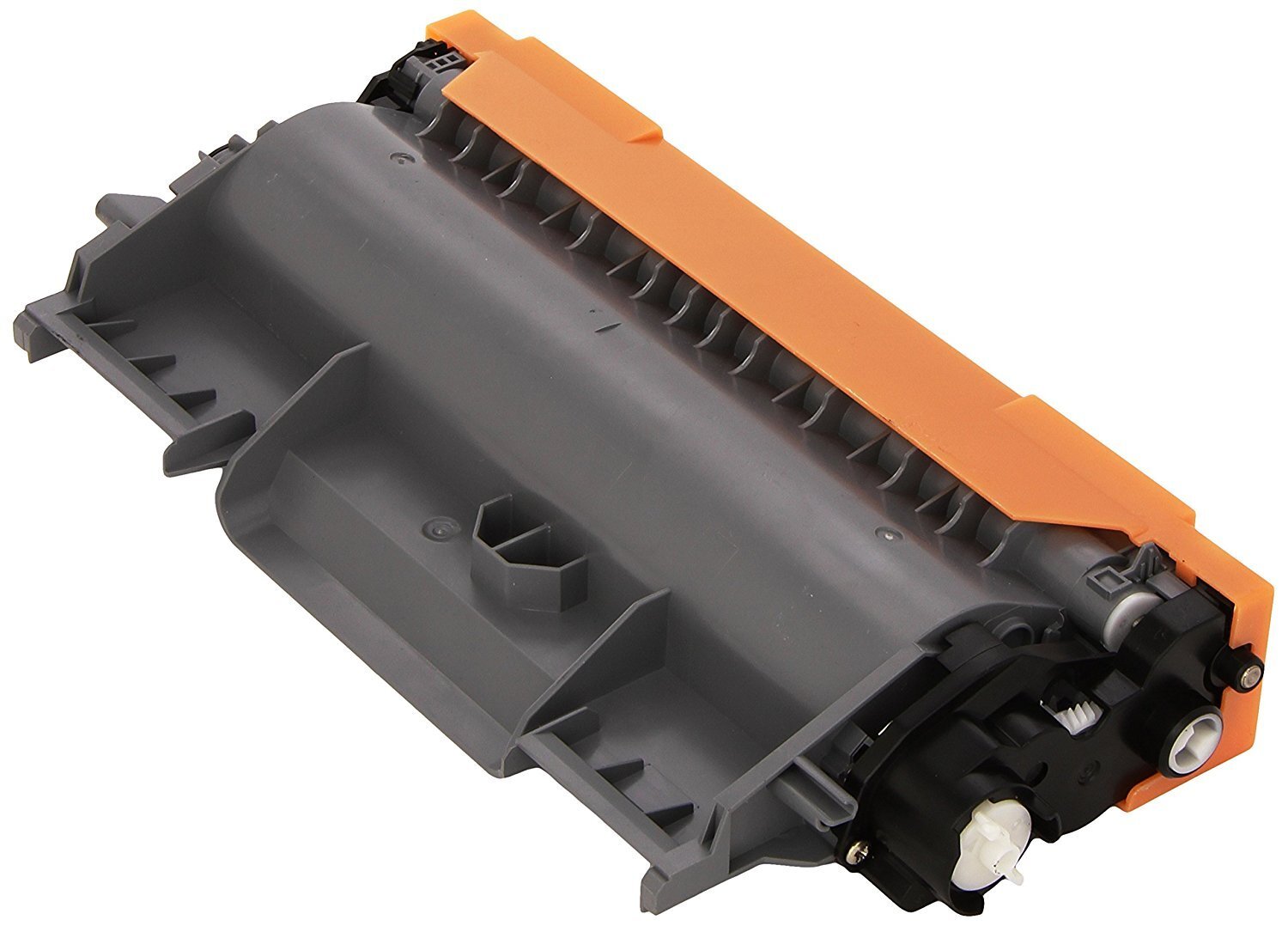
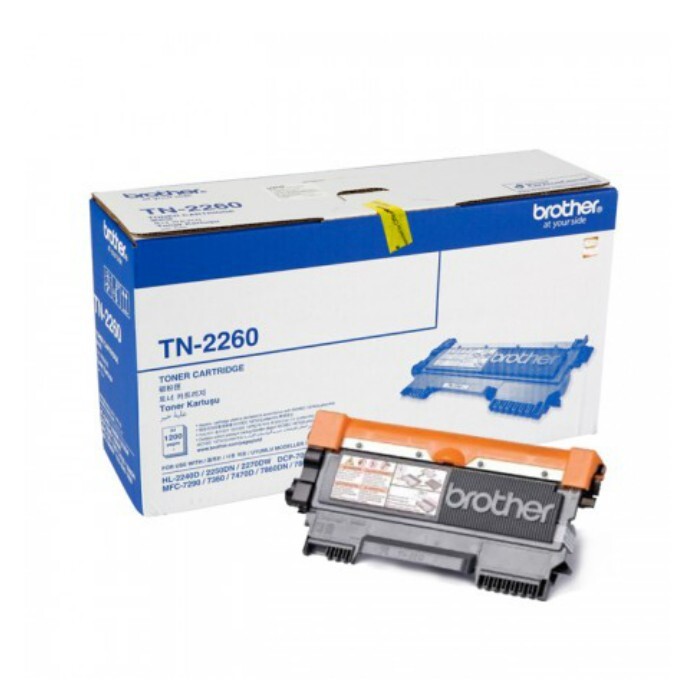
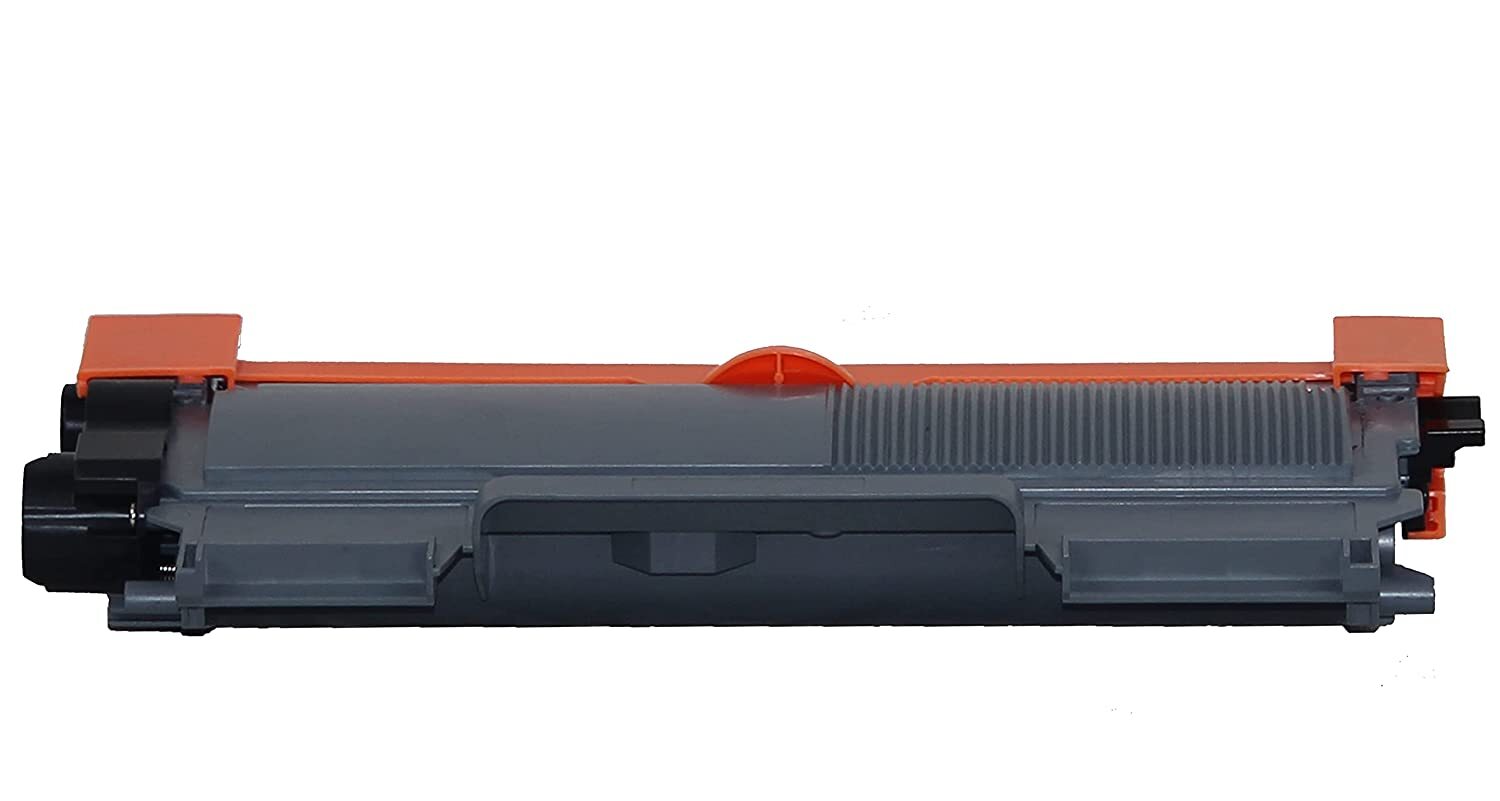
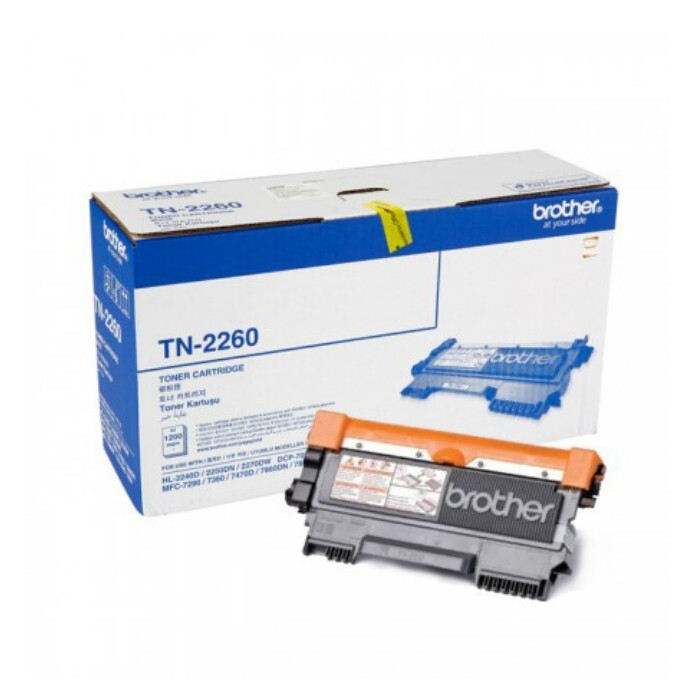
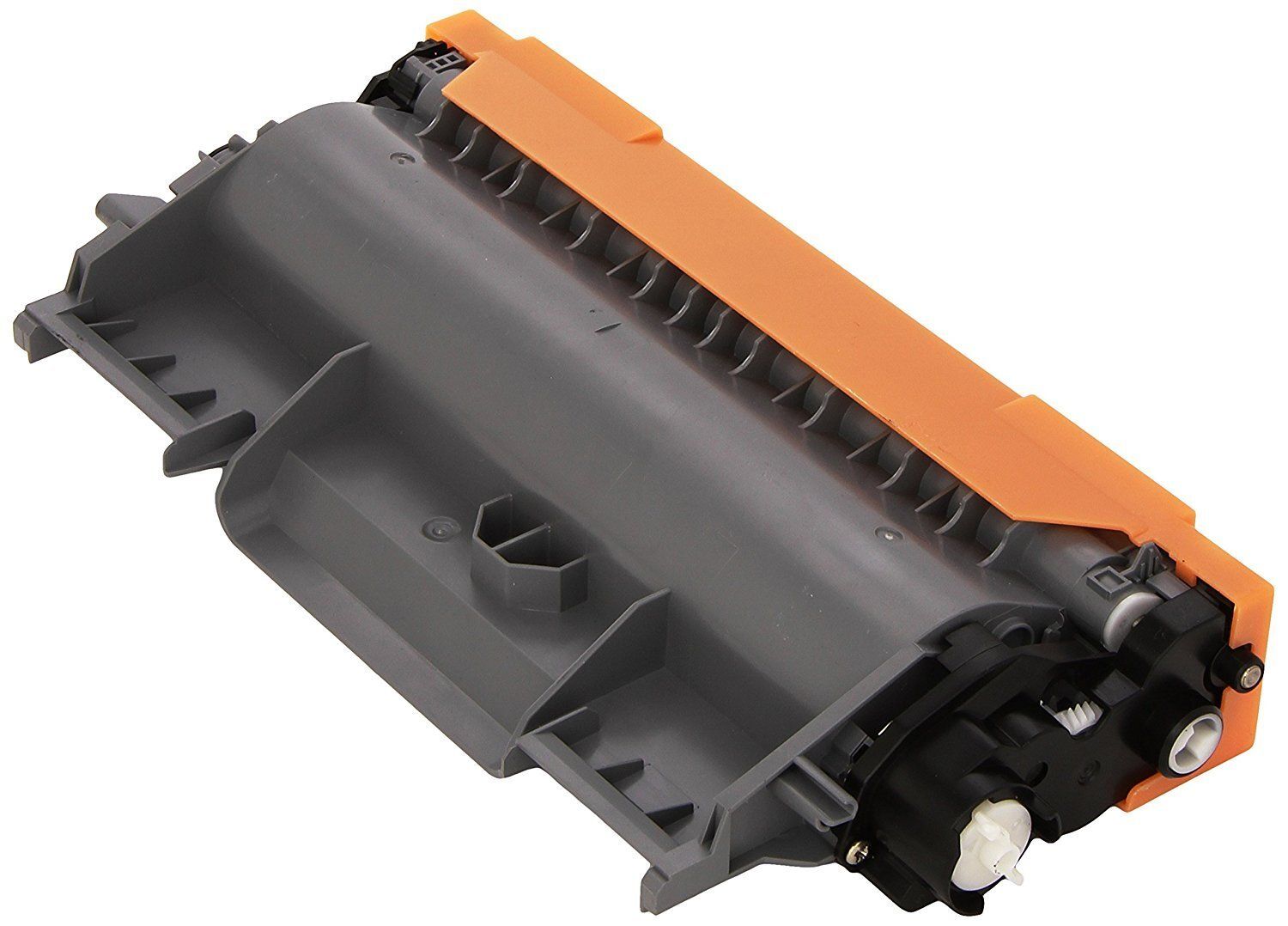
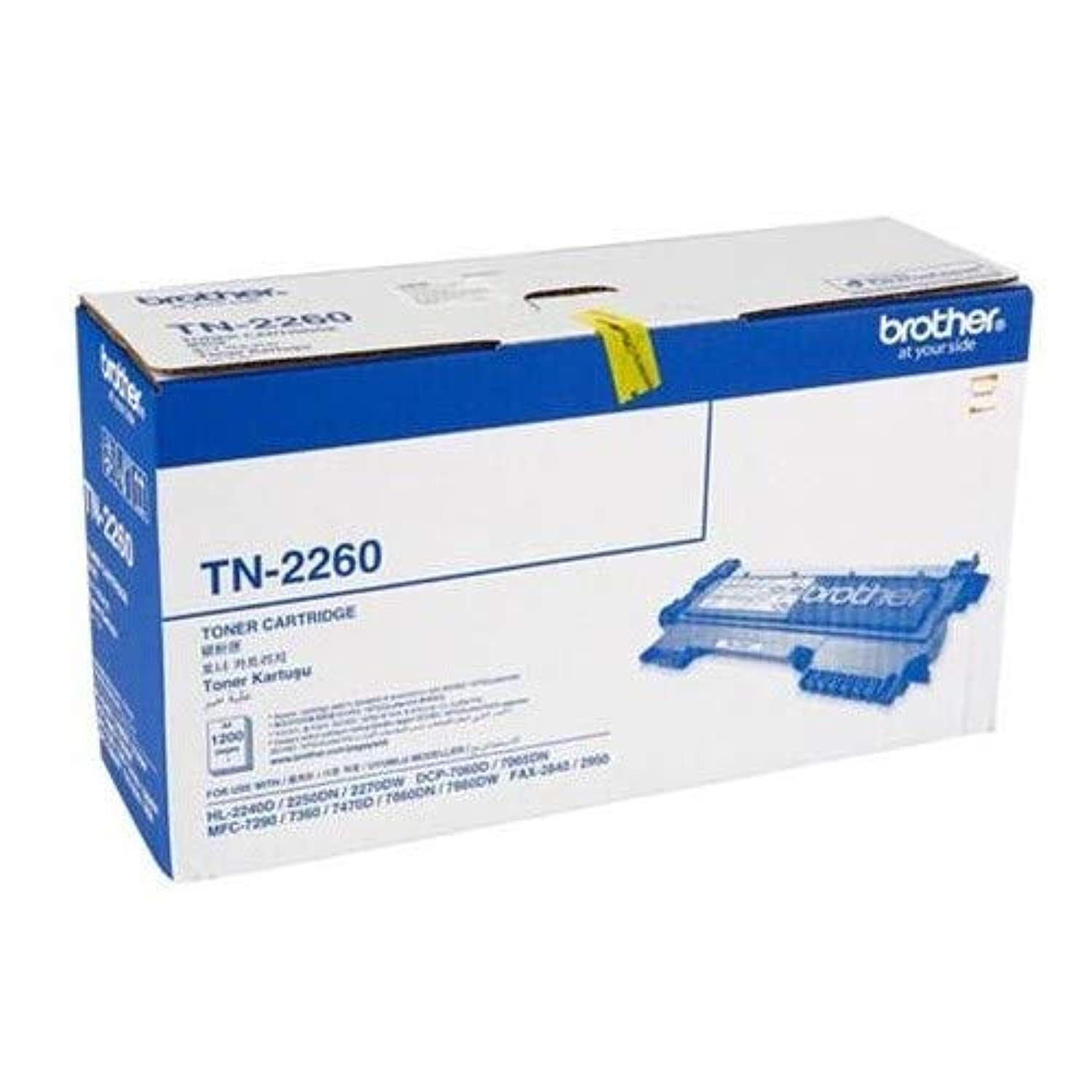
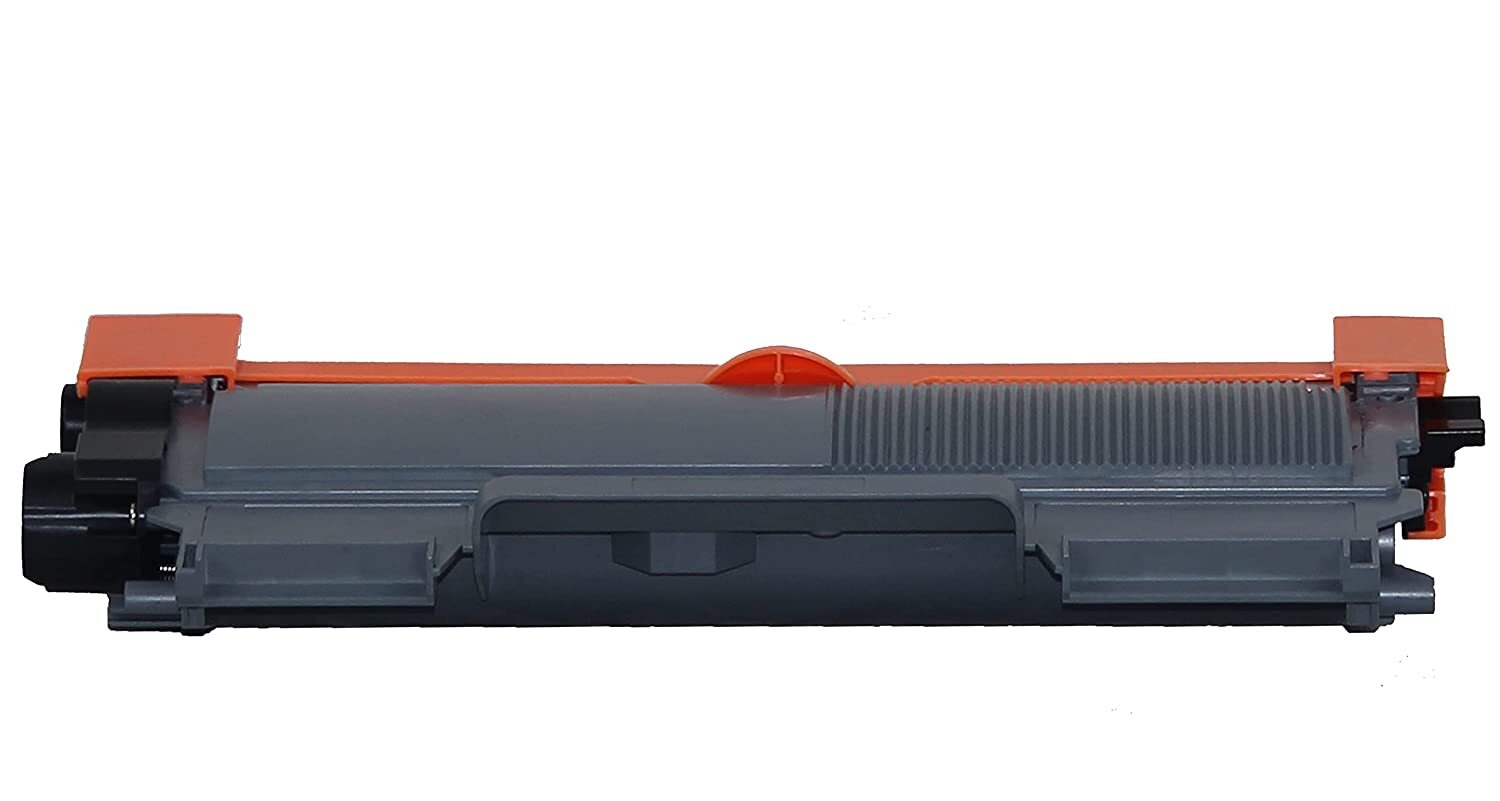
Brother TN-2260 Original Toner Cartridge
- Approximate 1,200 pages yield in accordance with ISO/IEC 19752
Specification
| Model Name/Number | Tn 2260 |
| Brand | Brother |
| Compatible With | Leserjet |
| Color | Black |
| Product Type | Toner cartridge |
| Usage/Application | Laser Printer |
| Technology | Imagerunner |
| Cartridges Status | Full |
| Warranty | 2 years |
| I Deal In | New Only |
| Bulk Packaging | Yes |
| Country of Origin | Made in India |
For Use With:
- Brother HL-2130 Printer
- Brother HL-2240D Printer
- Brother HL-2250DN Printer
- Brother HL-2270DW Printer
- Brother DCP-7055 Printer
- Brother DCP-7060D Printer
- Brother DCP-7055DN Printer
- Brother MFC-7290 Printer
- Brother MFC-7360 Printer
- Brother MFC-7470D Printer
- Brother MFC-7860DN Printer
- Brother MFC-7860DW Printer
- Brother FAX-2840 Printer
- Brother FAX-2950 Printer
Optimized for Brother PrintersThe TN-2260 toner cartridge is specifically engineered to work seamlessly with select Brother monochrome laser printers. By using genuine Brother supplies, users are assured of reliable performance and high-quality printouts, reducing the likelihood of printer issues and maximizing the lifespan of their printers.
Superior Printing PerformanceExperience expertly crafted prints with deep, consistent black tones, perfect for text documents and graphics. The laser technology ensures every page meets professional standards, making the TN-2260 a popular choice for offices and educational institutions that require precise, continuous output.
Simple Storage and HandlingTo maintain toner quality, store the TN-2260 cartridge in a cool, dry location. Its original packaging protects from moisture and environmental factors, ensuring optimum performance even after prolonged storage. Easy installation and handling make replacement quick and hassle-free.
FAQ's of Brother TN-2260 Original Toner Cartridge:
Q: How do I install the Brother TN-2260 Original Toner Cartridge in my printer?
A: To install the TN-2260 cartridge, open your printer's front cover, remove the used cartridge, and gently insert the new cartridge into the drum unit. Make sure it clicks into place, then reinstall the unit into the printer and close the front cover.
Q: What printers are compatible with the TN-2260 toner cartridge?
A: The TN-2260 is compatible with Brother DCP-7060, DCP-7065, HL-2240, and HL-2270DW monochrome laser printers. Using it with these models ensures optimal performance and reliable results.
Q: When should I replace the TN-2260 toner cartridge?
A: Replace your TN-2260 cartridge when you notice faded prints, an error message, or low toner warnings on your printer's display. Regular replacement helps maintain consistent print quality.
Q: Where should I store the TN-2260 cartridge to keep it in best condition?
A: Store the toner cartridge in a cool, dry place away from direct sunlight and excessive heat. Proper storage preserves toner quality and prevents damage from moisture or temperature fluctuations.
Q: What is the process for ensuring optimal print quality with this cartridge?
A: To ensure the best print quality, use only original Brother TN-2260 cartridges in your compatible printer models. Regularly clean your printer and replace the cartridge when toner is low or print quality declines.
Q: How does the TN-2260 benefit my printing needs?
A: The TN-2260 offers dependable, high-quality prints and reliable performance, making it suitable for both office and home use. It delivers sharp, clear black text ideal for reports, forms, and business documents.
Q: What type of print technology does the TN-2260 use?
A: The TN-2260 employs laser toner technology, which provides fast, precise, and smudge-free prints, perfect for monochrome documents.



 Send Inquiry





 Send Inquiry
 Send Inquiry
 Send SMS


 English
 Spanish
 French
 German
 Italian
 Chinese (Simplified)
 Japanese
 Korean
 Arabic
 Portuguese