Product Description
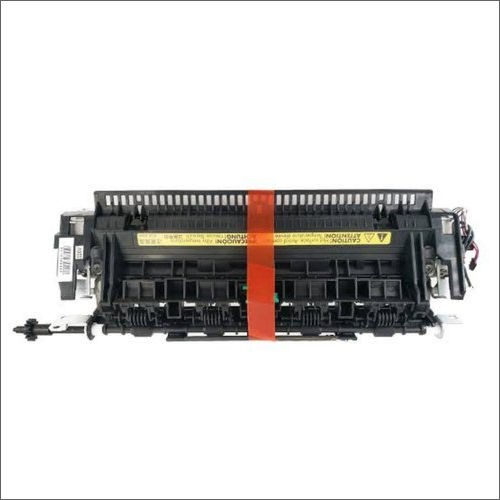
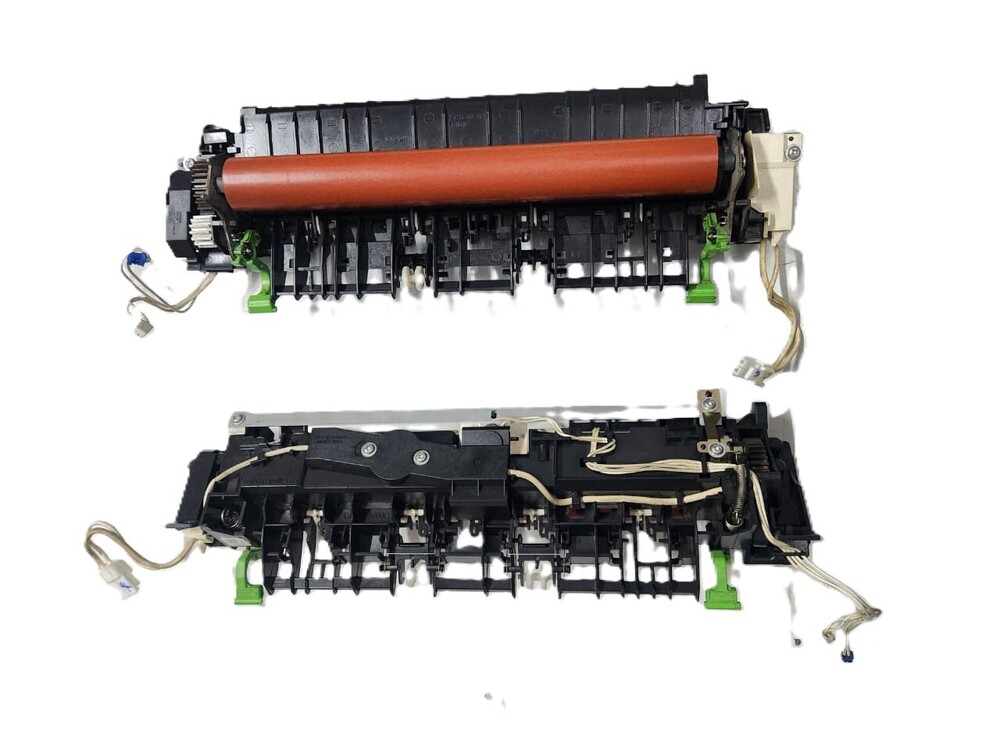
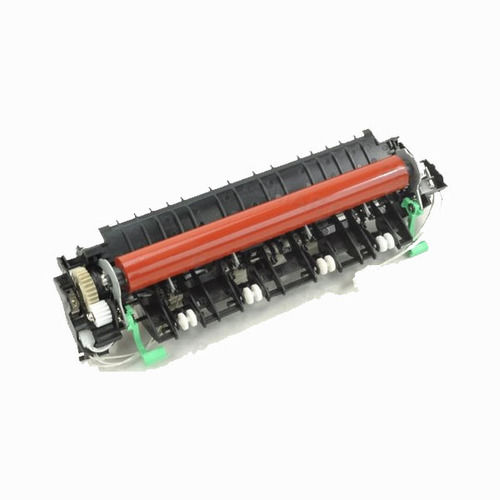
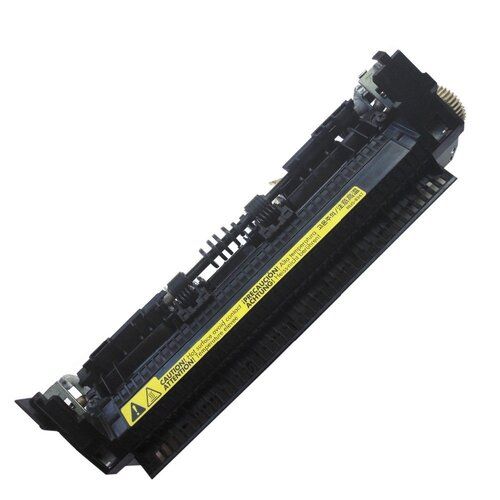
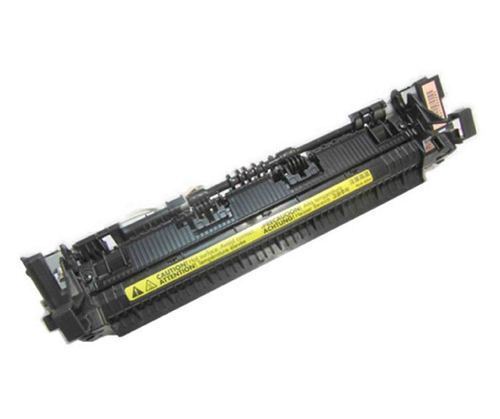
To meet the variegated requirements of our customers, we have been a reputed supplier of CANON Printer Fuser Unit Assembly in the market. It is a critical component of your laser printer. Using pressure and heat, it fuses the toner powder onto the page to create a print, and without out it, your printer cannot operate. We have a large vendor base who serve us with their quality tested CANON Printer Fuser Unit Assembly in safe packaging. We offer this at highly economical prices.
Optimized for Office PerformanceTailored for everyday office printing demands, the Canon Printer Fuser Unit Assembly is built to efficiently handle high volumes with minimal maintenance. Its robust construction makes it suitable for prolonged use while supporting print speeds of 20-50 ppm, depending on your Canon laser printer model.
Durability and Reliable Print QualityWith a reinforced plastic and metal build and heat-resistant roller, this fuser unit withstands extensive usage over its lifespan. It delivers consistent print quality with reliable toner fusing at up to 180C, ensuring crisp and durable prints throughout its cycle.
Easy Installation & Secure PackagingThe fuser unit is securely packed in a sealed anti-static bag with protective foam to guard against damage during transit. Designed for straightforward integration, it fits seamlessly into compatible Canon printers using the standard installation process, reducing downtime and simplifying maintenance.
FAQ's of CANON Printer Fuser Unit Assembly:
Q: How do I know if this Canon fuser unit assembly is compatible with my printer model?
A: You can verify compatibility by checking the OEM part number specific to your Canon printer-for example, FM4-8400-000 or RM1-1082. If your printer's user manual lists the same part number or your supplier confirms compatibility, this fuser unit will be suitable.
Q: What is the benefit of using an OEM-standard Canon fuser unit assembly?
A: OEM-standard assemblies are engineered to Canon's exact specifications, ensuring optimal heat transfer, reliable performance, and safe operation. This guarantees consistent print quality and reduces the risk of malfunction or premature wear compared to generic parts.
Q: When should the fuser unit assembly be replaced in my Canon printer?
A: Replace the fuser unit once you reach the end of its rated life cycle, typically up to 100,000 pages or as advised by your printer's maintenance guide. Indicators include print quality degradation, paper jams, or warnings from your printer's control panel.
Q: Where should I store my fuser unit assembly prior to installation?
A: Store the assembly in a cool, dry place, away from direct sunlight and moisture. Keeping it in its protective anti-static packaging with foam casing ensures the unit remains free from dust, static, or physical damage until installation.
Q: What is the installation process for the Canon fuser unit assembly?
A: The fuser unit is designed for straightforward, tool-assisted replacement. Follow your printer's user manual for specific instructions-typically, it involves opening the printer cover, removing the old fuser, and securing the new assembly in place before closing the device.
Q: How does this fuser unit impact printing performance?
A: With high heat efficiency and robust construction, the fuser unit maintains your printer's full rated speed-20 to 50 pages per minute, depending on the model-supporting substantial office workloads while delivering high-quality prints with each job.
Q: What paper sizes and print technology does this fuser unit support?
A: This assembly is compatible with Canon laser printers that use toner-based technology and handles various paper sizes, including A4, Letter, and Legal, providing flexibility for common office and professional printing needs.



 Send Inquiry





 Send Inquiry
 Send Inquiry
 Send SMS


 English
 Spanish
 French
 German
 Italian
 Chinese (Simplified)
 Japanese
 Korean
 Arabic
 Portuguese