Product Description
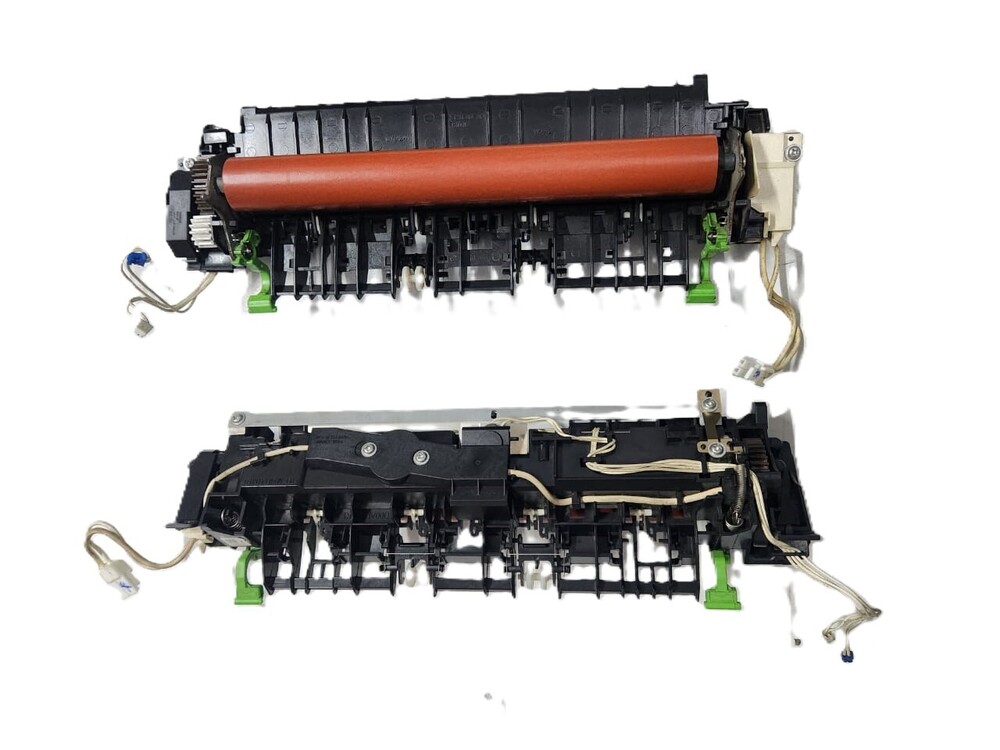
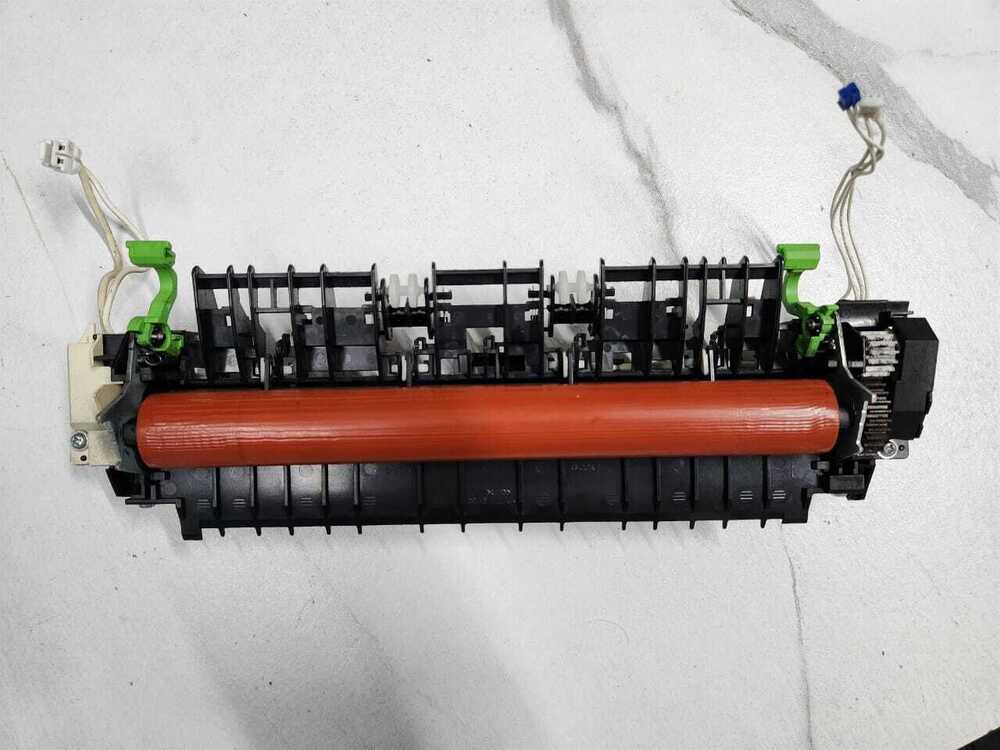
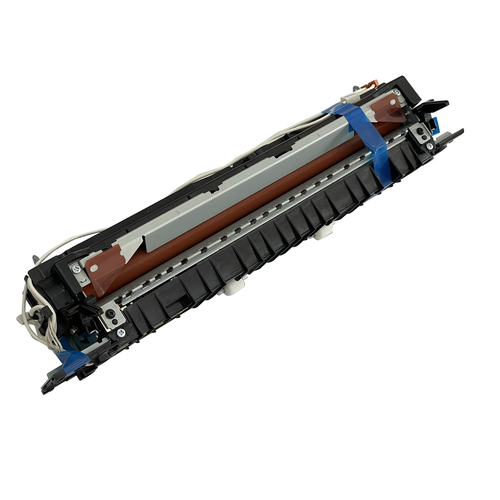
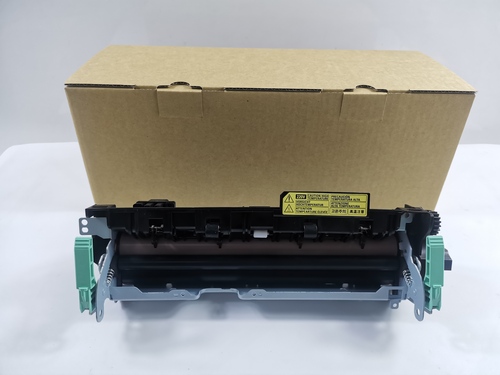
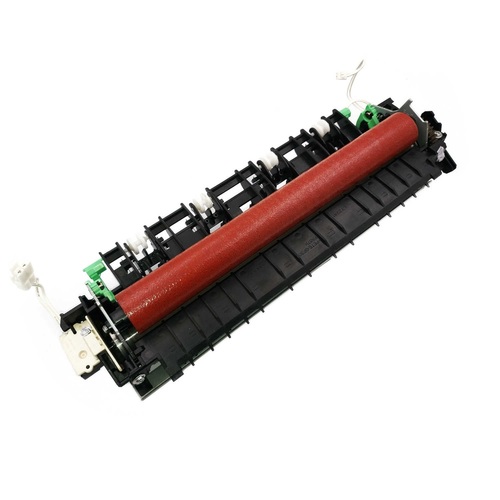
Fuser Unit
Fuser Assembly Fixing Unit Brother DCP-B7500D DCP-B7535DW DCP-L2531DW HL-2050DN HL-B2000D HL-B2080DW MFC-B7720DN
FOR USE IN (REFURBISHED)
Fuser Unit
Fuser Assembly Fixing Unit Brother DCP-B7500D DCP-B7535DW DCP-L2531DW HL-2050DN HL-B2000D HL-B2080DW MFC-B7720DN
COMPATIBLE MODEL i Brother DCP B7500D / B7535DW / L2531DW
Brother DCP7500D / DCP7535DW / 2531DW
Brother 7500 / 7535 / 2531
COMPATIBLE MODEL i Brother DCP B7500D / B7535DW / L2531DW
Brother DCP7500D / DCP7535DW / 2531DW
Brother 7500 / 7535 / 2531
Brother DCP-B7530DN
Brother DCP-B7500D
Brother DCP-B7535DW
Brother HL-B2050DN i 2050dn i B2050
Brother HL-B2000D i 2000d i B2000
Brother MFC-B7720DN
Brother MFC-B7700D
Brother HL-B2080DW i 2080dw i B2080
Brother DCP-B7520DW
Brother MFC-B7715DW
Fixing Unit Assembly i Maintenance Kit i Fuser Assembly i Fuser Unit i Fuser Fixing Unit i Fuser Unit / Fixing Assembly
: LASER PRINTER PARTS
: PRINTER SPARE PARTS
: PRINTER PARTS
Enhanced Printing Performance and ReliabilityExperience superior print quality and consistency with the Brother Fuser Unit LY6878001, engineered for optimal compatibility with the DCP-B7500D and DCP-B7535DW series. The heat-resistant, OEM-standard design guarantees smooth paper flow, minimal error rates, and sustained performance for up to 100,000 pages, ensuring your office operations run seamlessly.
Effortless Replacement and InstallationThis fuser assembly features a user-friendly, plug-and-play installation requiring no tools or technical expertise. Replace the unit easily when your printer prompts a fuser error or end-of-life warning. Individually boxed and protected, every unit arrives ready for immediate integration, minimizing downtime and maximizing productivity.
Safety, Storage, and Maintenance AdviceStore your Brother fuser assembly in a cool, dry area, away from direct sunlight, to preserve its OEM quality and extend lifespan. With low noise output and steady voltage requirements (220-240V AC), it maintains office comfort. Its robust construction and durable surface finish mean less frequent replacements and consistent, crisp print outputs.
FAQ's of Printer Fuser Assembly Fuser Unit Brother DCP-B7500D DCP-B7535DW:
Q: How do I know when to replace the fuser unit in my Brother DCP-B7500D printer?
A: Replace the fuser assembly when your Brother printer displays a fuser error message or an end-of-life warning. These indicators mean the unit has reached its recommended usage limit and should be changed to maintain optimal print quality.
Q: What is the installation process for this Brother fuser assembly?
A: Installation is tool-free and requires no special skills. Simply open your printer's fuser compartment, remove the old unit, and insert the new fuser assembly firmly in place. It's designed as a plug-and-play part, making replacement quick and easy.
Q: Where should I store the fuser unit before installation?
A: Store the fuser unit in a cool, dry environment away from direct sunlight and excessive humidity. Proper storage preserves the unit's heat-resistant coating and ensures reliable performance upon installation.
Q: What are the benefits of using an OEM-standard fuser assembly for my Brother printer?
A: Using this OEM-standard fuser guarantees compatibility, high durability, and consistent print quality. Its robust construction and smooth surface finish support reliable output and extend your printer's operational life.
Q: What paper sizes and printer models are supported by this fuser unit?
A: This fuser assembly is engineered for Brother DCP-B7500D and DCP-B7535DW series printers and supports standard office paper sizes, including A4, Letter, and Legal formats.
Q: When should I expect to need a replacement for this fuser assembly under normal usage?
A: Under typical office conditions, this fuser unit provides a lifespan of up to 100,000 pages. Actual replacement frequency may vary depending on print volume, but replacement is advised when prompted by your printer.
Q: How does the fuser assembly improve my office's printing process?
A: A quality fuser unit ensures smooth paper movement, consistent fusing, and minimal downtime, which collectively enhance office productivity and deliver consistently sharp, professional printouts.



 Send Inquiry





 Send Inquiry
 Send Inquiry
 Send SMS


 English
 Spanish
 French
 German
 Italian
 Chinese (Simplified)
 Japanese
 Korean
 Arabic
 Portuguese