Product Description
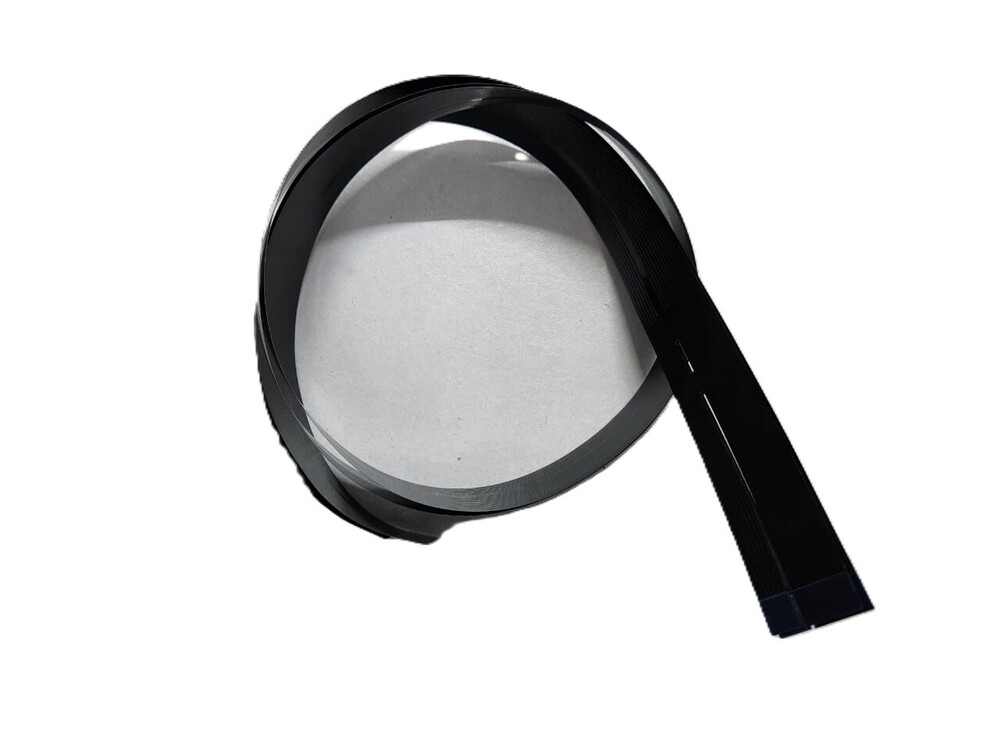
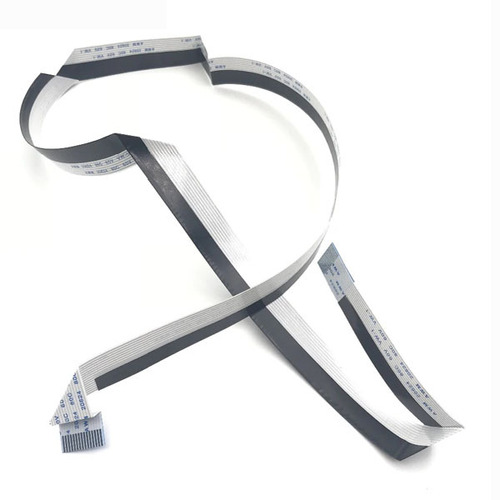
CCD Scanner Cable HP LaserJet M125 M126 M127 M128 Printer (CZ186-60104) (12+6)Pin 780MM
For Use In (MINIMUM QTY 25PCS)
CCD Scanner Cable HP LaserJet M125 M126 M127 M128 Printer (CZ186-60104) (12+6)Pin 780MM
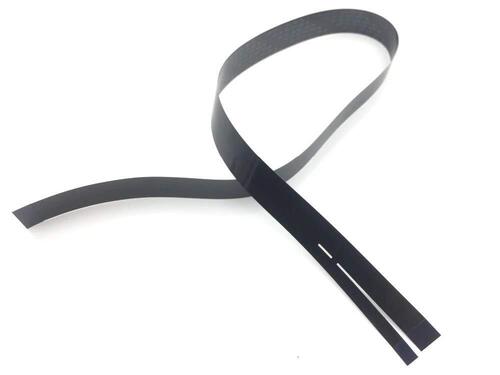
CCD Scanner Cable / ADF Scanner Cable / FFC Flex Flat Cable
For Use With:
HP LaserJet M1415 Printer
HP LaserJet M177 Printer
HP LaserJet M175A Printer
HP LaserJet M176 Printer
HP LaserJet M475 Printer
HP LaserJet M375 Printer
HP LaserJet CM1015 Printer
HP LaserJet CM1017 Printer
HP LaserJet M127 Printer
HP LaserJet M128 Printer
HP LaserJet M125 Printer
HP LaserJet M126 Printer
: LASER PRINTER PARTS
: PRINTER SPARE PARTS
: PRINTER PARTS
Reliable Replacement for HP LaserJet M125This scanner cable is specifically engineered for seamless compatibility with HP LaserJet M125 printers. It provides a reliable and durable solution for resolving scanning issues due to worn-out or damaged cables. Precision-fit and hassle-free installation make it ideal for service engineers and DIY repairs alike.
High-Quality Materials and ConstructionConstructed from premium polymer insulation and copper conductors, the cable maintains signal integrity and flexibility. Its flat ribbon design ensures an accurate fit within tight spaces inside your printer module, delivering high performance required for optimal scanner functionality.
Simple Installation and Secure PackagingPackaged in an anti-static bag to protect it from electrostatic discharge and dust during transit and storage, the cable arrives ready for use. Installation is straightforward with its standard size, making it easy for users to replace their old or damaged scanner cables safely and effectively.
FAQ's of Printer CCD Scanner Cable HP LaserJet M125:
Q: How do I know if this CCD scanner cable is compatible with my printer?
A: This cable is designed exclusively for the HP LaserJet M125 scanner module. Please verify your printer's model number before purchasing to ensure full compatibility.
Q: What is the process for replacing the scanner cable in the HP LaserJet M125?
A: To replace the cable, carefully open your printer's scanner module, disconnect the damaged cable by releasing the connectors, and install the new cable securely by aligning and inserting it into the flat ribbon connectors. Ensure the printer is powered off during the replacement.
Q: When should I consider replacing my scanner cable?
A: Replace the scanner cable if you experience scanning errors, frequent connection issues, or physical damage to your existing cable, such as visible kinks or tears that may affect performance.
Q: Where should I store the replacement scanner cable before installation?
A: Keep the replacement cable in its anti-static bag and store it in a dry, dust-free area to prevent static damage and contamination before installation.
Q: What material is used in the construction of the cable, and what are its benefits?
A: The cable is made with polymer insulation and copper conductors. This combination ensures durability, flexibility, and stable data transmission, boosting the longevity and performance of your scanner.
Q: How does the cable benefit the scanning process of HP LaserJet M125 printers?
A: By maintaining a secure and stable connection between the scanner module and printer, the cable facilitates error-free data transmission, ensuring smooth and accurate scanning operations.



 Send Inquiry





 Send Inquiry
 Send Inquiry
 Send SMS


 English
 Spanish
 French
 German
 Italian
 Chinese (Simplified)
 Japanese
 Korean
 Arabic
 Portuguese