Product Description
Ccd Scanner
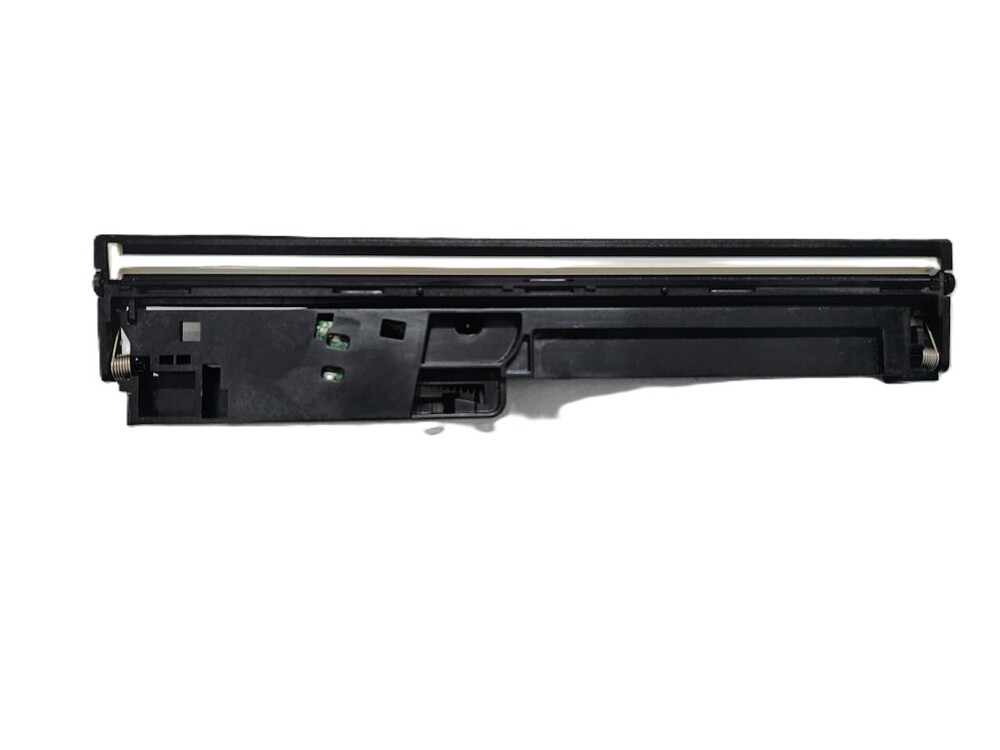
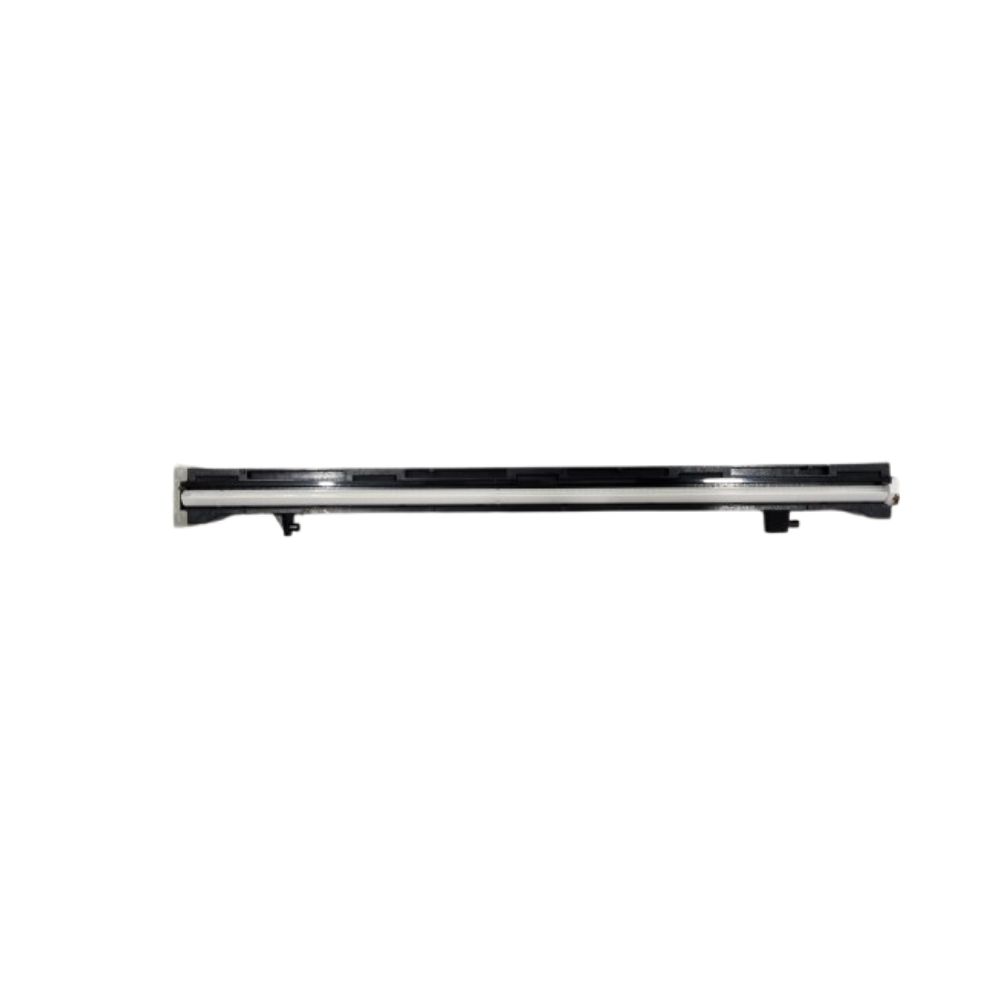
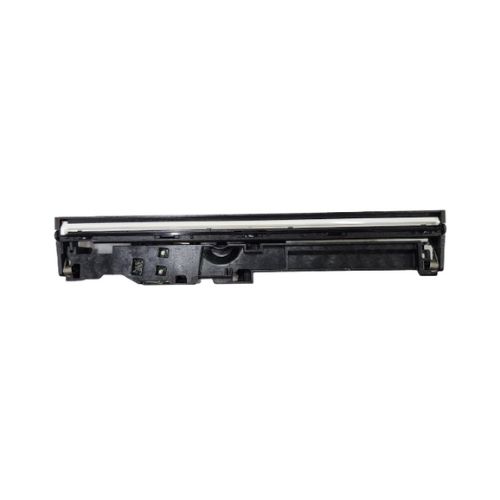
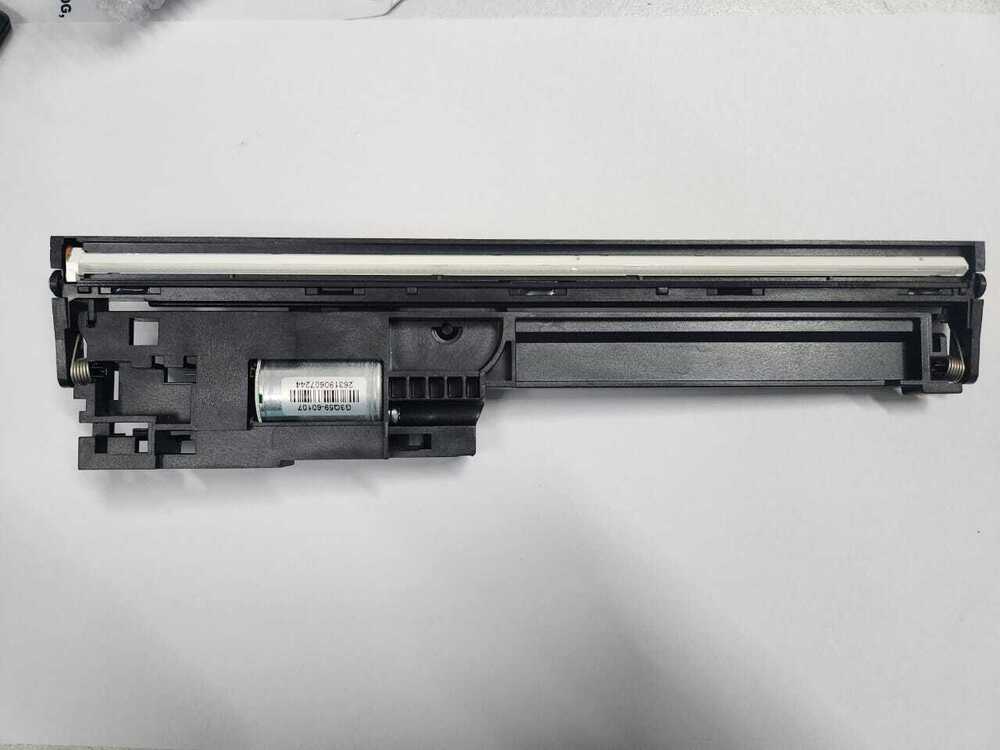
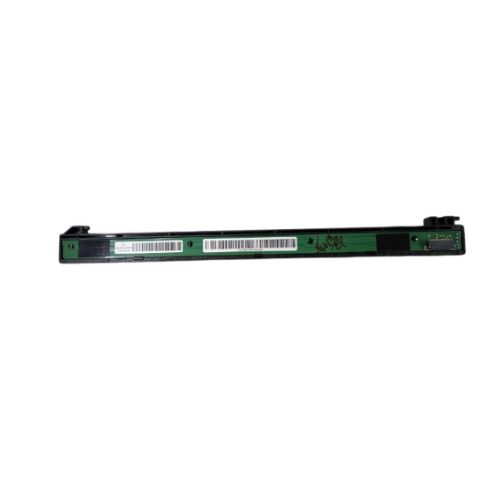
CIS Scanner Unit Scanner Head HP M428DW M428 M429 428 M328 M329 M479
For Use In (REFURBISHED)
Ccd Scanner
CIS Scanner Unit Scanner Head HP M428DW M428 M429 428 M328 M329 M479
Upper Scanner - Upper CCD Scanner - Contact Image
Sensor-CIS Head-CCD-Scanner- Cis Head Scanner
Note :- Refurbished Original / Pulled Original /
Working Original
Note :- 14Days Replacement Warranty
: LASER PRINTER PARTS
: PRINTER SPARE PARTS
: PRINTER PARTS
Advanced Scan Technology for Professional ResultsEquipped with both CIS and CCD scanning technologies, this unit provides high-quality imaging and flexibility for a variety of document types. Its precision imaging capabilities meet the demands of modern office applications, delivering sharp and clear digital copies every time.
Easy Installation and Seamless CompatibilityDesigned for straightforward replacement, this scanner unit fits perfectly into the HP LaserJet Pro MFP M428DW. The OEM part ensures complete hardware compatibility and connects internally to the mainboard for power, streamlining installation and minimizing downtime.
Durable and Efficient PerformanceWith a life cycle of approximately 100,000 scans and a low operational noise level of under 50 dB, this scanner unit combines durability with quiet operation. Its ABS and electronic component construction guarantees resilience and consistent output in varying temperature and humidity conditions.
FAQ's of Printer Ccd Scanner CIS Scanner Unit Scanner Head HP M428DW:
Q: How do I install the CIS/CCD Scanner Unit in my HP M428DW?
A: Installation is simple; first, turn off the HP M428DW and unplug the printer. Open the scanner compartment, remove the old unit, and carefully insert the new CIS/CCD scanner unit. Secure it in place, close the compartment, and reconnect the printer. The unit is designed for easy replacement and fits directly into the existing slot.
Q: What is the benefit of having both CIS and CCD technologies in the scanner?
A: The combination of CIS and CCD technologies allows the scanner to capture high-resolution images with excellent detail and color accuracy. This hybrid approach enables versatile scanning performance for both text documents and images, ensuring precise, professional results every time.
Q: When should I consider replacing the scanner unit?
A: It is recommended to replace the scanner unit after approximately 100,000 scans or when you notice a decline in image quality, such as fading or streaks. Periodic replacement maintains optimal scan performance and extends the overall life of your HP M428DW multifunction printer.
Q: Where can I use this scanner unit?
A: This scanner unit is specifically designed for use in HP LaserJet Pro MFP M428 series printers, including the M428DW model. It is suitable for office, business, or home environments where high-speed, high-quality scanning is required.
Q: What process should I follow to ensure proper storage of the scanner unit?
A: Store the scanner unit in a dry, clean area away from direct sunlight, high humidity, or extreme temperatures. Using the original OEM packaging helps protect the unit during storage and transport, ensuring its longevity and function.
Q: Is the scanner unit compatible with all paper sizes used by the HP M428DW?
A: Yes, the scanner unit supports standard paper sizes such as A4 and Letter, which are commonly used with the HP LaserJet Pro MFP M428 series printers, ensuring flexibility for various scanning tasks.



 Send Inquiry





 Send Inquiry
 Send Inquiry
 Send SMS


 English
 Spanish
 French
 German
 Italian
 Chinese (Simplified)
 Japanese
 Korean
 Arabic
 Portuguese