Product Description
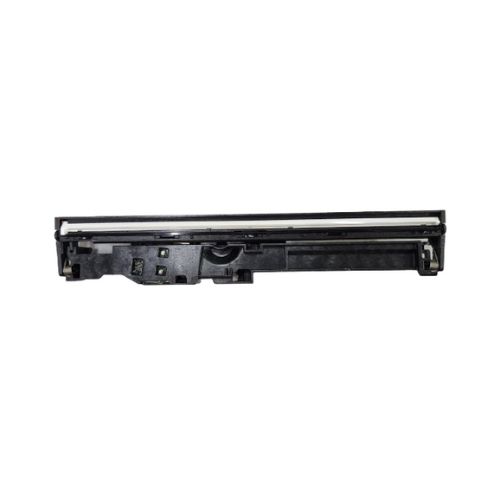
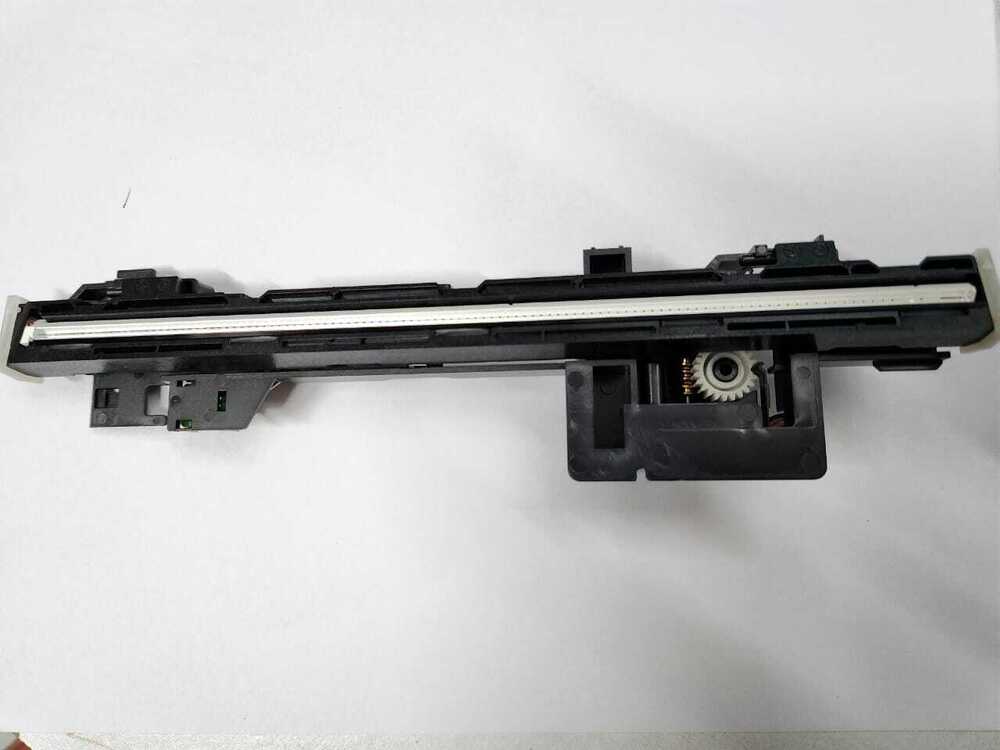
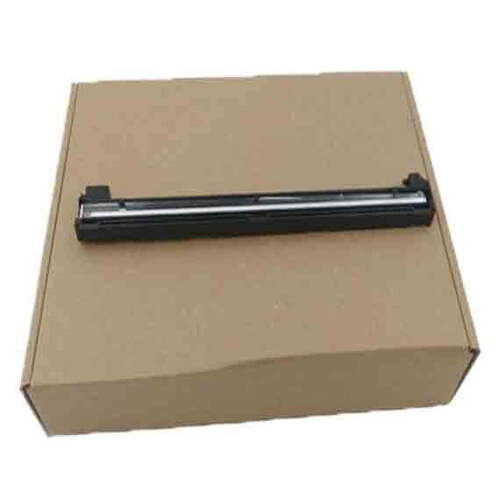
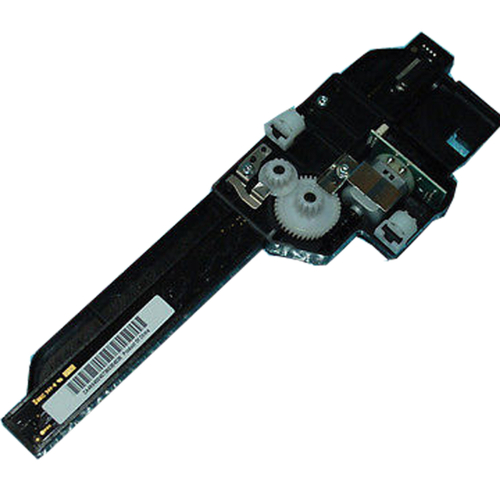
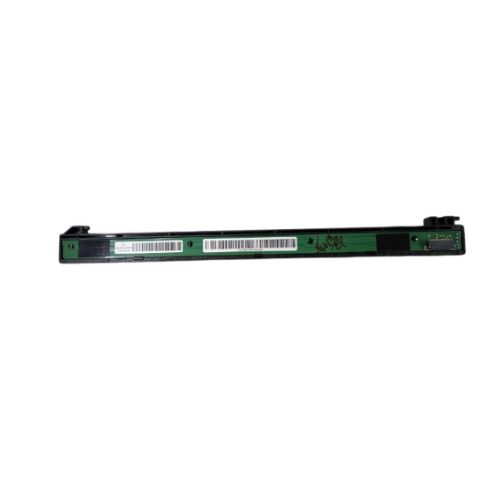
CCD Scanner / CIS Head
HP LaserJet Tank MFP 1005w / 2606dn Printer
CCD Scanner /CIs Head With Motor For HP LaserJet Tank MFP M233sdw / 2606sdw Printer
Part Number - (G3Q59-60107 / 4QK87-40031 RC6-0002)
HP LaserJet Tank MFP 2606sdw Printer - HP LaserJet Tank MFP 2606 Printer
HP LaserJet MFP M233sdw/M 233sdw /M233
: Upper Scanner - Upper CCD Scanner - Contact Image Sensor - CIS Head - CCD - Scanner - Cis Head Scanner
Note :-Refurbished Original / Pulled Original / Working Original
Note :-14 Days Replacement Warranty
Efficient Performance for ProfessionalsThe HP LaserJet Tank MFP 1005w CCD Scanner delivers exceptional print, scan, and copy quality, making it an ideal choice for offices and businesses. Its solid design and proven HP compatibility ensure reliability for daily tasks, while the tank system supports high-volume printing with reduced maintenance. This device is tailored for users who demand both quality and efficiency.
Optimal Storage and MaintenanceTo ensure long-lasting performance, it is recommended to store the HP LaserJet Tank MFP 1005w in a dry place, away from moisture and direct sunlight. Regularly cleaning and safely power cycling the device using its manual controls will preserve its operational excellence and extend its lifespan.
FAQ's of HP LaserJet Tank MFP 1005w CCD Scanner:
Q: How can I operate the HP LaserJet Tank MFP 1005w with its manual power source?
A: The HP LaserJet Tank MFP 1005w is equipped with a manual power source, meaning you control its power switch physically. Simply use the provided button or switch on the device to turn it on or off as needed, ensuring safe operation and energy efficiency during and after use.
Q: What is the benefit of choosing the HP LaserJet Tank MFP 1005w for my office?
A: This model provides reliable, high-quality printing, scanning, and copying, thanks to its robust tank system and CCD scanner. It offers cost-effective operations with reduced running costs, making it a suitable investment for professional environments needing consistent output and durability.
Q: When should I perform maintenance or cleaning on my HP LaserJet Tank MFP 1005w?
A: It is advisable to clean the device regularly, especially if you notice dust buildup or if print quality decreases. Maintenance can be done monthly or after completing high-volume print jobs, following the instructions in the user manual for best results.
Q: Where is the best place to store my HP LaserJet Tank MFP 1005w?
A: The unit should be stored in a dry place, free from excessive moisture and away from direct sunlight or heat sources. This helps prevent damage and ensures reliable performance over years of use.
Q: What brands are compatible with the HP LaserJet Tank MFP 1005w?
A: This printer model is specifically designed for compatibility with HP brand products, ensuring seamless performance and integration within HP printing environments.
Q: How does the solid pattern design benefit users?
A: The solid pattern ensures that the HP LaserJet Tank MFP 1005w not only looks professional but is also durable and resistant to common office wear and tear, supporting longevity in demanding environments.



 Send Inquiry





 Send Inquiry
 Send Inquiry
 Send SMS


 English
 Spanish
 French
 German
 Italian
 Chinese (Simplified)
 Japanese
 Korean
 Arabic
 Portuguese