Product Description
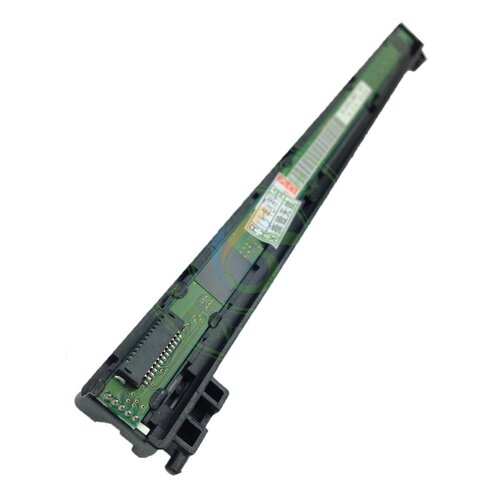
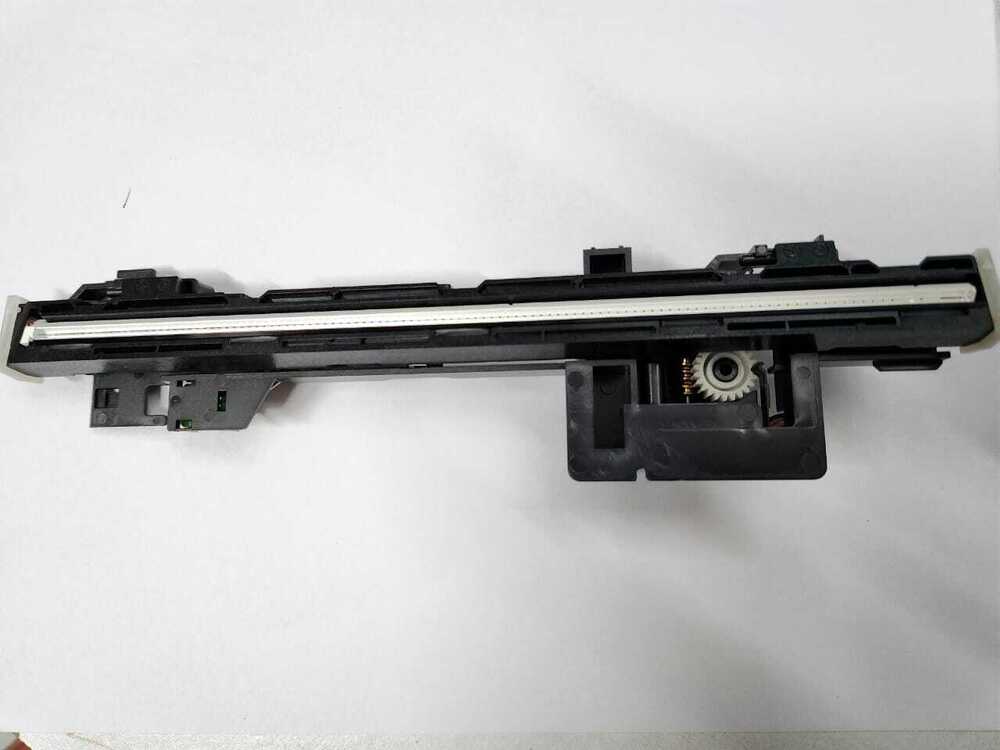
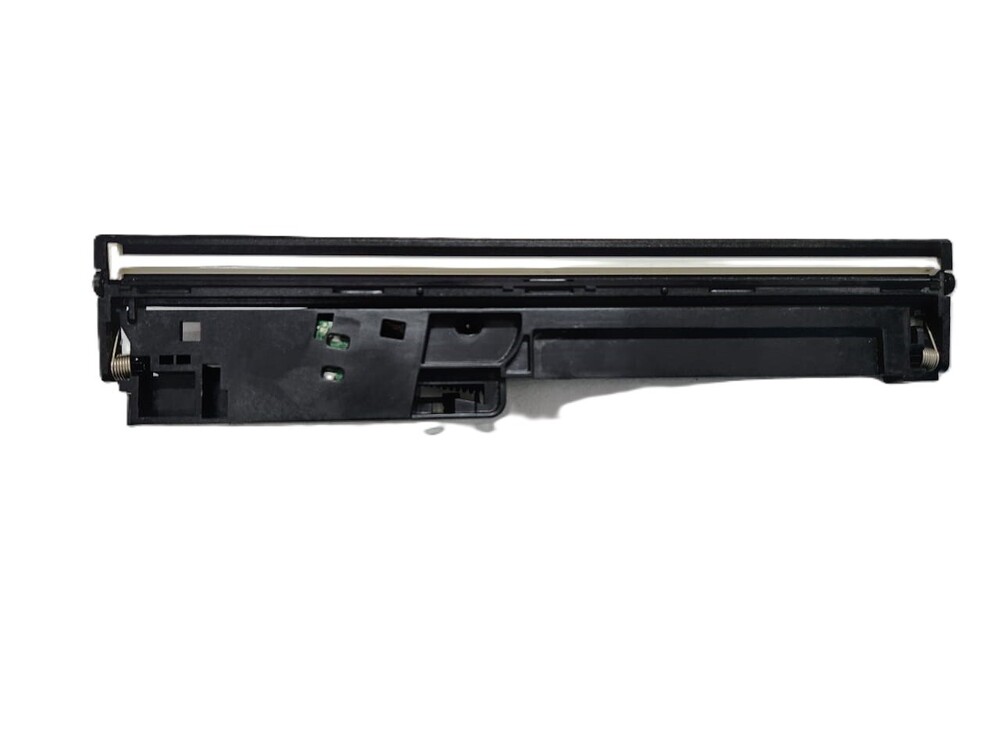
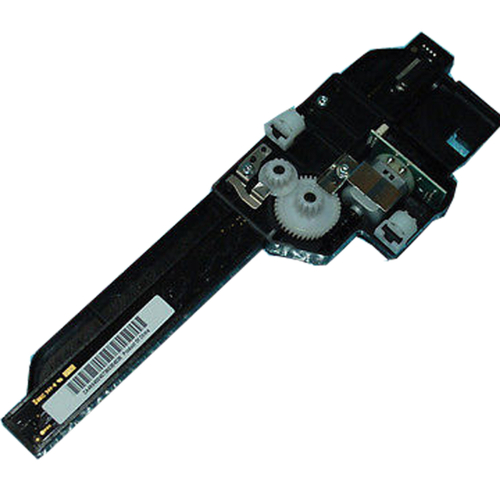
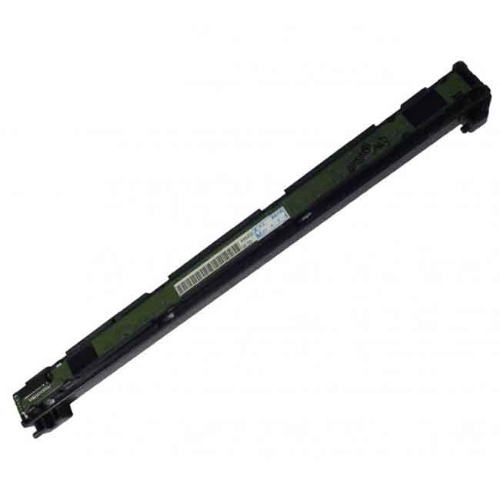
CIS Scanner Head / CCD Scanner Head For Canon Printer
For Use With
- Canon imageCLASS MF3010
- Canon imageCLASS MF3014
- Canon imageCLASS MF4410
- Canon imageCLASS MF4450
- Canon imageCLASS MF4570
- Canon imageCLASS MF4430
- Canon imageCLASS MF4550
- Canon imageCLASS MF4580
- Canon imageCLASS MF4583
- Canon imageCLASS MF4554
- Canon imageCLASS MF4553
- Canon imageCLASS MF4453
- Canon imageCLASS MF4452
- Canon imageCLASS MF4420
- Canon imageCLASS MF4412
- Canon imageCLASS MF4730
- Canon imageCLASS MF4750
- Canon imageCLASS MF4890
- Canon imageCLASS MF4870
- Canon imageCLASS MF4780
- Canon imageCLASS MF4830
- Canon imageCLASS MF4820
- Canon imageCLASS MF4770
- Canon imageCLASS MF4720
- Canon imageCLASS MF4710
- Canon imageCLASS MF4880
Canon Part Number: FK3-1153-000
Precision Scanning PerformanceEquipped with a CCD scanner, this unit guarantees high-quality image processing for documents and graphics. Its precise technology ensures clear, detailed digital reproductions, making it ideal for professional and personal use. The scanner achieves outstanding clarity and accuracy, vital for business environments.
Seamless CompatibilityDesigned exclusively for the Canon MF4820 Laser Printer, this scanner fits perfectly as a standard replacement part. Its direct power supply integration means no external connections are needed, providing hassle-free installation and operation. This compatibility ensures the longevity and stability of your device.
Convenient Storage and HandlingWeighing only 200 grams and measuring approximately 30 cm in height, this compact scanner is easy to manage and store. It is recommended to keep the unit in a cool, dry location, away from sunlight, to preserve its quality and ensure optimal performance over time.
FAQ's of PRINTER CCD SCANNER For Canon MF4820:
Q: How do I install the PRINTER CCD SCANNER for Canon MF4820?
A: To install the scanner, ensure your printer is powered off and unplugged. Remove the old scanner component, then align and securely fit the replacement CCD scanner into the designated slot. Power your printer back on and test the scanner for proper operation.
Q: What benefits does the CCD scanner offer for image processing?
A: The CCD technology provides superior image processing, delivering crisp, clear, and highly detailed scans. This ensures accuracy in document reproduction and is especially beneficial for professional-grade scanning tasks.
Q: When can I expect delivery after placing my order?
A: Orders for the PRINTER CCD SCANNER for Canon MF4820 typically have a lead time of 3-5 business days. Delivery times may vary based on your local distributor or supplier within Angola.
Q: Where should I store the scanner to maintain its quality?
A: Store the scanner in a cool, dry place and keep it out of direct sunlight to prevent damage and ensure long-term reliability. Proper storage helps preserve the functionality of sensitive components.
Q: What is the process for replacing my existing Canon MF4820 scanner with this part?
A: Start by switching off and unplugging the printer. Carefully remove the faulty scanner and insert the new CCD scanner in its place, ensuring it is properly connected. Power on the printer and perform a test scan.
Q: Can this scanner be used with other printer models?
A: No, this scanner is specifically made for the Canon MF4820 Laser Printer and should not be used with other printer models to avoid compatibility issues.
Q: What are the usage instructions and maintenance tips for this scanner?
A: For best results, use the scanner as per standard manufacturer guidelines. Handle with care during installation, avoid exposure to moisture or dust, and follow storage recommendations to extend its lifespan.



 Send Inquiry





 Send Inquiry
 Send Inquiry
 Send SMS


 English
 Spanish
 French
 German
 Italian
 Chinese (Simplified)
 Japanese
 Korean
 Arabic
 Portuguese