Product Description
Epson L565 Printer PART NO. (2159202 / 1648237/ 1654153)
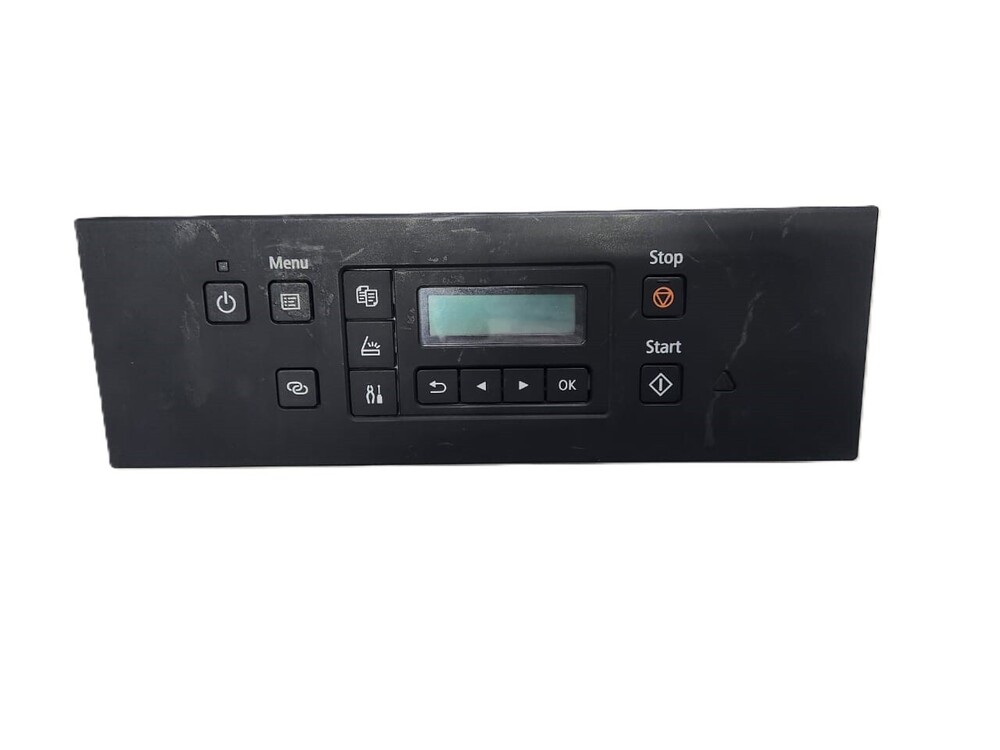
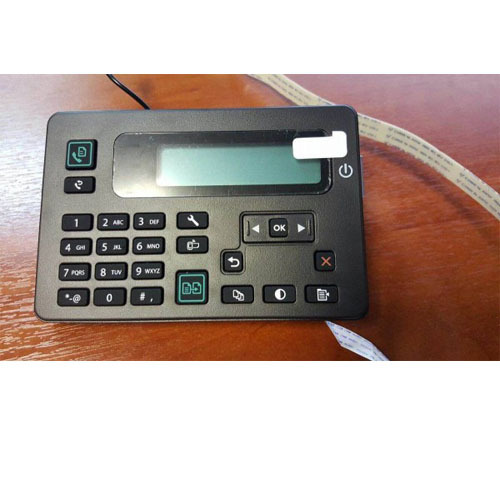
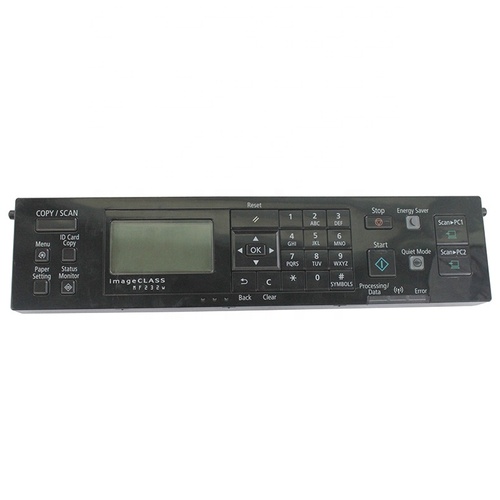
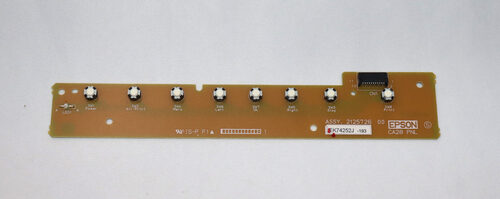
Epson Eco Tank EpsonL565 Control Panel
ButtonPanel- KeyboardPanel
Note:-Refurbished Original/ Pulled Original/ Working Original
Note:-14 Days Replacement Warranty
Advanced Design for Everyday PrintingThis replacement display panel combines functionality and longevity. The segment LCD provides clear status updates, while the membrane switch offers responsive controls. Its matte, scratch-resistant surface helps maintain a clean and professional appearance, resisting marks from frequent use. The panel's compact form seamlessly fits the Epson L565 model, allowing for direct, straightforward installation.
Effortless Installation and MaintenanceUpgrading or replacing the display panel is simple, thanks to the ribbon cable interface and OEM compatibility. The unit is powered by the printer mainboard, requiring no additional external sources. Routine care consists of keeping the panel dry and free from dust for reliable long-term operation. This design supports both user convenience and printer efficiency.
FAQ's of Control Panel / Display Panel For Epson L565 Printer:
Q: How do I install the Control Panel for the Epson L565 Printer?
A: To install the panel, disconnect your printer from power, remove the old display from the front panel, and connect the new control panel using the ribbon cable interface. Secure it in place and reconnect your printer. Detailed instructions are typically included with the replacement part.
Q: What benefits does the segment LCD and membrane switch provide?
A: The segment LCD ensures clear display of printer status and navigation of settings, while the membrane switch offers a smooth, responsive touch experience, minimizing wear and prolonging the panel's lifespan.
Q: When should I replace the existing display panel on my Epson L565 Printer?
A: Consider replacing the panel if the display becomes unreadable, the buttons are unresponsive, or there is visible damage that affects usability. Using a genuine OEM replacement ensures maximum compatibility and performance.
Q: Where is the optimal place to store the control panel before installation?
A: Store the replacement panel in a dry, dust-free environment to prevent moisture damage and debris accumulation, ensuring it remains in perfect condition before use.
Q: What is the process for ensuring proper functionality after installation?
A: After installation, reconnect and power up your printer. Test all buttons and the display, check navigation through printer settings, and verify that the printer status is shown correctly to ensure the panel is functioning properly.
Q: Can this panel be used for printers other than the Epson L565?
A: This display panel is specifically designed for the Epson L565 printer and may not be compatible with other models. For optimal performance, use only with the designated printer model.


 Send Inquiry





 Send Inquiry
 Send Inquiry
 Send SMS


 English
 Spanish
 French
 German
 Italian
 Chinese (Simplified)
 Japanese
 Korean
 Arabic
 Portuguese