Product Description
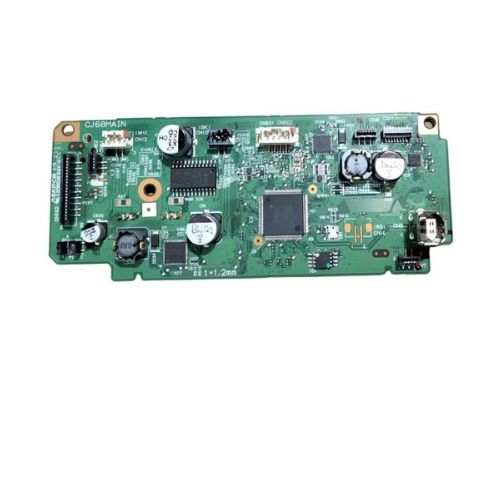
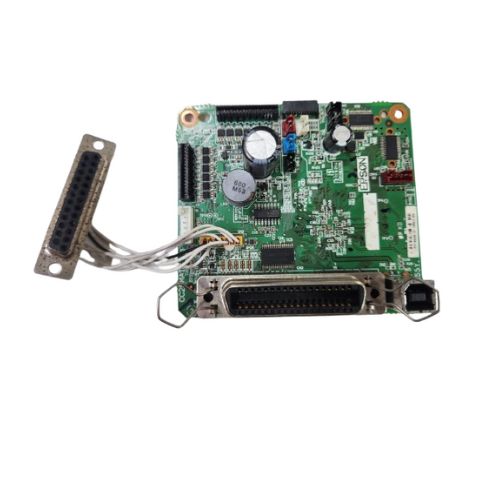
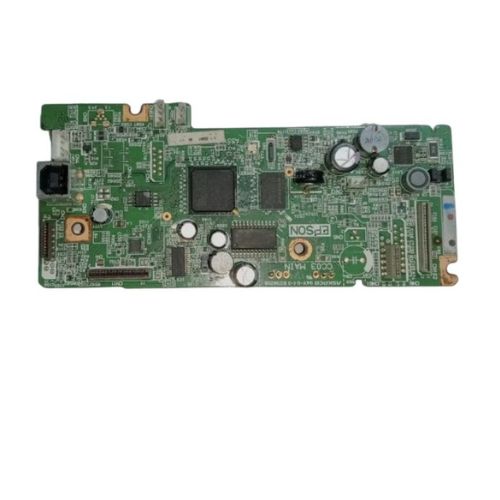
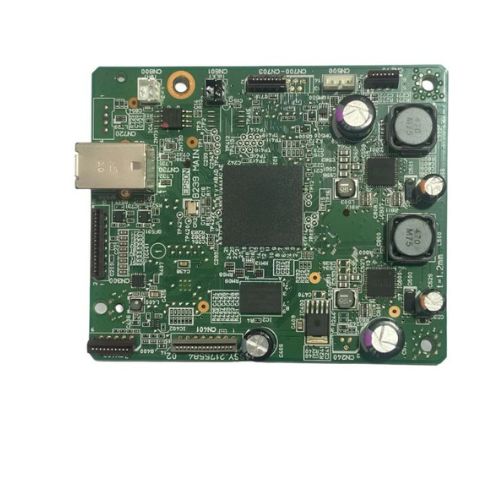
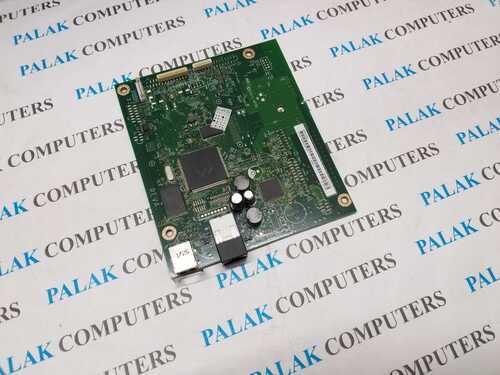
Bring your Epson M1100 EcoTank Monochrome InkTank Printer back to optimal working condition with this premium Formatter Board / Logic Card. Whether you're dealing with power-up failures or USB connectivity issues, this main logic board ensures precise performance and communication within your printer system.Ideal for printer repair technicians and service centers looking for reliable and compatible hardware.
Compatible Epson Model:
________________________________________________
Part Numbers :
________________________________________________
Also Known As:
- Formatter Card / Logic Board / Main PCB Board /Motherboard / MPCA / MLC / Main USB Board
________________________________________________
Product Condition:
-
Refurbished Original / Pulled Original / Working Original
-
Professionally cleaned, tested, and fully functional
-
14 Days Replacement Warranty
Precision Engineering for Epson PrintersThe Epson M1100 Logic Card is crafted with meticulous attention to detail, ensuring seamless compatibility and performance within Epson M1100 printers. Its top-tier construction enhances device reliability, making it ideal for professional print setups that demand consistent quality.
Easy Installation and Reliable UseDeveloped for straightforward integration into existing M1100 printers, the logic card features a plain pattern and is easy to handle during the upgrade or repair process. By following basic storage and handling instructions, users can expect long-lasting and efficient performance.
FAQ's of Epson M1100 Logic Card / Formatter Board:
Q: How can I install the Epson M1100 Logic Card in my printer?
A: Installation is straightforward; simply follow your printer manufacturer's guidelines for replacing or upgrading the formatter board. Be sure to disconnect the power source and use a dry, static-free environment during the process.
Q: What are the main benefits of using this logic card in my Epson M1100 printer?
A: This logic card guarantees good quality performance, enhances printer reliability, and ensures optimal compatibility-resulting in smoother printer operations and fewer technical issues.
Q: When should I consider replacing my printer's logic card?
A: Replace the logic card if your Epson M1100 printer exhibits frequent errors, connectivity problems, or consistent print failures, as these can be signs of logic card malfunction.
Q: Where should I store the Epson M1100 Logic Card before installation?
A: For best results, keep the logic card in a cool, dry place away from moisture and dust to preserve its performance and protect sensitive circuits until use.
Q: What is the correct usage process for this logic card?
A: After proper installation following the manufacturer's guidelines, simply power up the printer as usual. The logic card operates manually, requiring no independent power source other than that supplied by the printer.
Q: How does the green color and plain pattern affect the product's function?
A: The green color and plain pattern are industry standards that have no impact on performance. They represent the quality circuit board material commonly used for reliability and durability in electronics.



 Send Inquiry





 Send Inquiry
 Send Inquiry
 Send SMS


 English
 Spanish
 French
 German
 Italian
 Chinese (Simplified)
 Japanese
 Korean
 Arabic
 Portuguese