FAQs of HP 416A W2043A MAGENTA TONER CATERIDGE:
Q: How do I install the HP 416A W2043A Magenta Toner Cartridge in my printer?
A: Simply follow the user manual for your HP Color LaserJet Pro M454 or MFP M479 series printer. Open the toner access area, remove the old cartridge, and gently insert the new sealed cartridge. Close the access area and your printer will be ready to use.
Q: What are the main benefits of using an original HP 416A (W2043A) cartridge?
A: Original cartridges, such as the HP 416A W2043A, provide consistent print quality, reliable performance, and protect your printer from damages caused by third-party alternatives. They also help maintain warranty standards.
Q: When should I replace my HP 416A W2043A Magenta Toner Cartridge?
A: Replace the cartridge when your printer notifies you of low toner or when print quality visibly declines with faded magenta shades. This ensures optimal efficiency and color consistency.
Q: Where should I store the HP 416A W2043A cartridge to maintain its shelf life?
A: Store the cartridge in a cool, dry place, away from direct sunlight and moisture. Keep within the storage temperature range of -20 to 40C and maintain relative humidity between 10 and 95% RH.
Q: What printers is the HP 416A W2043A Magenta Toner Cartridge compatible with?
A: This cartridge is compatible with HP Color LaserJet Pro M454 Series (including M454DN, M454DW, M454NW) and MFP M479 Series (M479DW, M479FDW, M479FNW) printers, providing seamless integration and superior results.
Q: How is the logistics process managed for export orders?
A: Upon receiving your order, we coordinate with reputable freight and logistics partners to ensure safe and timely transportation. Inventory is managed so that ready stock is dispatched quickly, minimizing delivery time for export markets.

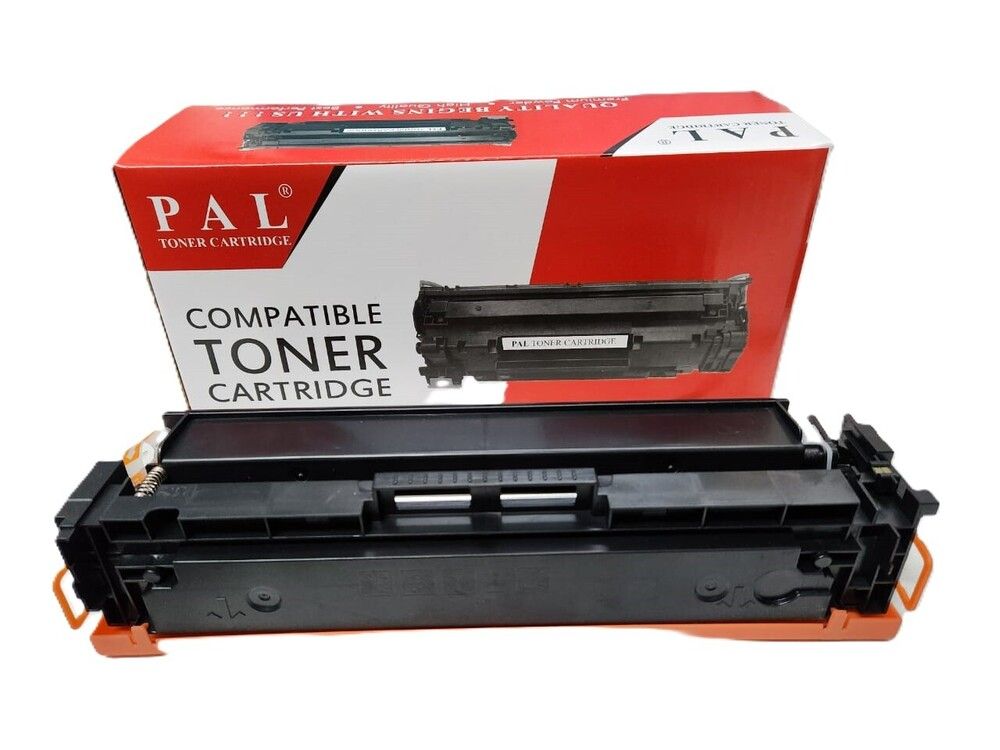


 Send Inquiry




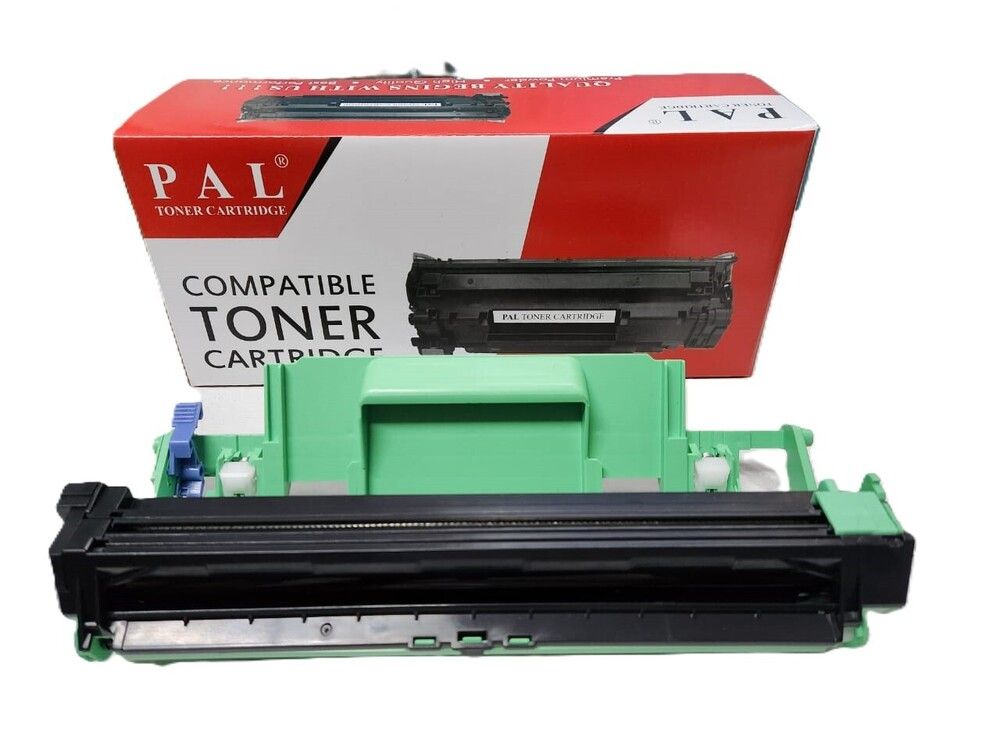

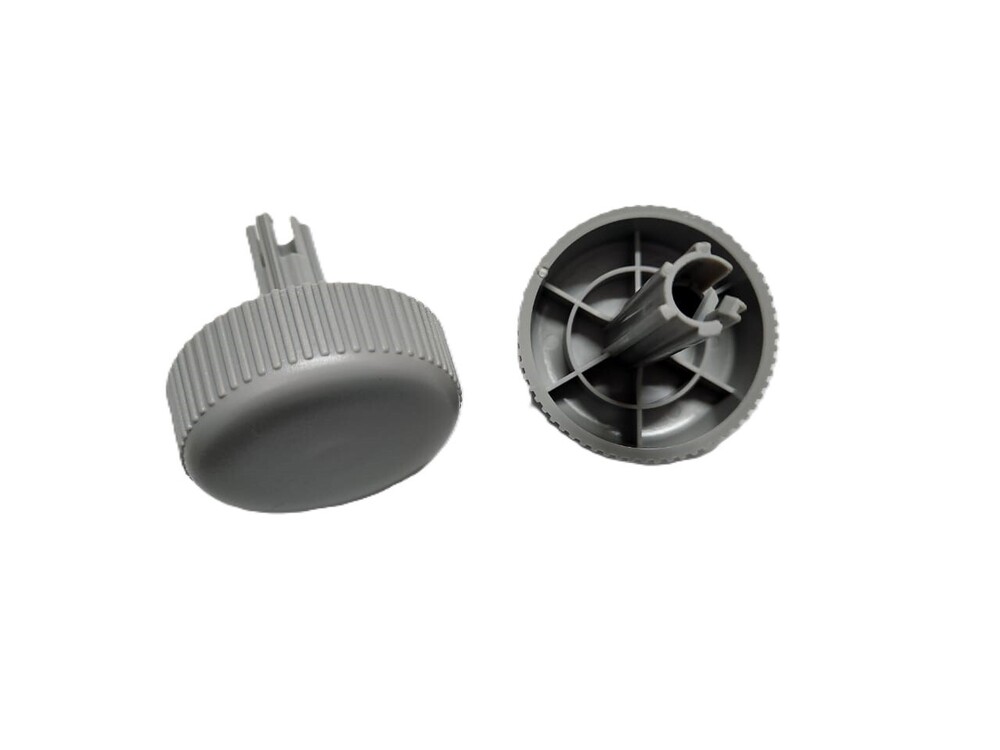
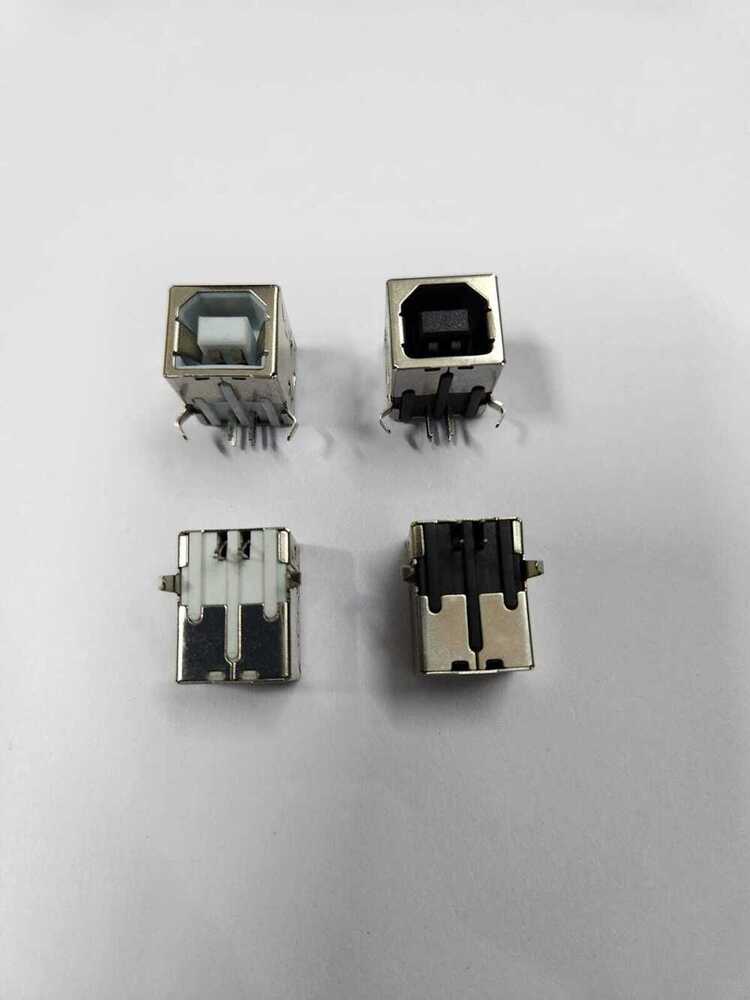

 Send Inquiry
 Send Inquiry
 Send SMS


 English
 Spanish
 French
 German
 Italian
 Chinese (Simplified)
 Japanese
 Korean
 Arabic
 Portuguese