Product Description
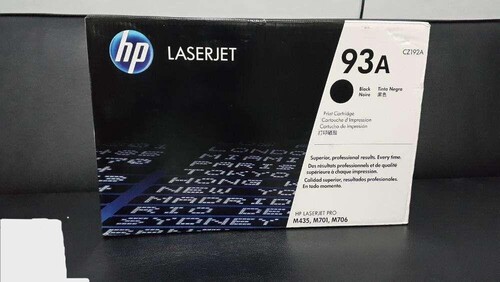
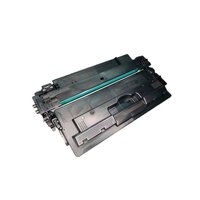
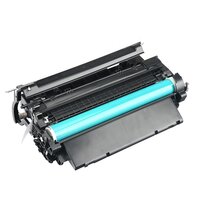
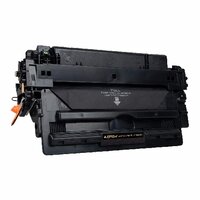
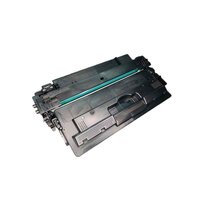
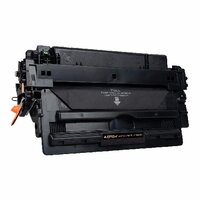
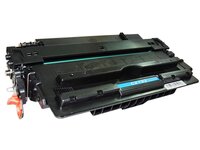
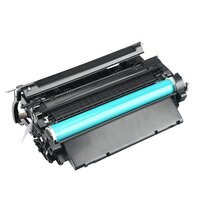
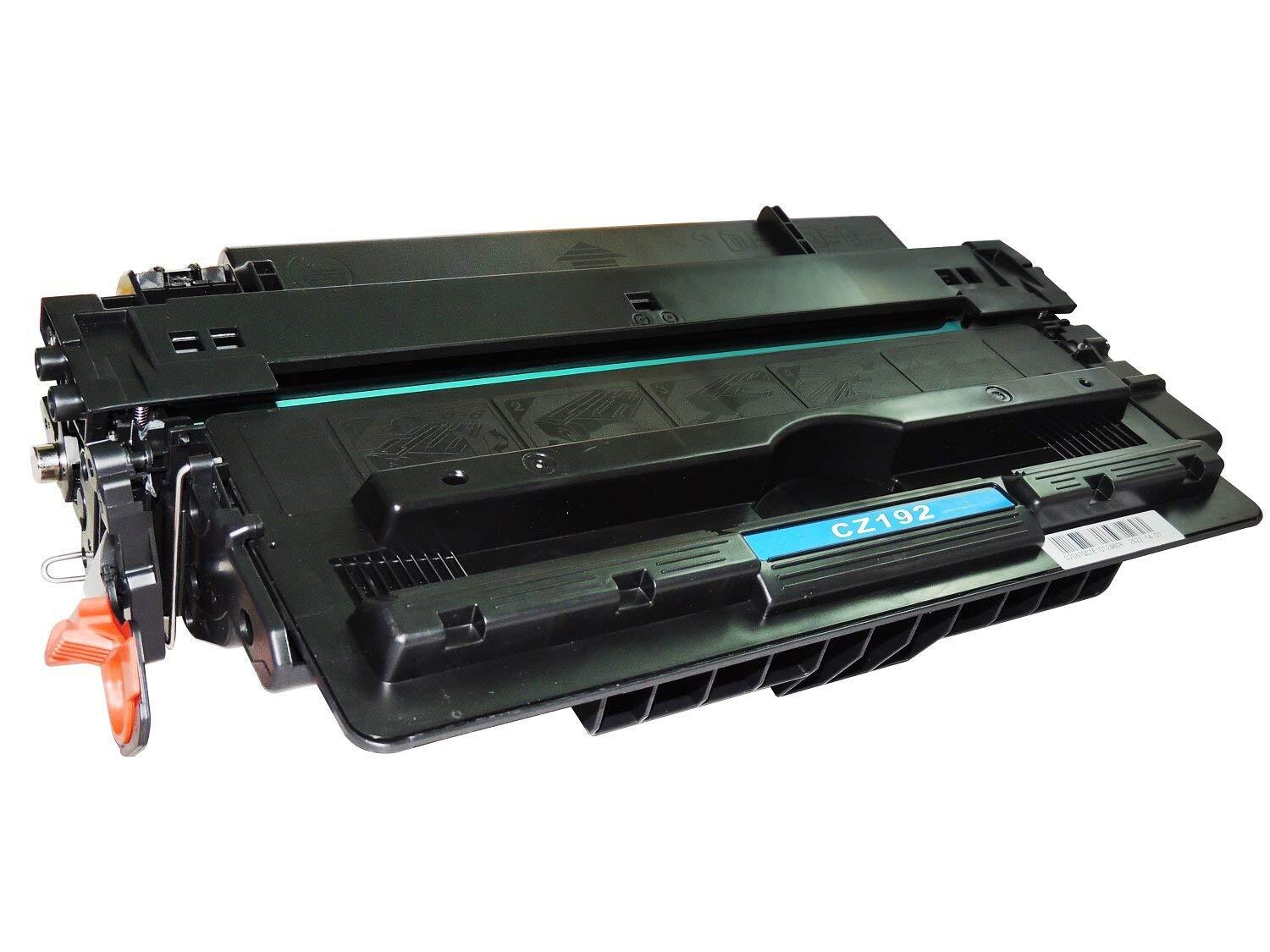
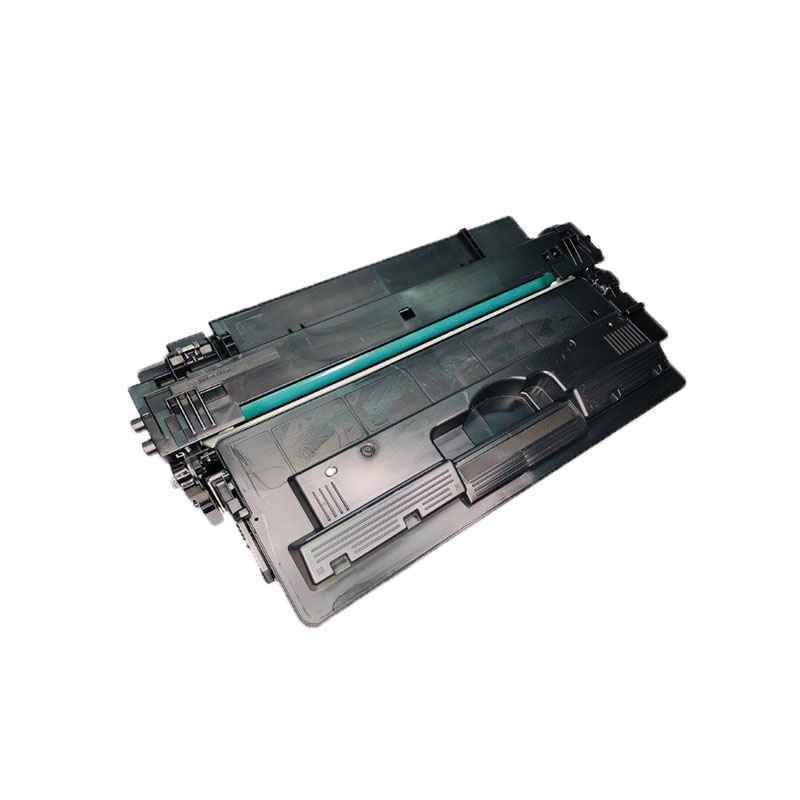
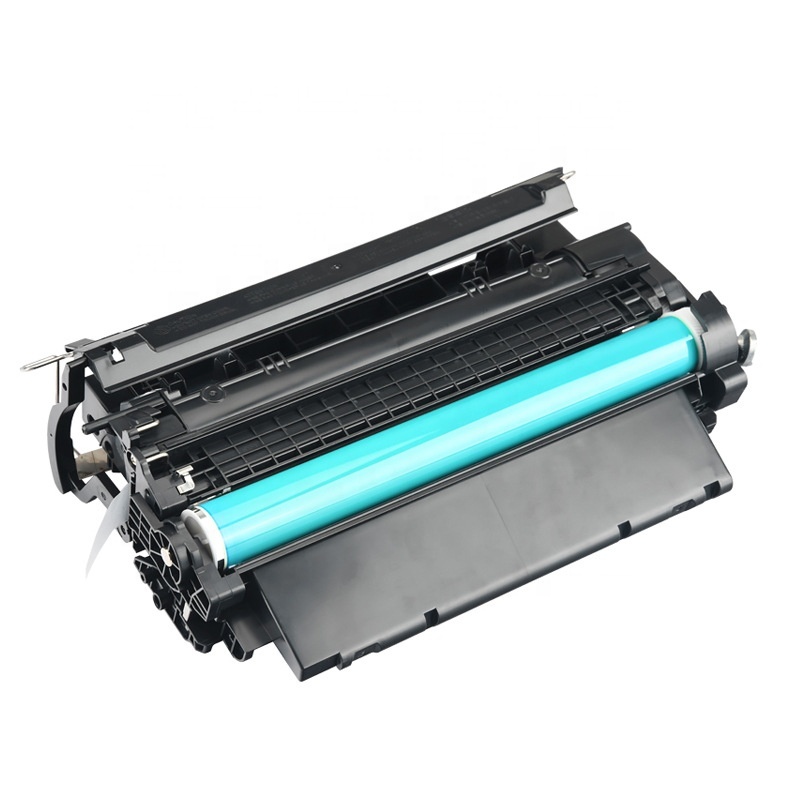
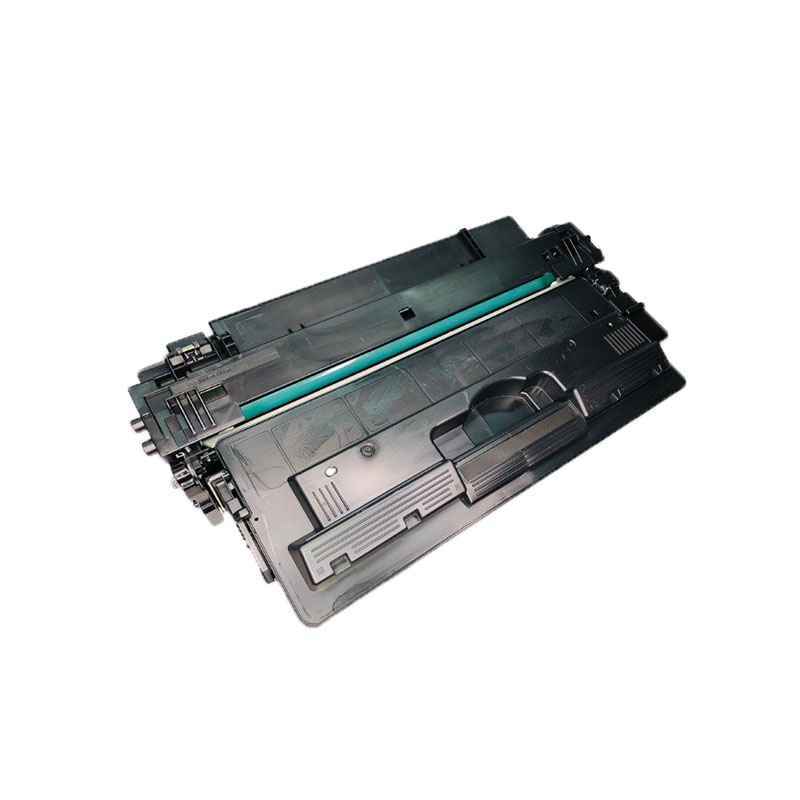
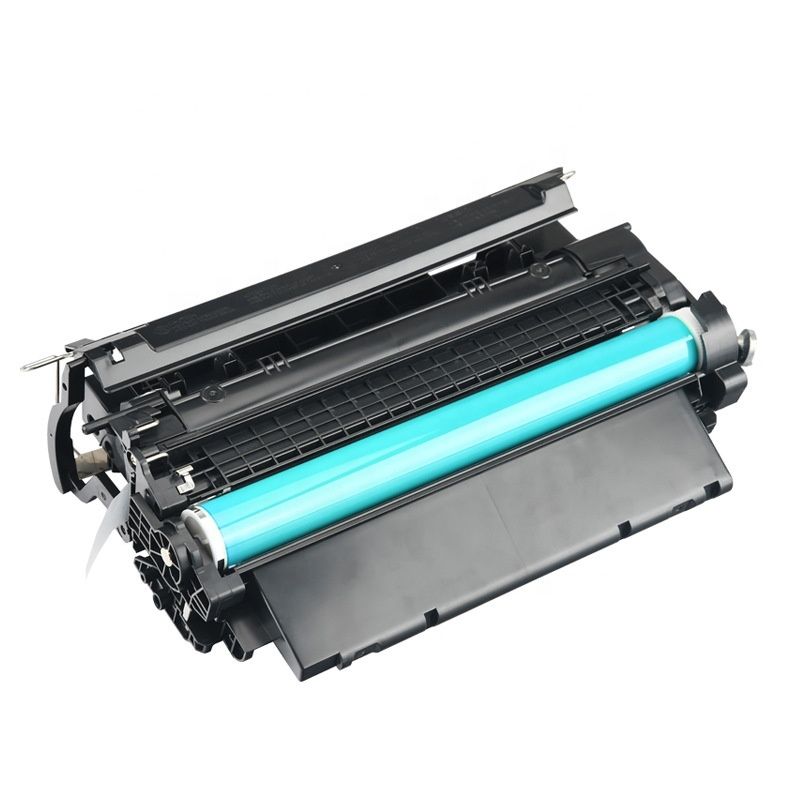
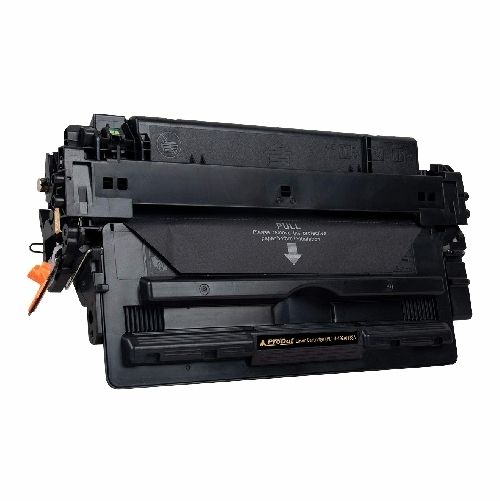
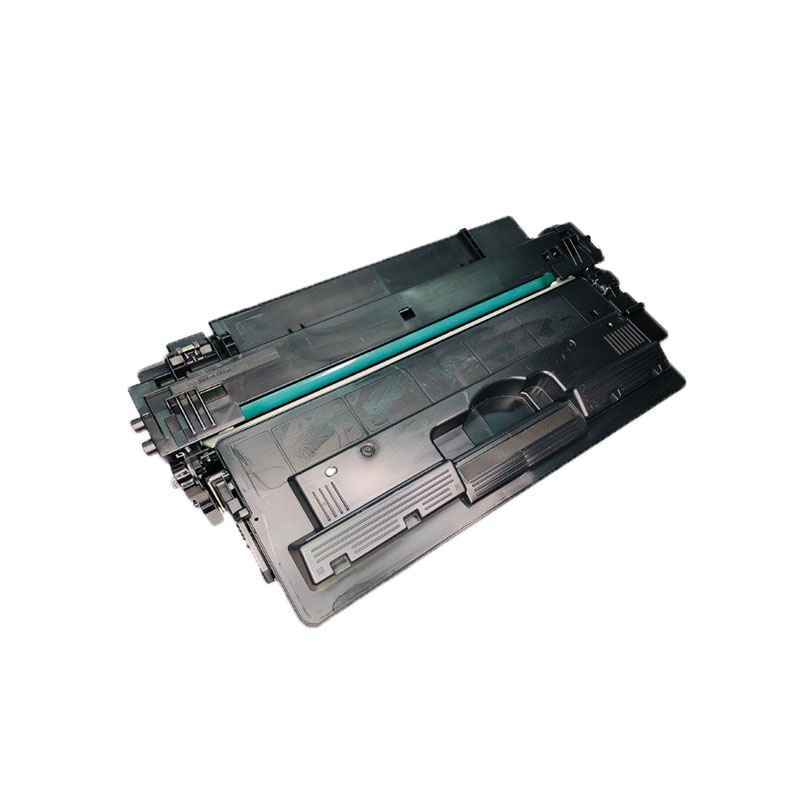
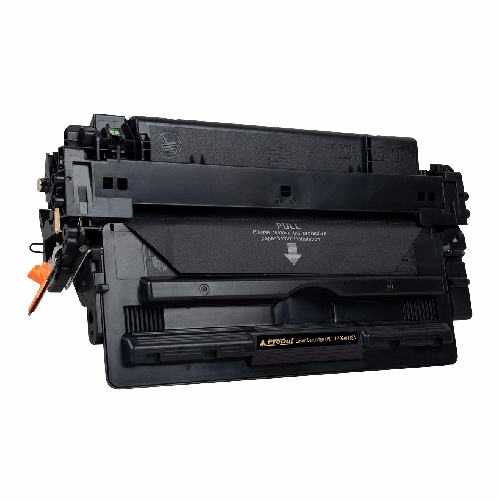
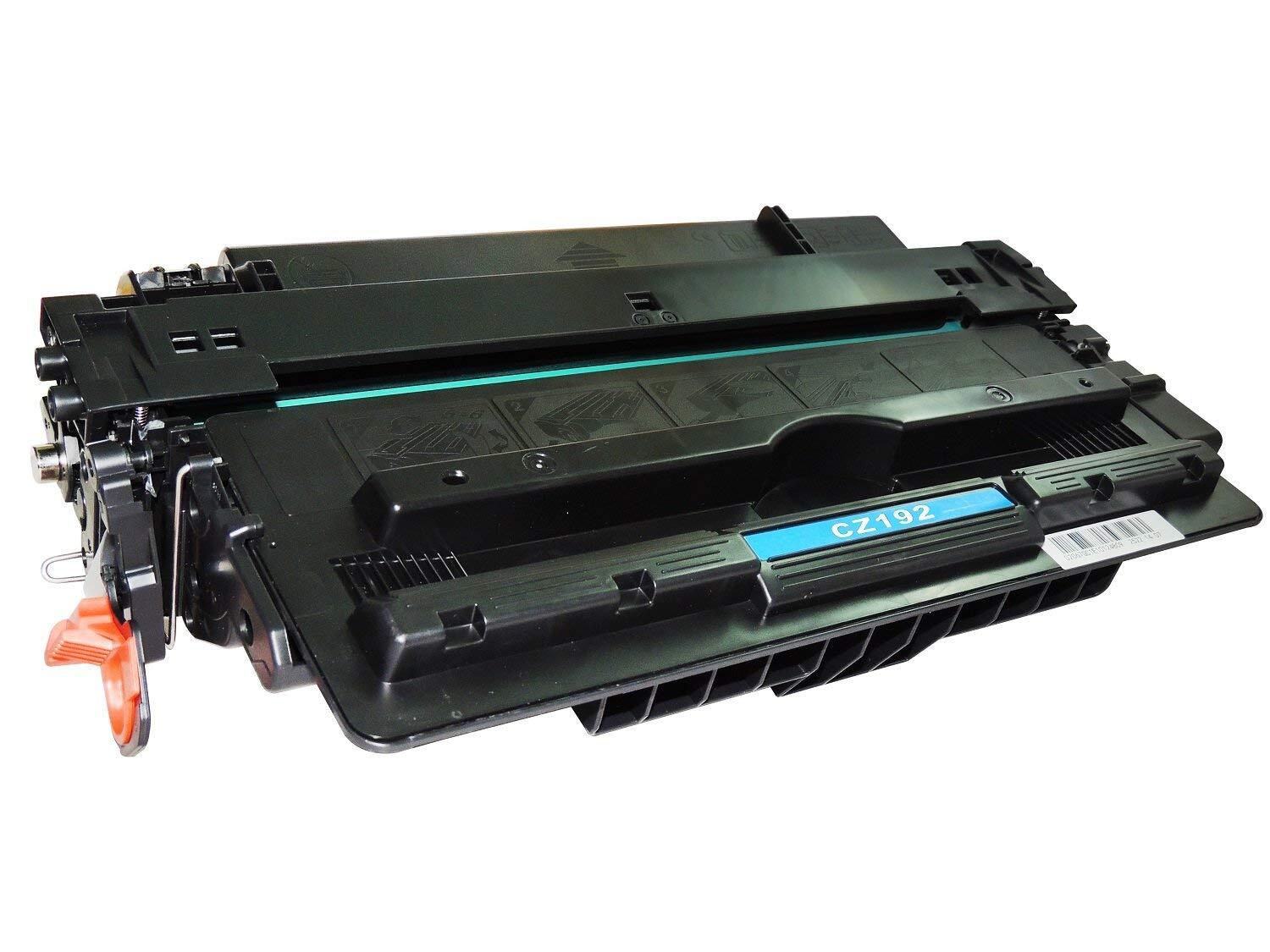
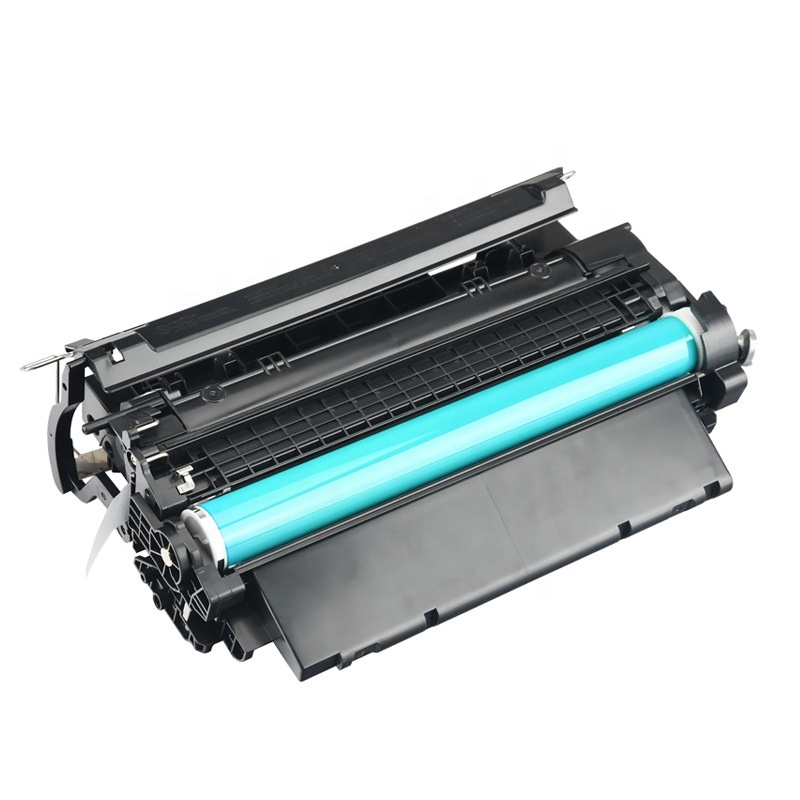
HP 93A Black Original LaserJet Toner Cartridge
Specification
| Model Name/Number | CZ192A |
| Brand | HP |
| Color | Black |
| Product Type | Standard Capacity Toner Cartridges |
| Technology | Laser |
| Cartridges Status | Full |
| Operating Humidity Range | 20 to 80% RH |
| I Deal In | New Only |
| Page yield (black and white) | 12,000 pages |
| Non-Operating Humidity Range | 10 to 90% RH |
| Hardware compatibility | HP LaserJet Pro M435nw Multifunction Printer |
| Minimum Order Quantity | 2 |
Reliable Original HP QualityThe HP 93A Black Original LaserJet Toner Cartridge ensures optimal results thanks to genuine HP engineering. It provides clear, sharp black prints suitable for professional documents. Distributors and traders appreciate its consistent output and high reliability for HP LaserJet printers.
Efficient and Easy to ReplaceNo technical skills are necessary to replace the HP 93A cartridge. It is designed for quick installation, minimizing printer downtime and helping your workflow stay smooth. Simply follow the instructions provided with your HP LaserJet printer for easy replacement.
Proper Storage and HandlingPreserve the quality of your HP 93A cartridge by storing it in a cool, dry environment. This simple practice ensures the toner remains in perfect condition, allowing it to deliver the best performance when needed.
FAQ's of HP 93A Black Original LaserJet Toner Cartridge:
Q: How do I install the HP 93A Black Original LaserJet Toner Cartridge in my printer?
A: To install the HP 93A cartridge, turn off your HP LaserJet printer, open the toner access door, remove the old cartridge, and insert the new one. Slide it gently into place until it clicks. Close the access door and power the printer back on. Detailed instructions are available in your printer's manual.
Q: What HP printers are compatible with the HP 93A toner cartridge?
A: The HP 93A toner cartridge is specifically designed for HP LaserJet printers. Please refer to your printer's manual or check the HP website to confirm compatibility with your specific model before purchasing.
Q: When should I replace my HP 93A Black LaserJet Toner Cartridge?
A: You should replace the HP 93A cartridge when you notice a decline in print quality, faded text, or when your printer notifies you that toner levels are low. For optimal results, use original HP cartridges and replace them promptly.
Q: Where should I store my unused HP 93A toner cartridges?
A: Keep unused HP 93A toner cartridges in a cool, dry place away from direct sunlight and extreme temperatures. Proper storage extends the cartridge's shelf life and preserves toner quality.
Q: What are the benefits of using an original HP 93A LaserJet toner cartridge?
A: Original HP 93A toner cartridges offer several advantages, including high-quality prints, reliable performance, and seamless compatibility with HP LaserJet printers. They also help prevent potential printer damage associated with non-genuine products.
Q: How does using genuine toner cartridges affect printer performance?
A: Using genuine HP toner cartridges like the 93A ensures optimal print quality and reliable printer operation. They reduce the risk of printer malfunctions and help maintain your machine's warranty coverage.
Q: What is the process for safely disposing of used HP 93A cartridges?
A: You can return used HP 93A cartridges through the HP Planet Partners recycling program or check with local authorized suppliers in India. This eco-friendly approach helps reduce environmental impact and promotes responsible disposal.



 Send Inquiry





 Send Inquiry
 Send Inquiry
 Send SMS


 English
 Spanish
 French
 German
 Italian
 Chinese (Simplified)
 Japanese
 Korean
 Arabic
 Portuguese