Product Description
HP LaserJet Tank MFP 1005w Printer
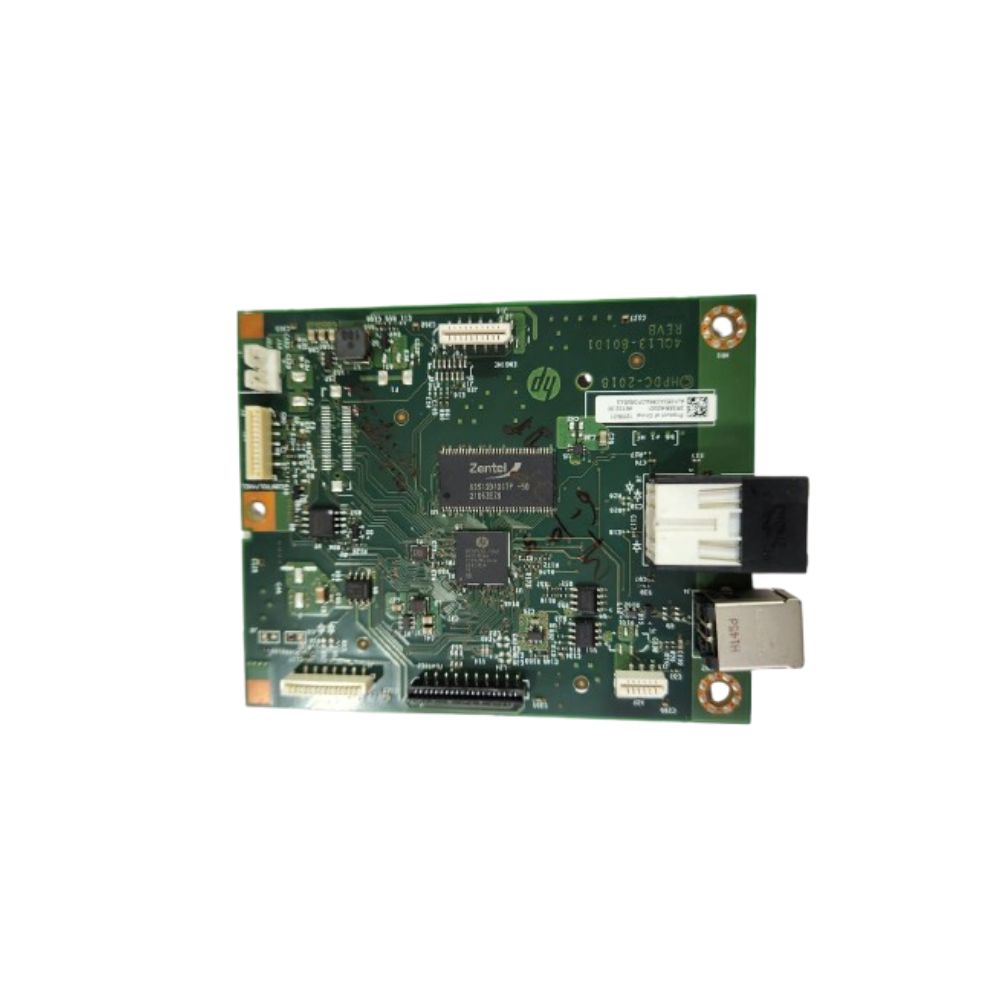
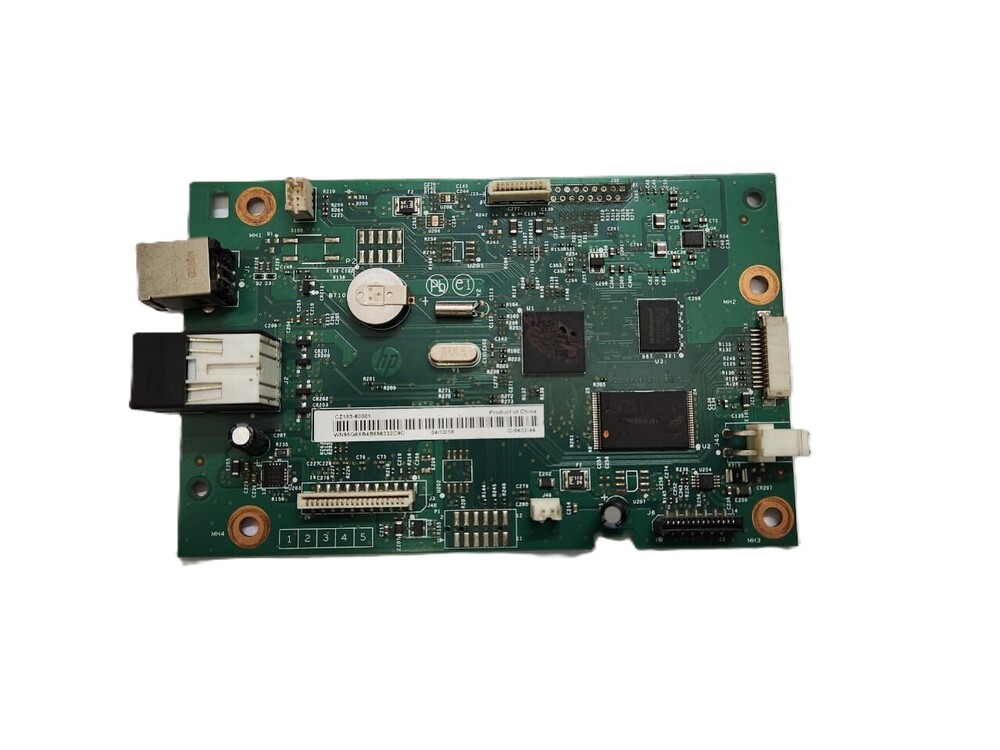
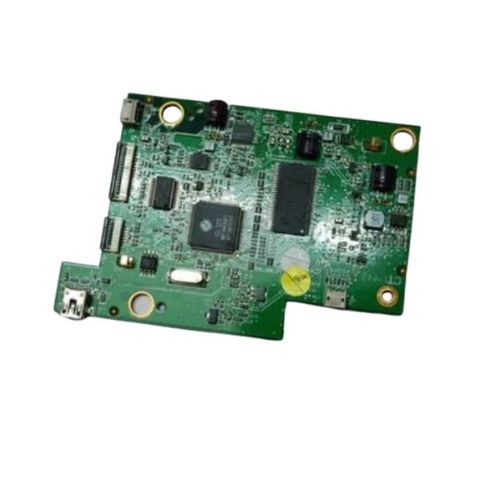
Formatter Board Logic Board For HP LaserJet Tank MFP 1005w / 1005 Printer (2R3E8-60001/ 2R3E8-60001)
HP LaserJet Tank MFP 1005 w Printer
HP LaserJet Tank MFP 1005 Printer
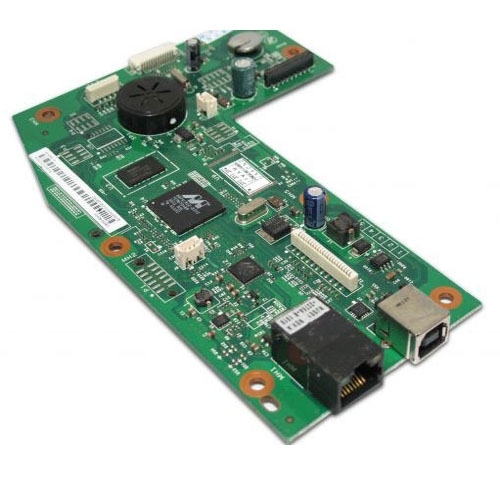
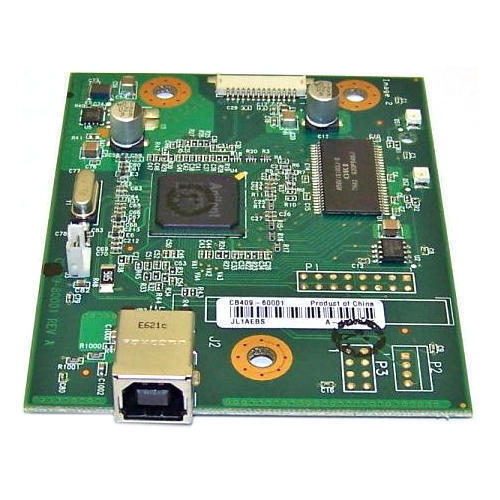
Formatter Card / Logic Board / Main PCB Board / Motherboard / MPCA/ MLC/ USB Board / Main USB Board
Note :- Refurbished Original- Pulled Original - Working Original
Note:-14 Days Replacement Warranty
Reliable Multifunctional PerformanceThe HP LaserJet Tank MFP 1005w Printer offers seamless printing, copying, and scanning in one compact unit. Its low noise operation and quick printing speed of up to 22 pages per minute ensure uninterrupted workflow. Designed for regular office demands, this robust machine stands out for its superior quality and consistent results.
Simple Setup and Versatile ConnectivityEnjoy effortless installation with the included Logic Card and straightforward instructions. Whether you prefer wireless or USB connections, integration with devices running Windows, macOS, or Linux is hassle-free. Its user-friendly design ensures quick deployment, even in busy environments.
Engineered for DurabilityBuilt with OEM-certified parts, the HP LaserJet Tank MFP 1005w Printer provides long-lasting performance. Its durable construction and high reliability are complemented by storage instructions that preserve quality-store the device and any consumables in a cool, dry place for best results.
FAQ's of Logic Card HP LaserJet Tank MFP 1005w Printer:
Q: How do I install the Logic Card HP LaserJet Tank MFP 1005w Printer?
A: To install the printer, unbox the package and connect it to power (220-240 V AC). Follow the included setup guide to insert the Logic Card, and then use the software installer compatible with Windows, macOS, or Linux. You may choose between wireless or USB connectivity.
Q: What types of tasks can this printer handle?
A: The HP LaserJet Tank MFP 1005w supports printing, copying, and scanning-all in a single device. It efficiently manages everyday office documents using A4 or letter-sized paper with high-quality laser prints.
Q: When should the printer be used for optimal performance?
A: For best performance, operate the printer within a temperature range of 15C to 32.5C and humidity levels between 20% and 80% RH. Always store it in a cool, dry place to maintain its durability.
Q: Where can I use the HP LaserJet Tank MFP 1005w Printer?
A: This printer is well-suited for office use, businesses, and home offices in India, especially where high-speed, low-noise printing is important. Its compact size and wireless capabilities allow for flexible placement.
Q: What is the process for copying or scanning documents?
A: Place your document on the scanner bed and use the printer's control panel to select either copy or scan. Configure your desired settings and initiate the process; completed files can be saved or sent to your preferred device.
Q: What benefits does this printer offer over standard models?
A: With OEM certification, high performance, and easy installation, this printer ensures consistent output and reliability. Features like low noise, wireless connectivity, and efficient toner use enhance productivity for businesses and individual users.



 Send Inquiry





 Send Inquiry
 Send Inquiry
 Send SMS


 English
 Spanish
 French
 German
 Italian
 Chinese (Simplified)
 Japanese
 Korean
 Arabic
 Portuguese