Product Description
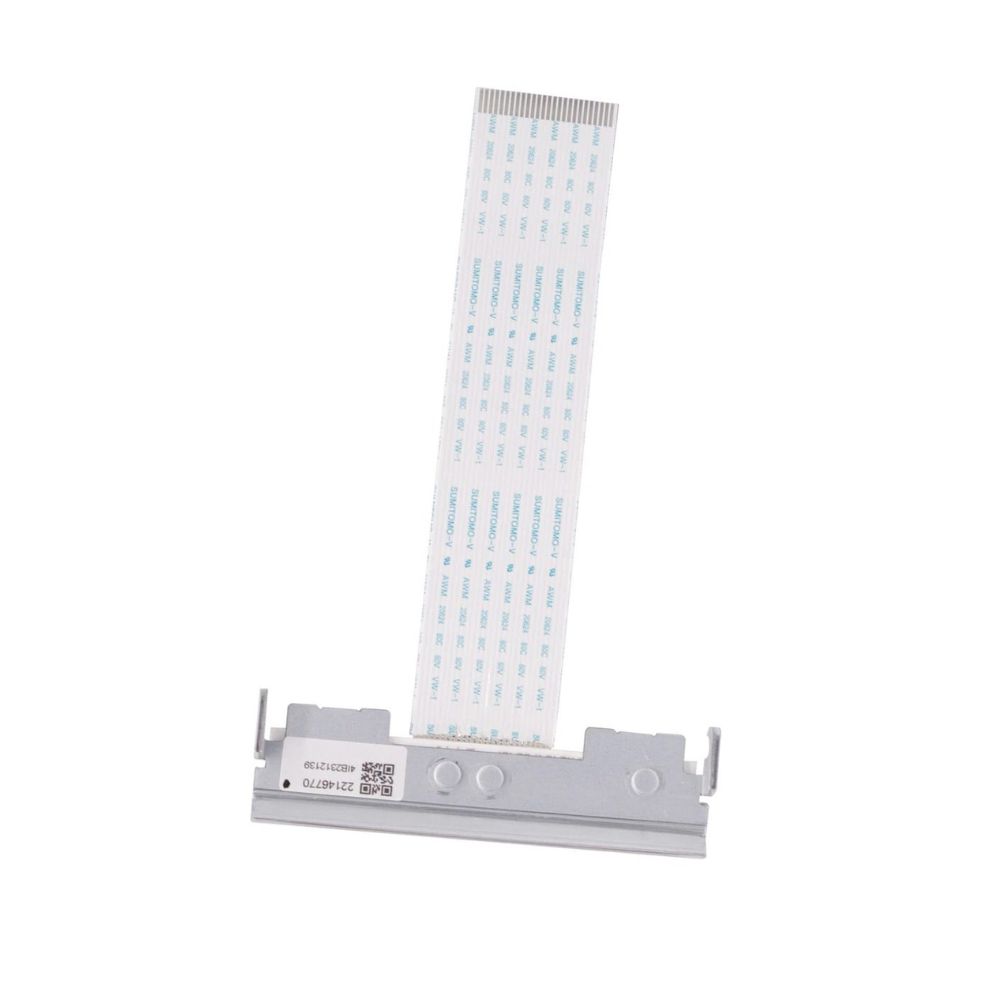
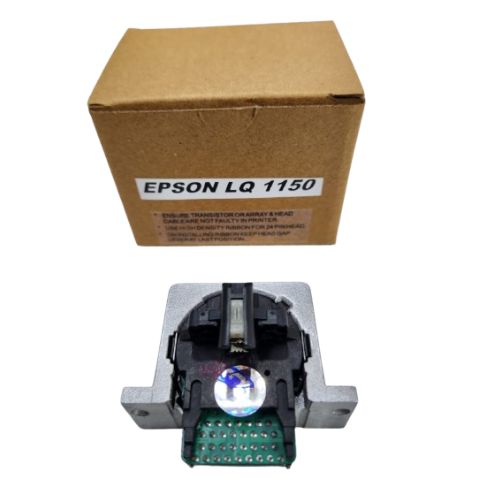
Print Head For Epson TM-T88V Thermal POS Receipt Printer (2141001/ 2131885/ 2138822/ 2214677)
Epson TM-T88V/ TM-T885 Thermal POS Receipt Printer
:Part 2131885/2141001/2138822
Superior Print QualityThis print head delivers sharp, legible receipts every time, making it suitable for high-traffic retail, hospitality, or office environments. Its solid build ensures consistent printing, while thermal technology minimizes maintenance needs.
Easy to Use and InstallDesigned with user convenience in mind, the print head is easy to install in the Epson TM-T88V printer. Manual operation allows seamless integration for various business uses, reducing downtime and hassle during replacement.
Ideal for Indian MarketsAs a trusted choice for distributors, suppliers, and traders throughout India, this print head supports local business operations. Its good quality materials withstand rigorous use and typical storage conditions, ensuring ongoing reliability.
FAQ's of Print Head For Epson TM-T88V Thermal POS Receipt Printer:
Q: How do I install the Print Head for the Epson TM-T88V Thermal POS Receipt Printer?
A: To install the print head, first power off the printer and let it cool. Remove the printer cover and gently take out the old print head. Insert the new print head, ensuring it fits securely, and reassemble the cover. Follow your printer's manual for specific guidance.
Q: What are the storage instructions for the print head?
A: Keep the print head in a dry place to prevent moisture, which can damage its components. Avoid exposure to extreme temperatures or direct sunlight for optimal longevity and performance.
Q: When should I consider replacing the print head in my printer?
A: Replace the print head when you notice faded, uneven, or incomplete printouts that persist after cleaning. Regular replacement ensures your receipts remain clear and legible.
Q: Where can this print head be used?
A: This print head is compatible with the Epson TM-T88V Thermal POS Receipt Printer and is ideal for use in retail stores, restaurants, offices, and anywhere reliable receipt printing is needed. It is widely distributed in India.
Q: What is the process for cleaning the print head to ensure good quality prints?
A: Power off the printer and allow it to cool. Gently wipe the print head surface with a soft, lint-free cloth slightly dampened with alcohol. Avoid scratching or applying excessive pressure. Regular cleaning maintains print clarity and extends product life.
Q: How does using a good quality print head benefit my business?
A: A high-quality print head ensures consistent, clear receipts, which contributes to professional customer service. It also reduces downtime and printer maintenance, improving operational efficiency.



 Send Inquiry





 Send Inquiry
 Send Inquiry
 Send SMS


 English
 Spanish
 French
 German
 Italian
 Chinese (Simplified)
 Japanese
 Korean
 Arabic
 Portuguese