Product Description
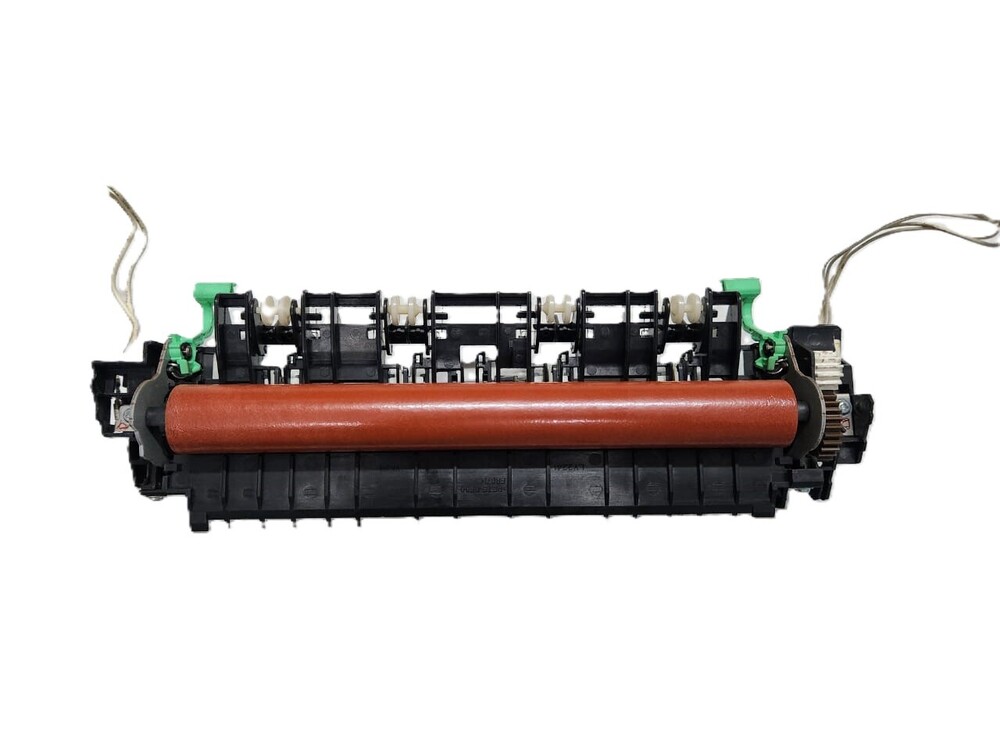
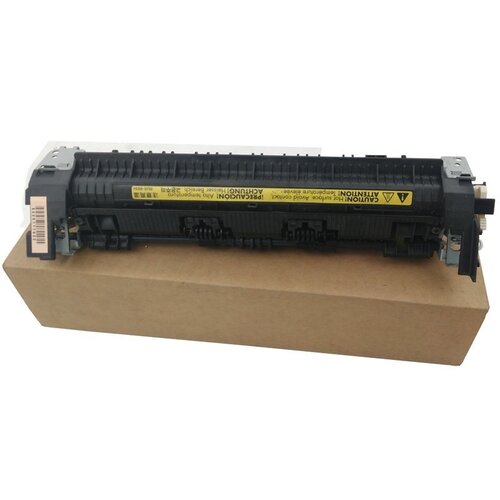
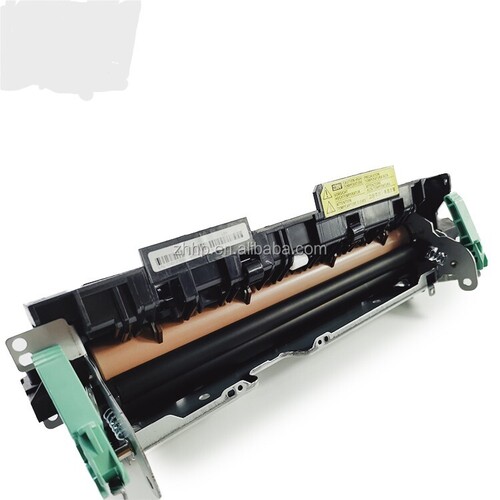
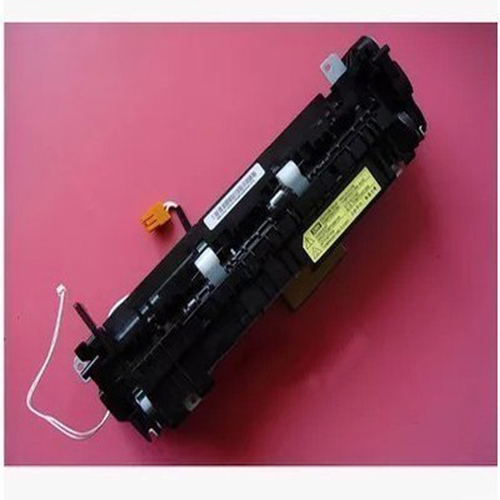
Fuser Unit Fuser Assembly Brother HL2250DN DCP-7055 DCP-7065DN DCP-7060D (LY2488001)
FOR USE IN (REFURBISHED)
Fuser Unit Fuser Assembly Brother HL2250DN DCP-7055 DCP-7065DN DCP-7060D (LY2488001)
Compatible Model i Brother HL 2130 i 2132 i 2135 i 2215 i 2220 i 2230 i 2240D i 2242 i 2250DN i 2270DW- 2275 i 2280DW i DCP 7055 i 7060D i 7065DN
Brother 2130 i 2240 i 2250 i 2270 i 2280 i 7055 i 7060 i 7065 i 7360 i 7470 i 7460
Konica Minolta 1500 i 1580 i 1590
Fuser Assembly ( Fixing Unit ) For Brother HL 2250dn / DCP 7055 / DCP 7065dn (LY2488001)
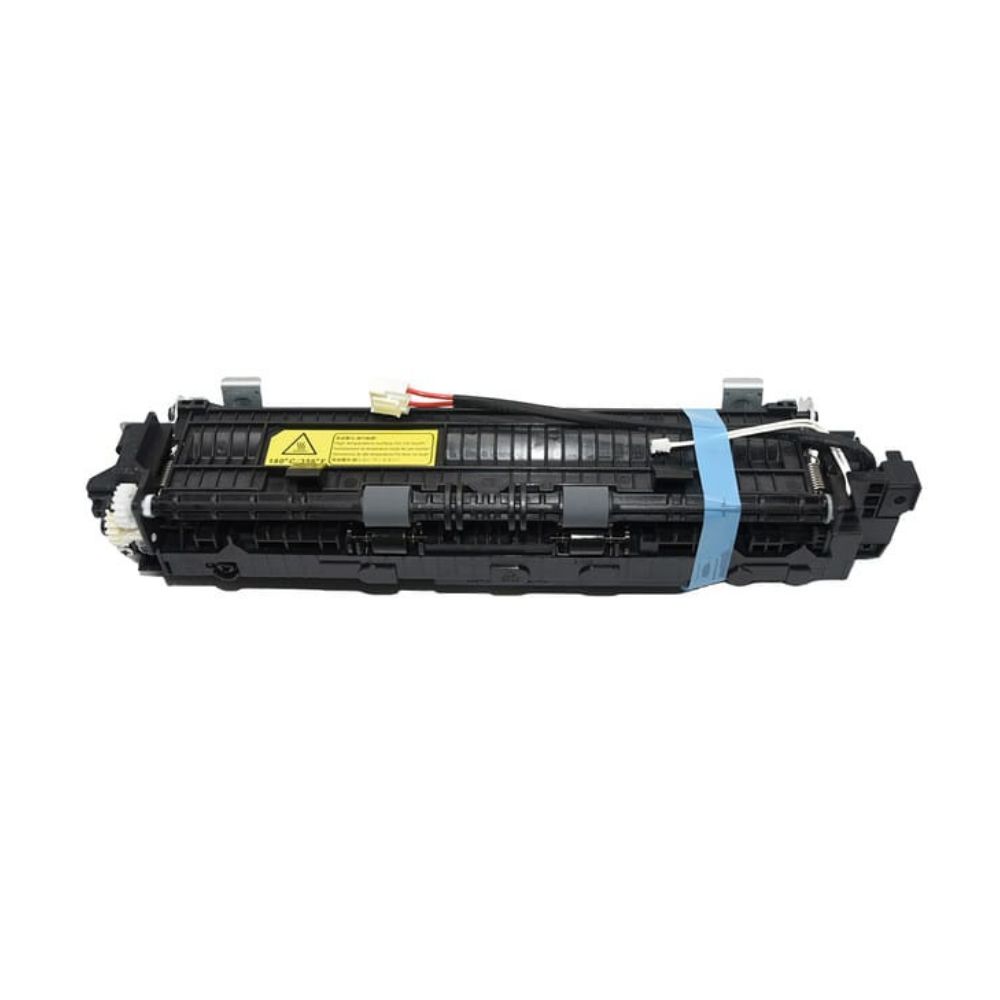
Fuser Unit Assy For Brother DCP-7060D DCP-7065DN DCP-7060 DCP-7065 DCP 7060 7065 DCP7060 Fuser Assembly LY2487001 LY3454001
Brother DCP-7055 DCP-7060D DCP-7065DN MFC-7860 DCP-7057 DCP-7070DW DCP7057 Fuser Assembly ( LY2487001 LY3454001)
Brother DCP-7055 Printer
Brother DCP-7060 Printer
Brother DCP-7065DN Printer
Brother MFC-7360 Printer
Brother MFC-7362 Printer
Brother MFC-7470 Printer
Brother MFC-7460 Printer
Konica Minolta Pagepro 1500 w i Pro 1580MF i Pro 1590MF
: Fixing Unit Assembly i Maintenance Kit i Fuser Assembly i Fuser Unit i Fuser Fixing Unit i Fuser Unit / Fixing Assembly
Fuser Unit i Fuser Fixing Unit i Maintenance Kit i Fuser Assembly i Fuser Unit i Fuser Fixing Unit i Fuser Unit / Fixing Assembly
Refurbished Original
Fixing Unit Assembly i Maintenance Kit i Fuser Assembly i Fuser Unit i Fuser Fixing Unit i Fuser Unit / Fixing Assembly
: LASER PRINTER PARTS
: PRINTER SPARE PARTS
: PRINTER PARTS
High-Performance Fusing TechnologyWith a robust build using heat-resistant materials, the fuser assembly withstands the demands of heavy-duty printing and high temperatures. Its precision-engineered roller ensures even thermal distribution for consistent toner fixation, supporting print speeds up to 26 pages per minute on A4 or Letter-sized media.
Reliable Longevity and MaintenanceThanks to its estimated lifespan of 100,000 pages, the fuser assembly minimizes downtime and replacement frequency. Proper storage in a cool, dry environment extends its usability. Regular maintenance and installation by professionals are recommended to maximize performance and durability.
Genuine Compatibility and Easy InstallationThis OEM replacement fuser is specifically crafted for the Brother HL-2250DN laser printer. The standardized size allows for a seamless fit, and its simple installation process makes it accessible for both offices and professional technicians. Sourcing from authorized distributors in India ensures product authenticity and support.
FAQ's of Printer Fuser Assembly Brother HL2250DN:
Q: How do I install the fuser assembly in my Brother HL-2250DN printer?
A: Installation is designed to be straightforward; however, since the fuser operates at high temperatures and contains sensitive components, professional assistance is recommended. Always turn off and unplug the printer before proceeding, and follow the manufacturer's step-by-step instructions provided with the replacement unit.
Q: What benefits does the Brother HL-2250DN fuser assembly offer for heavy-duty printing cycles?
A: This fuser assembly is built for heavy usage cycles, offering a lifespan of approximately 100,000 pages. Its OEM-quality materials support high-volume printing, ensuring consistent toner bonding and reducing the frequency of part replacements.
Q: When should I consider replacing the fuser assembly in my HL-2250DN laser printer?
A: You should consider replacing the fuser assembly when print quality issues arise, such as smudges or toner not adhering properly, or when the printer notifies you of a fuser error. Generally, replacement is due around 100,000 pages, but environmental and usage factors may affect this interval.
Q: Where can I source an authentic fuser assembly for the Brother HL-2250DN in India?
A: OEM replacement fuser assemblies are available through authorized distributors, suppliers, and traders across India. Purchasing from verified channels ensures you receive a genuine, high-quality product with manufacturer support.
Q: What process does the fuser use to bond toner to paper?
A: The fuser assembly employs thermal control, using a heated silicone roller that reaches up to 180C. As paper passes through, the roller melts and presses the toner onto the page, ensuring a durable and precise print finish.
Q: What are the recommended storage instructions for the fuser assembly?
A: To maintain product integrity, store the fuser assembly in a cool, dry place away from direct sunlight and moisture. Proper storage helps preserve its components for when it is needed for installation.



 Send Inquiry





 Send Inquiry
 Send Inquiry
 Send SMS


 English
 Spanish
 French
 German
 Italian
 Chinese (Simplified)
 Japanese
 Korean
 Arabic
 Portuguese