Product Description
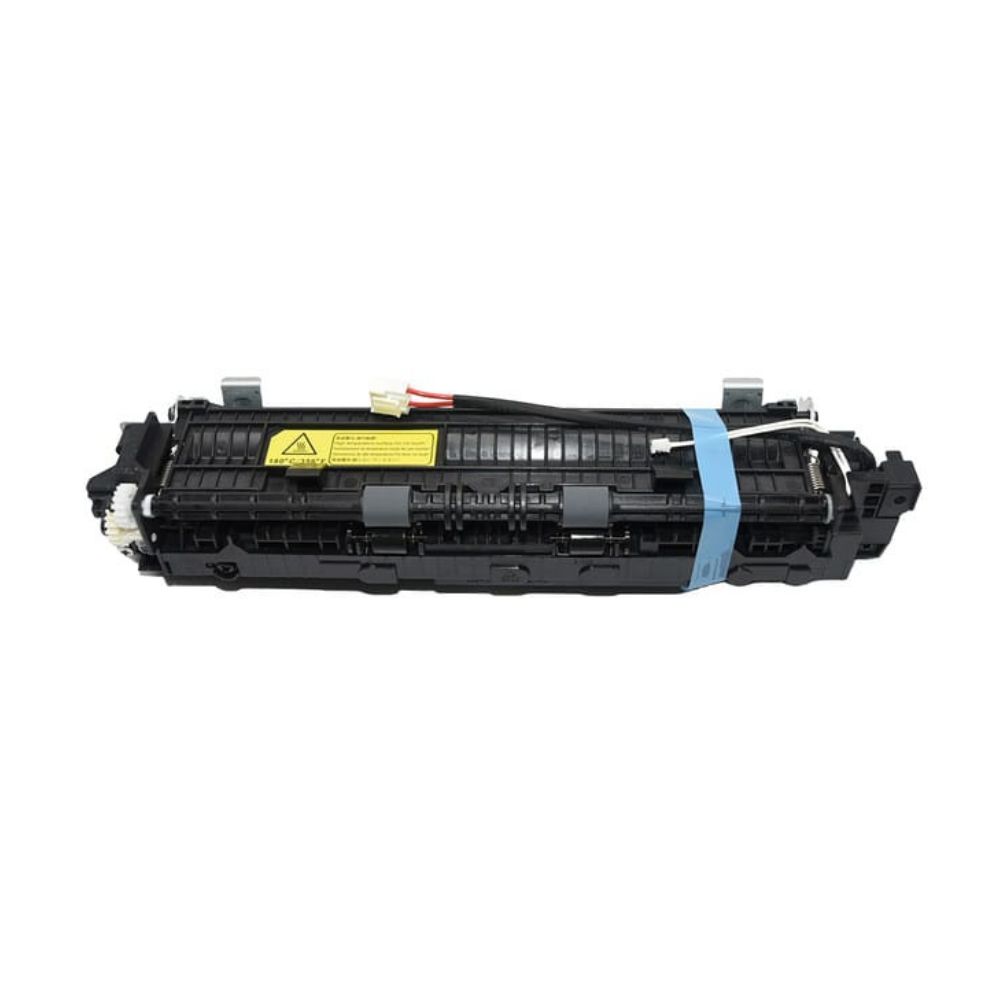
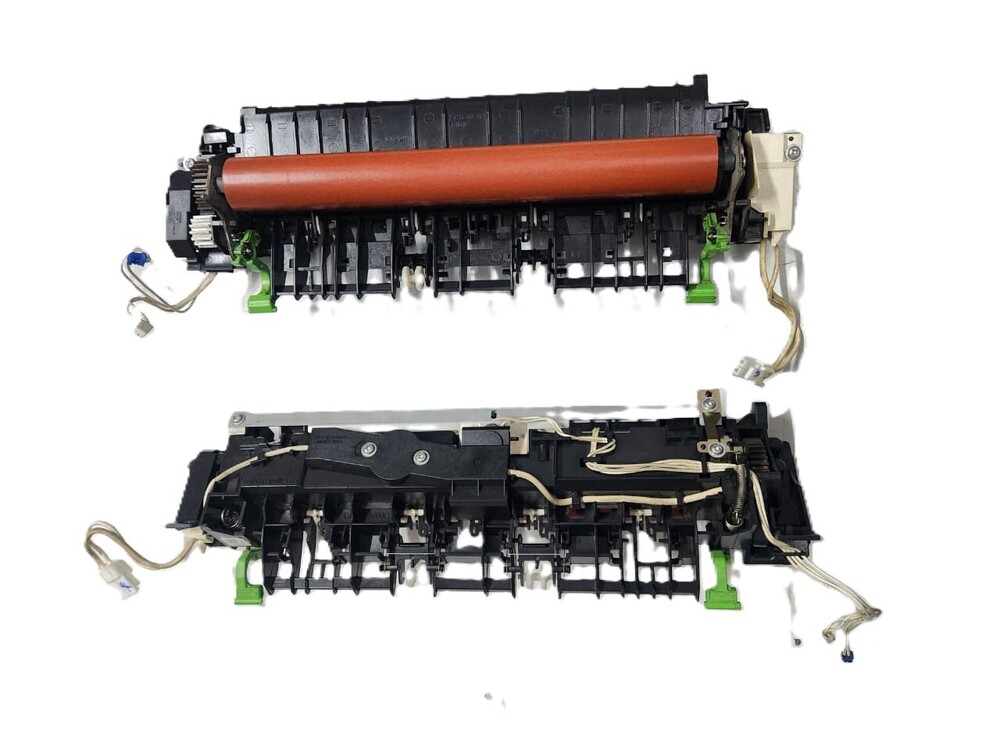
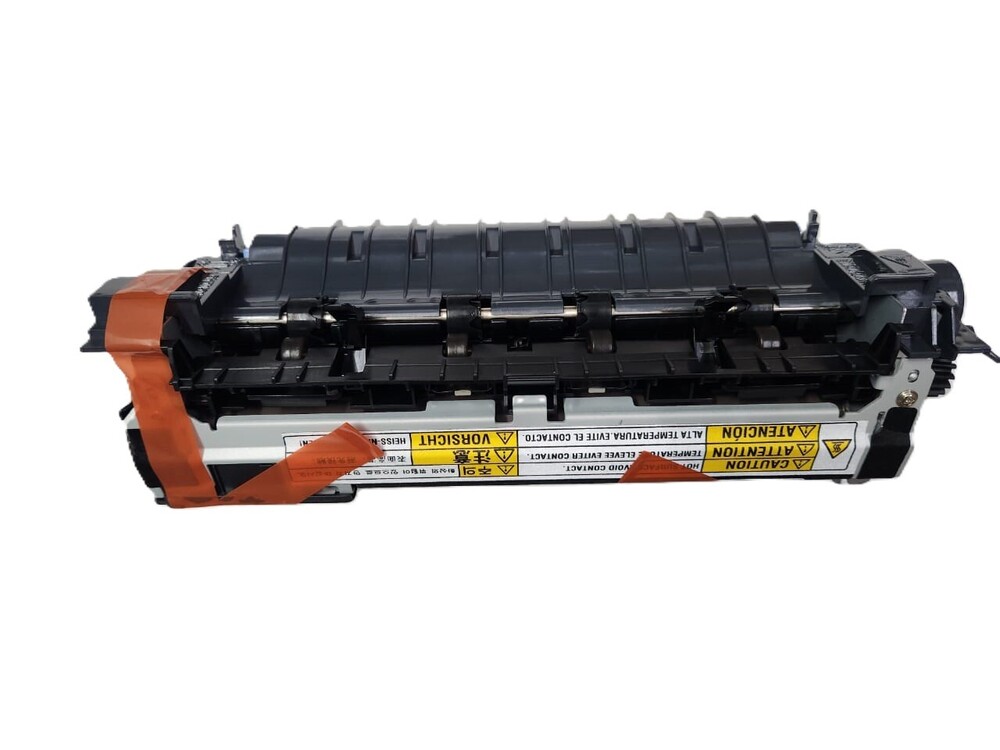
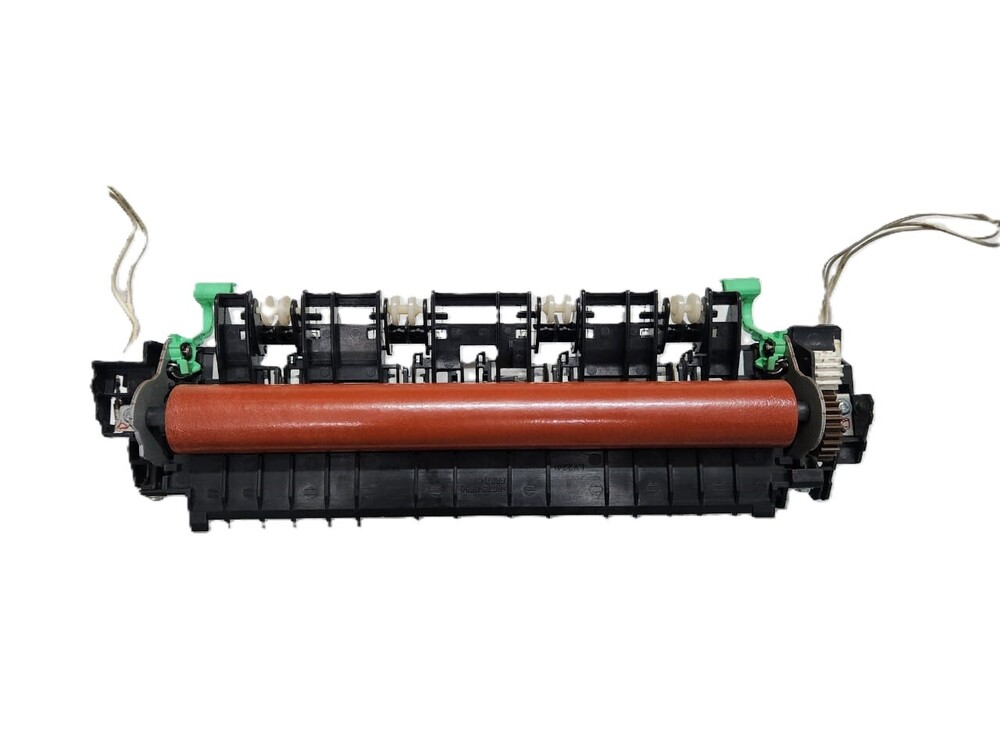
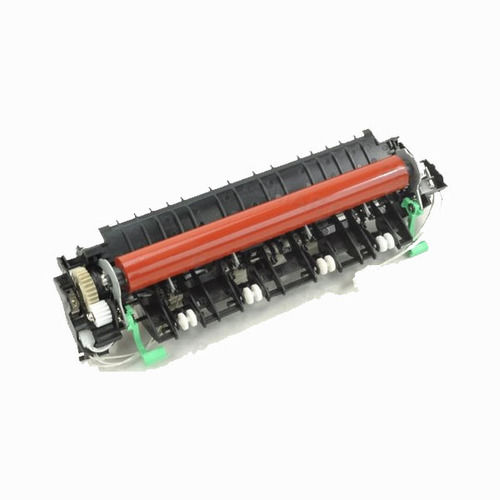
Fuser Assembly / Fuser Unit For Pantum P2200/ P2500/ p2518/ M6502/ M6518 Printer (Refurbished)
Pantum Fuser Unit, P2200/P2500/P2500W/P2210/P2518/P2518W/P2512W M6502/M6502N/M6502NW/M6512/M6550N/M6600/M6518/M6518NW M6512NW/M6559NW/M6552NW/Pantum P2200 / P2210 / P2500/ P2500W/ P2505/ P2518w/ P2550/ M6200/M6500/ M6502/ M6502nw / M6505/ M6550 / M6600/ P2210/ P2500/ P2509 / P2519W / P2518 / P2516
Pantum P2200/P2500/P2500w/M6500/M650ON/ M6500W/M6550/ M6600 Printer/Pantum P2200 / P2500 / P2500W/Pantum P2210 / P2518 / P2518W/Pantum P2512W / M6502 / M6502N / M6502NW/Pantum M6512 M6550N / M6600/Pantum M6518 / M6518NW / M6512NW / M6559NW / M6552NW/Pantum P2200/P2200/ P2210/ P2500/ P2500W/ P2512W/ P2518/ P2518W/Pantum M6500/ M6502/ M6502N/ M6502NW/ M6512/ M6518/ M6518NW/ M6512NW/ M6550N/ M6559NW/M6552NW/ M6600/
Part Number: 301022090001
Fixing Unit Assembly - Maintenance Kit- Fuser Assembly-Fuser Unit - Fuser Fixing Unit - Fuser Unit / Fixing Assembly/Pressure Roller + Teflon Not Covered Under Warranty
Note :-Refurbished Original / Pulled Original / Working Original
Note :- 14 Days Replacement Warranty
Maximum Output Quality and DurabilityExperience sharp, consistent prints with the Pantum P2200 Fuser Assembly. Designed for demanding print environments, this unit offers a long service life and handles a wide range of operating humidity (20%-80% RH). Enjoy manufacturer-level durability and precision with every page.
User-Friendly Installation and MaintenanceThe fuser unit is tailored for user replacement, allowing for straightforward installation without specialized tools. It is packaged securely and compatible with Pantum P2200 and P2500 series printers, making it accessible for both office and home users alike.
Reliable Performance and SafetyOperating at optimal fuser temperatures between 170-200C and featuring standard duty capacity, this assembly ensures safe and stable performance. Its low noise output and specification-matched voltage make it suitable for various working environments.
FAQ's of Fuser Assembly / Fuser Unit For Pantum P2200:
Q: How do I replace the Fuser Assembly in my Pantum P2200 or P2500 printer?
A: Turn off the printer and let it cool down. Open the specified panel as outlined in your printer's manual, gently remove the old fuser unit, and install the new one by aligning it with the corresponding slots. Ensure the unit clicks firmly into place, then close the panel and restart the printer.
Q: What are the benefits of using an OEM-quality fuser assembly for my Pantum printer?
A: OEM-quality ensures the fuser unit matches Pantum's original specifications, providing optimal print quality, consistent performance, and extended service life. This minimizes maintenance frequency and protects your printer from premature wear.
Q: When should I replace the fuser unit in my Pantum laser printer?
A: Replace the fuser unit when your printer indicates maintenance is needed, such as when print quality drops or an alert message appears. Typically, the unit supports up to 100,000 pages, but actual replacement may vary based on usage patterns.
Q: Where should I store the replacement fuser assembly before use?
A: Store the unit in its secure box packaging in a cool, dry place to prevent moisture damage and ensure it maintains optimal working condition prior to installation.
Q: What is the compatible paper size and print technology for this fuser assembly?
A: This fuser unit is designed for A4 paper and operates with laser printing technology using toner, not ink, offering fast and efficient printing at speeds up to 20 ppm.
Q: Does the fuser unit require any special maintenance or handling?
A: No special maintenance is required, but handle the unit with care to avoid damaging the rollers or electrical components. Always consult your printer's manual for detailed replacement and maintenance guidelines.



 Send Inquiry





 Send Inquiry
 Send Inquiry
 Send SMS


 English
 Spanish
 French
 German
 Italian
 Chinese (Simplified)
 Japanese
 Korean
 Arabic
 Portuguese