Product Description
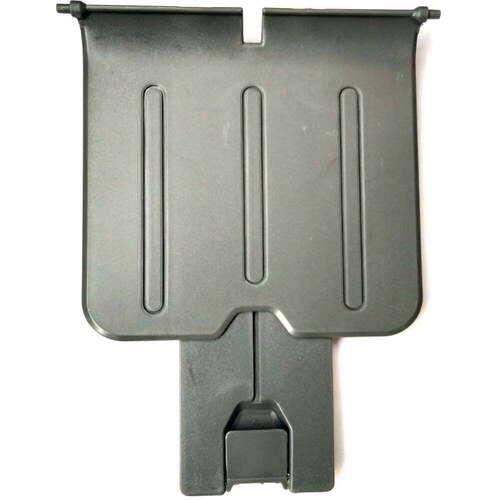
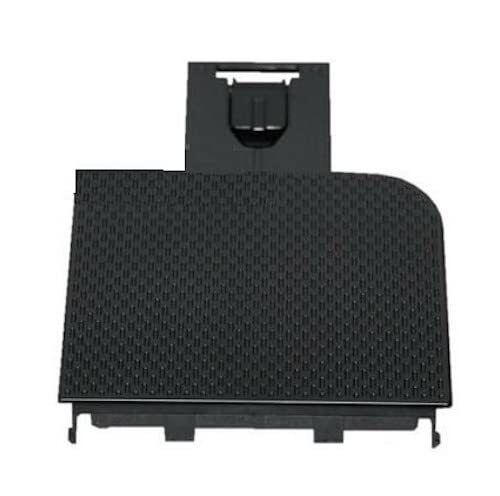
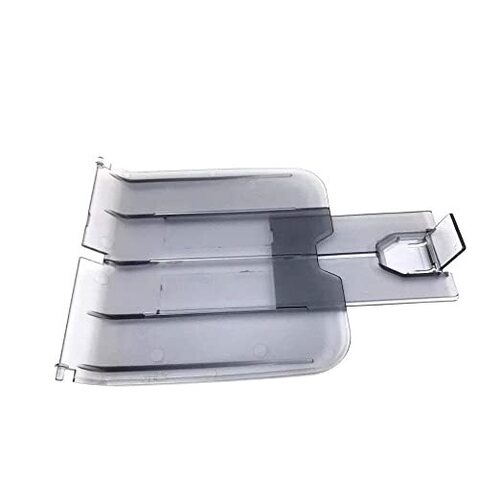
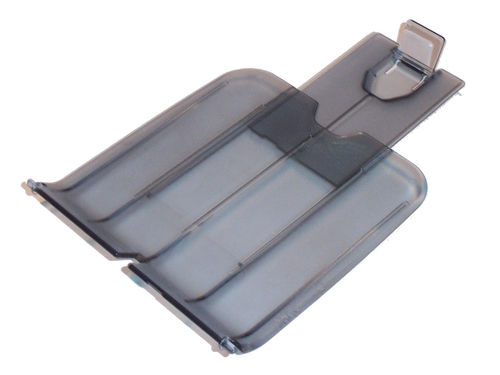
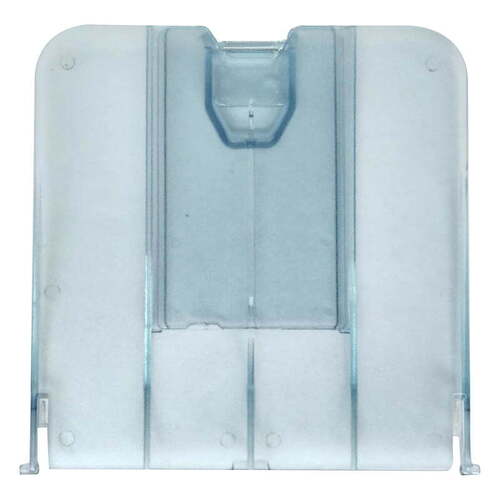
aper Output Tray / Paper Out Tray / Paper Delivery Tray / Paper Exit Tray For HP Printer
For Use With
Color: Black
- HP LaserJet P 1005
- HP LaserJet P 1006
- HP LaserJet P 1007
- HP LaserJet P 1008
Color: Grey
- HP LaserJet P 1102
- HP LaserJet P 1106
- HP LaserJet P 1108
Reliable and Compatible DesignOur output tray is crafted to fit a broad range of universal printer brands, ensuring a seamless integration into your current printer setup. The sturdy construction enhances its durability, making it ideal for frequent use in bustling office settings or commercial environments.
Optimized for EfficiencyBy holding A4-size printer paper and requiring no external power, this output tray streamlines your printing workflow. Its immediate lead time means you can enhance your office's document management system without delay, making it suitable for urgent business requirements.
FAQ's of Printer Paper Output Tray:
Q: How should I store the printer paper output tray to ensure its longevity?
A: It is recommended to store the output tray in a dry and temperature-controlled environment to prevent any warping or damage to the material, ensuring it remains sturdy and functional over time.
Q: What types of printers and paper sizes does this output tray support?
A: This output tray is suitable for both laser and inkjet printers from compatible universal brands and is specifically designed for standard A4 paper sizes.
Q: When can I expect the output tray to be available for use after ordering?
A: The printer paper output tray is available with immediate lead time, allowing for prompt dispatch and quick use in your printer setup following purchase.
Q: Where can this output tray be used most effectively?
A: The tray is best utilized in office and commercial settings in Angola, particularly by distributors, suppliers, and traders requiring organized document handling for printers.
Q: What is the process for installing the output tray in my printer?
A: Installation is straightforward. Simply follow your printer's guidelines for attaching external accessories; the tray's universal fit ensures it easily integrates with most standard printers without the need for additional tools or power sources.
Q: How does using this output tray benefit my printing workflow?
A: By efficiently holding printed documents in an organized manner, the output tray minimizes paper scattering and optimizes workspace, thus improving overall productivity and document management.



 Send Inquiry





 Send Inquiry
 Send Inquiry
 Send SMS


 English
 Spanish
 French
 German
 Italian
 Chinese (Simplified)
 Japanese
 Korean
 Arabic
 Portuguese